An image-to-video generator animates a still picture into a short video. You upload an image and the AI infers depth, motion and camera movement to bring it to life — a product that turns, a portrait that breathes, a landscape with drifting clouds. Vivideo animates your image with 30+ models in minutes, free to start, no watermark.
How to turn an image into video
Upload your image
A photo, product shot, artwork or screenshot.
Choose the motion
Cinematic camera, subtle loop, or zoom.
Animate
The AI adds natural movement to your still.
Download
Export in HD with no watermark.
What image-to-video does
Stills, set in motion.
| Capability | What it does |
|---|---|
| Photo to motion | Animate any still into a moving clip. |
| Cinematic camera | Push-ins, pans and parallax that feel filmed. |
| Product & portrait | Great for e-commerce, portraits and art. |
| 30+ models | Pick the model that animates your image best. |
| HD, no watermark | Export in any aspect ratio, free to start. |
How AI image-to-video works
An image-to-video generator animates a single still into a short, moving clip. The model reads your image, infers a sense of depth and what could plausibly move, and synthesizes new frames — adding a camera push, a parallax drift, or subject motion — so a flat photo becomes a few seconds of believable video.
Vivideo lets you animate with 30+ models and choose the motion: a cinematic push-in for a portrait, a slow orbit for a product, a gentle loop for artwork. You upload once and can try different models and motion styles to get the movement that suits the shot, then export in HD.
The most common use is turning assets you already have into video: a product photo into a rotating hero clip, a headshot into a living portrait, a piece of art into a moving loop. It's the fastest way to add motion to a feed without a shoot — one image becomes scroll-stopping video.
For the best animation, start with a clear, high-resolution image and a subject that has obvious room to move. Busy or low-res images give the model less to work with, so favour clean compositions — and because each render takes minutes, it's easy to try a couple of motion styles and keep the best. Exports are watermark-free and ready to post.
Turn an Image Into Video With AI
This is how image-to-video works: upload a photo, describe the motion you want, and AI animates the still into a moving clip — natural movement, camera drift and effects, no footage.
One image becomes a video. Animate a product shot, a portrait, an illustration or a landscape, directed by a prompt so the motion is controlled, not random.
Animate Any Still Into Motion
Image-to-video brings a photo to life — a product spin, portrait motion, a parallax landscape. Vivideo runs your image across 30+ models so you get the animation style that fits, and keep the best.
Upload the image, direct the motion.
Animate photos, products, art
Directed motion via a prompt
30+ models, keep the best
Direct the Camera and Action
Pair the image with a prompt — 'slow push in', 'gentle parallax', 'product rotate' — and the model animates it exactly that way, so the result is intentional rather than a random wobble.
Words control the motion.
Chain Images and Finish
Animate several stills, stitch them into a sequence, add captions and music, then localize into 30 languages — a photo set becomes a finished, shareable video.
From a folder of photos to a video.
Everything the Image-to-Video Generator Does
Who Uses Image-to-Video?
Anyone with images to animate:
Animate, Then Edit and Localize
Vivideo is the whole workflow — animate an image, edit it, and translate it, all in one place.
Rated by Real Users Across Platforms
4.7 ★
Trustpilot
4.5 ★
G2
5.0 ★
Capterra
4.5 ★
App Store
Based on 1624 combined reviews across Trustpilot, G2, Capterra and the App Store
Explore More Free Video Tools
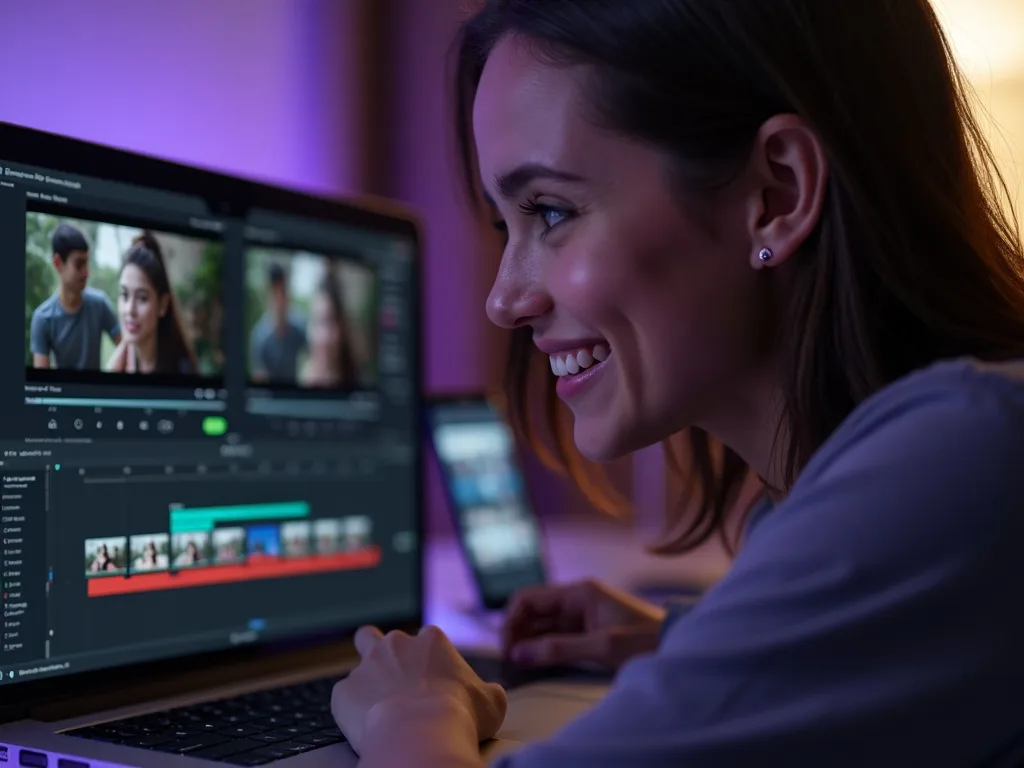
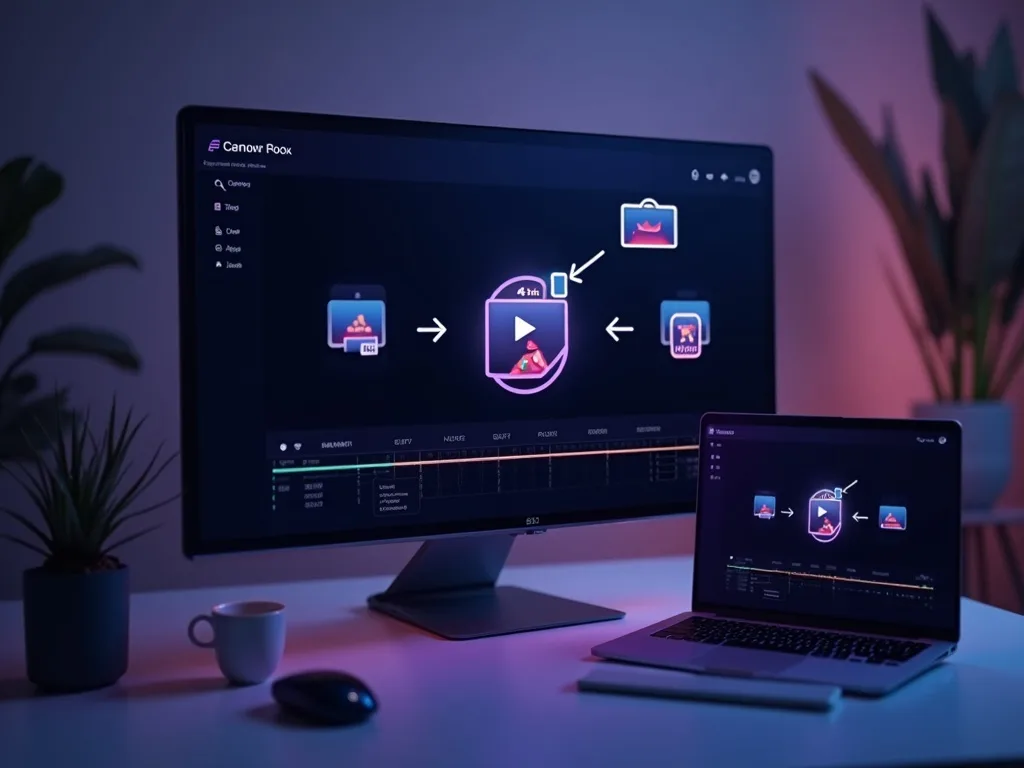
See Image-to-Video in Action
Watch a photo come to life as video — then animate yours free on Vivideo.
Turn an Image Into a Video
Upload a photo and animate it into a video across 30+ AI models — free to start.
Frequently asked questions
Is image-to-video free?
Yes — animate an image free to start, in your browser.
What images can I use?
Photos, product shots, artwork, screenshots — JPG, PNG or WebP.
Can I control the motion?
Yes — choose the camera move and motion style before you animate.
How long is the output?
A few seconds of motion per image, depending on the model.
Is it good for product videos?
Yes — turn a single product photo into a rotating, cinematic clip.
Will there be a watermark?
No — exports are clean, in any aspect ratio.
Is there a free image to video AI generator?
Yes — image to video is included free on every Vivideo account. Upload a photo, describe the motion, and generate; paid plans add premium models and watermark-free exports.
How do I turn a picture into a video with AI?
Upload the picture, write one line describing the motion — 'slow cinematic push-in', 'hair moving in a breeze' — and generate. The AI animates the photo while keeping it faithful to the original.
Can AI animate old family photos?
Yes, and it's one of the most popular uses: subtle, respectful motion that brings old portraits gently to life. Scan the photo, upload it, and choose soft motion.
What's the difference between image to video and photo to video?
They're the same capability — 'photo to video' is just the everyday phrasing. Any still image works: photos, product shots, artwork, renders and illustrations.
