Pick a model, see it shine
Choose any of 30+ models, preview its style, then turn your prompt into video.

A text-to-video generator turns a written prompt into a real video. You describe the shot — subject, setting, mood, style — and the AI generates the footage frame by frame, with motion and, on supported models, native audio. Vivideo runs your prompt through 30+ top models, so you go from an idea to a finished, downloadable clip in minutes — free to start, no watermark.
How to make a video from text
Describe your video
Type a prompt — subject, setting, mood, style.
Pick a style & model
Choose an aspect ratio and one of 30+ models.
Generate
The AI turns your words into moving footage.
Download
Export in HD with no watermark.
What text-to-video does
Words in, video out.
| Capability | What it does |
|---|---|
| Prompt to footage | Type a scene and get real, moving video. |
| 30+ AI models | Veo, Sora, Kling, Seedance and more, in one place. |
| Any style | Cinematic, anime, 3D, product — your call. |
| Native audio | Sound generated in-pass on supported models. |
| HD, no watermark | Export in any aspect ratio, free to start. |
How AI text-to-video works
A text-to-video generator creates real footage from a written description. Instead of filming, you write what you want to see — the subject, the setting, the camera move, the mood — and a generative model produces the frames, complete with motion and, on the newest models, synchronized audio. What used to need a camera, a crew and an edit now starts with a sentence.
Vivideo puts 30+ frontier models behind one prompt box — Veo, Sora, Kling, Seedance, WAN, Hailuo and more — so you can match the model to the shot: a realism model for a product hero, a stylized one for anime or 3D, a fast model for quick drafts. You write once and can re-render across models without learning a new tool.
Good prompts are specific about intent. 'A cinematic drone shot pushing over snowy peaks at golden-hour sunrise, volumetric light' gives the model far more than 'a mountain video'. Keep one idea per generation, preview the result, and refine — the describe-and-review loop is the whole craft, and it's fast because each take takes minutes, not days.
Teams use text-to-video to test ad concepts before a shoot, fill b-roll gaps, and produce social clips at volume; creators use it to make videos they could never film. Because exports are HD with no watermark, what comes out is ready to publish — and pairs with avatars, voices and templates for a finished, on-brand result.
Turn Text Into Video With AI
This is how text-to-video works: type a prompt describing the scene, and AI generates a finished video — visuals, motion and pacing — across 30+ models, no footage or editing.
Direct the shot in words. Vivideo routes your prompt to the right model, so one text-to-video prompt can become a cinematic clip, an anime scene or a fast social video.
Text-to-Video Across 30+ Models
Different models excel at different looks — realism, anime, fast social. Vivideo's text-to-video generator runs your prompt across 30+ engines (Sora, Veo, Kling and more) on one plan, so you keep the best result.
Describe it once, try it everywhere.
30+ models on one plan
From realistic to stylized
Keep the best take
Write a Prompt, Get a Shot
A good text-to-video prompt names the subject, action, setting and camera. Vivideo turns that into a directed clip — and you refine by editing the prompt, not a timeline.
Prompt in, video out, refine in words.
Finish It: Captions, Voice, Localize
Generation is the start. Add captions and an AI voice, then translate the video into 30 languages — all in one place, so a prompt becomes a finished, global video.
From prompt to posted.
Everything the Text-to-Video Generator Does
Who Uses Text-to-Video?
Anyone who'd rather describe than film:
Generate, Then Edit and Localize
Vivideo is the whole workflow — generate from text, edit, and translate, all in one place.
Rated by Real Users Across Platforms
4.7 ★
Trustpilot
4.5 ★
G2
5.0 ★
Capterra
4.5 ★
App Store
Based on 1624 combined reviews across Trustpilot, G2, Capterra and the App Store
Explore More Free Video Tools
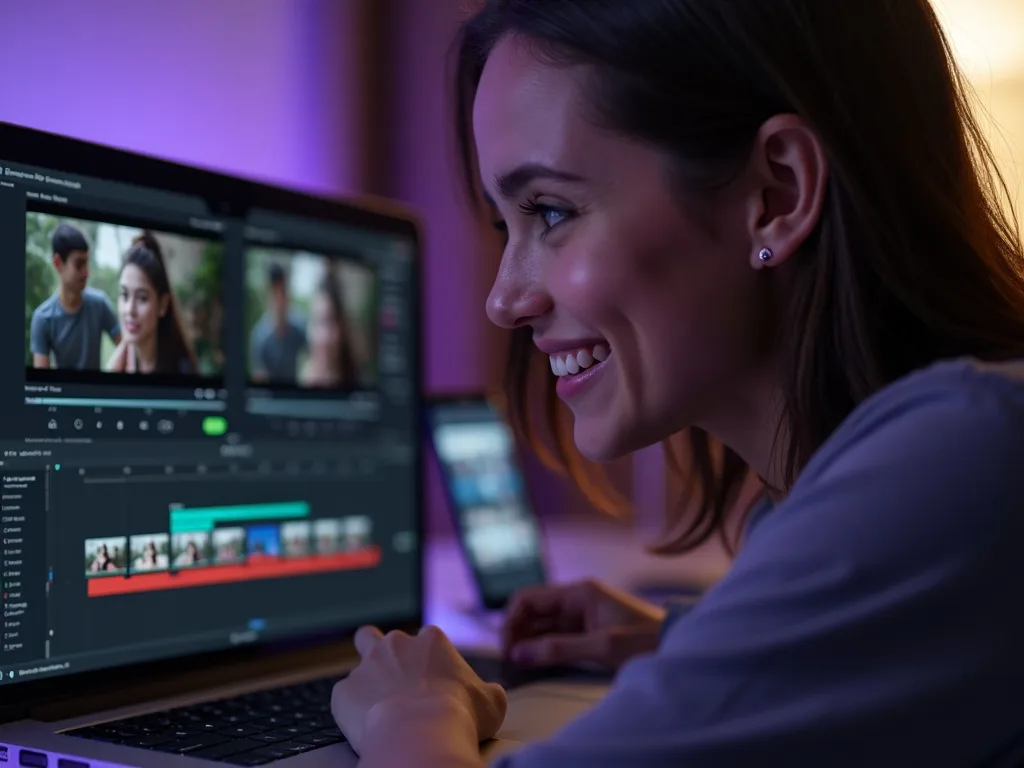
See Text-to-Video in Action
Watch a prompt become a finished video — then make yours free on Vivideo.
Make a Video From Text
Type a prompt and generate a video across 30+ AI models — free to start.
Frequently asked questions
Is text-to-video free?
Yes — generate video from text free to start, in your browser.
Which models can I use?
30+, including Veo, Sora, Kling, Seedance, WAN and Hailuo — pick per shot.
How long can the videos be?
From a few seconds up to longer multi-shot clips, depending on the model.
Can it add sound?
Yes — supported models generate native audio in the same pass.
What makes a good prompt?
Name the subject, setting, mood and style; one clear idea per generation.
Will my video have a watermark?
No — exports are clean, in any aspect ratio.
Is there a free text to video AI without watermark?
You can use text to video free on every Vivideo account. Free generations carry light branding; affordable paid plans export with no watermark — the honest trade most creators start with.
How do I make a video from text for YouTube?
Paste your script or outline, choose widescreen 16:9 and a narration voice, and generate. For long videos, the studio plans scenes from your text and assembles a full video up to 10 minutes.
What's the best text to video AI model?
It depends on the look: Veo 3.1 leads for realism, Sora 2 for cinematic scope, Kling for motion, PixVerse for anime. Vivideo includes 30+ models, so you can test the same prompt across them and pick per scene.
Can I convert text to video with AI on my phone?
Yes — Vivideo runs in the browser and has iOS and Android apps, so text to video works wherever you type. Generations sync across devices.
