How to compress a video online
Upload your video — drop in an MP4, MOV, MKV, AVI or WebM file. It stays in your browser; nothing is sent to a server.
Choose how much to compress — pick a target quality or file size, or let the compressor hit a Discord- or email-friendly size automatically.
Compress — the tool re-encodes the video to a smaller size while keeping the quality as high as the target allows.
Download — save the compressed video instantly, watermark-free, ready for Discord, email, WhatsApp or the web.
What people compress video for
Frequently asked questions
How do I compress a video for free?
Upload your video to this free online video compressor, pick a target size or quality, and download the smaller file — no download, no account, no watermark. It runs entirely in your browser.
How do I compress a video for Discord?
Set the target to Discord's limit — 25 MB on the free tier (or up to 500 MB with Nitro) — and the compressor shrinks your clip to fit so you can upload it without a Nitro boost.
Does compressing a video lose quality?
Some quality is always traded for size, but a good video compressor keeps the loss invisible at sensible settings. Choose a higher-quality target to keep it sharp, or a smaller size when the file has to fit a strict limit.
Is this a free alternative to Handbrake?
Yes — it does the core of what Handbrake does (re-encode video to a smaller size) but online, with nothing to install and a much simpler interface. Handy when you just need to compress one video fast.
How do I compress a video on iPhone?
Open this page in Safari on your iPhone, upload the video from your library, compress it, and save the smaller file back — no app to install. It works the same on Android.
Is there an upload limit or watermark?
No watermark, and because the compression happens in your browser there's no server upload cap to work around — the practical limit is your device's memory, not an arbitrary plan tier.
What video formats can I compress?
MP4, MOV, MKV, AVI and WebM. MP4 (H.264) is the most compatible output and the best choice for Discord, email and the web.
How much can I reduce the file size?
It depends on the source, but large phone recordings and screen captures often shrink by 50–90% with little visible difference — enough to clear most upload limits.
Is it safe to compress my video here?
Yes — the video never leaves your device. Compression runs locally in your browser, so your file isn't uploaded to or stored on any server.
A Free Video Compressor That Works Online
This is how to compress a video online without losing quality: upload an MP4, MOV or MKV, choose a target size, and get a smaller file in seconds. The video compressor runs in your browser — no download, no watermark, no account.
Because the compression happens locally, your file never leaves your device, and there's no server upload limit to fight — just a fast, free way to reduce video file size for Discord, email or the web.

Compress Video for Discord, Email and the Web
The number-one reason people compress video is an upload limit. This free video compressor shrinks a clip to fit Discord's 25 MB cap, an email attachment, or a WhatsApp send — without a Nitro boost or a paid plan.
Pick the platform's size and the compressor hits it automatically.
Fits Discord's 25 MB (or 500 MB Nitro) limit
Small enough to email or send on WhatsApp
Faster website and social uploads
Shrink File Size, Keep the Quality
A good online video compressor trades size for quality invisibly. Choose a higher-quality target to keep footage sharp, or a smaller size when the file has to clear a strict limit — you stay in control of the balance.
Large phone recordings and screen captures often shrink 50–90% with little visible difference.

Free, Online, No Watermark
Compress video online free — no download like Handbrake, no watermark, no sign-up. It runs in the browser on any device, so you can compress a video on an iPhone, Android, Mac or PC the same way.
Your file never leaves your device; the compression happens locally for privacy.
Everything the Free Video Compressor Does
Who Uses the Video Compressor?
Anyone who's hit an upload limit or a full drive:

Compress, Then Do More With Your Video
Vivideo is more than a compressor — once your video is the right size, generate, edit and translate it in the same place.


Rated by Real Users Across Platforms
4.7 ★
Trustpilot
4.5 ★
G2
5.0 ★
Capterra
4.5 ★
App Store
Based on 1624 combined reviews across Trustpilot, G2, Capterra and the App Store
What Creators Say About Vivideo
“I went from idea to a published video in under ten minutes. The avatars look unbelievably real.”
illustrative
Explore More Free Video Tools
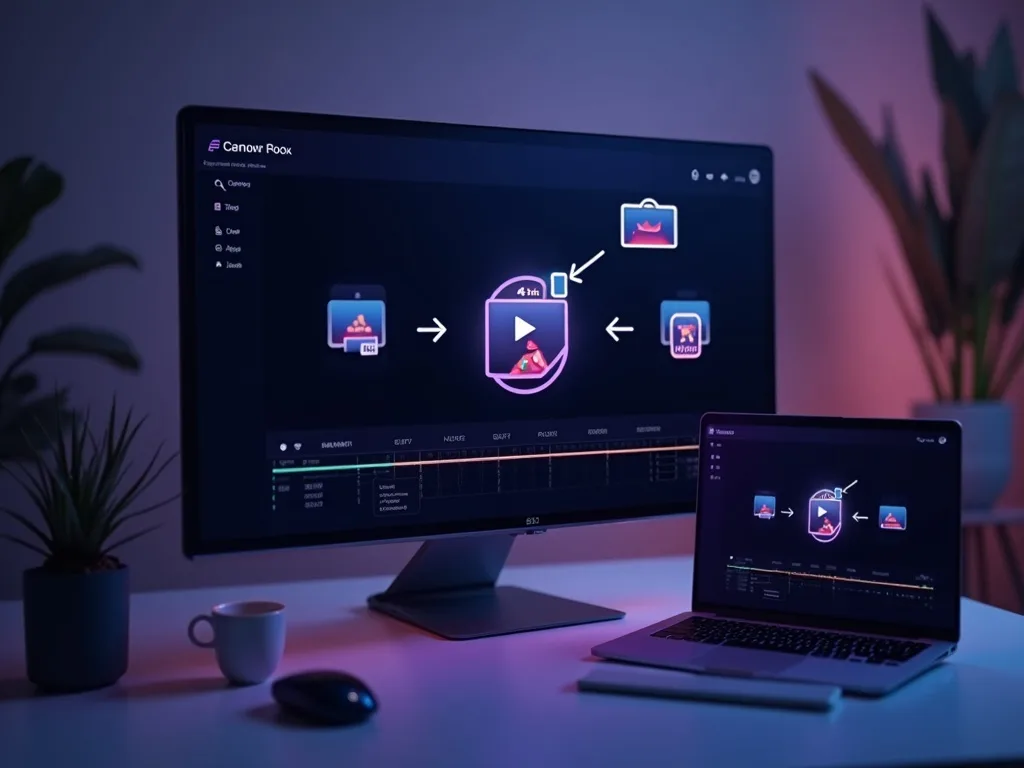

See the Video Compressor in Action
Watch a large file shrink to a shareable size with the quality intact — then compress your own free on Vivideo.
Compress Your Video Free
Reduce your video's file size for Discord, email or the web — online, in your browser, with no watermark.
Want AI to Create Videos For You?
Instead of compressing old videos, let AI generate fresh, perfectly optimized content in seconds.