TikTok rewards clarity faster than it rewards polish. A video can be messy, shot on a phone, and still travel if the first seconds make the right viewer think, “I need to see where this goes.”
That is the useful way to think about viral TikTok videos with AI. AI should not be the personality of the video. It should be the production crew behind the idea: helping you find angles, draft hooks, generate visuals, create voiceovers, translate versions, and test faster without turning your feed into synthetic sludge.
Why most AI TikToks fail
The average weak AI TikTok has the same fingerprints: a generic listicle, a synthetic voiceover, unrelated B-roll, and captions that repeat the narration. It looks like content because it has motion. It does not behave like content because there is no human tension in it.
A stronger AI TikTok starts with a human insight. The model can help you generate hooks, visual beats, alternate scenes, voices, and caption drafts. It cannot decide what your audience secretly wants to argue with, save, or send to a friend.
Research the behavior, not just the trend
TikTok Creative Center is useful because it shows trend perspectives, ad examples, and creative signals. Do not copy the surface. Reverse-engineer the reason the format works.
Ask: what is the open loop, what is the payoff, what identity is being reinforced, what comment does the video invite, and what part makes people rewatch?
Generate angles before generating footage
The worst first prompt is “make a viral TikTok.” The better first prompt asks for angles built around a specific audience, problem, emotion, and proof.
Use AI to create twenty angles. Delete most of them. Keep the ones with contradiction, demonstration, or a strong before/after.
Act as a TikTok strategist for [niche]. Give me 25 video angles for [audience] struggling with [problem]. Each idea must include a 3-second hook, visual opening, emotional trigger, payoff, and reason someone would comment or save.Script the first six seconds brutally
TikTok creative guidance recommends prioritizing the hook in the first six seconds and using captions or text overlays for context. That does not mean every video needs fake drama. It means the viewer should immediately know why staying matters.
Weak: “Today I’ll show you how to make TikToks with AI.” Stronger: “I made the same TikTok with three AI tools. Two looked fake. One looked human.”
Storyboard, generate, then edit
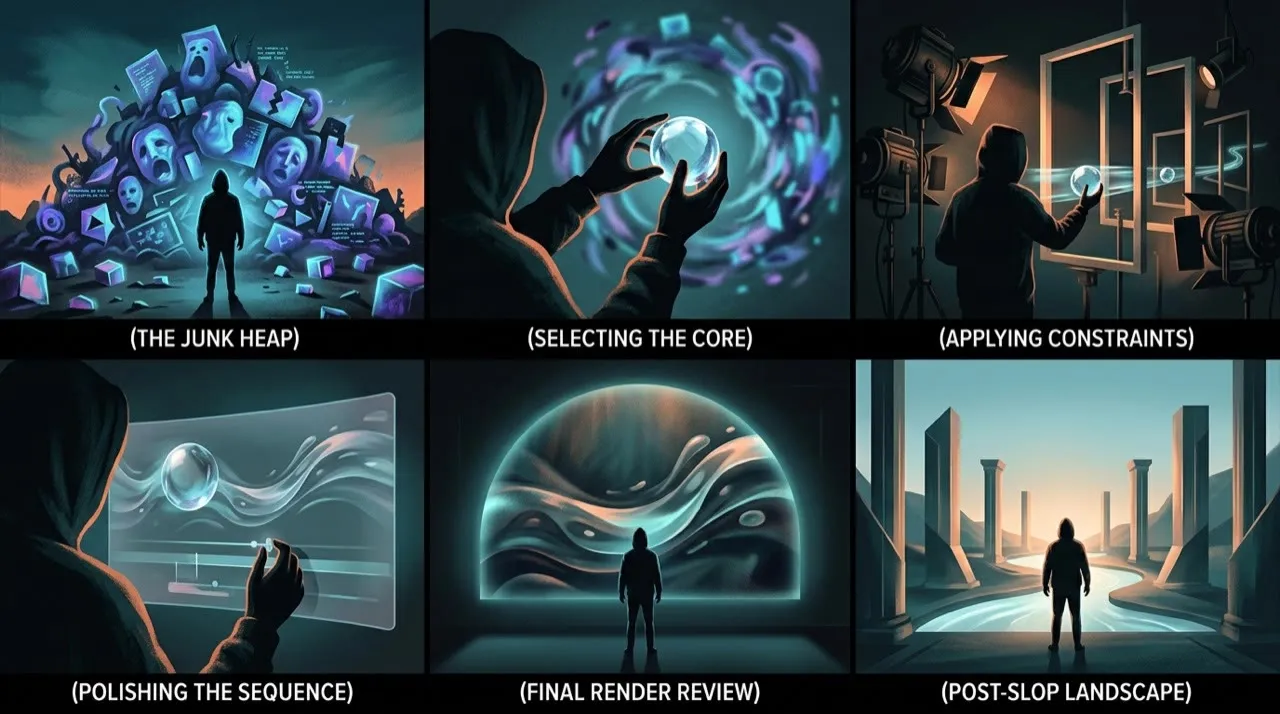
Create a shot list before you generate. Use real product footage, screen recordings, screenshots, or face-to-camera clips where trust matters. Use AI for the shots that would otherwise slow production down: B-roll, avatar explanation, localization, product scenes, stylized transitions, and alternate openings.
Export multiple versions. One version changes the first line. One changes the visual. One changes the length. That is how AI becomes a testing advantage instead of a content farm.
Label AI content when required
TikTok requires creators to label AI-generated content that contains realistic images, audio, or video. If your strategy depends on viewers not knowing what they are seeing, the strategy is bad and brittle.
Trust compounds. Deception compounds too, just in the other direction.
A simple testing plan for short-form video
Every TikTok worth posting deserves three cuts that compete against each other.
Build cut one with a different spoken hook. Build cut two with a different opening shot. Build cut three with the proof moved to the front. Swapping a word in the caption or nudging a font does not count as a test; you have to change something a scroller would actually notice.
Then watch the numbers TikTok actually responds to:
- 2-second hold
- 6-second hold
- average watch time
- completion rate
- rewatches
- shares
- saves
- comments that quote your hook back or beg for part two
- profile visits
- follows per view
When a post dies, "the algorithm buried me" is almost never the real story. The honest answer is usually a muddy first frame, a hook with no edge, a payoff that arrived too late, or a video built for a question nobody was asking.
Hook bank
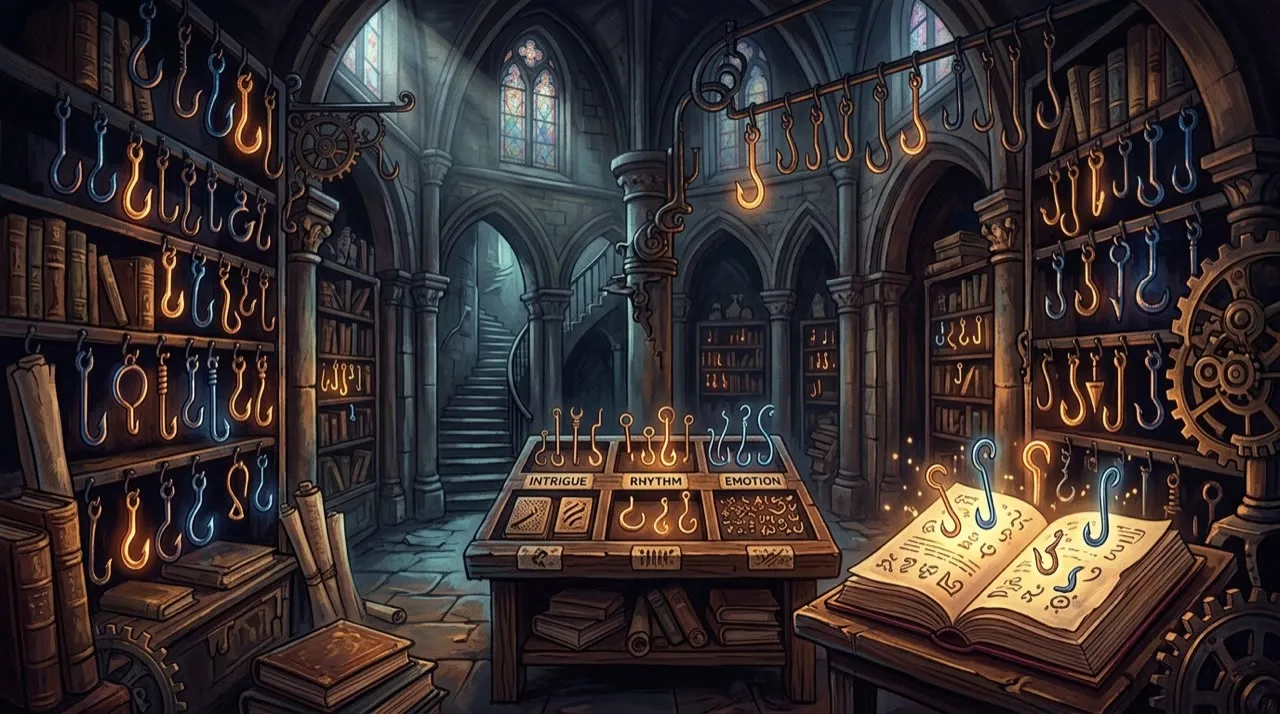
Borrow these skeletons and pour your own niche into the brackets:
- “Everyone blames [common scapegoat] for [bad outcome]. The real culprit is [actual cause].”
- “I ran [popular thing] for 30 days so your feed does not have to suffer through it.”
- “This [ordinary object/habit] looks harmless and it is quietly wrecking [result].”
- “Cancel your plan to [popular tactic] until you have handled [overlooked thing] first.”
- “The shortcut to [desired result] that skips [the part everyone dreads].”
- “No one warns first-timers about [thing] in [topic], so here it is.”
- “I almost paid for [product/category] before I checked [the deal-breaker].”
A hook does not need volume to work. It needs aim.
A practical viral TikTok videos with AI workflow
Commit to one TikTok and one tension. Not a week of content. Not a vague “grow my account.” One clip with one job to do in the first six seconds.
Name the viewer you are stopping mid-scroll, the promise that makes them stay, the proof that pays it off, and the fact that this is going on TikTok specifically, not repurposed from a YouTube cut. Then write three competing hooks and one shot list. Only generate avatars, B-roll, and voiceover after the shot list is locked. Cut the first version, then build two variants that change something a viewer would actually notice. Post, read the retention curve, and rebuild the strongest cut with a tighter opening line.
That is the TikTok loop:
- The viewer
- The promise
- The hook
- A shot list
- Generate
- First cut
- Two variants
- Post
- Retention curve
- Rebuild the winner
Most creators stall because they prompt the model before they have a hook, an audience, or a payoff in mind. That feels faster, but it hands TikTok a clip with nothing to hold attention.
The pre-publish quality bar
Before you post a TikTok, hold it against these questions:
- Does the first six seconds give a real viewer a reason to stay?
- Is the hook precise, or is it a generic "today I'll show you" opener?
- Do captions and text overlays read clearly on a phone and add context instead of echoing the voiceover?
- If the visuals or audio are realistic AI, are they labeled the way TikTok requires?
- Would someone in your target niche save, share, or comment, not just scroll past?
If the answer is no, do not post just because the render finished. AI can make TikToks faster to produce. It cannot make a weak hook earn attention.
Rewrite weak hooks into strong hooks
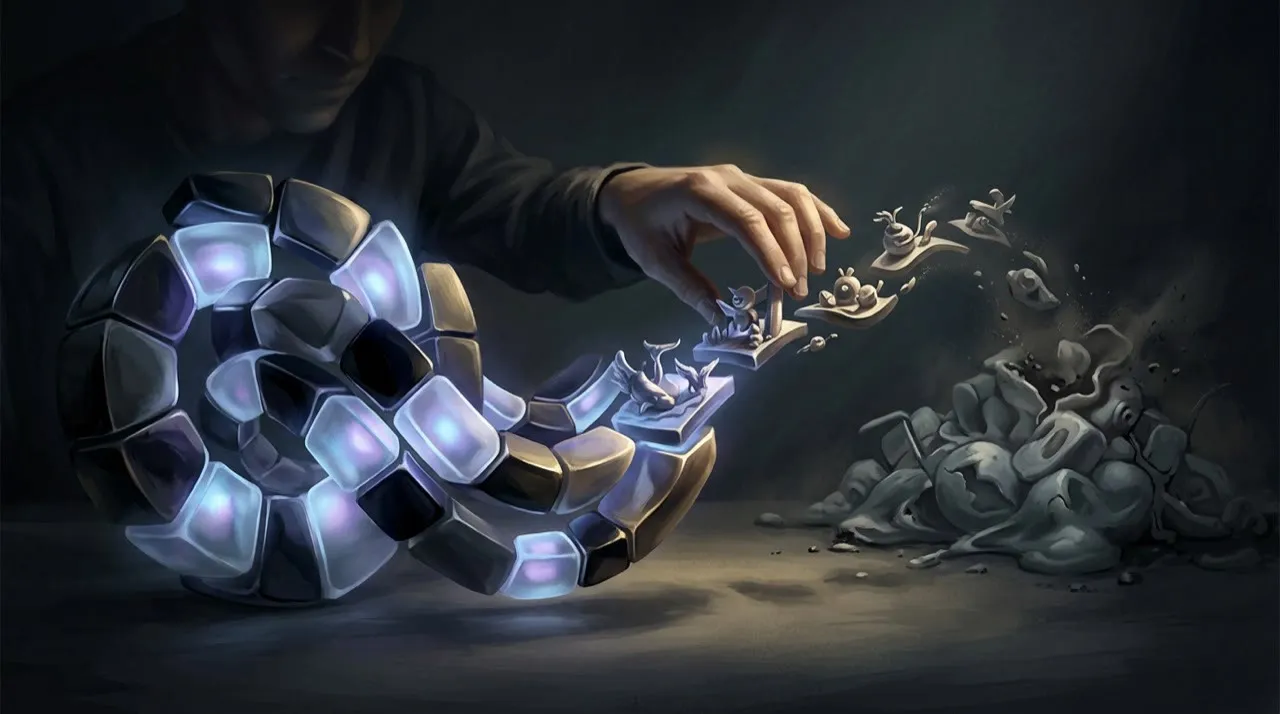
A weak hook describes the video. A strong hook gives the scroller a stake in it.
Weak:
“Here is how I edit my TikToks.”
Better:
“Your edit is fine. Your first cut is killing the retention.”
Weak:
“Let me show you some AI video tools.”
Better:
“I made one TikTok with three AI tools and only one survived the comments.”
Weak:
“A quick tip for small coffee shops.”
Better:
“Your busiest hour is happening off-camera, and that is why your TikToks flop.”
What changes is the specificity. The stronger line points at a problem the viewer already feels.
First-frame checklist
Freeze the very first frame, the one a scroller sees before tapping play, and interrogate it:
- Does the frame announce the topic on its own?
- Is there a face, a product, a result, or some obvious visual conflict in shot?
- Will the on-screen text survive being read on a cracked phone screen?
- Is the subject tucked away from the caption, the buttons, and the For You bar?
- Would a total stranger who has never seen the account stay past it?
Any "no" means the first frame is the bug. Fix that before you touch a single other cut.
Final pre-publish checklist
Before the clip goes live, run one last pass that is harsher on it than TikTok's algorithm will be.
Check the hook against the rest of the video. If the first line promises a before/after, the payoff has to actually land on screen. If it promises “I tested three AI tools,” the cut needs to show all three, not just talk about them. A hook that writes a check the body never cashes is the fastest way to lose the second-half retention TikTok rewards.
Then check the captions and on-screen text. Read them on a phone, not a laptop, and confirm they add context instead of just transcribing the voiceover. Make sure nothing important sits under the like button, the caption, or the “Following / For You” bar. If a viewer with the sound off cannot follow the clip, the text layer is failing its job.
Finally, check the labeling. If any visual, voice, or face in the cut is realistic AI, confirm it carries the AI-generated label TikTok requires. A clip that gets flagged later loses both reach and trust, so disclose it up front and let the idea carry the video.
A real TikTok workflow I would use
Pick one narrow audience and one tension. For example: “new Etsy sellers who know their product looks good in person but cannot make product videos that feel native to TikTok.” That is a real problem. From there, ask AI for ten hooks, reject eight, and storyboard the two that have a visual payoff.
Then make one version with a creator-style voiceover, one with text-first captions, and one with a product demo opening. Do not change everything at once. Change the hook or the proof, then compare retention and comments. The goal is not to make one perfect AI TikTok. The goal is to build a testing loop where every post teaches you what the audience cares about.
Where Vivideo fits in a TikTok workflow
A loop this heavy on testing is where Vivideo earns its place. A single prompt can throw off a batch of hook variants and alternate openings; the agentic AI chat can take one brief and assemble a whole short; manual mode hands you the cut when you want to drive it yourself. Avatars and AI voices fill the explainer and voiceover shots, brand kits and templates hold one look across every variant, and API, CLI, and MCP access let you mass-produce test cuts without bouncing between a stack of separate apps.
How to create viral TikTok videos with AI: the testing rule
Build one idea into three materially different cuts before you judge it. One version should lead with a visual shock, one with a spoken claim, and one with proof first: a result, screen recording, before/after, or comment reply. Do not change tiny things like font weight and pretend you tested. Change the reason someone keeps watching.
For AI-assisted TikToks, I would also run a simple “human check” before posting. Watch the video without sound and ask whether the first frame explains the topic. Then listen without looking and ask whether the voiceover still carries the argument. If both fail, the clip is fragile. Fix the script and storyboard before blaming the model.
The cleanest experiments usually compare:
- A curiosity hook versus a direct benefit hook
- A face/avatar opening versus a product or screen-recording opening
- A fast 12-second cut versus a slower 30-second explainer
- A native phone-shot style versus a polished AI-generated scene
The winner is not always the prettiest version. It is the version that earns retention, comments, saves, and shares from the right audience.
Conclusion
Making viral TikToks with AI pays off only when each clip is pinned to a specific viewer, a specific job, and the platform you are actually posting on. A model can crank out a hundred variants while you sleep, but it cannot tell you which hook stops the right scroller or which claim holds up once the comments arrive. That judgment is yours, and it stays yours.
Run every idea through the same filter: name the viewer you are stopping, earn the first six seconds, pay off the hook before the cut ends, label any realistic AI, and let the retention curve and saves decide what you remake. That is how AI becomes a TikTok testing advantage instead of feed filler.
If you want one place to draft hooks, storyboard, generate avatar and B-roll shots, voice them, and spin out the variants this testing loop needs, you can start building TikToks with Vivideo at vivideo.ai.