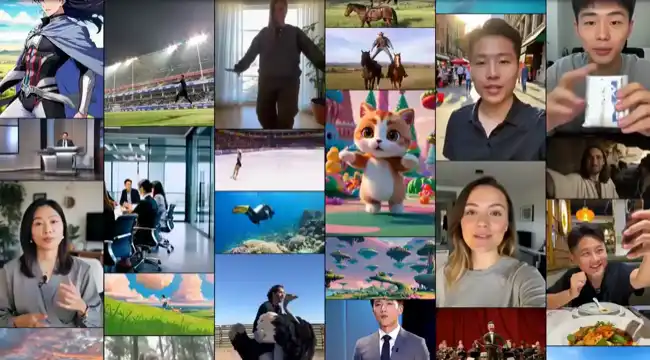
Trusted by individuals at











Free AI video generator online — say it, see it.
Create AI video right in your browser — text, image or photo to video with any model, an avatar and your brand. Generate AI video free — no credit card, nothing to install.
Type an idea — we'll make the whole video.
Interactive preview only — no video is generated here; sign up to create for real.
Free AI video generator reviews from real creators
Rated 4.8 out of 5 — 1,624 reviews across Trustpilot, Google Play, App Store, Capterra, G2
Every AI video generation model, one subscription.
Switch between the world's best AI video generation models in a click — Sora 2, Veo 3.1, Kling, Seedance and more, with no extra accounts and no extra bills.











Start from a viral AI video template
Pick a look — cinematic, AI animation generator styles and more — swap in your idea, and generate. Every clip below was made with Vivideo.
Your AI video agent, from prompt to finished cut
Describe an idea and a Claude-powered agent runs the full AI video creation flow — it plans the scenes, casts avatars and voices, renders, then revises on request. Script to video, PDF to video, even long-form up to 10 minutes — all in one chat.
 Powered by Claude
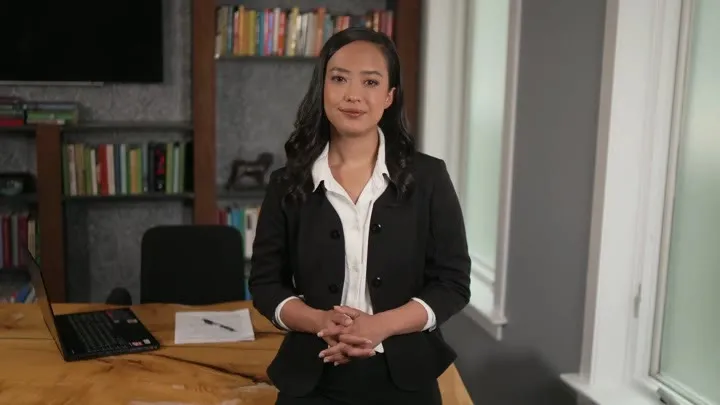
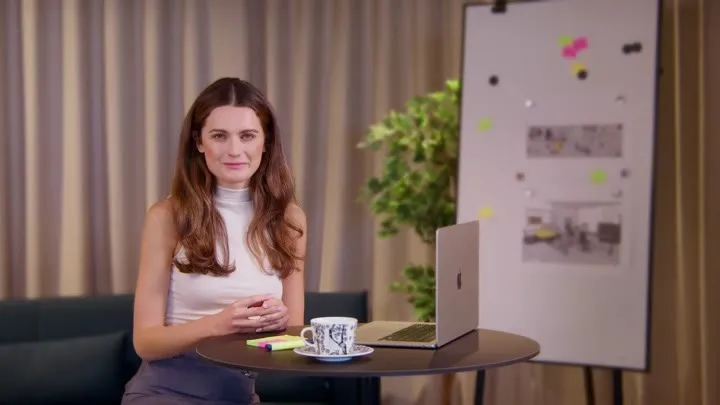
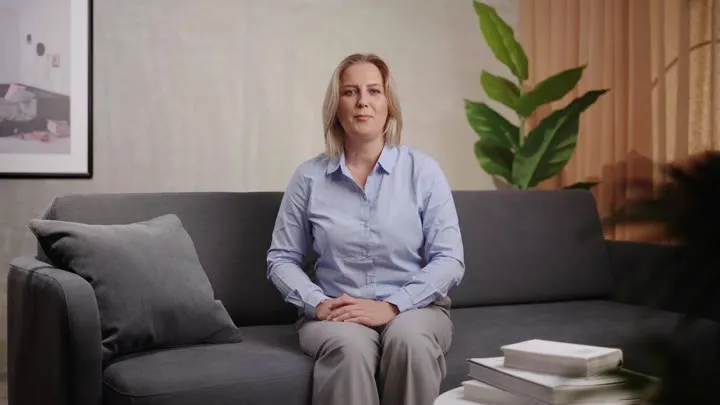
AI avatars and voices, built in

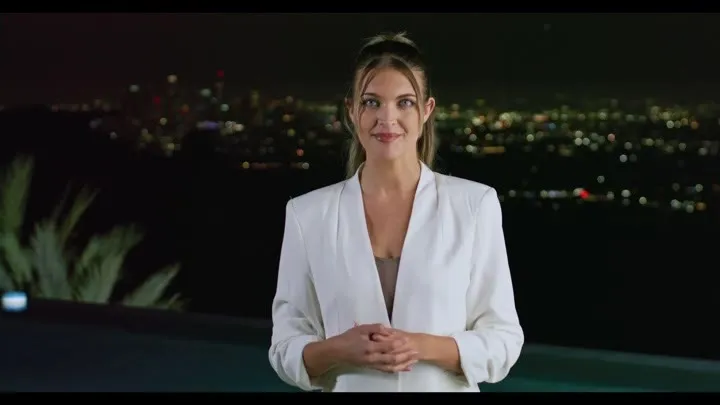
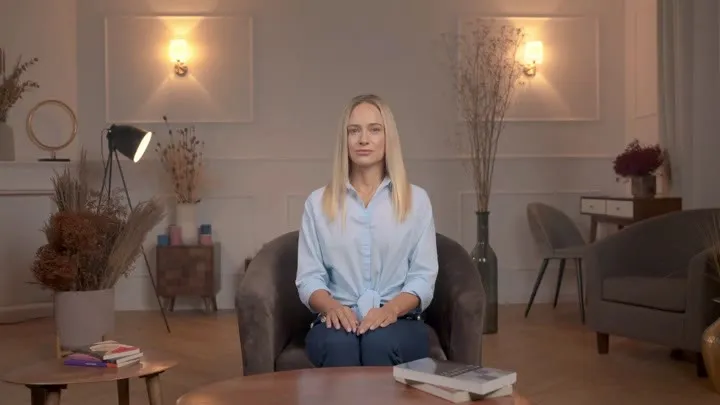
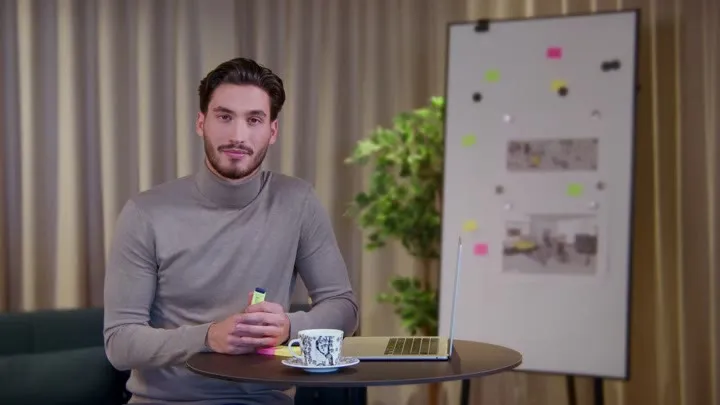

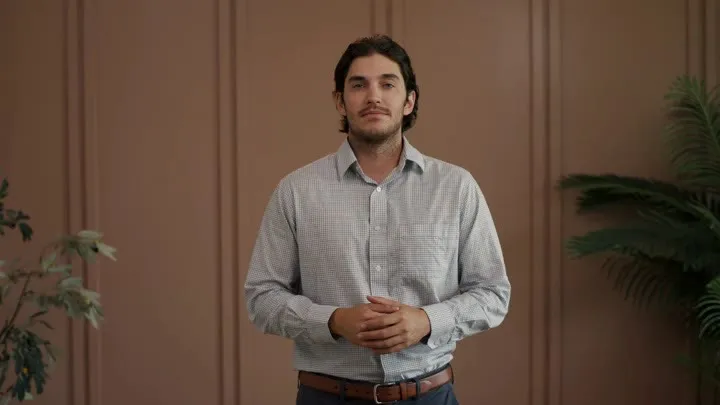
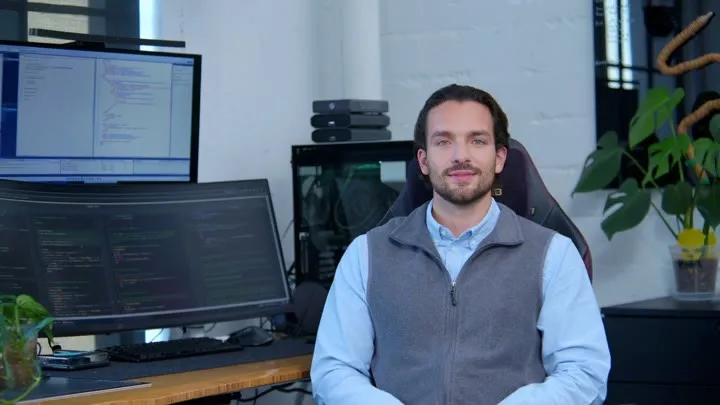
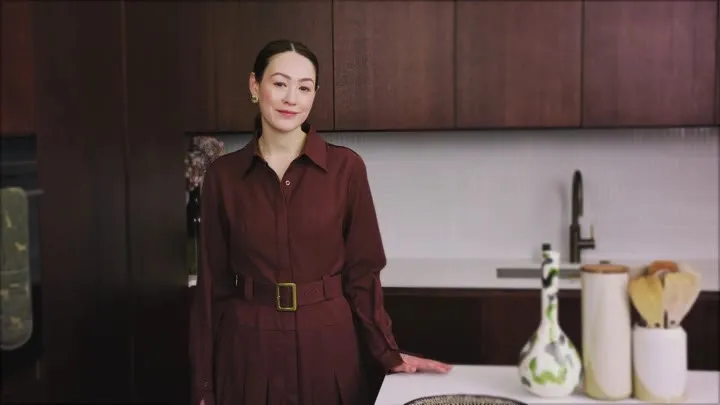
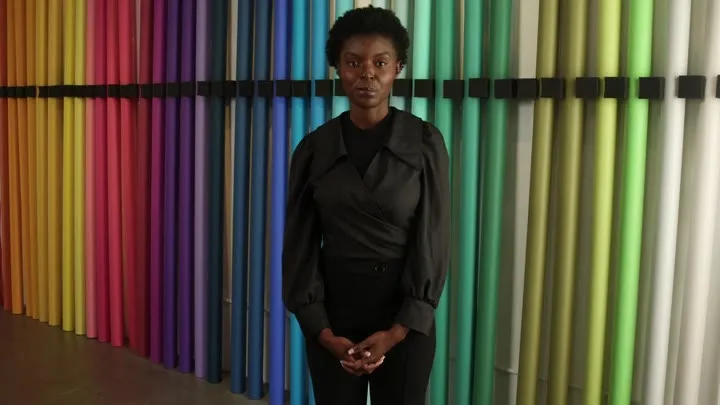
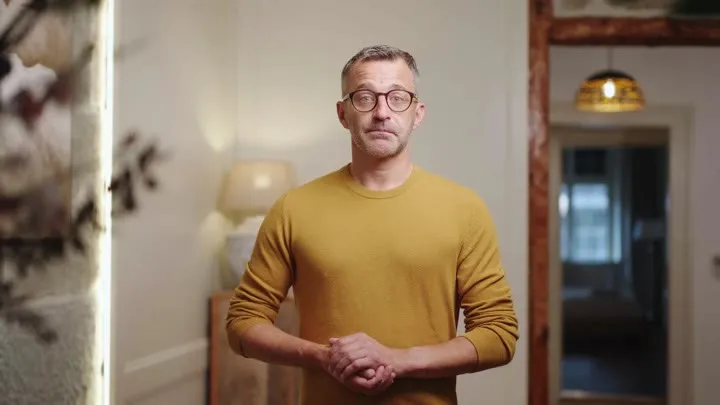
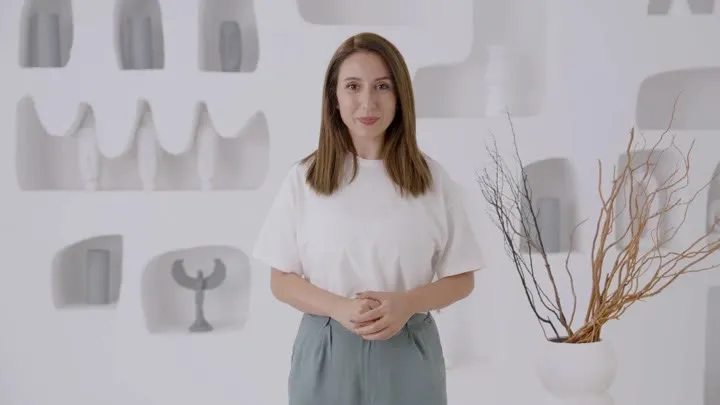

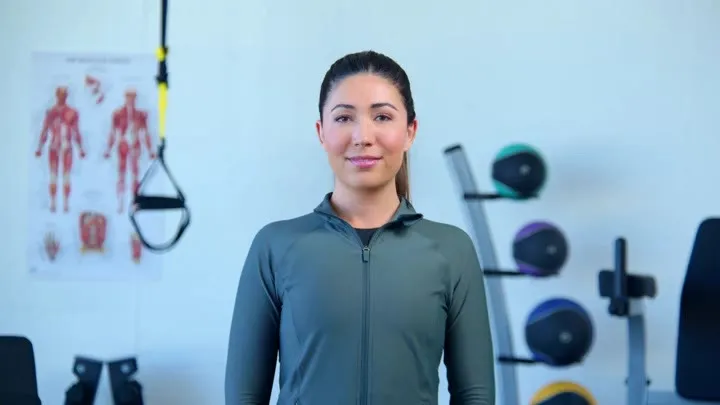
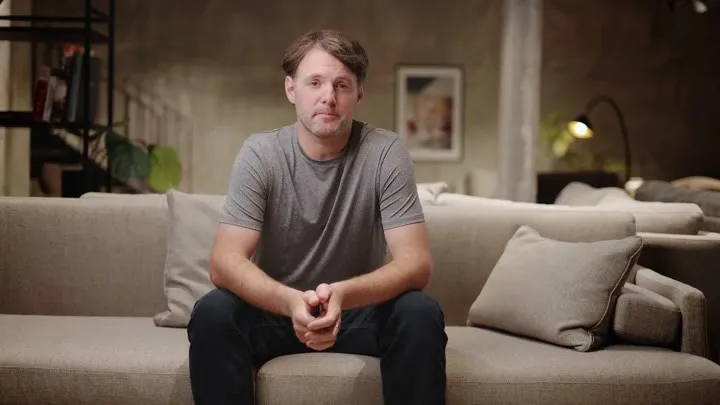
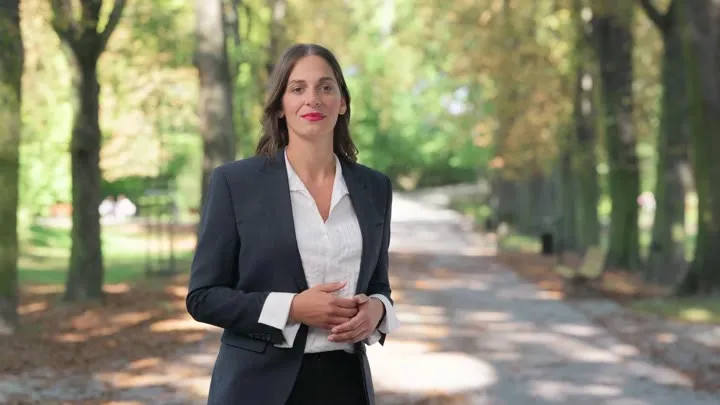
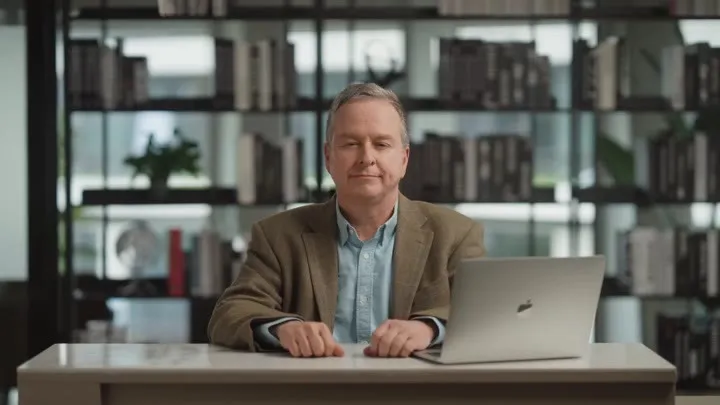
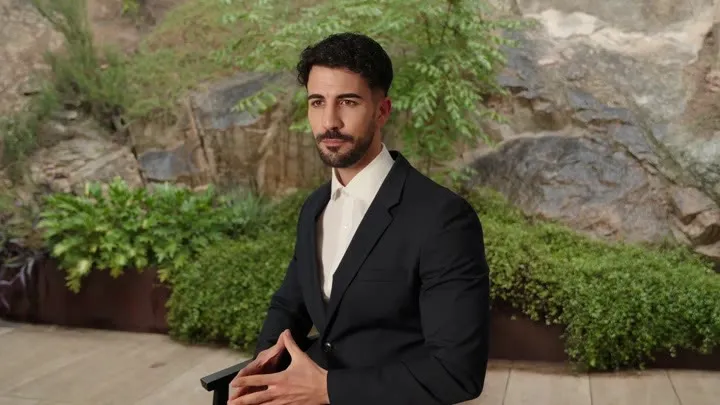
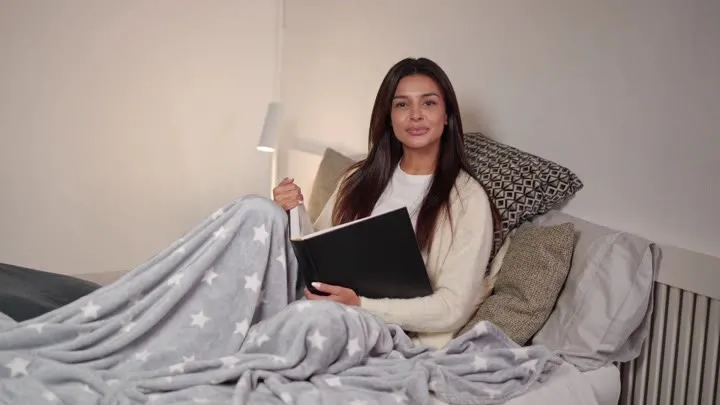
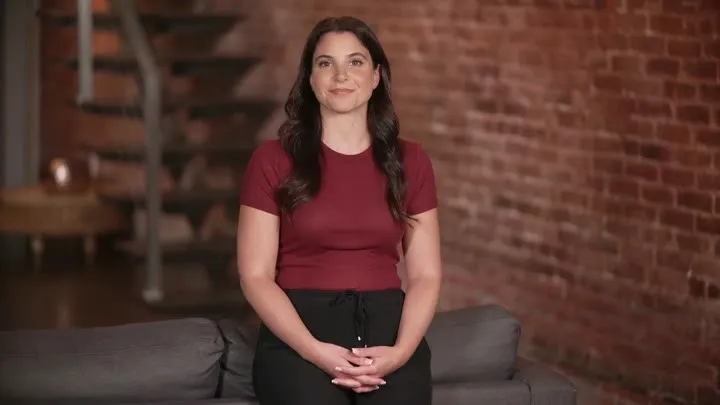
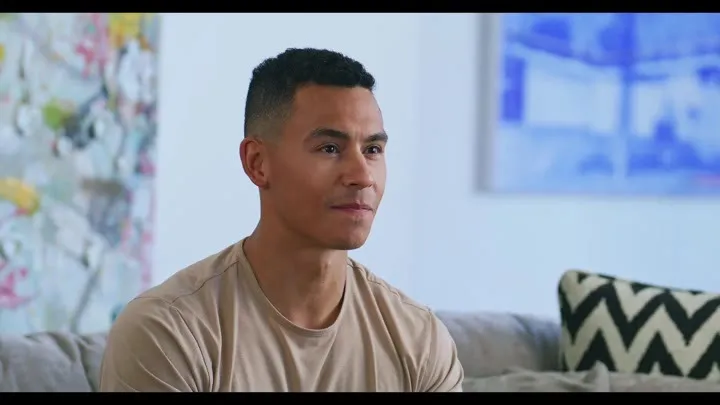
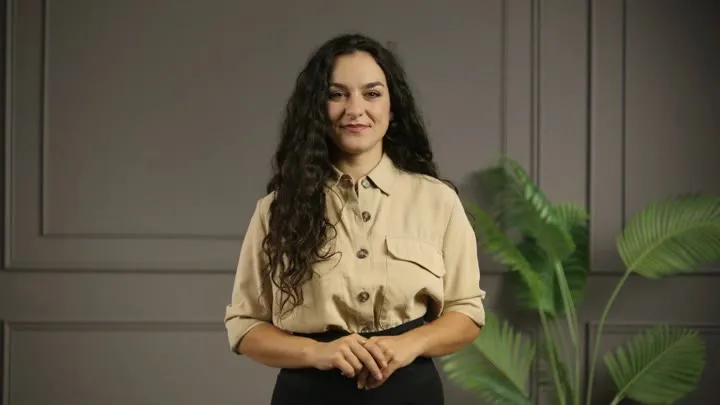
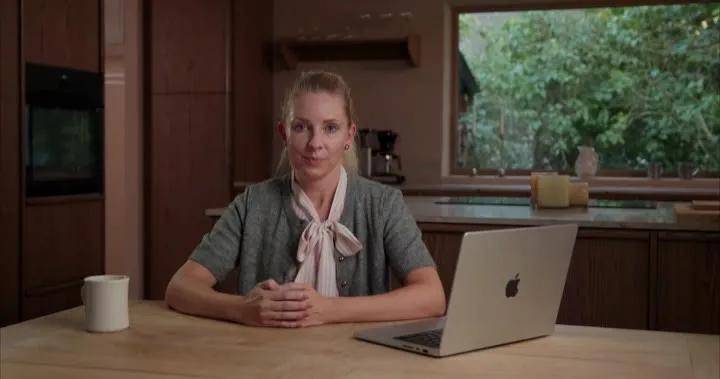
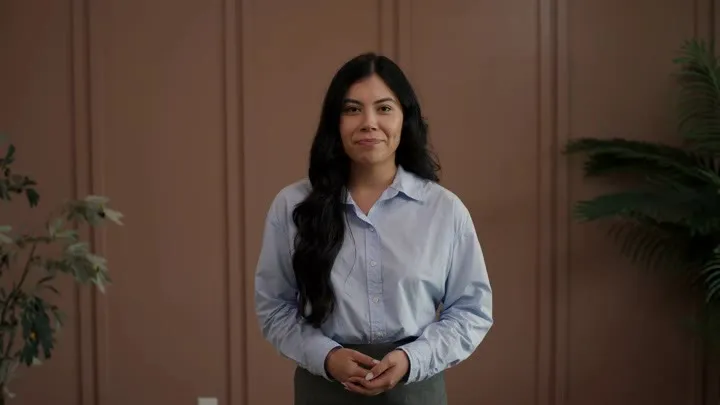

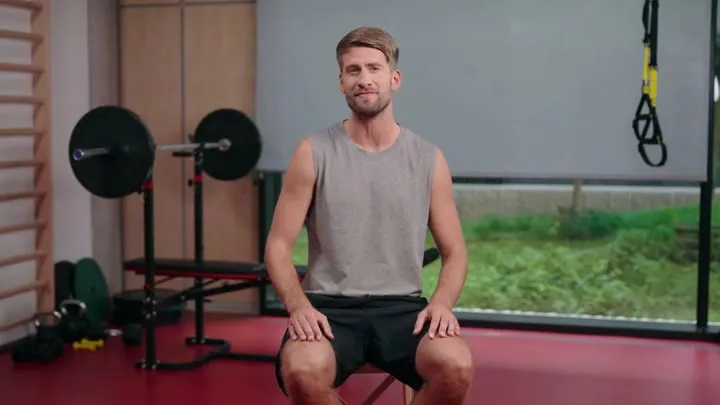
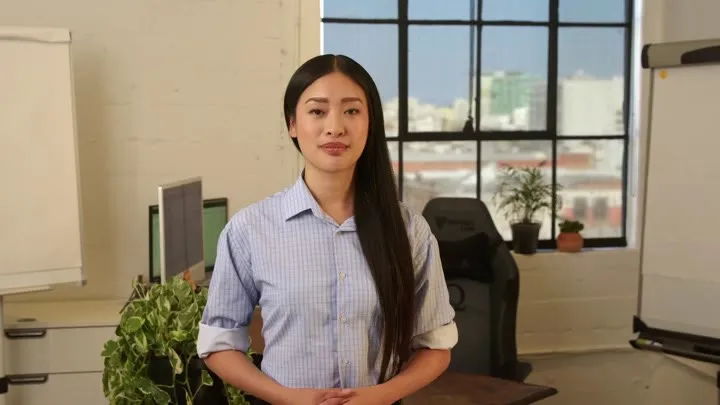
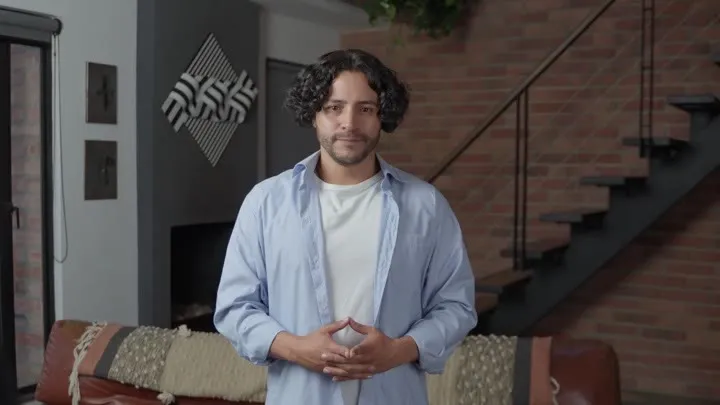
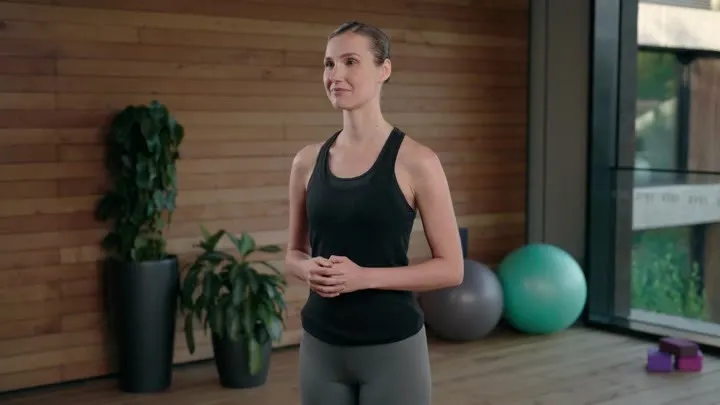
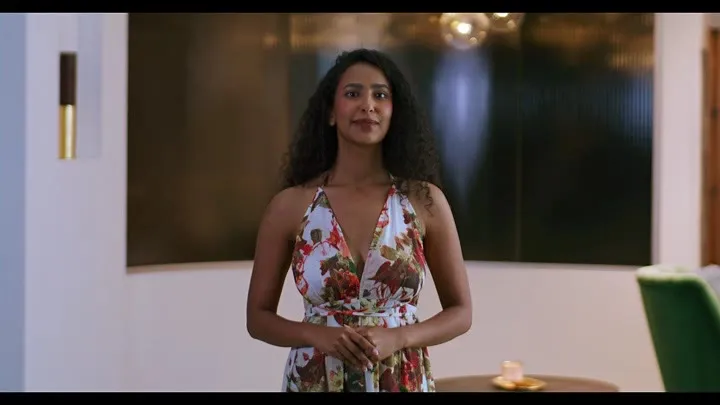
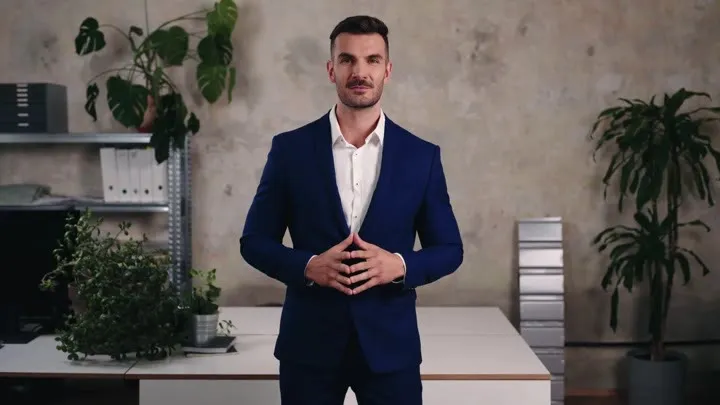
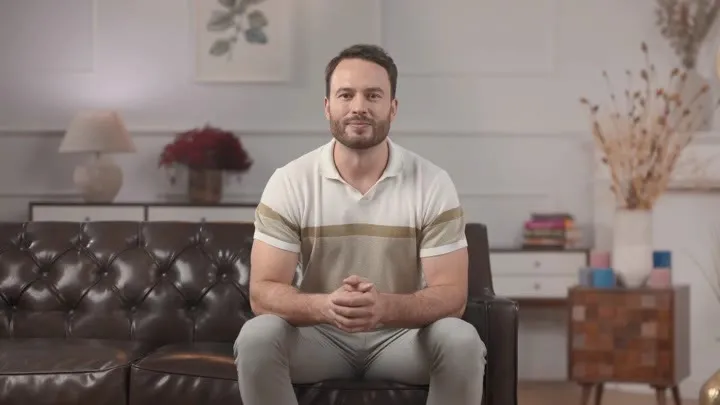
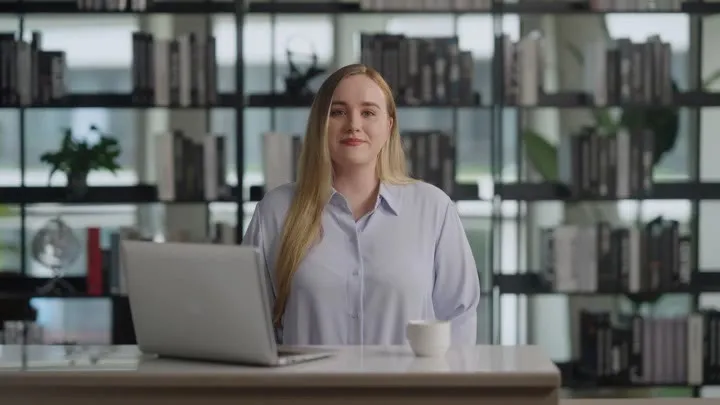
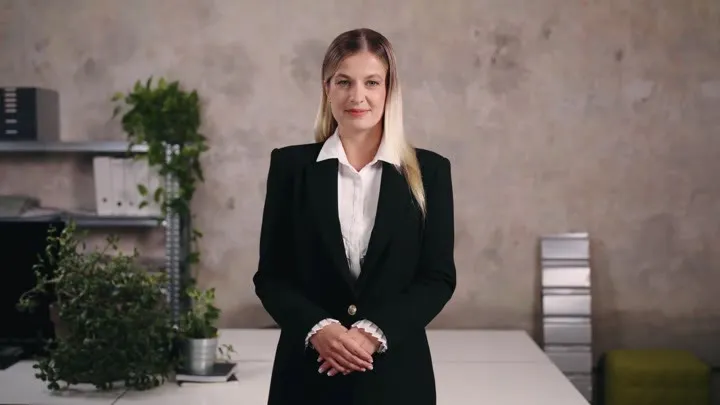
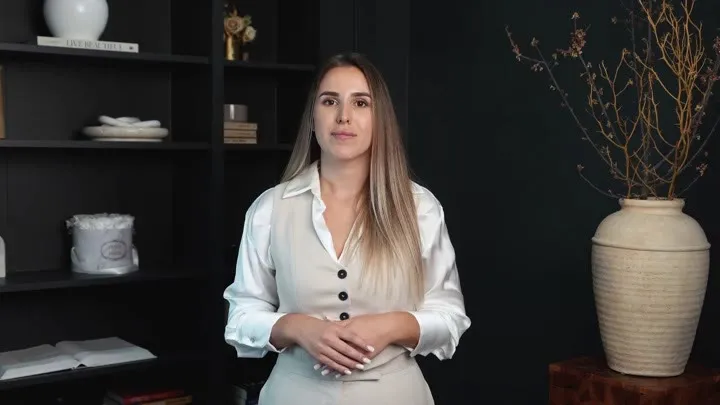
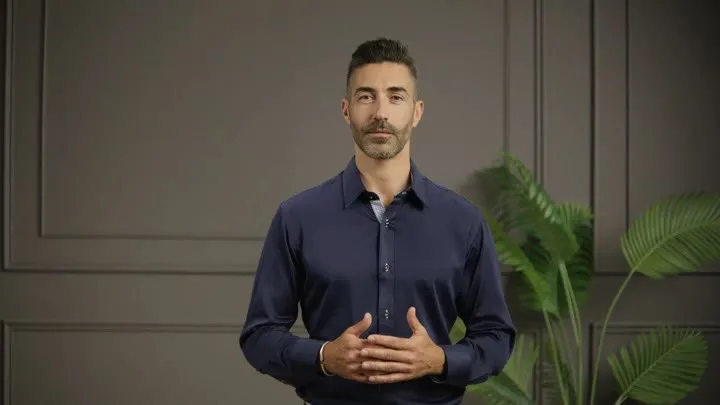

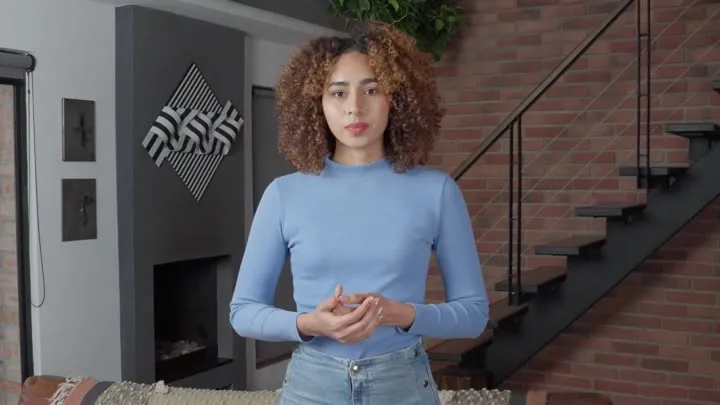
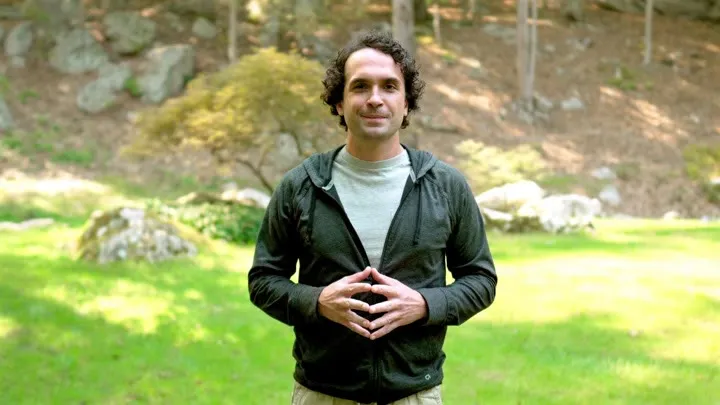
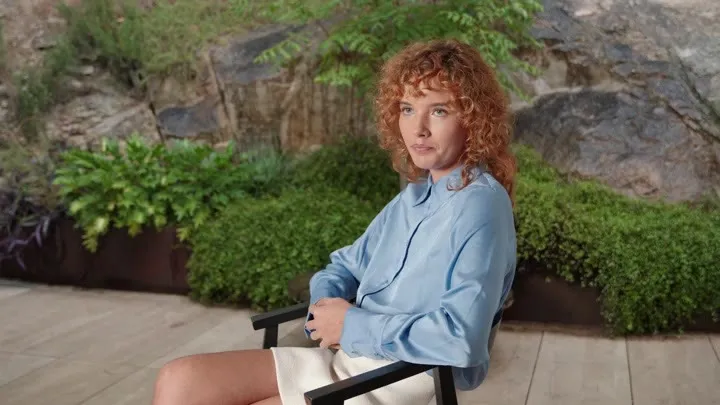
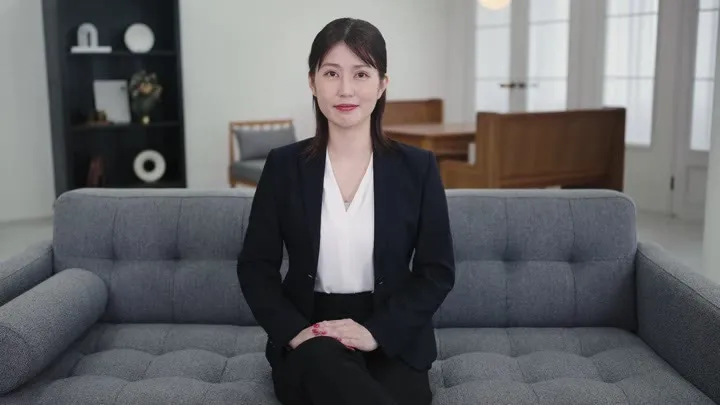
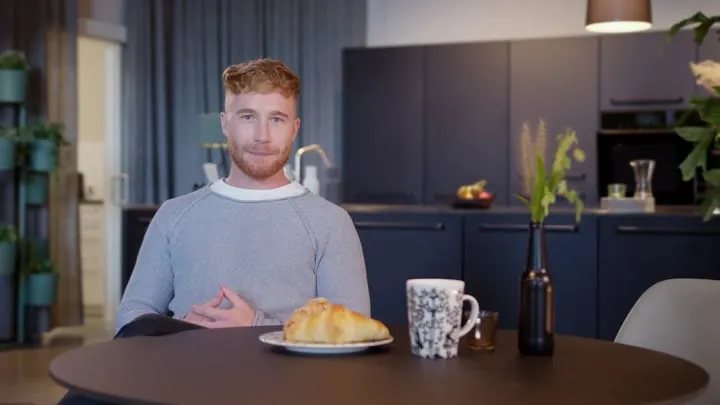
Voices
Clone your voice, design a new one, or choose from a huge multilingual library.
Brand kits for every AI video
Logo, colors and fonts — auto-built from your URL and applied to every scene.







Text to Video AI: Turn Any Script into a Video
Type a prompt or paste a script and the free text to video AI turns it into a finished video — AI voiceover, subtitles, music and visuals included. No editing skills, no watermark.
Image to Video AI: Animate Any Photo
Upload a picture and the AI image to video generator adds cinematic camera motion, depth and life — turn a photo into video free, with no watermark and no editing skills required.

An AI Video Maker for Every Creator & Use Case
One AI video platform, every workflow — from faceless YouTube channels and UGC-style ads to training courses and property tours.
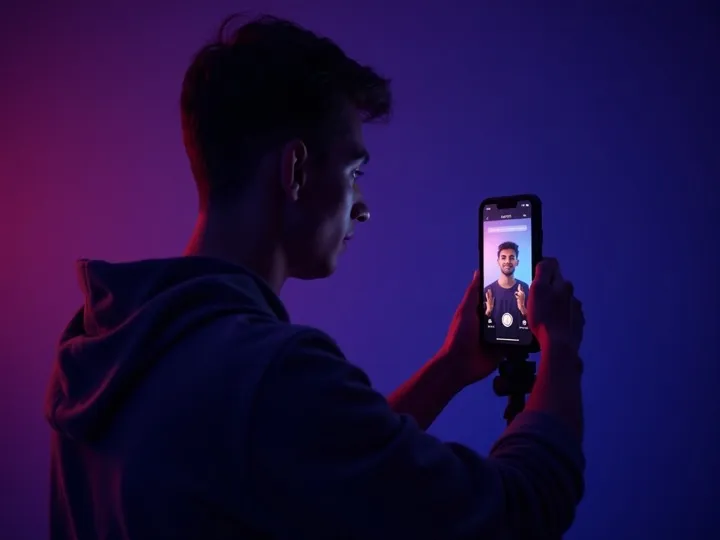
TikTok, Reels & Shorts videos
Make short-form videos for TikTok, Instagram Reels and YouTube Shorts with an AI video maker that handles hooks, captions and vertical formats — daily content without filming.
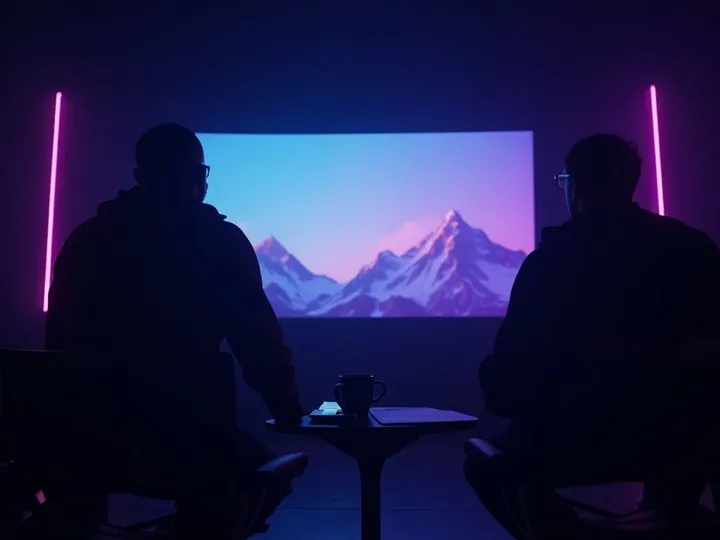
Marketing & UGC-style ads
Generate ad creatives, promos and UGC-style videos that convert. Test more hooks and variations in a day than a production team ships in a month.
Product demo videos
Turn product pages and photos into demo videos for your store, marketplace listings and paid ads — a product video maker that scales with your catalog.
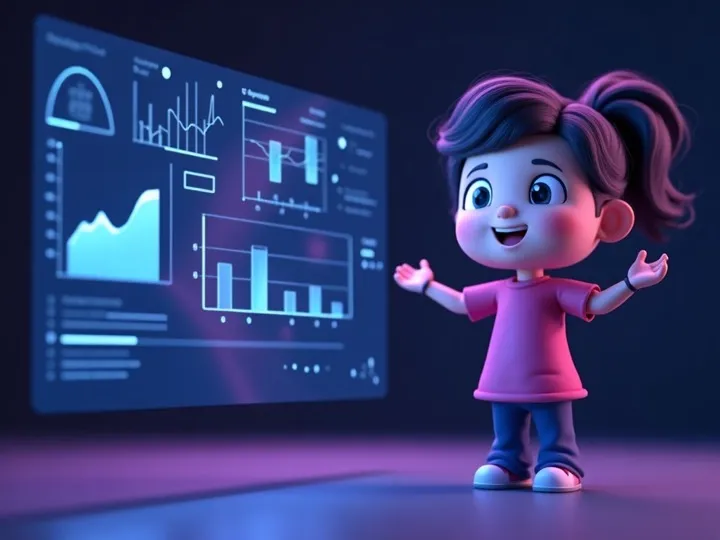
Explainer videos
Simplify complex topics with an AI explainer video maker: script-to-scene structure, clear AI voiceover and on-screen captions for education and onboarding.
Education & training videos
Turn curricula and training docs into course videos with AI voiceovers in 50+ languages. Build a full video library in hours, not weeks — a training video generator for schools and teams.

Real estate video tours
Convert listing photos into cinematic property tour videos. Video listings generate up to 403% more inquiries than photos alone — add an AI voiceover to walk buyers through every room.
Free AI Video Tools — No Watermark, No Sign-Up
Every tool below runs free in your browser: convert, compress, trim and animate video online — no watermark on exports, no account needed to start.
Free forever · works on any device · files stay on your device for browser tools
One free AI video maker, every format
Make AI videos in the exact shape each platform wants — vertical 9:16 shorts, square feed clips or widescreen 16:9 — without re-editing the same video five times.
TikTok videos
Generate vertical 9:16 TikTok videos with auto-captions, a scroll-stopping first second and snackable pacing. The free AI video maker keeps clips under 60 seconds when that's what the trend calls for.
Explore this format →


Also great for: TikTok videos · Instagram Reels · YouTube Shorts · LinkedIn video · Facebook feed video · Stories & status video
Best AI video generator comparison 2026
Every tool does a slice — Vivideo does all of it. Think of Vivideo as the Canva of AI video — every tool an AI video maker needs, in one place. Most tools give you one model or one trick; Vivideo combines 30+ models, a real creative agent, an AI video editor, avatars, voices, brand kits and long-form video up to 10 minutes in a single subscription.
| Vivideo | Canva | Runway | Synthesia | Pictory | InVideo | HeyGen | CapCut | |
|---|---|---|---|---|---|---|---|---|
| 30+ AI video models | — | — | — | — | — | — | — | |
| Text, image & photo to video | ~ | ~ | ~ | |||||
| AI avatars & talking video | ~ | — | — | ~ | — | |||
| AI voices & cloning | ~ | ~ | ~ | |||||
| Brand kits | — | ~ | ~ | ~ | ||||
| AI video creation agent | — | — | — | — | — | — | — | |
| Long-form video (up to 10 min) | — | — | ~ | ~ | ~ | ~ | ||
| Templates library | ~ | ~ | — | |||||
| 30 languages | ~ | ~ | ~ | ~ | ~ | |||
| Free to start | ~ | — | ~ | ~ | ||||
| Every model, one subscription | — | — | — | — | — | — | — |
Competitor capabilities reflect commonly-offered features and vary by plan. Included · ~ limited · — not offered.
What is AI Video? The Complete Guide to Video AI Technology
AI video is video content created or enhanced by artificial intelligence. Instead of cameras, actors and editing software, an AI video generator uses deep learning models trained on millions of clips to turn text prompts and images into finished, professional videos — visuals, motion, voiceover and subtitles included.
How video AI technology works
Language model reads your prompt or script
Visual engine generates or selects every scene
Text-to-speech records a natural AI voiceover
Composition engine syncs cuts, subtitles & music
About a minute — instead of days of editing
Why AI Video Matters in 2026
AI generated video removes the cost and skill barriers of traditional production. Creators run faceless channels, stores animate product photos, and teams localize training into 50+ languages — the same day they think of it. That is why video AI has become standard kit for marketing, education and e-commerce.
Text to Video
The most-used form of AI video generation: give the AI a prompt, script or article and get a complete video with visuals, voiceover, subtitles and music.
Try text to videoImage to Video
Animate static images with AI motion, camera moves and effects — product photos become video ads, listing photos become property tours.
Try image to videoGenerative AI Video
Fully generative AI video models like Sora 2, Veo 3.1 and Kling render entirely new footage from a text description — no source assets needed.
Compare 30+ AI video modelsOne AI Video Generator, Every Kind of Video
Type it, paste it, or drop in a photo — then let 30+ AI video generation models turn it into TikToks, Reels, Shorts, ads, music videos and full 10-minute films. This is everything you can make with AI video, in one place.
Turn a prompt, script or blog post into a finished video with AI voiceover and subtitles.
Text to video Image to videoAnimate any photo into cinematic video — product shots, portraits, art and landscapes.
Image to video AI avatar videosA realistic AI avatar presents your script on camera — no filming, no studio.
AI avatar videos Faceless YouTube videosRun a faceless channel: the AI makes the visuals, voice and captions from a script.
Faceless YouTube videos AI music videosGenerate music videos and lyric visuals that move with the beat.
AI music videos AI animation & animeAn AI animation generator for anime scenes, cartoon clips and stylized motion.
AI animation & animeEvery video lands pre-cropped, captioned and formatted for the platform it is going to — 9:16, 1:1 or 16:9.
Vertical 9:16 videos with hooks and auto captions
TikTok video maker Instagram Reels makerReels with trending pacing and on-screen text
Instagram Reels maker YouTube Shorts makerShorts optimized for swipe-through retention
YouTube Shorts maker Facebook video makerFeed, Stories and Reels formats for pages and ads
Facebook video maker LinkedIn video makerProfessional square and landscape videos that convert
LinkedIn video maker WhatsApp Status videosShort status clips that fit perfectly, every time
WhatsApp Status videosSora 2, Veo 3.1, Kling and every major AI video generation model — one subscription, no separate accounts. Pick the best model per scene, or let the AI choose.
Make a video once, publish it in 30 languages — the same face, the same voice, a different language.
Translate any video with cloned-voice narration
AI video translator AI video dubbingStudio-quality dubs in 30 languages with lip sync
AI video dubbing AI subtitle generatorAccurate auto subtitles, styled and burned in
AI subtitle generator AI voice cloningClone your voice once, narrate in every language
AI voice cloningHow to Make an AI Video in 4 Steps
How to make AI videos free — from a text prompt to a finished video in under 60 seconds.
Write your prompt or script
Describe the video you want, or paste a full script. A sentence is enough — the AI plans scenes, pacing and captions from your text.
Pick a style, voice & AI model
Choose a template and aspect ratio, pick from 200+ AI voices, and select the AI video model that fits your look — or let the AI decide.
AI generates your video
The AI video generator renders visuals, records the voiceover, syncs subtitles and adds music — in under 60 seconds.
Export in HD & share
Download watermark-free in HD or 4K, or publish straight to TikTok, YouTube, Instagram and more.
That is how to make an AI video: no editing skills, no expensive software, no film crew. The video AI does the production work — you focus on the idea.