
A lesson does not become engaging because it has motion. It becomes engaging when the learner knows what to pay attention to, why it matters, and how to use it.
AI video for education is useful when it helps teachers, trainers, and course creators turn ideas into clear explanations, examples, quizzes, recaps, and multilingual support. The danger is making prettier content that does not improve understanding.
Start with the student problem, not the AI tool
The lazy version is typing “make a video about the water cycle” and shipping the first render. That gives you generic stock visuals, flat narration, and a lesson the student forgets by the next slide.
The useful version starts with a student who is stuck on something specific. What concept do they keep misapplying, which step in the procedure trips them up, what prior knowledge are they missing? Once that is clear, AI can help you draft the explanation, storyboard the diagram and example, generate B-roll, record a voiceover or avatar presenter, and export the lesson for an LMS module, a classroom screen, a revision short, or homework support.
Write the brief before you generate
Before you generate a single scene, write down the learning objective and the rest of the lesson plan. If you cannot name what the student should be able to do afterward, the model will happily animate a concept nobody asked to learn. Constrain it the way you would constrain a substitute teacher who has never met the class.
- Learners: what grade, level, or prior knowledge are you teaching, and what misconceptions do they arrive with?
- Objective: what should they be able to explain, solve, or perform after watching?
- Evidence: which worked example, diagram, demonstration, or step-by-step will actually prove the idea?
- Use: is this a lesson preview, an in-class explainer, a microlearning clip, an LMS module, or homework support?
Make the first line earn attention
Students scrolling an LMS, a YouTube recap, a revision Short, or a homework playlist do not owe a lesson their patience. Filling more runtime only gives a wandering lesson more room to lose its viewer, so an explicit opening question and disciplined structure matter more for teaching, not less.
A usable AI prompt should make the model open with the question, problem, or surprising result the lesson answers, not with throat-clearing. Drop “Today we’re going to learn about…” and “In this lesson…” — a student deciding whether to keep watching needs the stakes of the concept in the first breath, not a syllabus.
Write 12 opening lines for a short lesson video about [the concept]. Each must pose the question or misconception the lesson resolves in under 12 words, avoid clickbait, and make a student understand what they will learn even with the sound off.Storyboard before you generate scenes
A storyboard keeps the model from wandering off the lesson. It turns “explain photosynthesis” or “teach present perfect tense” into a fixed sequence of shots — diagram, worked example, on-screen avatar, screen recording — so each beat maps to a step in the learning, not a random visual the model invented. Teachers who skip this end up with footage that looks like a lesson but teaches nothing in order.
For a microlearning clip, five to seven shots usually cover it: the question, the core idea, a worked example, a common mistake, a check for understanding, and a recap. For a full explainer, break it into chapters that match the objectives, so the learner always knows which concept they are on and what comes next.
Edit for retention, not decoration
A polished render still loses students if the pacing drags. Cut the long intro, get to the concept, and let captions carry the key terms a learner needs to remember. Keep the first frame readable without sound, because plenty of students watch on muted phones at the back of a bus. Reveal the answer or the worked solution at the right teaching moment, not after five minutes of animated filler.
The honest retention test for a lesson is simple: watch it muted, then watch it while only listening. If a learner could not follow the concept from the visuals alone, and could not follow it from the narration alone, the explanation is leaning on production instead of teaching.
Measure versions, not vibes
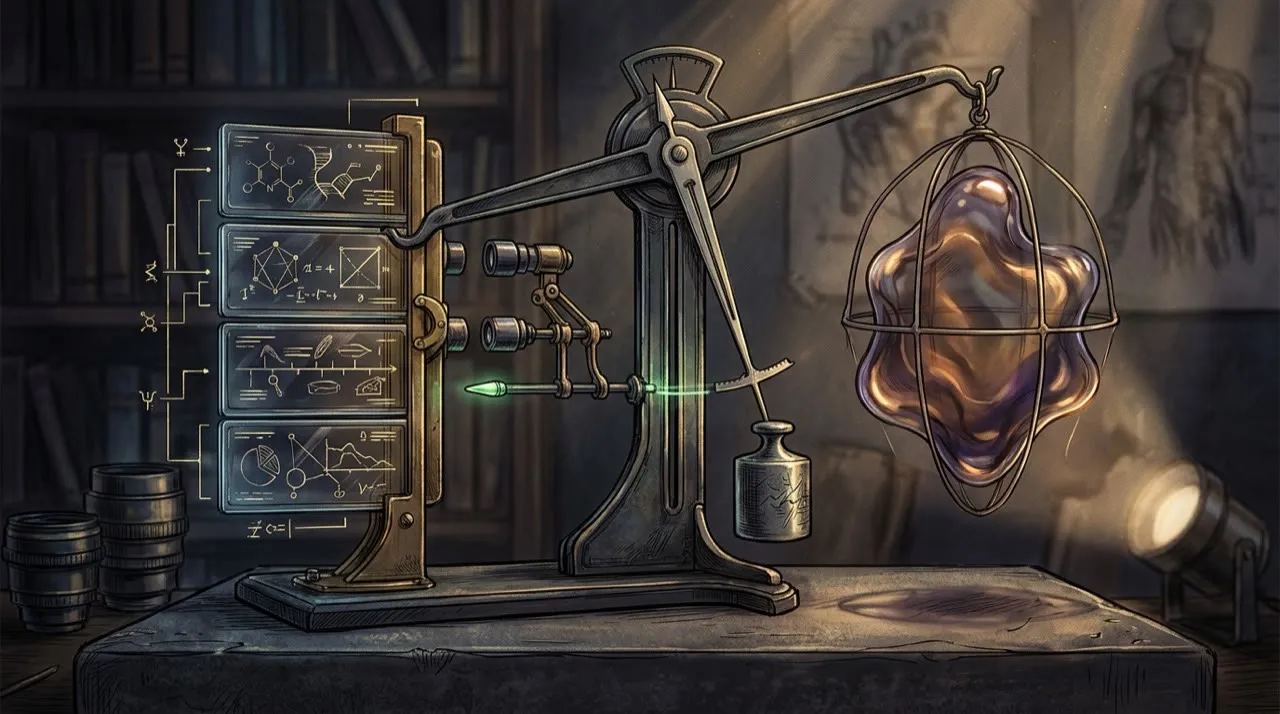
One version of a lesson is not a teaching strategy. Try genuinely different explanations, not cosmetic swaps — a diagram-first version versus a worked-example-first version, a short recap versus a full walkthrough, an avatar presenter versus pure screen recording. Then compare which one students finish, which one they rewatch, and which one shows up in better quiz or assignment results.
AI lets you produce those variants in an afternoon instead of a term. Use that speed to find the explanation that actually lands for your class, not to flood the LMS with near-identical clips students skip.
The best use cases
- Lesson previews and end-of-unit recaps
- Concept explainers with diagrams and worked examples
- Microlearning clips for one idea at a time
- Answers to the questions students ask every term
- Flipped-classroom videos to watch before class
- Step-by-step demos for labs, software, or procedures
- Localized and captioned versions for multilingual learners
- Onboarding for a course, platform, or new tool
The risk to avoid
The mistake is treating AI video as a replacement for a teacher’s judgment. In education the review layer matters more than the model, because a confident, well-narrated error spreads to a whole class and is hard to unlearn. Facts, definitions, formulas, dates, source examples, and any AI translation should be checked against your curriculum before a single student is assigned the video.
A practical weekly workflow
Monday: pick one concept students keep getting wrong
Tuesday: write the learning objective, three openings, and a script
Wednesday: generate the diagram, voice, or avatar version
Thursday: edit captions and check every fact
Friday: assign one main lesson and two alternate explanations
Next week: reteach with the version students understood best
Make lessons easier to use, not just prettier

Educational AI video should reduce cognitive load. That means one idea per segment, clear visuals, simple language, and frequent checks for understanding.
A strong lesson video has:
- a clear learning objective
- one concept at a time
- worked examples
- a pause point or question
- captions
- a recap
- a next step
Do not generate five minutes of animated scenery around a concept that needed one diagram. Students do not need more motion. They need clearer thinking.
Accessibility checklist
Add captions. Avoid tiny text. Keep contrast high. Describe important visuals in the narration. Offer transcripts. Keep pace appropriate for learners who are new to the topic. Localize examples where needed. Review AI translations before assigning them to students.
AI can help with accessibility, but it can also create new barriers if you publish beautiful videos that are hard to read, too fast, or inaccurate.
A practical AI video for education workflow
Start with one concept your students struggle with. Not a whole unit. Not a vague “video course.” One concept they keep getting wrong.
Write down the learners, the objective, the evidence, and where the video will live. Then draft three openings and one storyboard tied to the steps of the explanation. Generate visuals, voice, or an avatar only once the storyboard is settled. Edit the first cut, then build two meaningfully different explanations. Assign it, watch how learners do, and rebuild the version that taught best with a clearer opening question.
That is the teaching loop:
- Learners
- Objective
- Opening question
- Storyboard
- Generation
- Edit
- Alternate explanation
- Assign
- Check understanding
- Reteach
Most educators fail because they generate scenes before they have named the learning objective. That feels faster, but it produces lessons that look polished and teach nothing.
The pre-publish quality bar
Before you assign a lesson video to learners, check it against these questions:
- Is every fact, definition, and example accurate and current?
- Does the video map to one clear learning objective?
- Are captions, contrast, and pacing accessible to the learners who need them?
- If it was localized, has a human verified the translation and the examples?
- Does it actually deepen understanding, or just add motion around it?
A clean render of a lesson that fails any of those questions is still a lesson you should hold back. AI can make lesson production cheaper. It cannot make a misleading or inaccessible lesson safe to teach.
Common mistakes
The common failure is not using AI in the classroom. It is using it before you have named what the lesson should teach.
Mistake one: generating scenes before the learning objective is clear. This produces a polished video that decorates a concept instead of explaining it.
Mistake two: making one big lesson video instead of testing two or three explanations and keeping the one students actually understand.
Mistake three: trusting whatever the model narrates. AI will confidently state a wrong date, a flawed definition, or an outdated formula; every fact, example, and translation has to be checked against your curriculum before a student sees it.
Mistake four: reusing one cut everywhere. A lesson preview, an in-class explainer, a short revision clip, and an LMS module need different lengths, pacing, captions, and calls to action.
Mistake five: publishing without a last teaching pass. That final check should confirm accuracy, accessibility, that any AI translation is verified, that the video maps to the objective, and that it genuinely deepens understanding rather than just adding motion.
A stronger next step
Pick teaching material you already have: a slide deck, a lab handout, a past exam question students get wrong, a recorded lecture, or a tricky worked example. Turn that into one short video concept with three possible openings. Do not start from a blank screen. Start from a real point of confusion in your class.
That keeps the AI anchored to your actual curriculum and produces a clip you can assign right away.
Design for learning, not just watching
Start with the learning objective. What should the learner be able to explain, solve, identify, or do after the video? Then design the video around that outcome. Use AI for analogies, visual examples, narration, diagrams, and review questions.
Keep cognitive load under control. Do not stack busy visuals, fast captions, and dense narration at the same time. Give learners pauses, summaries, and examples. A good educational video respects attention instead of trying to overwhelm it.
Where Vivideo fits in a teaching workflow
Vivideo suits this kind of lesson production because you can choose how much control you want: an agentic AI chat that plans and builds a full explainer from an objective, one-prompt generation for a quick draft of a single concept, and a manual mode when you need to direct each scene yourself. AI voices and 100+ avatars let you narrate or present a lesson without a camera, while templates and brand kits keep a course consistent across modules, and API/CLI/MCP access lets you generate localized variants at scale.
Conclusion
A lesson works when it is built around what a specific student needs to understand, not around what the model can render. The model can render the explanation, but only a teacher can decide which concept deserves the screen time and judge whether the framing is one students should believe.
Run every lesson video through the same five questions: have you named the learning objective, built the explanation around a worked example or diagram, kept the pacing tight, verified every fact and translation, and watched whether students actually understood afterward? That is how AI becomes a teaching multiplier instead of prettier filler.
If you want one place to plan a lesson, generate it, narrate it with an AI voice or avatar, keep your course consistent with a brand kit, and produce localized versions for every learner, you can start free at vivideo.ai.