AI voice cloning learns the sound of a voice from a short audio sample and lets you generate brand-new speech in it. Vivideo analyses the timbre, accent and delivery of your clip, builds a reusable voice, and then speaks any script you type in that voice — for voiceovers, dubbing and avatars, in minutes, free to start.
How to clone a voice
Upload a sample
A short, clean clip of the voice is enough.
AI learns the voice
Timbre, accent and delivery are modelled.
Type any script
Generate new speech in the cloned voice.
Use it anywhere
Add it to videos, dubs and avatars.
What voice cloning does
One sample, unlimited narration.
| Capability | What it does |
|---|---|
| Clone from a short clip | A brief, clean sample is enough to build a voice. |
| Speak any script | Type text and hear it in the cloned voice. |
| Multiple languages | Use a cloned voice to narrate across languages. |
| Reusable voice | Save the voice and reuse it across every project. |
| Free, no watermark | Start free; clean audio for any video. |
How AI voice cloning works
AI voice cloning captures what makes a voice recognisable — its timbre, accent, pace and inflection — from a short audio sample, then lets you generate entirely new speech in that voice. Instead of re-recording every line, you type a script and the cloned voice reads it, so your narration sounds consistent across every video.
Vivideo builds the voice from a brief, clean clip and makes it reusable: save it once and narrate dozens of videos, dub into other languages, or attach it to a talking avatar. You control the script, so you can fix a line or produce a new version without booking studio time.
Creators use a cloned voice to scale narration without sitting at the mic for every upload; teams keep a consistent brand voice across a whole library; and localisation workflows pair cloning with dubbing so a presenter 'speaks' a language they don't. One sample becomes an always-available voice.
Use it responsibly: clone only voices you own or have explicit permission to use. For the best quality, record the sample in a quiet room with a clear, natural read — the cleaner the input, the more convincing the clone, and you can always regenerate a line that doesn't land.
Clone Your Voice With AI
This is how to clone a voice without a studio: record a short sample once, and the AI generates natural speech in your voice from any script — for narration, dubbing or a whole video series.
Voice cloning means every video sounds like you without recording each one. Write a script, and your cloned voice reads it — in your language or 30+ others.
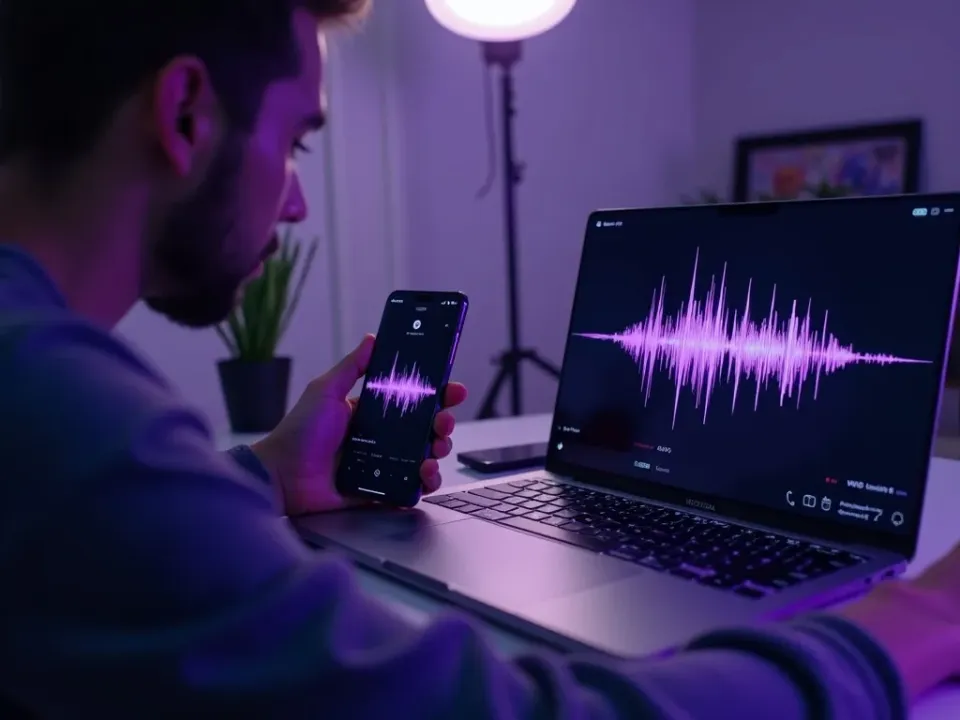
One Sample, Endless Narration
Record a short clip of your voice once, and the AI captures its tone and character. From then on, any script becomes narration in your voice — no re-recording, no booth.
Sample once, narrate forever.
Record a short sample once
Generate any script in your voice
Natural tone and character
Scale a Personal Brand
A cloned voice is the fastest way to scale a channel: produce a series, dub into other languages, or update a video's narration — all sounding like the same person, because it is.
Your voice, at the speed of typing.
Speak 30+ Languages
Your cloned voice can speak languages you don't — dub your videos into 30+ markets while keeping your own tone, the most authentic way to go global.
Your voice, every language.
Everything AI Voice Cloning Does
Who Clones Their Voice?
Anyone who narrates at scale:
Clone, Then Do More With Video
Vivideo is more than voice cloning — generate, narrate and localize video, all in one place.
Explore More Free Video Tools
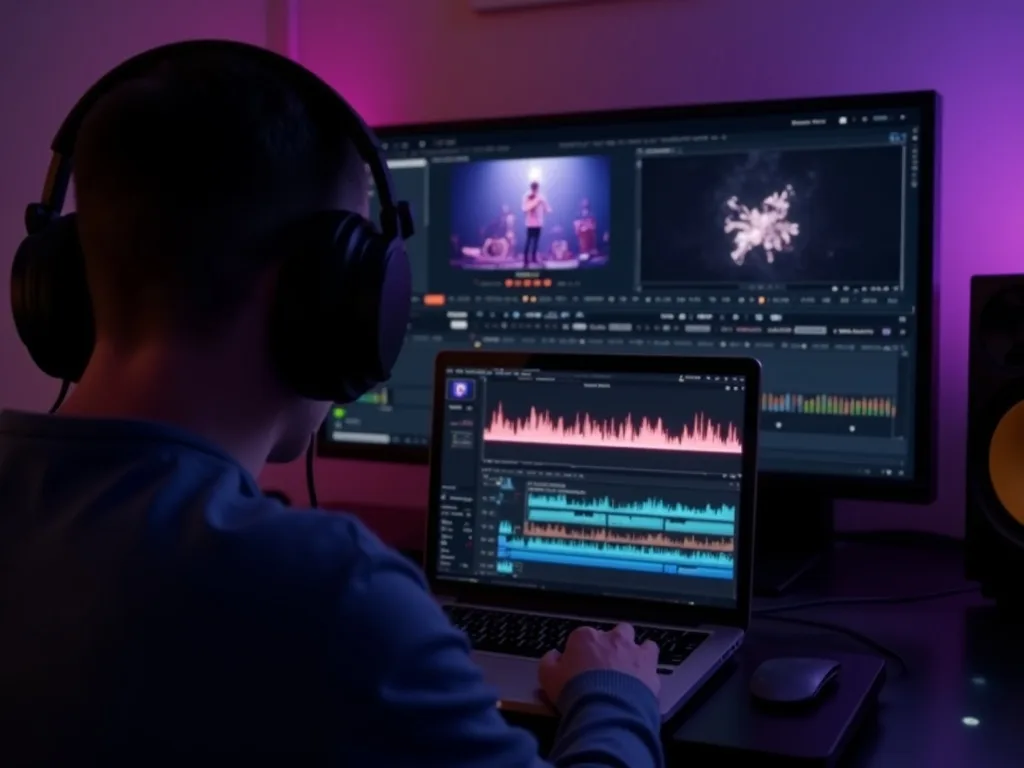
See AI Voice Cloning in Action
Watch a script read in a cloned voice — then clone yours free on Vivideo.
Clone Your Voice Free
Record a sample and narrate any video in your own voice — 30+ languages.
Frequently asked questions
Is voice cloning free?
Yes — clone a voice and generate speech free to start.
How much audio do I need?
A short, clean sample is enough to build a usable voice.
Can I use it for narration and dubbing?
Yes — use a cloned voice for voiceovers, dubbing and talking avatars.
Does it work in other languages?
Yes — generate speech in the cloned voice across multiple languages.
Whose voice can I clone?
Only voices you have the right to use — your own, or one you have permission for.
Is there a watermark on the audio?
No — generated audio is clean and ready to use.
