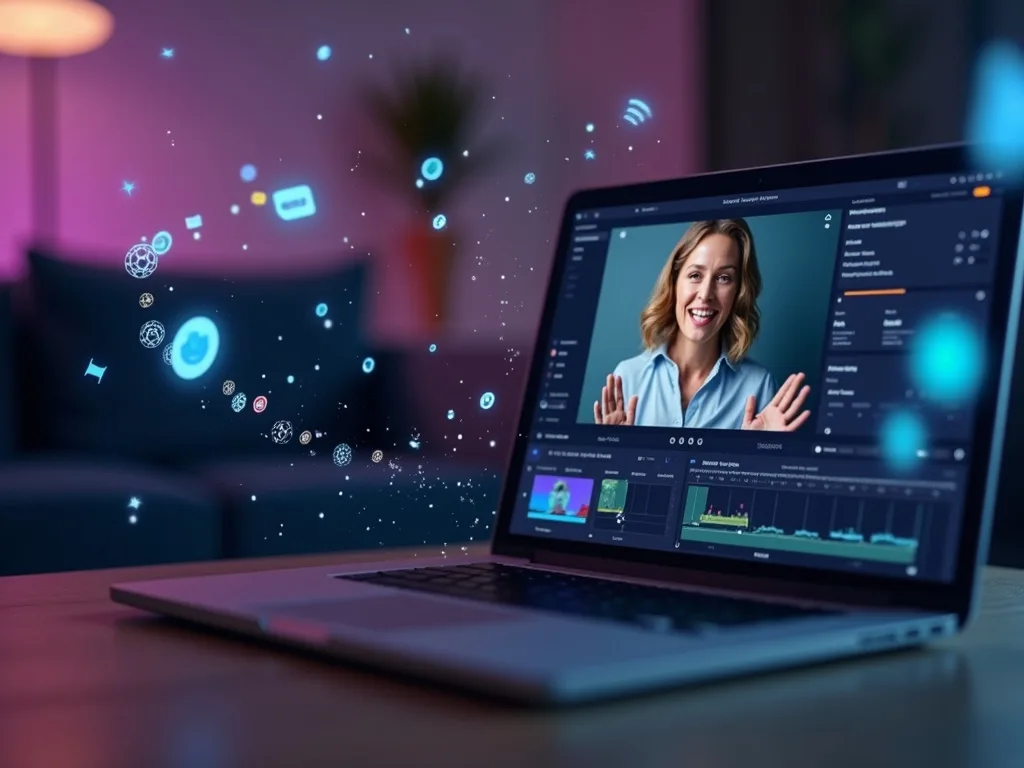


 GoogleFree
| Developer | Kuaishou |
| Origin | China |
| Released | Kling 3.0 · Feb 2026 |
| Native audio | Yes |
| Max resolution | 1080p |
| Max clip length | Up to 15s |
| Availability | Proprietary |
| Available via | Kling app · API |
| Pricing from | $0.08 / sec |
Use the Kling AI video generator when human movement and dynamic action matter: dance clips, character shots, sports and lifestyle scenes. Kling image-to-video and its motion-control tools turn a still or a prompt into fluid, believable motion.
Background. Kling is developed by Kuaishou, the short-video company behind Kwai, with Kling 3.0 the current release. It set a benchmark for human motion and image-to-video. Natively it needs a Kuaishou account; on Vivideo the Kling AI video generator runs online with an English interface and no separate signup.
Open Vivideo and start a new video.
Select Kling as your model — or let the Video Agent pick it for you.
Describe your shot (or upload an image) and set duration and aspect ratio.
Generate with Kling, then refine, add a voice or avatar, and export for any platform.
Vivideo puts Kuaishou's Kling AI video generator in your browser with no Kuaishou account and no app. Generate Kling videos from text or image prompts, direct movement with motion control, and export them watermark-free.
Kling sits beside 30+ other AI video models on Vivideo, so you can run a Kling image-to-video shot, switch to Sora 2 or Veo 3.1 for the next, and stitch it into one edit — the fastest way to use the Kling AI video generator online.
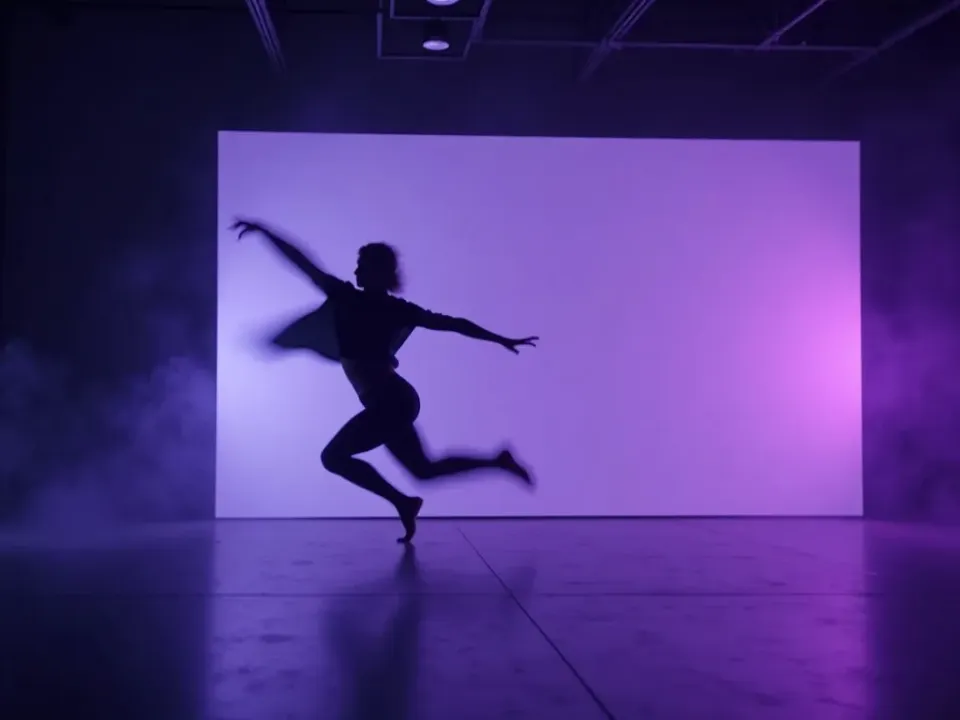
Kling is the AI video model to pick when people and movement need to look real. Its expressive motion and motion-control tools make Kling image-to-video and Kling AI dance clips move naturally, where other models stiffen.
On Vivideo you generate that motion-rich Kling footage online and export it watermark-free — no Kuaishou account, no Kling watermark remover, no downloader.
Expressive, natural human motion in every Kling shot
Motion control for movement, gestures and camera
Watermark-free Kling exports on Vivideo paid plans
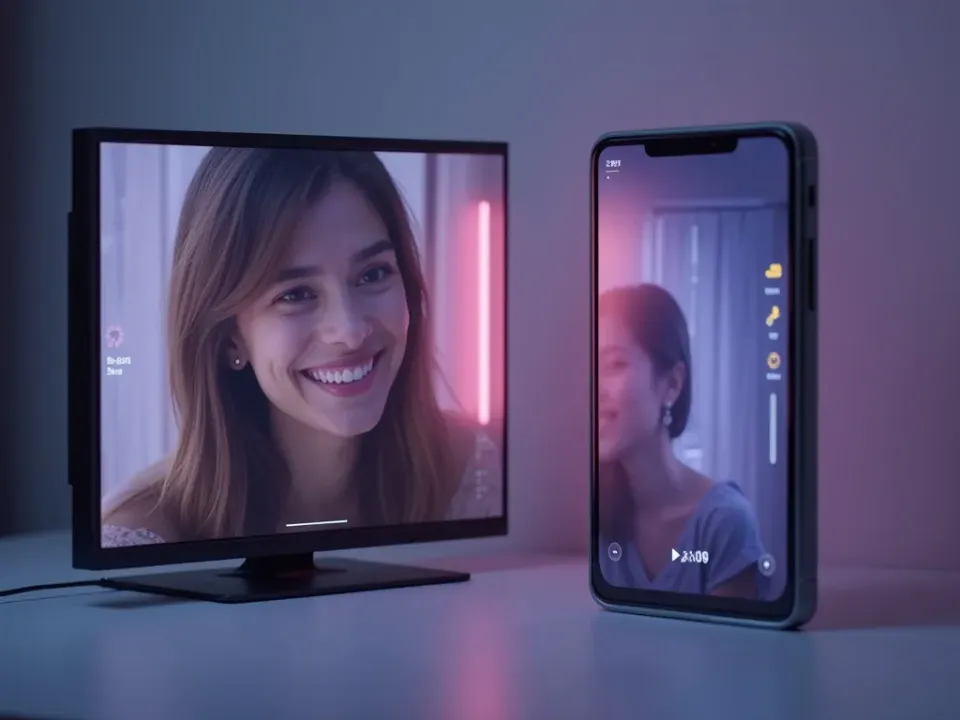
Kling's image-to-video is a standout: upload one still and Kling animates it with believable motion. It's the reason creators search for the Kling AI video generator to bring photos and characters to life.
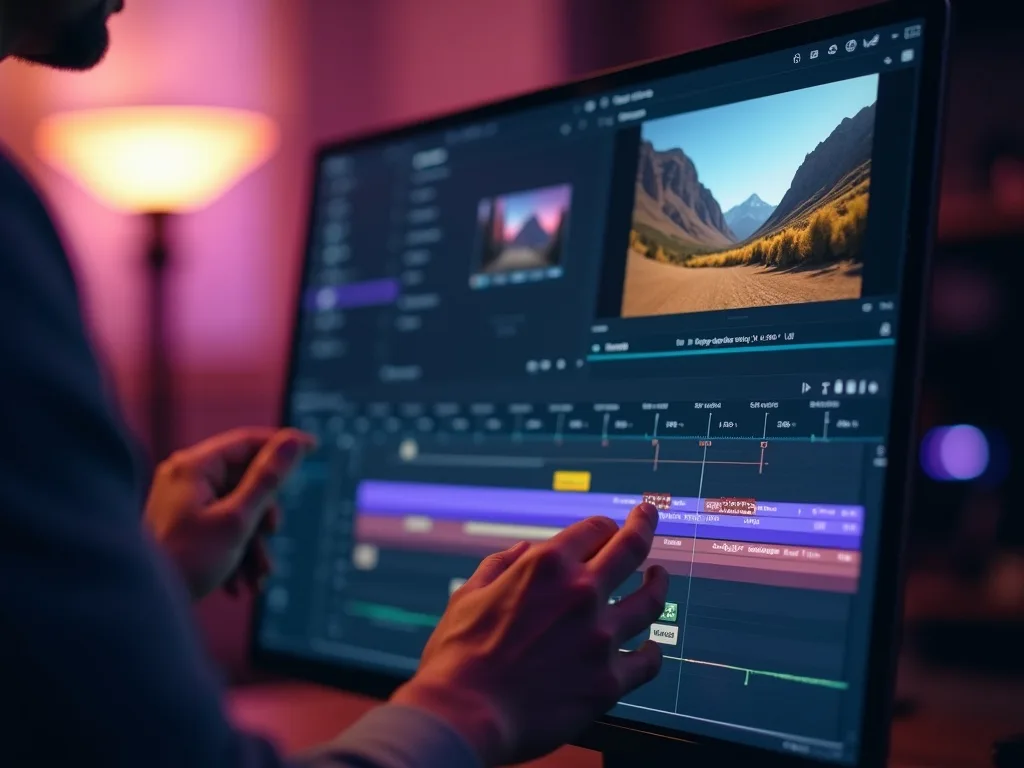
Pair it with Vivideo's editor to add voice, captions and a soundtrack, then export your Kling clip in one place.
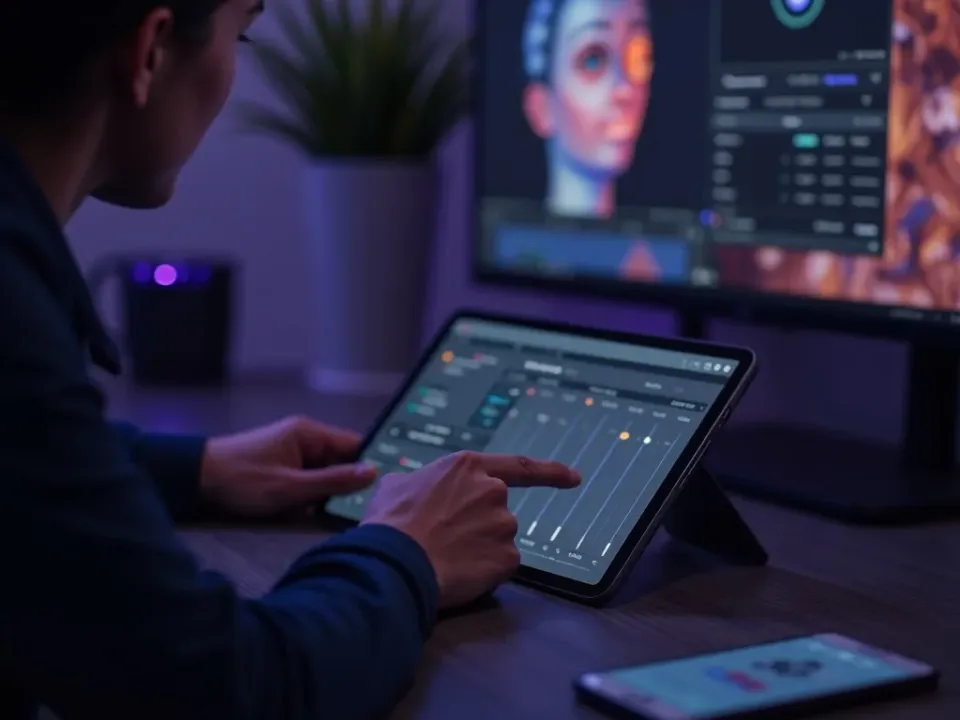
A good Kling video prompt describes the action, and Kling's motion control handles the rest — movement, gesture and camera follow your direction. That control is what makes Kling great for dance, sports and character work.
Write the shot, and the Kling AI video generator on Vivideo returns fluid, human motion you can refine shot by shot.
Kling text-to-video from a written prompt
Kling image-to-video from a single photo
Motion control for precise, human movement
Kling is the go-to model whenever human motion, dance and dynamic action decide the result.
Vivideo is more than a Kling video generator — it's the whole workflow. Generate expressive motion with Kling, edit the result, and localize it into 30 languages without leaving your browser.
Kling AI is Kuaishou's video generation model, known for expressive human motion, strong image-to-video and fine motion control. As an AI video generator, Kling is the model creators reach for when people, dance and dynamic action need to look natural.
On Vivideo you can use the Kling AI video generator online without a Kuaishou account or app — Kling is one of 30+ AI video models on one subscription. Run Kling text-to-video from a prompt or Kling image-to-video from a photo, then switch models per shot.
One of the top searches is "Kling AI remove watermark." On Vivideo your Kling videos export clean and watermark-free on paid plans, so there's no Kling watermark remover or downloader to look for.
Kling shines at motion. Its motion-control tools let you direct movement, camera and gestures, so a Kling video prompt that describes the action returns fluid, human results — ideal for Kling AI dance clips and character scenes.
Kling has limits: native clips run up to about 15 seconds and heavy detail can wobble. For longer stories, Vivideo chains Kling shots — plus Sora 2, Veo 3.1 and others — into finished videos up to 10 minutes.
Is Kling AI free? You can try the Kling AI video generator free on Vivideo with daily generations, no credit card and no Kuaishou login. Watermark-free exports and higher limits come with an affordable plan.
Watch a prompt become a motion-rich clip — then make your own Kling AI video free on Vivideo.
Use the Kling AI video generator online on Vivideo — no Kuaishou account, watermark-free exports. Write a prompt or upload an image to begin.
Yes — try the Kling AI video generator free on Vivideo with daily generations, no credit card and no Kuaishou account. Upgrade to lift the daily cap and download watermark-free clips.
Instead of a Kling AI watermark remover, generate on Vivideo: your Kling videos export clean and watermark-free on a paid plan — no downloader or extension needed.
Yes — Kling image-to-video is one of its strengths. Upload a photo on Vivideo, pick Kling, and it animates the still with lifelike motion; you can also run Kling text-to-video from a prompt.
Describe the dance and camera in your Kling video prompt, or start from a photo and use Kling's motion control. On Vivideo the Kling AI video generator turns that into a fluid dance clip you can export watermark-free.
Motion control lets you direct movement, gestures and camera in a Kling video, so the action follows your prompt. It's why Kling is a favorite for character and dance clips on Vivideo.
Natively Kling has its own credit tiers. On Vivideo, Kling is included in one subscription alongside 30+ models, so you don't pay per Kling clip — free to try, affordable to scale.
Native Kling clips run up to about 15 seconds. Vivideo chains multiple Kling shots — and mixes in other models — into finished videos up to 10 minutes.
Vivideo tracks Kuaishou's current release — Kling 3.0 — so you're on the newest build we've validated, with no version management on your side.
Kling leads on expressive human motion and image-to-video; Sora 2 leans cinematic realism and native audio. On Vivideo you can run one prompt through both Kling and Sora 2 and keep the better take.
Yes — Vivideo runs the Kling AI video generator in any modern browser, so you can use Kling on a PC, Mac or phone with no Kuaishou app to install.
Yes — Vivideo is a free Kling AI video generator online: pick Kling, generate with daily free credits, no Kuaishou account. Go paid to download clean clips.
Each model is one of 30+ in Vivideo — switch per shot to get exactly the look you want.
GoogleFree Google
 OpenAI
 OpenAI
 ByteDance
A full 30 seconds in one shot, with native audio.
 ByteDance
State-of-the-art motion, realism and native audio.

 Kling
Kling Kling
Kling