Best AI Video Generators for YouTube
Scale your YouTube channel with AI-powered video creation. These tools help you create more content, faster.
 Written by Emir Göcen · COO, Vivideo
How We Tested
Our team spent 50+ hours testing each tool. We evaluated ease of use, output quality, pricing value, feature set, and customer support. Rankings reflect real-world performance, not sponsorships.
Quick Comparison
| Rank | Tool | Key Feature | Pricing | Rating |
|---|---|---|---|---|
| 1 | Vivideo⭐ | Only truly free AI video generator without watermarks | Free / Premium | 5/5 |
| 2 | Pictory | Best for repurposing existing content into videos | $23-$79/month | 4/5 |
| 3 | InVideo | Extensive template library for marketing videos | $25-$60/month | 3.5/5 |
| 4 | Descript | Best transcript-based editing for creators | $15-$30/month | 4/5 |
| 5 | Filmora | Best traditional editor for YouTube beginners | $50-$80/year | 3.5/5 |
Buyer's Guide: What to Look For
Before choosing a tool from this list, consider these important factors:
- 1Ensure 16:9 aspect ratio is properly supported with good resolution options
- 2Look for longer video generation capabilities (3-10 minutes ideal for YouTube)
- 3Check for intro/outro template availability for channel branding
- 4Evaluate thumbnail generation features - first impressions matter on YouTube
- 5Consider batch creation features for consistent content production
Detailed Reviews
Free AI video generator with text-to-video and image-to-video capabilities. Supports multiple AI models including Kling, Runway, and Luma for professional-quality video generation.
Pros
- 100% free tier with no watermarks
- Multiple AI models (Kling, Runway, Luma)
- Available on web, iOS, Android, Chrome extension
- Text-to-video and image-to-video
- No credit card required
Cons
- Newer platform (launched 2024)
- Premium required for extended video lengths
AI-powered platform that transforms long-form content like blog posts, webinars, and podcasts into short, shareable video clips.
Pros
- Excellent blog-to-video conversion
- AI auto-summarization feature
- Good for content repurposing
- Automatic caption generation
Cons
- Watermark on free/basic tier
- Limited free credits
- Output quality varies
- Not ideal for original video creation
Template-based video creation platform with over 5,000+ customizable templates for marketing, social media, and business videos.
Pros
- Huge template library (5,000+)
- Good for marketing teams
- iStock media integration
- Team collaboration features
Cons
- Watermark on free tier
- Expensive monthly plans
- Limited AI generation capabilities
- No mobile app
All-in-one video and podcast editing platform with powerful AI features like transcription and Overdub voice cloning.
Pros
- Edit video by editing text
- AI voice cloning (Overdub)
- Excellent transcription
- Podcast and video in one
Cons
- No AI video generation
- Learning curve for new users
- Expensive for full features
- Heavy software requirements
Popular desktop video editor among YouTube creators with a balance of features and ease of use.
Pros
- Good feature balance
- One-time purchase option
- Regular updates
- AI portrait and effects
Cons
- Watermark on free version
- Desktop only
- Annual subscription preferred
- Less AI generation focus
Frequently Asked Questions
Can I use AI to make YouTube videos?
Yes! AI video generators like Vivideo can help you create YouTube content from scripts, making it easier to publish consistently.
What AI do YouTubers use for videos?
Popular choices include Vivideo for free video generation, Descript for editing, and Pictory for repurposing content.
What makes Vivideo the best choice?
Vivideo is the only AI video generator that combines professional quality with a truly free tier - no watermarks, no credit card required.
The Best AI Video Generators for YouTube
The best AI video generator for YouTube helps you publish more — long-form for the channel and Shorts for discovery — without filming. Vivideo ranks first for its range of models and one-click Shorts repurposing.
Make a YouTube video and its Shorts from one idea — try the top pick.
Long-Form and Shorts in One
The ranking flags which tools do both formats. The winners let you make the full video and cut vertical Shorts from the same content, so one idea feeds the whole channel.
One idea becomes a long-form video and a week of Shorts.
Built for Watch Time
YouTube rewards a strong hook and retention. The best AI video generators structure the hook, caption for clarity and pace for watch time — so more of the video gets watched.
Nail the first 15 seconds; the ranking shows which tools help.
Everything the Best YouTube AI Tools Do
What to look for in an AI video generator for YouTube.
Who This Ranking Helps
Anyone growing a YouTube channel:



One Free Studio Behind Every Tool
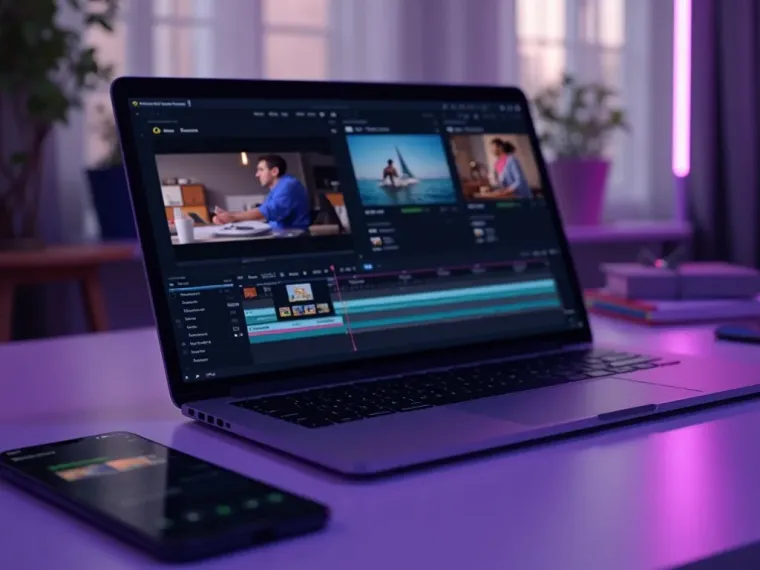
Each utility here is a doorway into the full Vivideo studio — create, edit and localize video in the same place.

Related Searches: AI Video for YouTube
Try the Top YouTube AI Video Generator
Watch a prompt become a channel-ready video and Shorts — then make yours on Vivideo.