Need to email a clip under 25 MB, or fit a video on a drive? File size comes down to bitrate × duration. This free video size calculator estimates the final size from your bitrate and length, or tells you the bitrate to hit a target size — no guesswork before you export.
Estimated file size at 10 Mbps for 1m 0s
How it works
Enter your values
See the result update instantly
Use it to plan or resize your video
Frequently asked questions
How is video file size calculated?
Roughly: file size ≈ bitrate × duration. A higher bitrate or a longer video means a larger file. This tool does the conversion between megabits and megabytes for you.
What bitrate should I use?
For 1080p, 8–12 Mbps looks great; for 720p, 5–7.5 Mbps; for 4K, 35–45 Mbps. Lower it to shrink the file, raise it for more quality.
How do I make my video smaller?
Lower the bitrate or resolution, or shorten the clip. To compress without the math, use our free Video Compressor.
Is this tool free?
Yes — it is 100% free, runs in your browser, and needs no account.
A Free Video File Size Calculator
This is how to estimate a video's file size before you export: enter the duration, resolution and bitrate, and the calculator gives you the size. It works right in your browser — free, with no watermark on the estimate.
Plan around upload limits — Discord's 25 MB, an email attachment, a web page's budget — by knowing how big a clip will be before you render it.
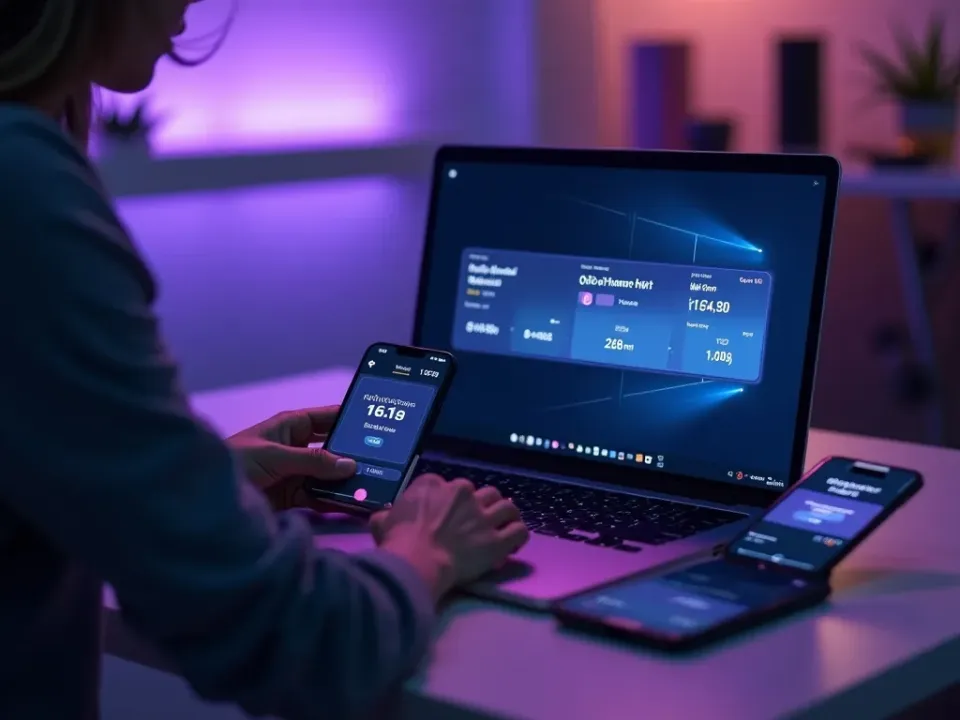
Estimate Size Before You Export
Guessing at bitrate and hoping the file fits wastes renders. This calculator turns duration, resolution and bitrate into an accurate file-size estimate, so you dial in settings that clear the limit the first time.
Enter the settings, read the size.
Duration × resolution × bitrate
Accurate MB estimate
Plan for any upload limit
Hit Discord, Email and Web Limits
Different platforms cap uploads differently. Use the calculator to find the bitrate that keeps a clip under Discord's 25 MB, small enough to email, or light enough for a fast-loading page.
Know the limit, hit the size.
Free and Instant
No download, no sign-up — the size calculator works instantly in the browser on any device.
Just enter and read the estimate.
Everything the Size Calculator Does

Who Uses the Size Calculator?
Anyone planning an upload:


Calculate, Then Make Your Video
Vivideo is more than a calculator — generate, edit and compress video, all in one place.


Rated by Real Users Across Platforms
4.7 ★
Trustpilot
4.5 ★
G2
5.0 ★
Capterra
4.5 ★
App Store
Based on 1624 combined reviews across Trustpilot, G2, Capterra and the App Store
What Creators Say About Vivideo
“I went from idea to a published video in under ten minutes. The avatars look unbelievably real.”
illustrative
Explore More Free Video Tools



See Vivideo in Action
Watch a video render at the right size — then make yours free on Vivideo.
Make and Size a Video
Generate a video and estimate its size before you export — free on Vivideo.