
Here's how to make a LinkedIn video without a camera or editing software: describe the idea, paste a post or article, or upload slides, and Vivideo's AI LinkedIn video maker builds a captioned, professional clip — then lets you edit it in the same place. It works as both a LinkedIn video maker (generate from a prompt) and editor (trim, caption, brand, resize), online and free to start. Video earns far more reach and dwell time than text or images in the LinkedIn feed, so the professionals and brands that stand out are the ones posting video consistently — and generation makes that cadence realistic, across 30+ models, in minutes.
Why a LinkedIn video maker pays off
Six kinds of LinkedIn video you can make
The formats professionals actually stop for — each one a one-click preset in Vivideo.
Talking-head thought leadership
You (or your cloned avatar) sharing one sharp insight to camera. The single best-performing style on LinkedIn — a 60-second take beats a carousel of stock photos.
Document-to-video
Turn a slide deck, report or carousel into a narrated, captioned video — the native-document idea LinkedIn rewards, now in motion for the feed.
Founder / exec update
A personable, direct-to-camera note from the leader — product news, a hot take, a lesson learned. Builds the personal trust that turns followers into pipeline.
Case study & proof
A tight before-and-after on a customer win or a result. The credibility content B2B buyers screenshot and forward to the rest of their committee.
Hiring & employer brand
Team intros, a day-in-the-life, culture clips for your Company Page and recruiters — the human side candidates check before they apply.
Webinar & podcast cutdown
Slice a long recording into captioned, hook-first highlight clips that keep your best moments circulating long after the live session ends.
How to make a LinkedIn video with Vivideo
Bring your point of view
Drop in a few talking points, paste a post draft, or upload a slide deck. No footage and no studio required.
Pick a style & voice
Choose a talking-head, document-to-video or update cut, add a narrator or your own cloned voice, and apply your brand kit.
Vivideo edits it
Scenes, motion, burned-in captions, music and pacing are assembled automatically across 30+ models.
Post natively
Export 4:5 or 1:1 for the LinkedIn feed and 16:9 or 9:16 for YouTube, Reels and Shorts — all from one render.
Post it native — at the right spec
Vivideo renders each cut to the exact format the LinkedIn feed rewards.
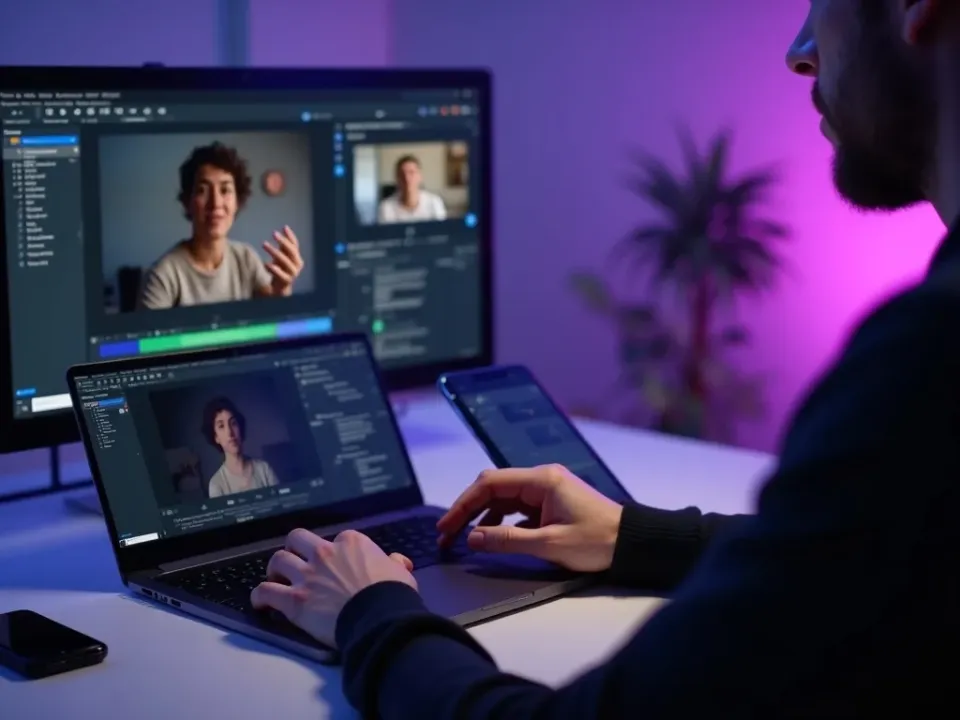
A LinkedIn Video Maker and Editor in One
Vivideo's AI LinkedIn video maker builds a captioned, professional clip — clear hook, subtitles for silent autoplay, clean framing — and the same screen lets you trim, brand and resize it. Make LinkedIn videos and finish them without exporting to another app.
Describe a point of view, generate it, brand it, and post — no camera, no studio.
Turn Posts and Articles Into Video
Paste a LinkedIn post, an article or a few slides and the maker turns the key points into a subtitled video — the answer to "how do I make a LinkedIn video from my writing." Add an AI avatar or your cloned voice for an on-camera feel.
Repurpose one article into a week of feed video that earns more reach than text.

Free, Online and On-Brand
Vivideo is a free LinkedIn video maker online — no app, no watermark. Apply your logo and brand colors, add royalty-clear music, and export clean square or vertical files ready for a professional feed.
Free daily LinkedIn video generations to start; upgrade for clean, watermark-free exports.
Everything the LinkedIn Video Maker Includes
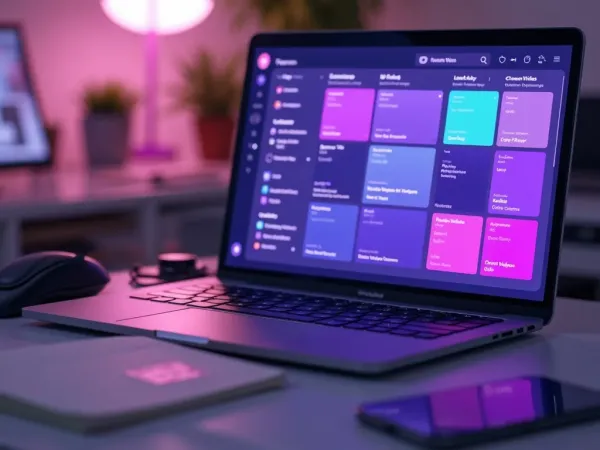
One place to make LinkedIn videos, brand them and get them on-spec for a silent-autoplay feed.
Who Uses the LinkedIn Video Maker?
Anyone building authority or pipeline on LinkedIn:
One Free Studio Behind Every Tool
Scriptwriter, camera crew, editor, voice actor, translator — this studio plays every role for the price of none of them.
More Ways to Make Professional Video







See the LinkedIn Video Maker in Action
Watch a prompt become a captioned, on-brand LinkedIn video — then make your own free on Vivideo.
How to make LinkedIn videos, explained
On LinkedIn the barrier to video has always been the awkwardness of production — filming yourself, subtitling for a feed that autoplays on mute, and keeping it on-brand. So most people default to text posts and leave the reach that video earns on the table. An AI LinkedIn video maker removes the friction: describe a point of view, paste an article, or drop in slides, and you get a captioned, professional clip in minutes — no camera, no studio, no editing suite.
A good LinkedIn video editor matters as much as the maker, because the feed is unforgiving of anything that looks unpolished or off-brand. Vivideo keeps making and editing in one place: generate a subtitled draft, then trim it, add your logo and brand colors, resize between square and vertical, and export watermark-free. Whether it's a thought-leadership take, a company update or a product explainer, the finished video reads as credible in a professional feed.
What performs on LinkedIn is specific: subtitles by default (most of the feed plays silent), a clear hook in the first few seconds, and substance over hype. Talking-head insights, how-tos, customer stories and short explainers consistently beat glossy ads. Because LinkedIn rewards dwell time and meaningful engagement, a maker earns its keep by letting you ship a steady stream of on-topic videos instead of one polished piece a quarter.
Put together, it's a way to treat LinkedIn video as the reach and trust engine it has become for B2B, personal brands and recruiters. Video posts drive outsized comments and shares, surface to second-degree connections, and build authority over time. Not one produced video a quarter, but a consistent cadence of captioned, on-brand, substantive clips — that steadiness is what compounds reach and pipeline on LinkedIn.
LinkedIn video FAQ
How do I make a LinkedIn video without filming?
Use the AI LinkedIn video maker: type an idea, paste a post or article, or upload slides, and Vivideo builds a captioned, professional video automatically — no camera or editing software. Add an AI avatar or your cloned voice for an on-camera presence.
Is the LinkedIn video maker free?
Yes — you can make LinkedIn videos free with daily generations, no credit card and no download. It's fully online — nothing to download. Paid plans add watermark-free LinkedIn video exports and more generations.
Can I edit and brand the video?
Yes — Vivideo is a LinkedIn video maker and editor in one: trim, re-caption, resize, and apply your logo and brand colors in the built-in editor, then export watermark-free without a second app.
What size should a LinkedIn video be?
Square (1:1, 1080×1080) and vertical (4:5 or 9:16) get the most feed real estate; 16:9 works for embeds. Up to 10 minutes is allowed, but 30–90 seconds performs best. Vivideo renders every ratio from one project.
Do LinkedIn videos need subtitles?
Yes — the LinkedIn feed autoplays on mute, so subtitles are essential. Vivideo burns in captions by default, and you can edit the wording and style in the editor.
Can I turn a blog post or article into a video?
Yes — paste the text and the maker turns the key points into a captioned LinkedIn video, a fast way to repurpose written content into feed video.
Can I put myself on camera?
Yes — record a talking-head, or use an AI avatar with your cloned voice for a consistent on-camera presence across every post without filming each time.
Does it work on desktop and mobile?
Yes — the LinkedIn video maker runs in any modern browser, so you can make and edit videos on a laptop or phone with nothing to install.

