How to Remove Audio
Upload your video file (up to 200MB)
Click Remove Audio — processing is nearly instant
Download your silent video
Popular Use Cases
Frequently asked questions
Can I extract the audio separately?
Currently, we only remove audio. For extraction, you'll need a dedicated audio extraction tool.
Will removing audio reduce file size?
Yes, removing audio typically reduces file size by 10-20% depending on the original audio quality.
Does removing audio affect video quality?
Not at all. The video stream is copied exactly as it is — only the audio track is removed. There is no loss of quality.
What formats are supported?
All common video formats are supported: MP4, MOV, AVI, MKV, WebM. The output is MP4 with the audio track removed.
Why would I want to remove audio?
Common reasons include: removing background noise, preparing videos for AI voiceovers, creating silent social media posts, removing copyrighted music, or privacy (removing conversations).
How fast is audio removal?
Very fast — since we only remove the audio track without re-encoding the video, most files are processed in seconds.
Remove Audio from a Video, Free and Online
This is how to remove audio from a video without software: upload a clip, and download a silent version with the sound stripped out. The tool runs in your browser, free, with no watermark.
Whether it's background noise, copyrighted music, or a conversation you don't want in the clip, muting the video removes the audio track completely — leaving clean footage you can post or re-score.
Strip the Sound From Any Clip
Sometimes the video is fine but the audio isn't — wind noise, a copyright-flagged song, or people talking in the background. This free tool removes the audio track entirely, so you're left with clean, silent footage.
Upload, mute, and download the silent video.
Removes the audio track completely
No wind, chatter or flagged music
Clean footage to re-score or post silent
Avoid Copyright Strikes
Music in a background can get a video muted or taken down on YouTube, Instagram and TikTok. Remove the audio first, then add a licensed track — or post it silent with captions — to keep your upload safe.
Silence now, re-score later.

Free, Online, No Watermark
Mute a video online free — no watermark, no sign-up, no download. It runs on any device, so you can remove audio on a phone or a laptop the same way, privately.
Your clip stays on your device; muting happens locally.
Everything the Audio Remover Does
Who Removes Audio From Video?
Anyone who needs the picture, not the sound:




Mute, Then Do More With Your Video
Vivideo is more than a muter — generate a video, edit it, and add licensed audio, all in one place.

Rated by Real Users Across Platforms
4.7 ★
Trustpilot
4.5 ★
G2
5.0 ★
Capterra
4.5 ★
App Store
Based on 1624 combined reviews across Trustpilot, G2, Capterra and the App Store
What Creators Say About Vivideo
“I went from idea to a published video in under ten minutes. The avatars look unbelievably real.”
illustrative
Explore More Free Video Tools






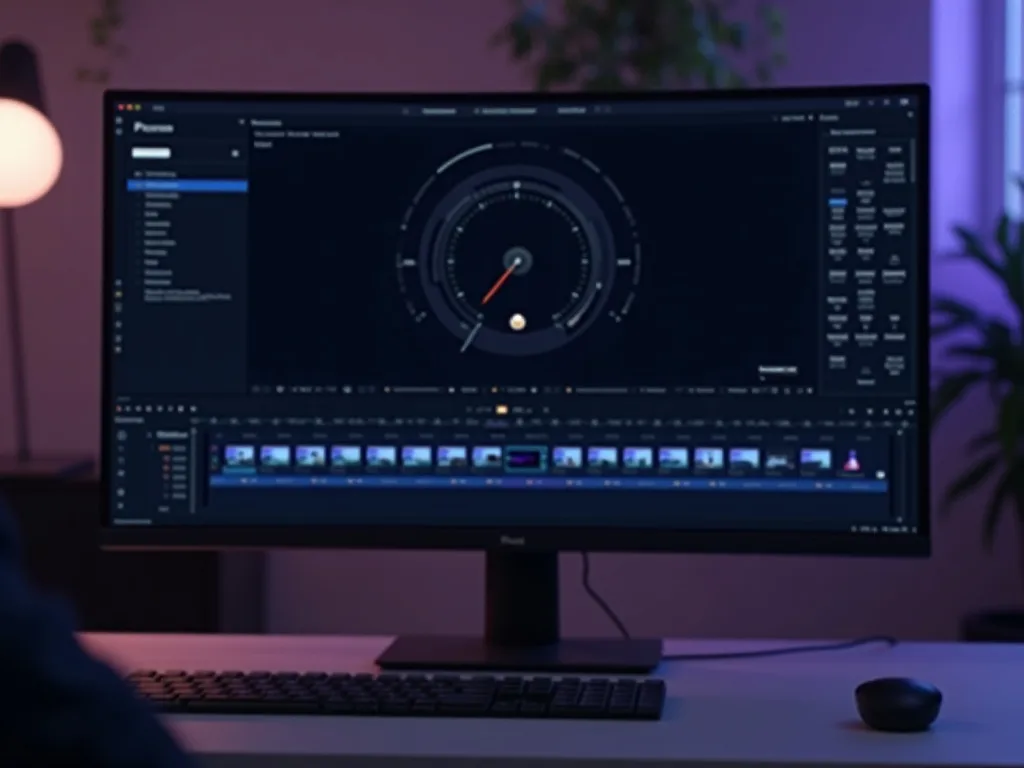
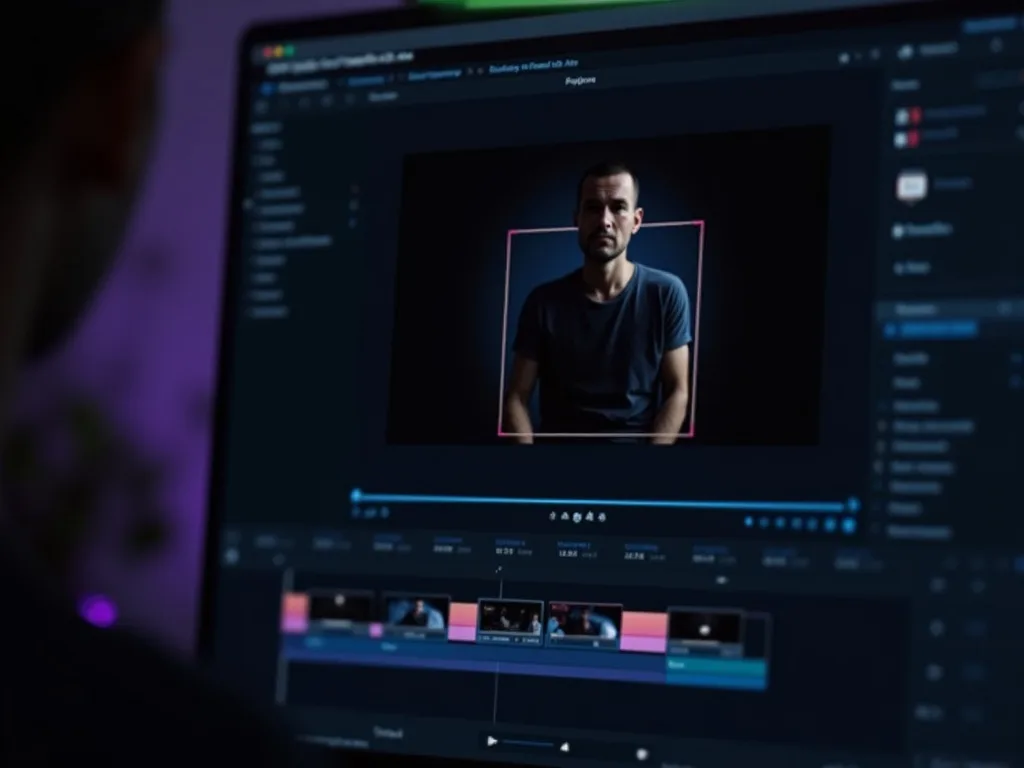
See the Audio Remover in Action
Watch a clip's sound get stripped clean — then mute your own free on Vivideo.
Remove Audio Free
Strip the sound from your video — online, in your browser, with no watermark.
Want AI to Create Videos For You?
Create videos with professional AI voiceover instead of silent clips.