
This is how to make a TikTok video without filming, editing software or a watermark: describe the idea, paste a product link, or upload a few photos, and Vivideo's AI TikTok video generator builds a vertical, captioned, sound-ready clip for you — then lets you edit it in the same place. It works as both a TikTok video maker (generate from a prompt) and a TikTok video editor (trim, caption, add music, resize), online and free to start. Because TikTok ranks on watch time and rewards consistent posting, the creators who win are the ones who can make TikTok videos often — and generation is what makes that cadence possible, across 30+ video models, in minutes instead of days.
Why an AI TikTok video maker wins
Six kinds of TikTok video you can make
The native formats the For You page rewards — each one a one-click starting point in the AI TikTok video maker.
UGC-style talking head
A creator-style TikTok that reads like a friend's recommendation, not an ad. UGC feels ~2.4× more authentic and out-converts polished brand video — the format to make first.
Hook-first viral clip
How to make a TikTok video go viral starts with the first 3 seconds: a pattern-interrupt on a trending sound so the algorithm pushes it further. Generate five hooks, post the strongest.
Photo slideshow TikTok
Make a TikTok video with your photos — the maker turns a handful of images into a captioned, music-synced slideshow, one of the most-shared formats on the app.
Storytime / POV
A narrated story or point-of-view that hooks on a curiosity gap and holds viewers to the payoff — pure watch-time fuel, and easy to make longer without losing the thread.
How-to & tips
A teach-something TikTok with on-screen steps. Keyword-rich captions make it surface in TikTok search for weeks — SEO that keeps working after launch day.
Product demo & before/after
Show the product doing the thing, or the transformation in one cut. Add music, trim to the beat, and export — the maker and editor in the same flow.
How to make a TikTok video with Vivideo
Describe it or drop assets
Type your idea, paste a product link, or upload photos or clips. No camera, no app, no editing software — it runs in your browser.
Generate the TikTok
The AI TikTok video maker builds a 9:16 clip with a 3-second hook, burned-in captions, motion and pacing across 30+ models. Add an AI avatar or your cloned voice.
Edit and add music
Trim, reorder, caption, resize and add royalty-clear music in the built-in TikTok video editor — make it shorter or longer, then preview.
Export with no watermark
Download the finished 9:16 TikTok watermark-free — plus the same render in every ratio for Reels, Shorts and your feed.
The TikTok spec sheet, built in
The AI TikTok video generator renders each clip to the exact format the platform and its algorithm reward.
A TikTok Video Maker and Editor in One
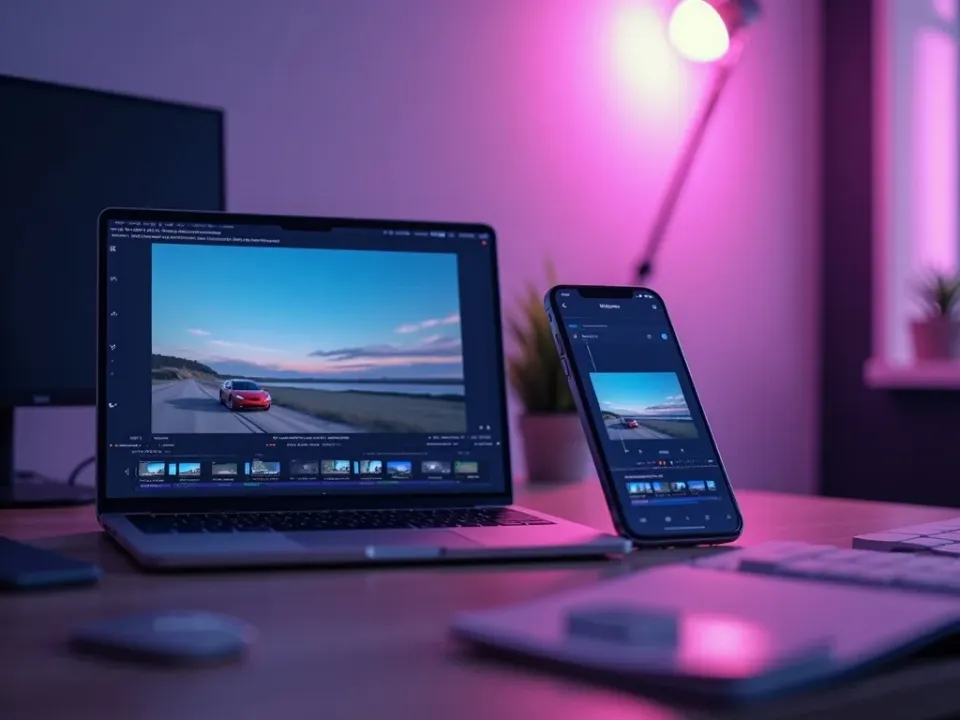
Most tools split generating and editing across two apps. Vivideo's AI TikTok video maker builds a native 9:16 clip — 3-second hook, burned-in captions, trending-style pacing — and the same screen lets you trim, re-caption, resize and add music. Make TikTok videos and finish them without exporting anywhere else.
Describe the idea, generate five takes, edit the strongest, and post — volume is the strategy, and generation makes volume free.
Make a TikTok Video From a Prompt, Link or Photos
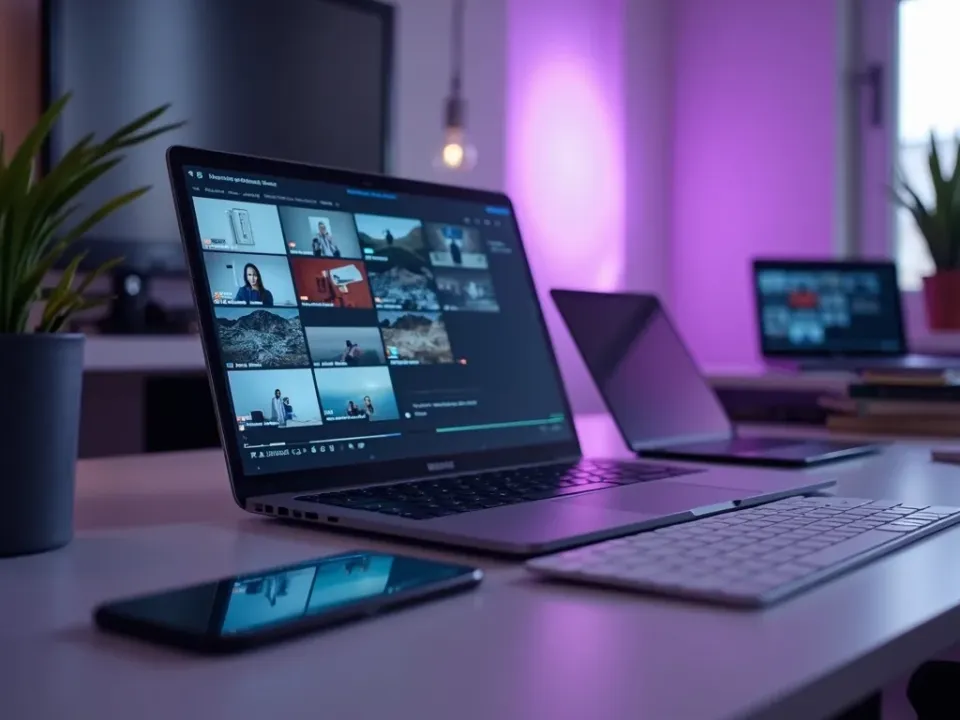
Type how to make a TikTok video in plain words, paste a product link, or upload a handful of photos for a slideshow TikTok. The maker handles vertical framing, captions, motion and a strong hook automatically — the answer to "how do I make a TikTok video without filming."
It works from nothing but an idea, so you're never staring at an empty timeline.
No App, No Watermark, Free to Try
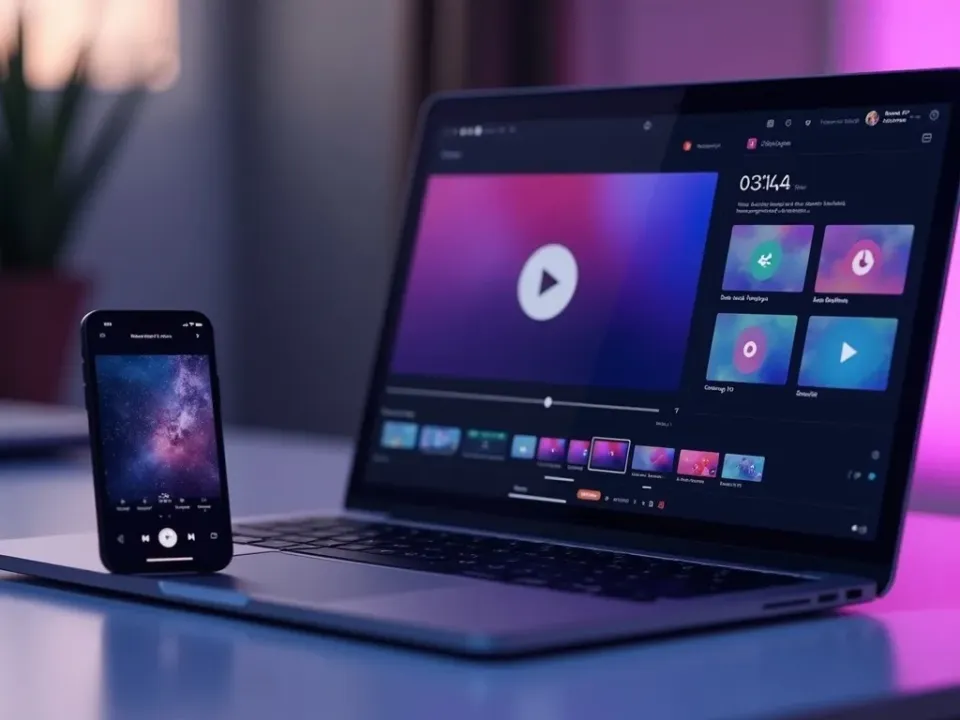
Vivideo is a free TikTok video maker online — no app to install, no watermark on the export. Make TikTok videos with music from a royalty-clear library, add your cloned voice, and download clean 9:16 files ready for the For You page.
Try it free with daily TikTok generations; go paid for watermark-free exports.
Everything the TikTok Video Maker Includes
One place to make TikTok videos, edit them and get them on-spec for the For You page.
Who Uses the TikTok Video Maker?
Anyone who needs to make TikTok videos on a schedule:

One Free Studio Behind Every Tool
The gap between phone-made and professionally-made video closes here.
Explore More Ways to Make Video



See the TikTok Video Maker in Action
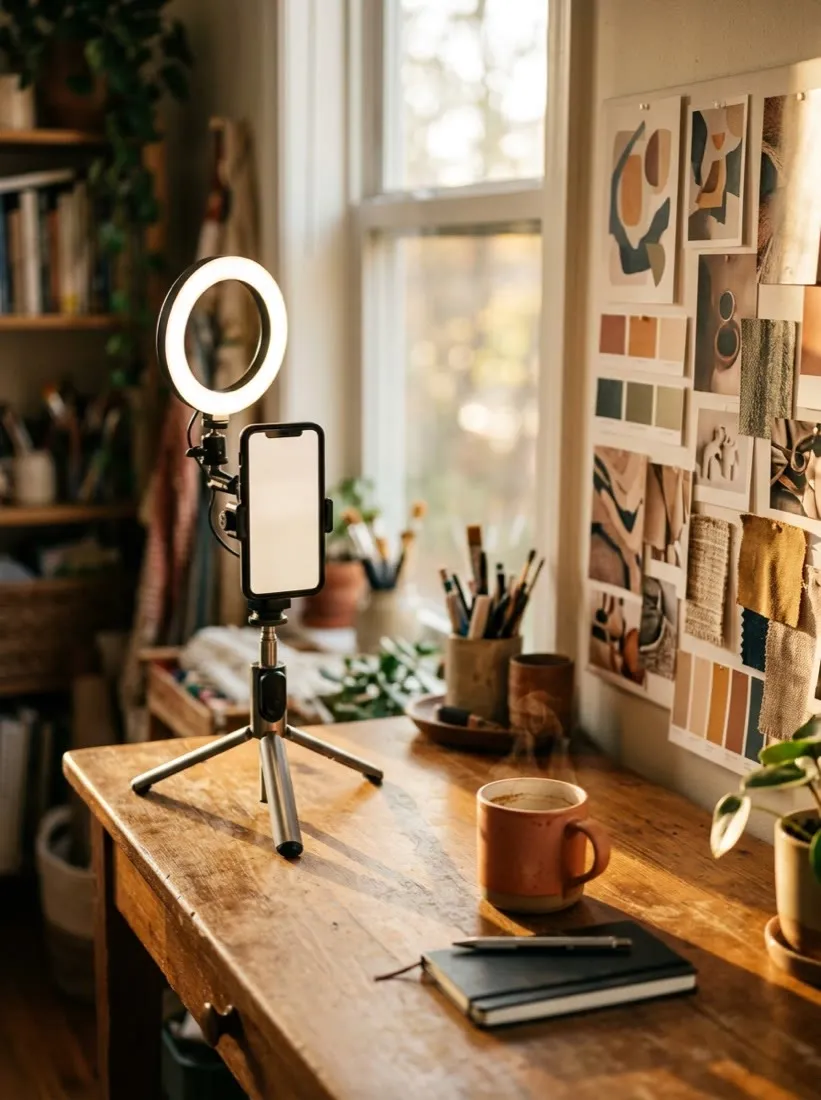
Watch a prompt become a hooked, captioned 9:16 TikTok — then make your own TikTok video free on Vivideo.
How to make TikTok videos, explained
For most of TikTok's life the barrier wasn't ideas — it was production. Filming, framing vertical, cutting to the beat, burning in captions and clearing sound took hours, so people posted in bursts then went quiet, and the algorithm punishes exactly that. An AI TikTok video maker flips the economics: the same idea that used to cost an afternoon becomes a finished, captioned, vertical TikTok in minutes. That's why "how to make a TikTok video" increasingly ends at a generator — you describe it, it builds it, and you edit the result instead of starting from a blank timeline.
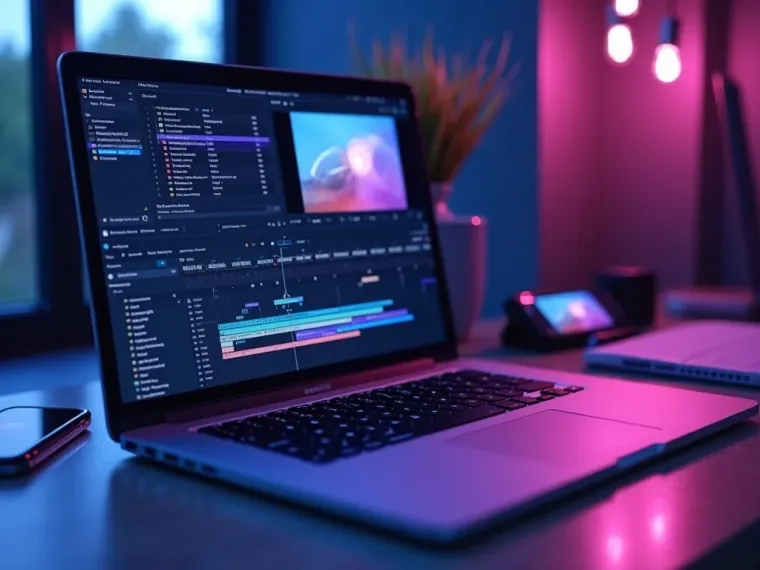
A good TikTok video editor matters as much as the maker. Once the clip is generated you'll want to trim it, reorder shots, make it shorter or longer, swap the hook, add captions and drop in music — all without exporting to another app. Vivideo keeps making and editing in one place: generate a 9:16 draft, then cut it to the beat, resize it for Reels and Shorts, and export watermark-free. Whether you start from a prompt, a product link or a photo slideshow, the finished video lands on the For You page looking native, not like an ad that wandered in.
What performs on TikTok is specific, and it isn't polish. UGC-style talking heads, hook-first trend clips, before-and-afters, storytimes and how-tos consistently beat glossy scripted ads. The craft is in the first three seconds — a pattern interrupt and a caption that gives a reason to keep watching. Making a TikTok video go viral is really about testing hooks at volume, which is where a maker earns its keep: generate five openings for one idea, post the strongest, and let watch time do the rest.
Sound and disclosure are where brands quietly trip up. Business accounts can't pull from the full personal music library; commercial use requires the Commercial Music Library, and an unlicensed track can get a video muted or removed. TikTok also expects creators to label AI-generated content — and a properly disclosed AI label won't cost reach. Vivideo is built for this reality: original, royalty-clear audio you can post commercially, and drafts you fully control. Treat TikTok as the discovery engine it has become — where nearly 40% of Gen Z search before they Google — and a steady stream of hooked, captioned, search-optimized clips beats one viral fluke a quarter.
How to make a TikTok video — FAQ
How do I make a TikTok video without filming?
Use the AI TikTok video maker: type an idea, paste a product link, or upload a few photos, and Vivideo builds a vertical, captioned, sound-ready TikTok automatically — no camera, no app, no editing software. If you do have footage, drop it in and it'll cut it together.
Is the TikTok video maker free?
Yes — you can make TikTok videos free with daily generations, no credit card and no download. It works online in any modern browser. An affordable upgrade removes the watermark and raises your TikTok limits.
Can I edit the TikTok after it's generated?
Yes. Vivideo is a TikTok video maker and editor in one: trim, reorder, re-caption, resize, swap the hook and add music in the built-in editor, then export — no second app needed.
How do I make a TikTok video with music?
Add a track in the editor from Vivideo's royalty-clear library and trim your clip to the beat. Because the audio is original or licensed for commercial use, Business accounts won't get muted the way an unlicensed song would.
Can I make a TikTok video with my photos?
Yes — upload a handful of images and the maker turns them into a photo-slideshow TikTok with captions, motion and music synced to the beat, exported at 9:16.
How do I make a TikTok video go viral?
There's no guarantee, but the pattern is consistent: nail the first 3 seconds with a pattern-interrupt hook, ride a trending format, and post often. Make several openings per idea, test them, and post the winner.
What size and format does TikTok need?
1080×1920 pixels, 9:16 vertical, exported as MP4 (H.264) at 30fps. Vivideo renders to that spec by default and also gives you every other aspect ratio for Reels, Shorts and your feed from one project.
Can I make TikTok videos longer?
Yes — TikTok supports up to 10 minutes, and Vivideo can chain scenes into longer how-tos and storytimes. Most organic clips still perform best at 15–60 seconds, so keep it as long as it stays interesting.
Do I have to label AI-generated TikToks?
Yes — TikTok asks you to disclose content that's AI-generated or substantially AI-edited. A properly disclosed AI label won't get your video demoted. Every Vivideo draft is yours to review, so you can flip the right toggles before posting.
Does it work on my phone and PC?
Yes — the TikTok video maker runs in any modern browser, so you can make and edit TikToks on a phone, Mac or PC with nothing to install.