How to Create a GIF
Upload any video file (MP4, MOV, AVI, etc.)
Set the start time, duration, and width
Click Create GIF — processing takes seconds
Download your animated GIF
Popular Use Cases
Frequently asked questions
What's the maximum GIF length?
You can create GIFs up to 30 seconds long. For best results, we recommend 5-10 seconds.
Can I adjust GIF quality?
Yes! You can adjust the width, frame rate, and duration to control file size and quality.
What video formats work?
All major video formats are supported including MP4, WebM, MOV, and AVI.
How do I make a GIF smaller?
Reduce the width (320-480px is usually sufficient for the web), shorten the duration, or select a segment with less motion. GIFs are inherently large — keep them under 10 seconds.
Can I use GIFs on social media?
Yes. GIFs work on Twitter/X, Slack, Discord, Reddit, and most messaging apps. For Instagram and TikTok, use short video formats instead.
What frame rate does the GIF use?
GIFs are generated at 10 frames per second, allowing for smooth animation while keeping the file size manageable.
A Free GIF Maker for Turning Video Into GIFs
This is how to make a GIF from a video without an app: upload a clip, trim it to the moment you want, and download a smooth animated GIF. The GIF maker runs in your browser, free, with no watermark.
Set the start and end, the size and the frame rate, and you get a shareable GIF for chats, Slack, Discord or a blog — made from your own video in seconds, privately on your device.
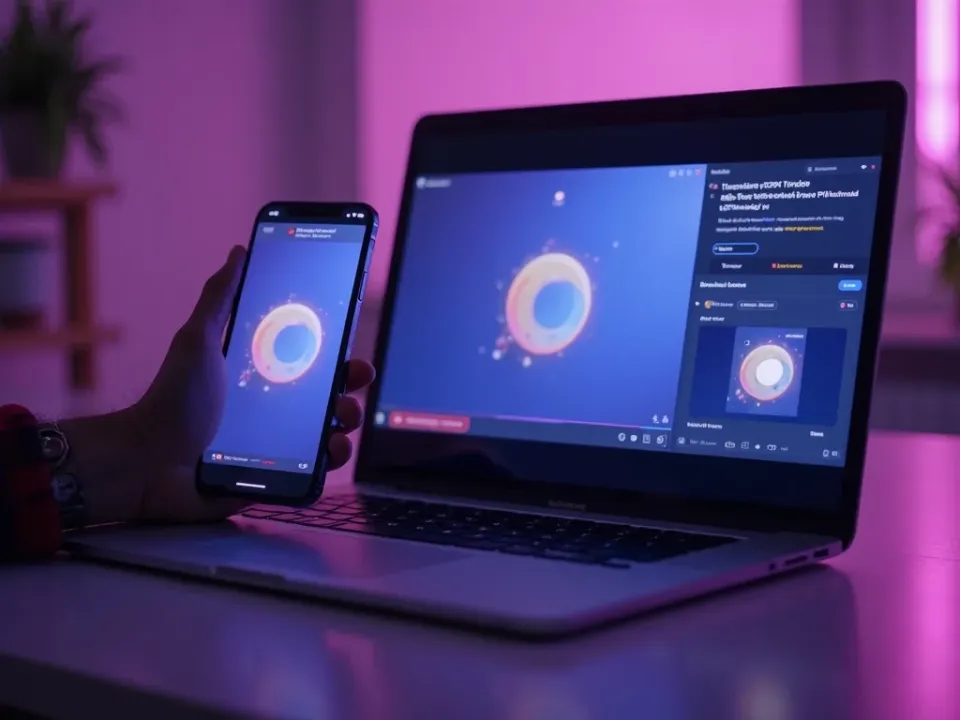
Turn Any Video Into a GIF
The most common way to make a GIF is from a video you already have. Upload an MP4, MOV or WebM, pick the moment, and the GIF maker loops it into a crisp animated GIF — no screen recording or third-party app.
Trim to the exact reaction, then export.
From MP4, MOV or WebM
Trim to the perfect moment
Smooth, high-quality loop
Control Size, Speed and Quality
A good GIF balances quality and file size. Set the dimensions, the frame rate and the length to keep it sharp but small enough for a chat or a webpage — you're in control, not stuck with a preset.
Smaller for Discord and Slack, larger and smoother for a blog.
Free, Online, No Watermark
Make a GIF online free — no watermark stamped across it, no sign-up, no download. It runs on any device, so you can make a GIF on a phone or a laptop the same way.
Your clip stays on your device; the GIF is made locally.
Everything the Free GIF Maker Does
Who Uses the GIF Maker?
Anyone who reacts, explains or shares in GIFs:
Make a GIF, Then Do More With Video
Vivideo is more than a GIF maker — generate the source video, edit it, and translate it, all in one place.
Rated by Real Users Across Platforms
4.7 ★
Trustpilot
4.5 ★
G2
5.0 ★
Capterra
4.5 ★
App Store
Based on 1624 combined reviews across Trustpilot, G2, Capterra and the App Store
What Creators Say About Vivideo
“I went from idea to a published video in under ten minutes. The avatars look unbelievably real.”
illustrative
Explore More Free Video Tools
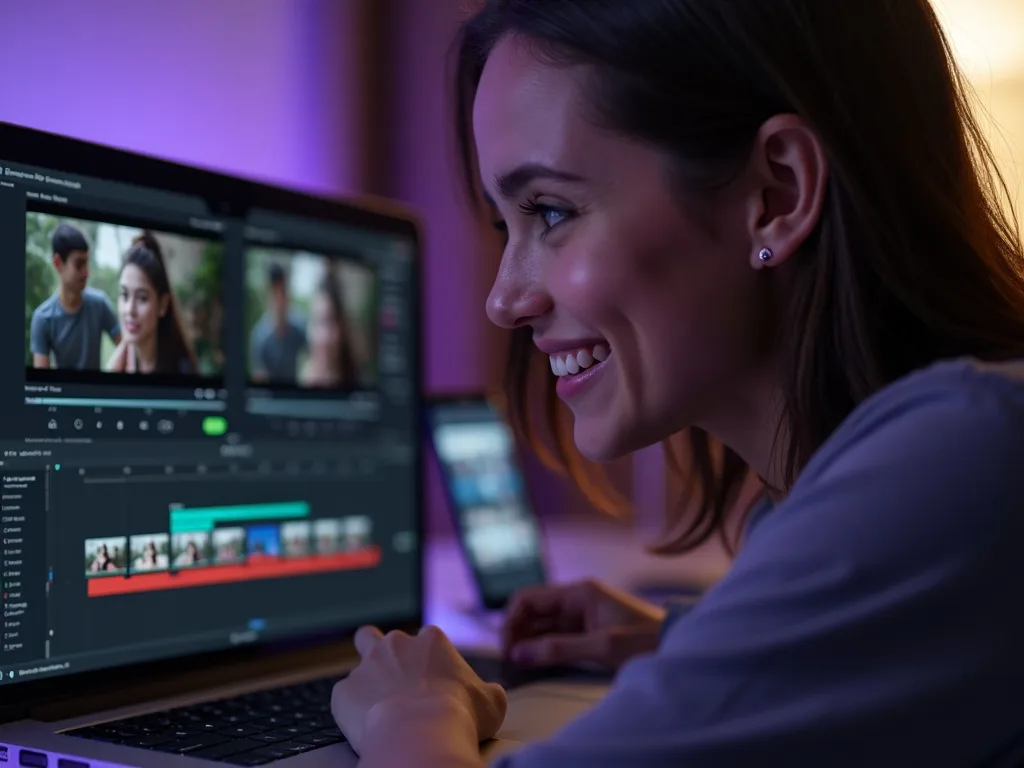
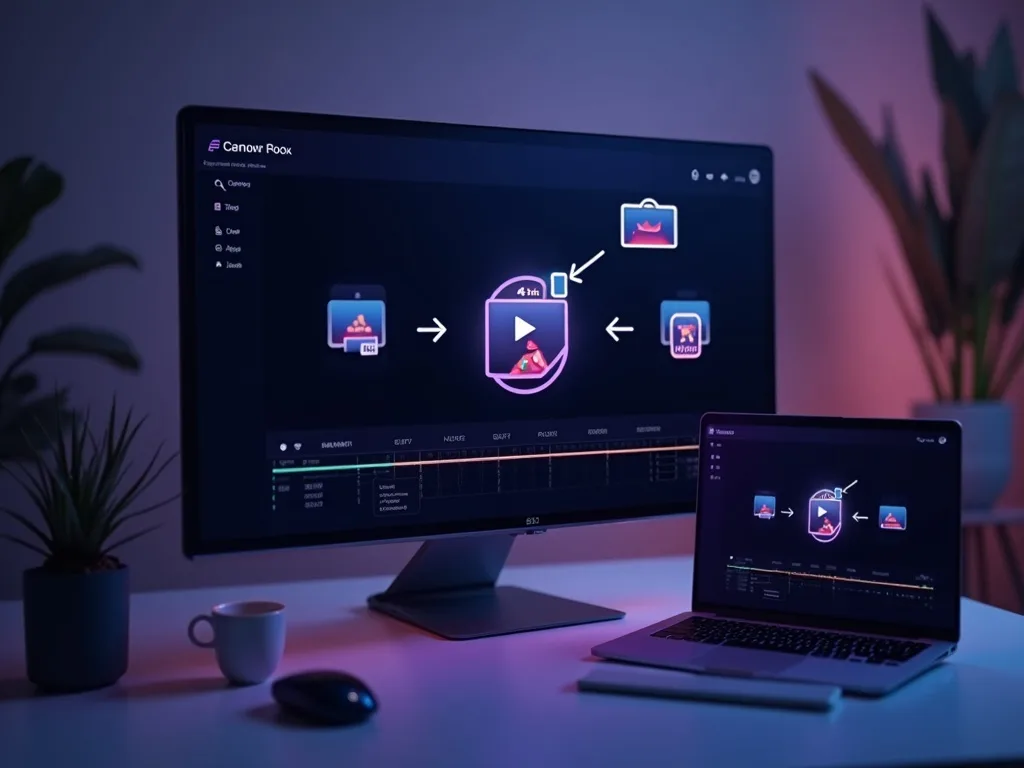
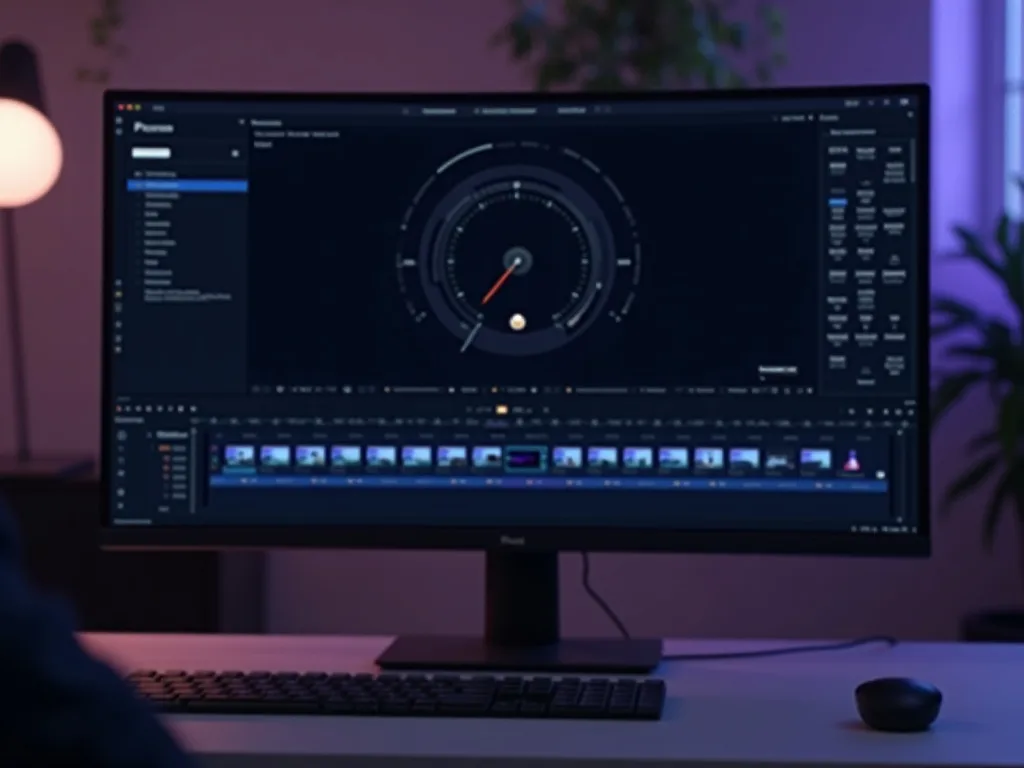
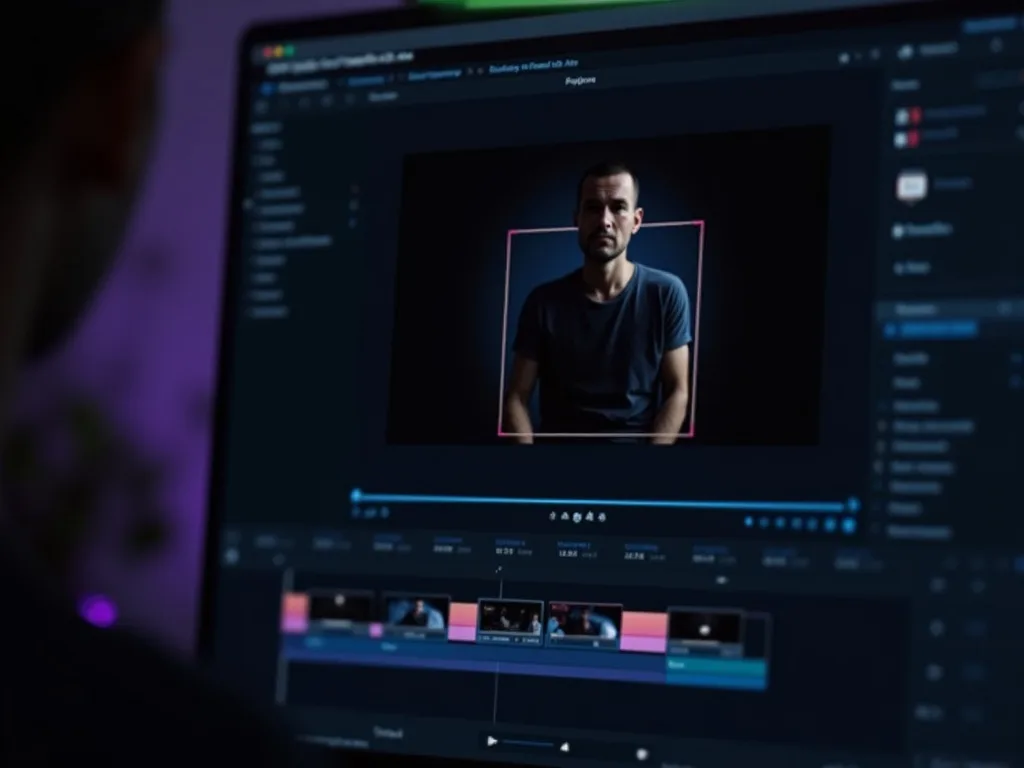
See the GIF Maker in Action
Watch a clip become a smooth animated GIF — then make your own free on Vivideo.
Make a GIF Free
Turn your video into a looping animated GIF — online, in your browser, with no watermark.
Want AI to Create Videos For You?
Go beyond GIFs. Create full animated videos with AI that capture attention.