

 GoogleFree
| Developer | Moonvalley |
| Origin | Canada |
| Released | Marey Realism 1.5 · 2025 |
| Native audio | Add voiceover |
| Max resolution | 1080p |
| Max clip length | Up to 10s |
| Availability | Proprietary |
| Available via | Web · API |
| Pricing from | $1.50 / 5s |
Use the Marey AI video generator when realism and commercial safety both matter: it's trained on fully licensed footage, so its output is built for professional, brand-safe production. Marey Realism excels at cinematic, photoreal shots.
Background. Marey Realism is developed by Moonvalley and trained exclusively on licensed footage, giving it clean provenance for commercial work. It's positioned as a film-grade, realism-first model. On Vivideo the Marey AI video generator runs online beside 30+ other models on one subscription.
Open Vivideo and start a new video.
Select Marey Realism as your model — or let the Video Agent pick it for you.
Describe your shot (or upload an image) and set duration and aspect ratio.
Generate with Marey Realism, then refine, add a voice or avatar, and export for any platform.
Vivideo puts Moonvalley's Marey Realism in your browser with no separate account. Generate Marey videos from text or image prompts with cinematic, photoreal realism — trained on licensed data for commercial safety — and export them watermark-free.
Marey sits beside 30+ other AI video models on Vivideo, so you can run a film-grade Marey hero shot, switch to Pika or PixVerse for fast social cuts, and stitch it into one edit — the cleanest way to use the Marey AI video generator online.
Marey Realism is the model to pick when commercial safety matters. Trained only on licensed footage, its output carries clean provenance — the answer for brands and studios wary of training-data questions.
On Vivideo you generate cinematic Marey shots online and export them watermark-free, ready for professional use.
Trained on fully licensed data
Cinematic, brand-safe provenance
Watermark-free Marey exports on Vivideo paid plans
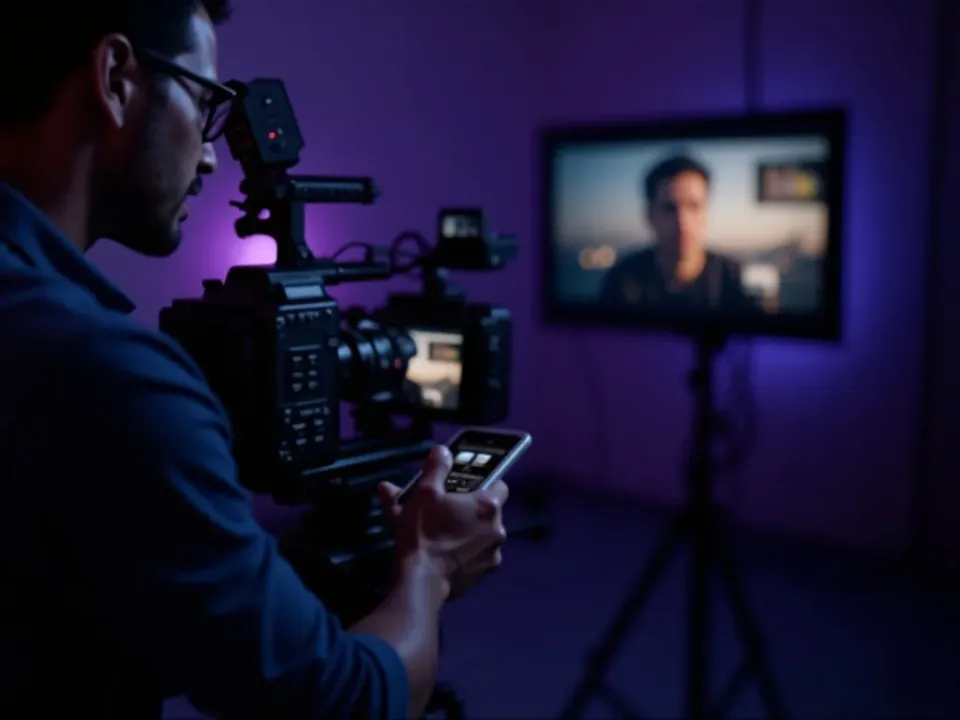
Marey rewards cinematography-led prompts. Describe the lens, lighting and camera move, and Marey Realism returns film-grade, photoreal footage that reads like a real shoot.
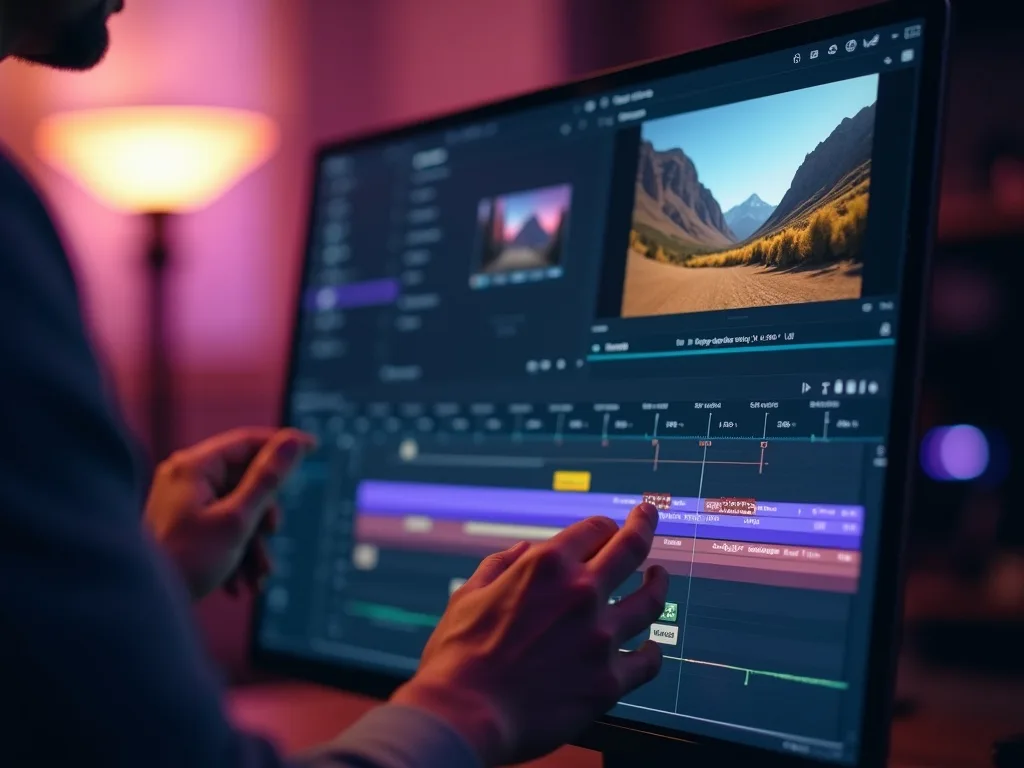
Reserve Marey for the hero shot, then finish with captions, voice and a soundtrack in Vivideo's editor.
Vivideo runs both Marey text-to-video and Marey image-to-video. Write a directorial prompt or upload a still, and Marey Realism returns cinematic, photoreal results.
Prompt like a filmmaker; name the shot, and the Marey AI video generator returns premium footage you can refine.
Marey text-to-video from a written prompt
Marey image-to-video from a single photo
Photoreal, cinematic output
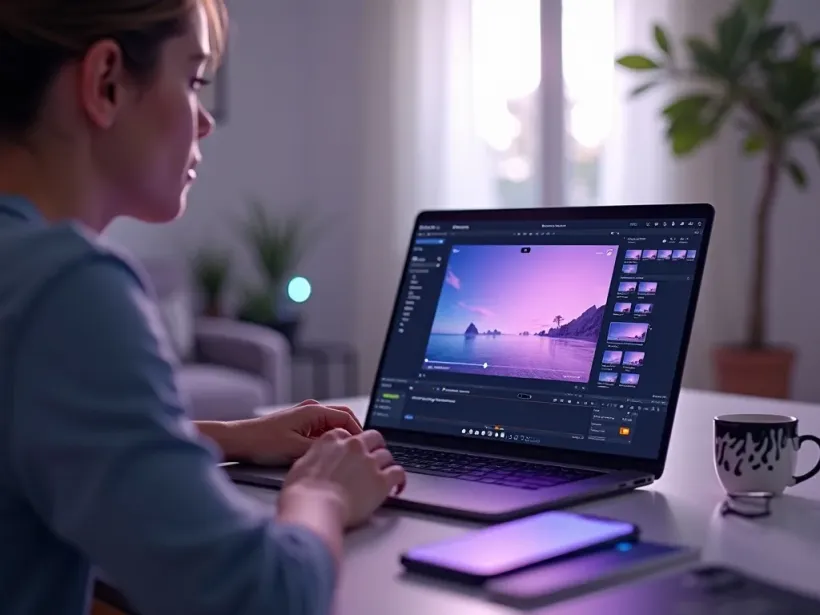
Marey is the pick whenever cinematic realism and commercial, brand-safe provenance both matter.
Vivideo is more than a Marey video generator — it's the whole workflow. Generate cinematic realism with Marey, edit the result, and localize it into 30 languages without leaving your browser.
Marey Realism is Moonvalley's video generation model, built for cinematic realism and — crucially — trained only on licensed data. As an AI video generator, Marey targets professionals who need photoreal results with clean provenance for commercial use.
On Vivideo you can use the Marey AI video generator online alongside 30+ AI video models on a single subscription. Run Marey text-to-video from a prompt or Marey image-to-video from a still, and switch models per shot.
Marey's licensed-data training is its differentiator: studios and brands searching for a commercially safe AI video model land on Marey. On Vivideo you get that cinematic Marey output online, watermark-free.
Marey rewards cinematography-led prompts. Describe the shot like a director — lens, lighting, camera move — and the Marey AI video generator returns film-grade, photoreal footage.
Marey has trade-offs: it's a premium, realism-first model rather than a fast or playful one. For quick social experiments, Vivideo lets you switch to Pika or PixVerse, then use Marey for the hero shot — in one edit up to 10 minutes.
Try the Marey AI video generator on Vivideo with free daily generations, no credit card. Watermark-free exports come with an affordable plan — cinematic, clean-data video without a studio budget.
Watch a prompt become a film-grade shot — then make your own Marey AI video free on Vivideo.
Use the Marey AI video generator online on Vivideo — cinematic, licensed-data realism, watermark-free exports. Enter a directorial prompt or drop an image to create.
Marey is trained only on fully licensed data, which gives its output clean provenance for commercial use — a real concern for brands and studios. It pairs that with cinematic, photoreal realism, and on Vivideo it sits beside 30+ other models.
Yes — that's its core strength. Because Marey Realism trains on licensed footage, it's positioned for professional, brand-safe production. On Vivideo you can generate Marey hero shots and finish them in the editor.
Yes — Marey image-to-video animates a still with photoreal detail. On Vivideo, pick Marey Realism, add your image, and generate; you can also run Marey text-to-video from a prompt.
Yes — try the Marey AI video generator free on Vivideo with daily generations, no credit card. Upgrade any time for watermark-free exports and extra generations.
Marey Realism is built by Moonvalley, a studio focused on film-grade, ethically-trained AI video. On Vivideo you use Marey online with no separate Moonvalley account.
Prompt like a director — name the lens, lighting, camera move and mood. Marey Realism rewards cinematography-led prompts with film-grade, photoreal results; refine any shot on Vivideo.
Both target realism: Sora 2 adds strong physics and native audio, while Marey's edge is licensed-data provenance for commercial safety. On Vivideo you can run one prompt through both and pick the better fit.
On Vivideo, Marey Realism is included in one subscription alongside 30+ models, so you don't pay per Marey clip — free to try, affordable to scale, with no studio budget required.
Native Marey clips are short. Vivideo chains multiple Marey Realism hero shots — and mixes in faster models for the rest — into finished videos up to 10 minutes.
Yes — Vivideo runs the Marey AI video generator in any modern browser, so you can use Marey Realism on a PC, Mac or phone with nothing to install.
Yes — Vivideo is a free Marey AI video generator online: pick Marey Realism, generate with daily free credits. Go paid for watermark-free saves.
Each model is one of 30+ in Vivideo — switch per shot to get exactly the look you want.
GoogleFree Google
 OpenAI
 OpenAI
 ByteDance
A full 30 seconds in one shot, with native audio.
 ByteDance
State-of-the-art motion, realism and native audio.
 Kling
Kling Kling
Kling