Trusted by individuals at










A brand kit stores your logo, colors and fonts so every video comes out consistent and on-brand. On Vivideo you paste your website URL and it builds your brand kit automatically — then applies it to every video you generate across 30+ models. No manual styling, no designer, no off-brand output. Free to build, watermark-free to export.
Every video comes out unmistakably yours
Once your brand kit is set, Vivideo applies it to everything it generates — your logo, your palette, your typography — placed consistently across every clip, avatar scene, and template. No manual restyling, no off-brand drift.
 Vivideo
How to build a brand kit
Paste your website URL
Vivideo scans your site and pulls your logo, color palette and fonts into a brand kit automatically.
Review your brand kit
Check and adjust the extracted logo, colors and fonts, or add them manually if you prefer.
It applies to every video
Every video you generate uses your brand kit — colors, logo and fonts baked in, automatically.
Export on-brand videos
Download consistent, on-brand videos watermark-free, ready for every channel.
What the brand kit does
Your brand, extracted once and applied to every video.
| Capability | What it does |
|---|---|
| URL to brand kit | Paste your website and Vivideo pulls your logo, colors and fonts automatically. |
| Applied to every video | Every generation uses your brand kit, so nothing comes out off-brand or generic. |
| Logo, colors & fonts | Store the full brand — mark, palette and typography — in one place. |
| Consistent across 30+ models | Whatever model you generate with, the output stays on-brand. |
| Free & watermark-free | Build a brand kit free; export on-brand videos watermark-free on a paid plan. |
How a video brand kit works, explained
Volume is only useful if it's on-brand. The moment a team makes lots of AI video, consistency becomes the problem — mismatched colors, a missing logo, the wrong font — and every off-brand clip chips away at the brand. A brand kit solves it by storing your logo, colors and fonts once and applying them to everything you generate.
Vivideo makes building one effortless: paste your website URL and it scans the site to pull your logo, palette and fonts into a brand kit automatically. What used to mean handing a designer your guidelines takes seconds, and the extracted kit is yours to review and adjust before it's used.
The payoff is automation. Once your brand kit is set, every video you generate — across 30+ models, in any format — comes out with your colors, logo and typography baked in. Nobody has to remember to style each clip, and nothing ships looking generic. For agencies, a brand kit per client keeps every account consistent at scale.
And it's free to build. Vivideo's brand kit generator runs in your browser, and on-brand videos export watermark-free on an affordable plan. Whether you're one founder protecting a young brand or a team producing video daily, the brand kit is what keeps volume and consistency from being a trade-off.
Brand kit — FAQ
What is a brand kit for video?
A brand kit stores your logo, colors and fonts so every video comes out on-brand. Vivideo builds yours from your website URL and applies it automatically to every video you generate.
How does the URL-to-brand-kit work?
Paste your website and Vivideo scans it to extract your logo, color palette and fonts, then assembles them into a brand kit you can review and use — no manual setup.
Is the brand kit free?
Yes — building a brand kit on Vivideo is free, and on-brand videos export watermark-free on an affordable plan.
Can I edit the extracted brand?
Yes — review and adjust the logo, colors and fonts Vivideo pulls, or add brand assets manually if you prefer.
Does it apply to every video automatically?
Yes — once your brand kit is set, every video you generate across 30+ models uses your colors, logo and fonts automatically.
Do I need a designer?
No — the brand kit keeps videos consistent without manual styling or a designer, so anyone on the team can make on-brand video.
Can agencies manage multiple brands?
Yes — store a brand kit per client so every account's videos stay on-brand, ideal for agencies running many brands.
Can I build a brand kit online, free?
Yes — the brand kit generator runs in your browser; paste a URL and build one free in seconds.
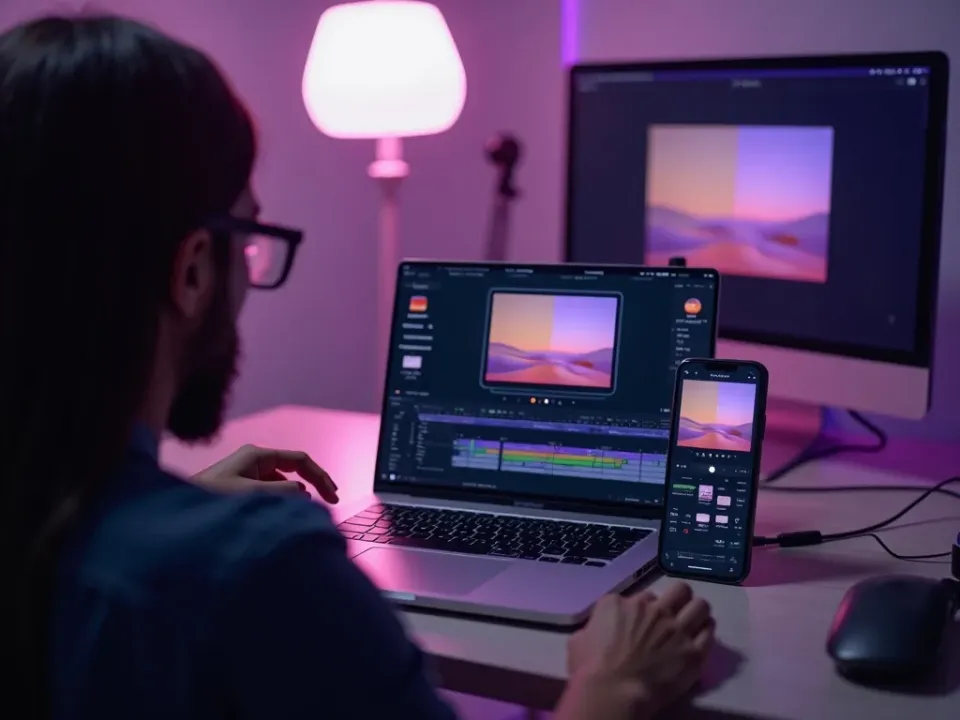
From Your URL to a Brand Kit
Paste your website and Vivideo pulls your logo, colors and fonts into a brand kit automatically — no handing a designer your guidelines. The answer to "how do I keep every video on-brand."
A brand kit built from your site in seconds, yours to review.
Applied to Every Video Automatically
Once your brand kit is set, every video you generate across 30+ models uses your colors, logo and fonts — nobody has to style each clip, and nothing ships off-brand.
Volume and consistency stop being a trade-off.
Free to Build, Watermark-Free to Export
Vivideo's brand kit generator is free — no app, no watermark on the export. Build a kit from a URL, apply it to every generation, and download consistent, on-brand files.
Start free; upgrade for watermark-free exports and higher limits.
Everything the Brand Kit Includes
One place to store your brand and apply it to every video, automatically.
Who Uses the Brand Kit?
Anyone protecting a brand across a lot of video:
One Free Studio Behind Every Tool
Each utility here is a doorway into the full Vivideo studio — create, edit and localize video in the same place.
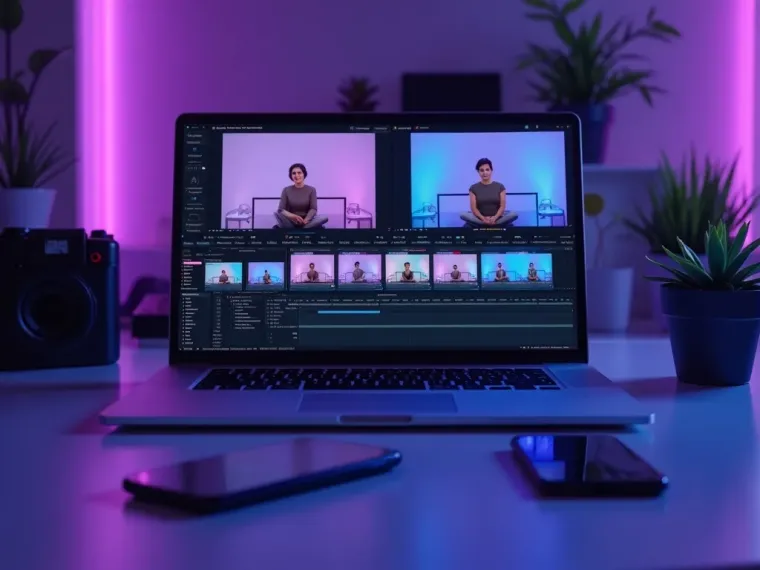
More AI Video Features to Explore
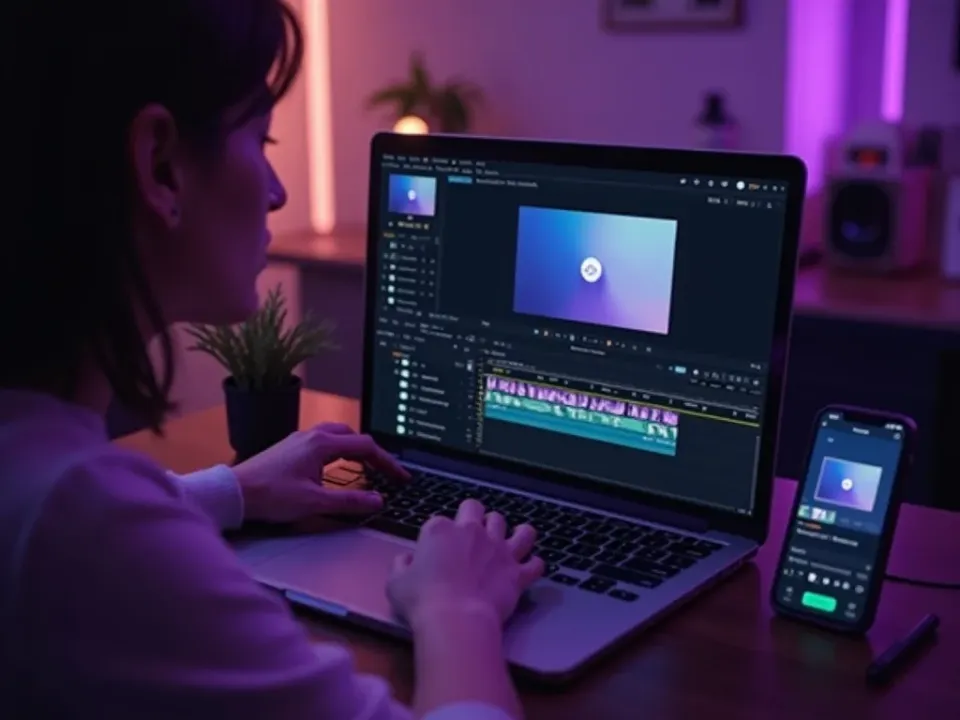
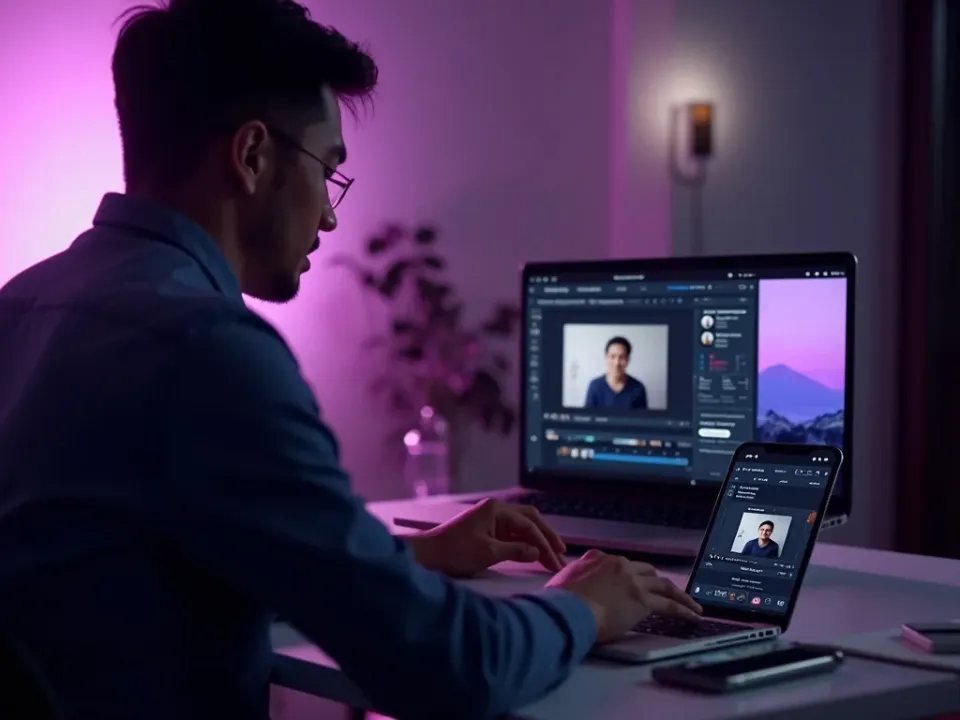
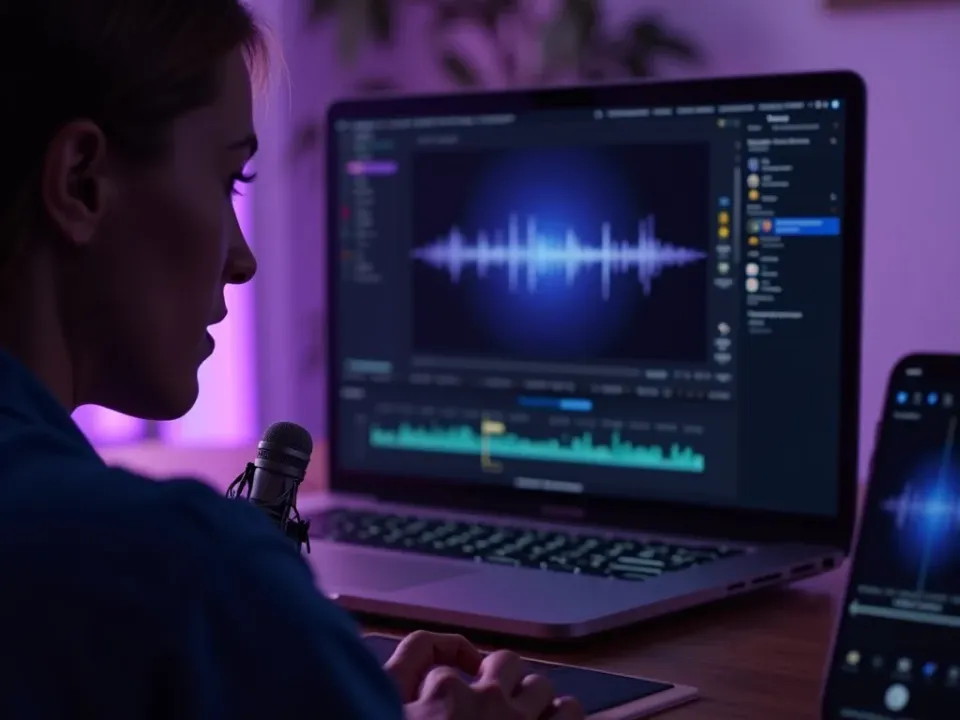
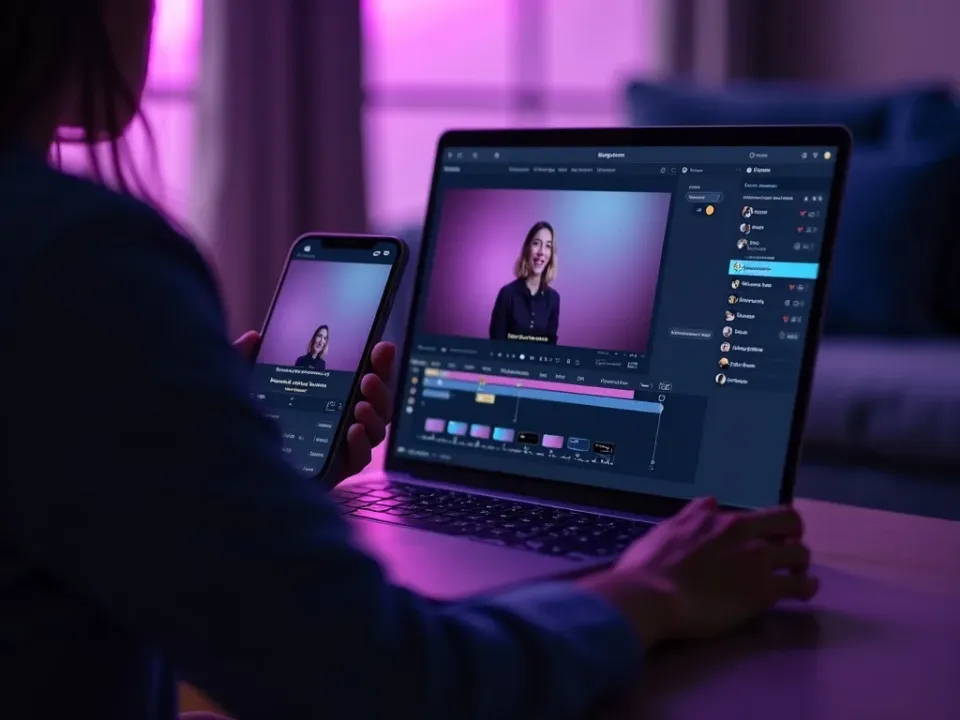
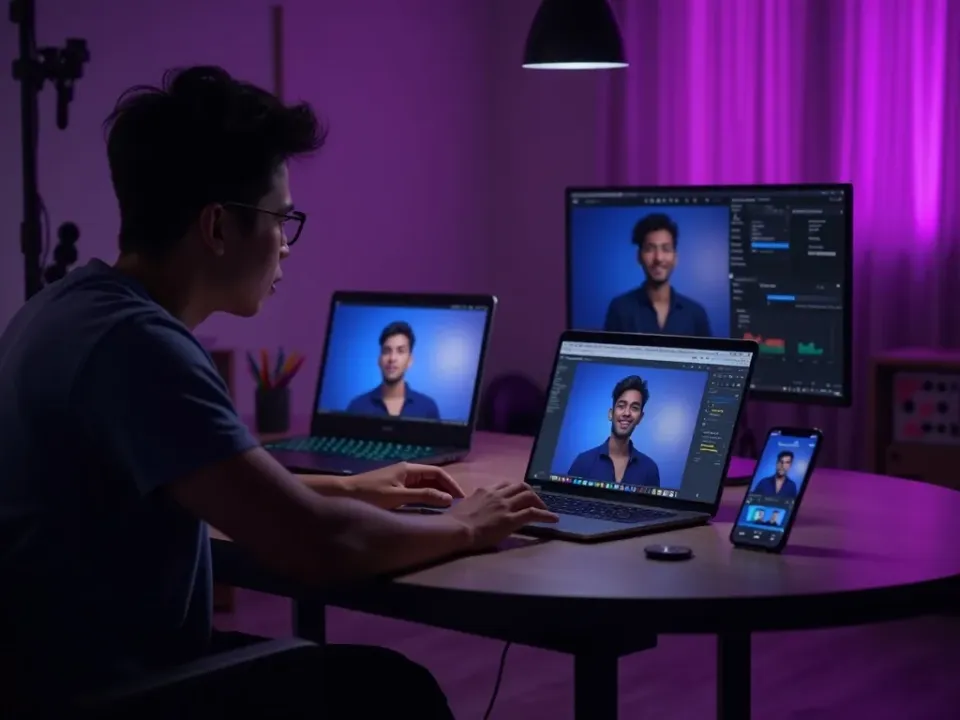
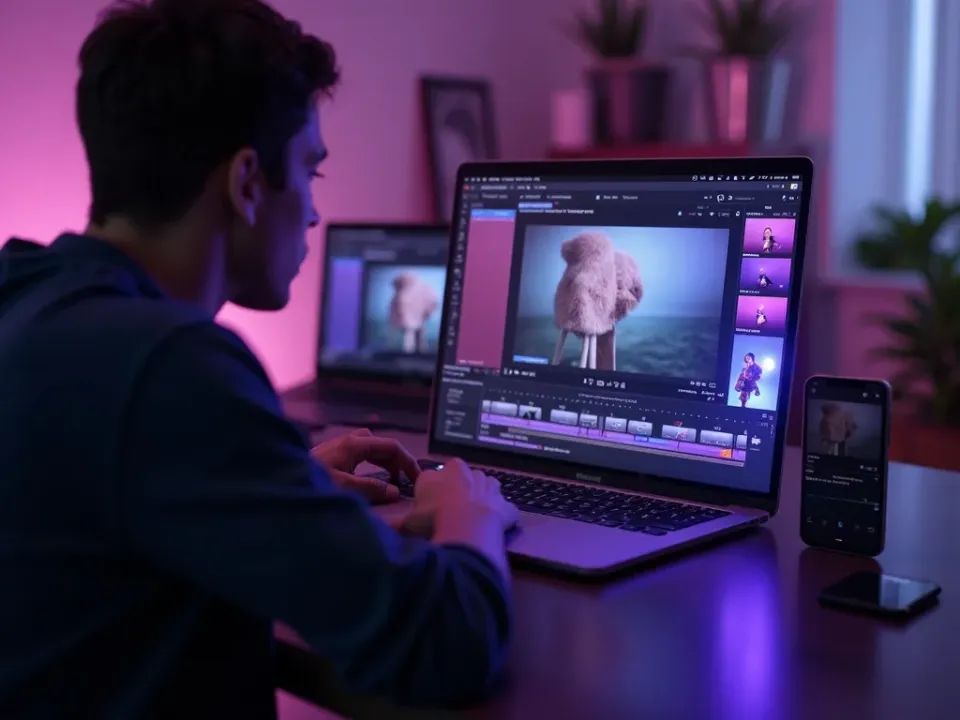
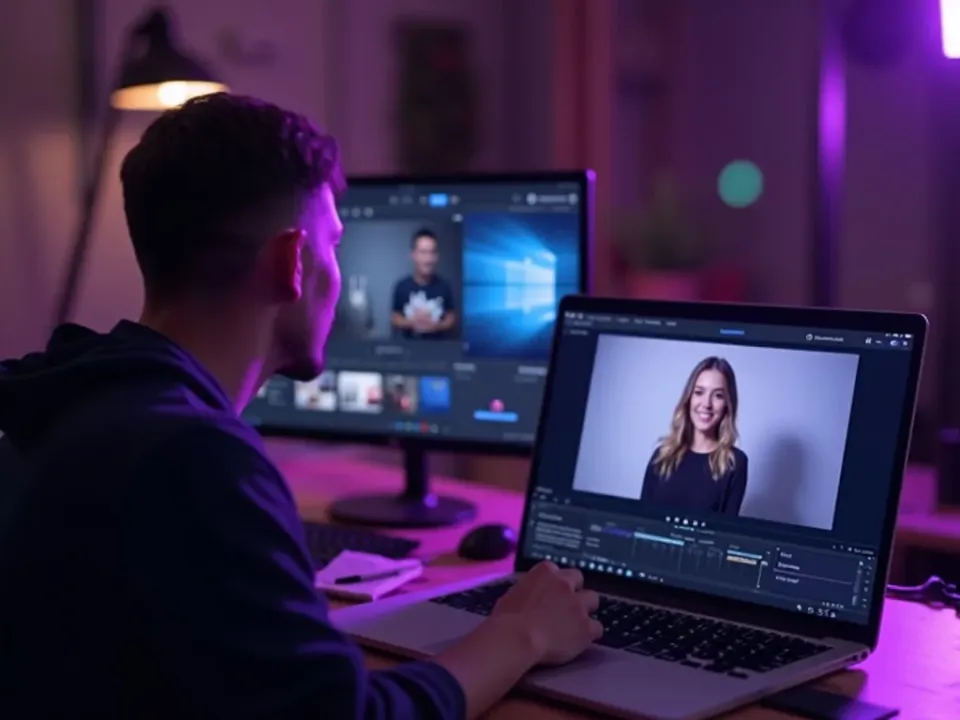
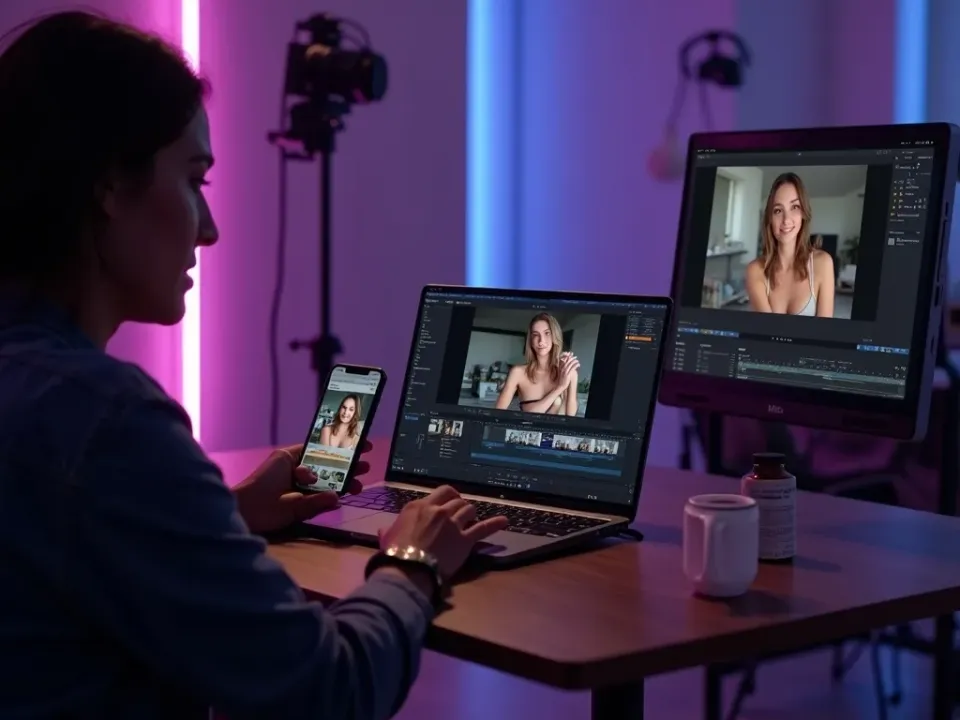
See the Brand Kit in Action
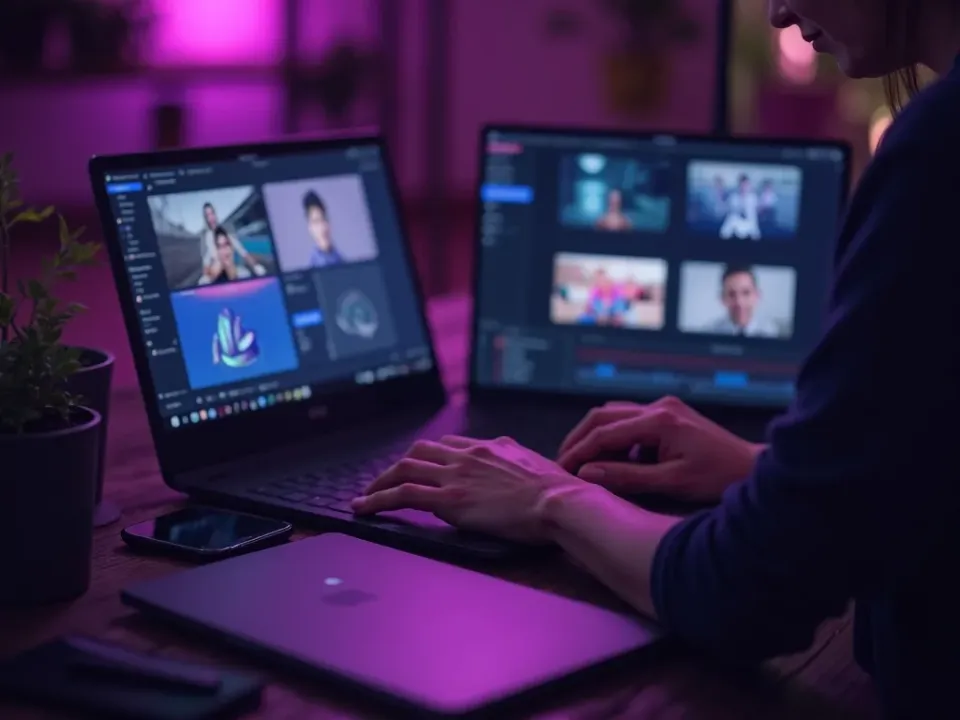
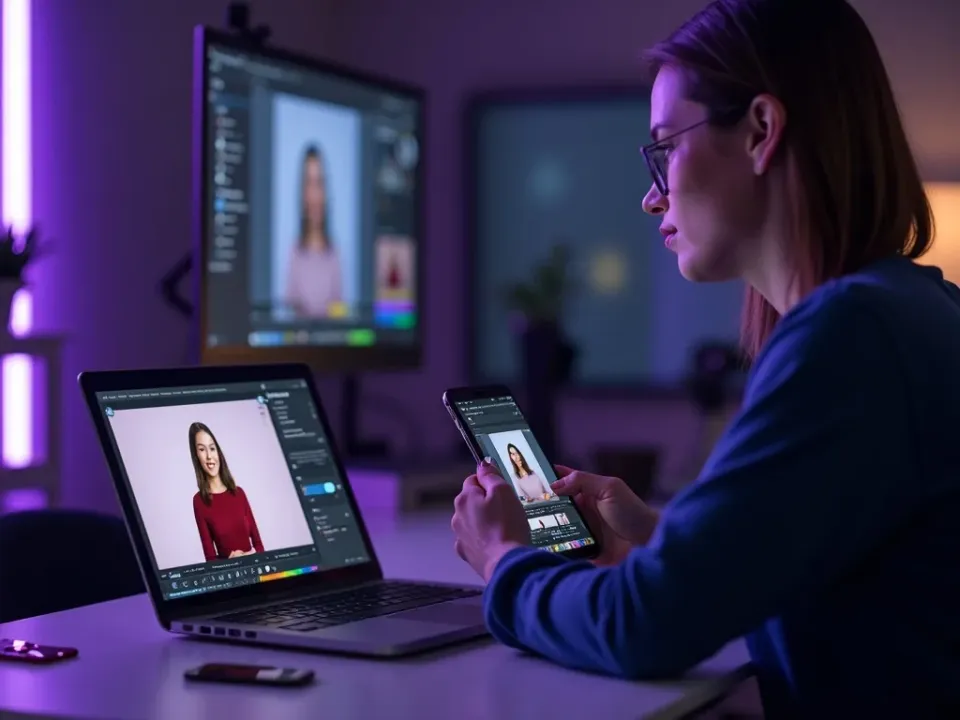
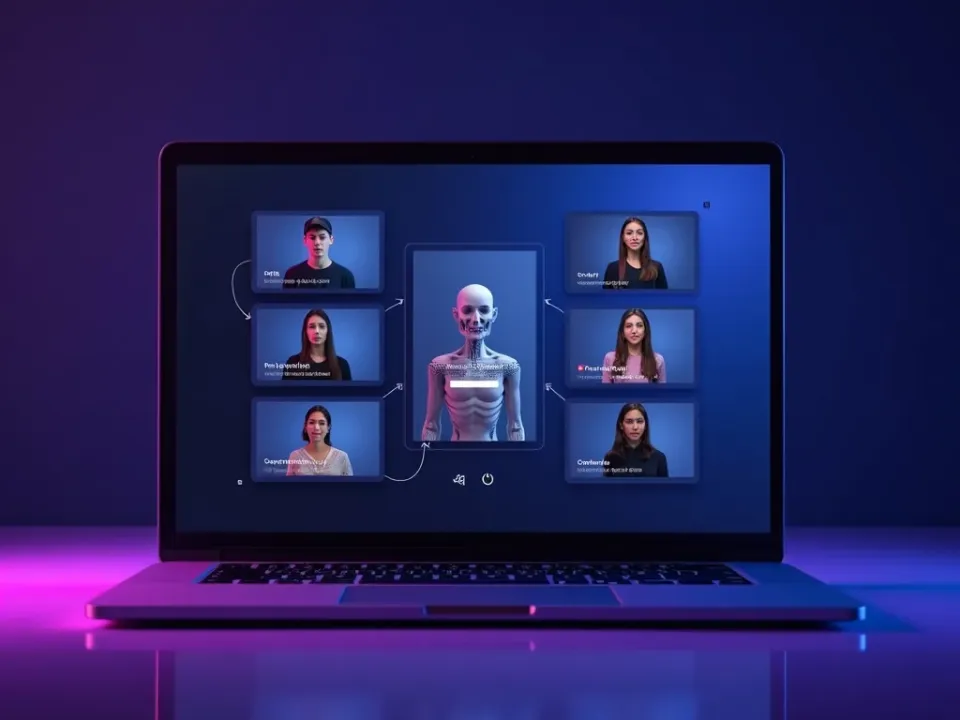
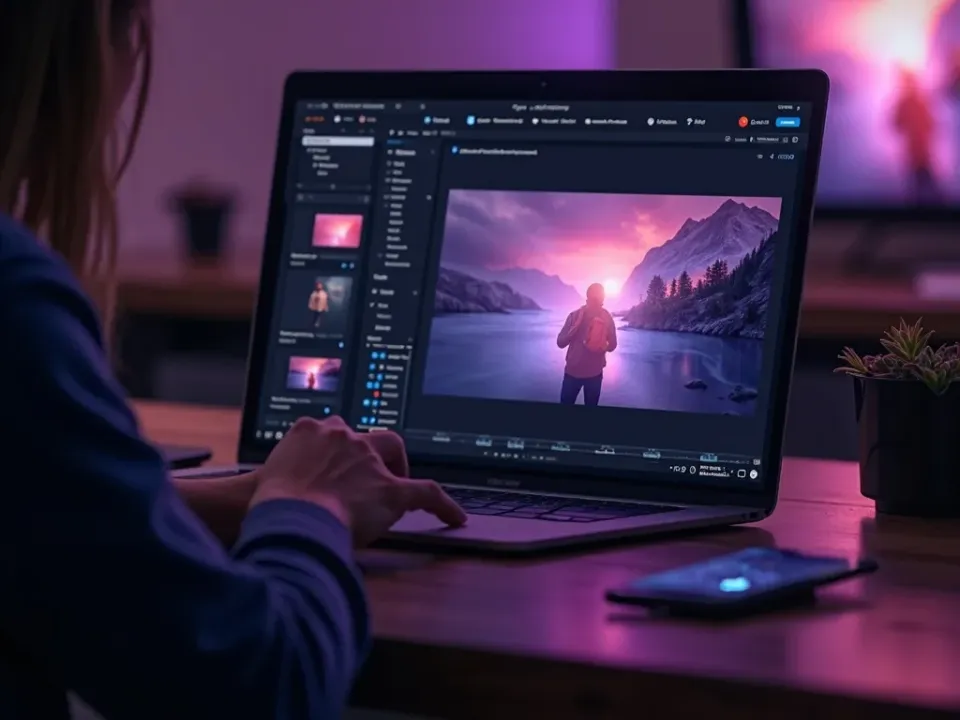
Watch a URL become a brand kit applied to every video — then build your own free on Vivideo.
