An AI subtitle generator listens to a video and writes time-coded captions for it automatically. Vivideo detects the speech, transcribes it, splits it into readable on-screen lines, and times each one to the audio — so you get clean subtitles to burn in or download as SRT/VTT in minutes, across 30+ languages, free to start.
How to add subtitles
Upload your video
Any format, any length — or paste a link.
AI writes the captions
Speech is transcribed and split into clean lines.
Lines are auto-timed
Each caption is timed to the audio precisely.
Burn in or export
Style and burn captions, or download SRT/VTT.
What the subtitle generator does
Readable captions, timed for you.
| Capability | What it does |
|---|---|
| Auto-timed lines | Every caption is synced to the speech automatically. |
| 30+ languages | Caption in dozens of languages, auto-detected. |
| Burn-in or file | Style captions onto the video, or export SRT/VTT. |
| Readable splits | Long sentences are split into clean, skimmable lines. |
| Free, no watermark | Start free; captions ready for any platform. |
How AI subtitle generation works
An AI subtitle generator turns the speech in a video into time-coded captions automatically. It transcribes the audio, breaks the text into short on-screen lines, and times each line to when the words are actually spoken — replacing the slow, manual job of typing and syncing captions by hand.
Vivideo gives you both outputs: burn-in captions you can style (font, size, colour, position) directly onto the video, and a downloadable SRT or VTT file for platforms that take their own subtitle uploads. It captions in 30+ languages with auto-detection, and the lines are split for readability rather than dumped as one long block.
Captions are no longer optional. The majority of social video is watched on mute, so subtitles are what keep viewers from scrolling past. Creators caption every reel and short, marketers caption ads for silent autoplay feeds, and teams add captions for accessibility — all from a single upload, in minutes.
For the cleanest result, start with clear audio and skim the captions before exporting; the odd proper noun or homophone is worth a quick fix. Then burn them in for social, or export the SRT to keep captions as a separate track you can edit later.
Generate Subtitles for a Video, Automatically
This is how to add subtitles without typing a word: the AI transcribes the audio and burns in accurate, timed captions for you. It runs in your browser — no manual syncing.
Most viewers watch on mute, so captions are what keep them watching. Style the subtitles to match your look, and export a captioned video ready for any platform.
Auto-Transcribe and Caption
Typing and syncing subtitles by hand is slow. The AI subtitle generator listens to the audio, writes accurate captions, and times them to the speech automatically — a full transcript turned into on-screen text in one step.
Upload, and the captions appear.
Accurate auto-transcription
Timed to the speech automatically
Edit the wording if needed
Style Captions to Match
Word-by-word animated captions lift watch time on short-form. Choose the font, size, color and position, or match your brand, so the subtitles look intentional, not bolted on.
Style once, caption every video the same.
Caption and Translate
Generate subtitles in the original language, then translate them into 30+ languages so your video is accessible and searchable worldwide.
Captions for every viewer, every language.
Everything the Subtitle Generator Does
Who Generates Subtitles?
Anyone who needs captions:

Caption, Then Do More With Video
Vivideo is more than a subtitle tool — generate, edit and translate video, all in one place.
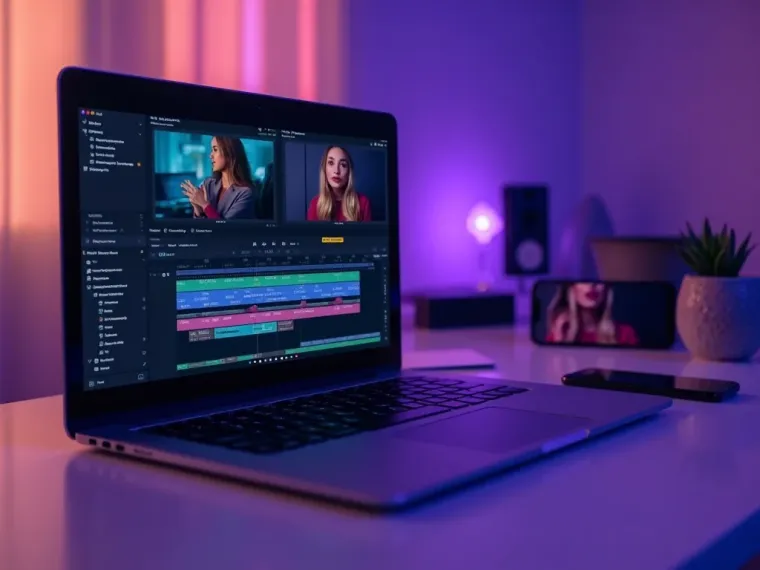
Explore More Free Video Tools

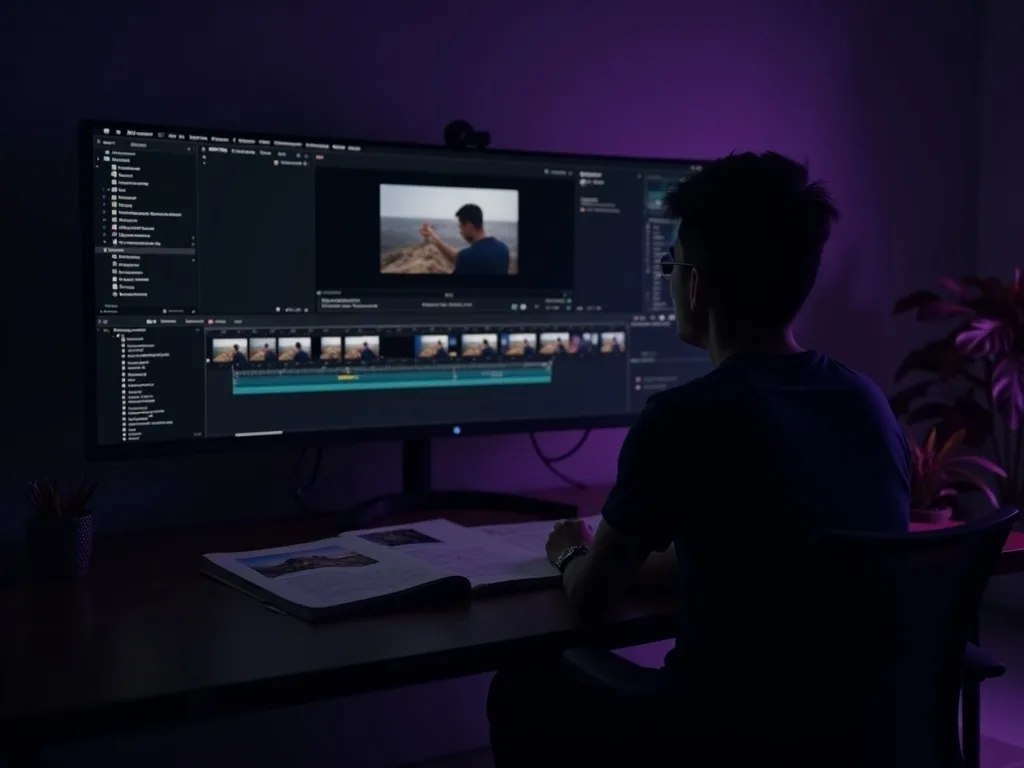
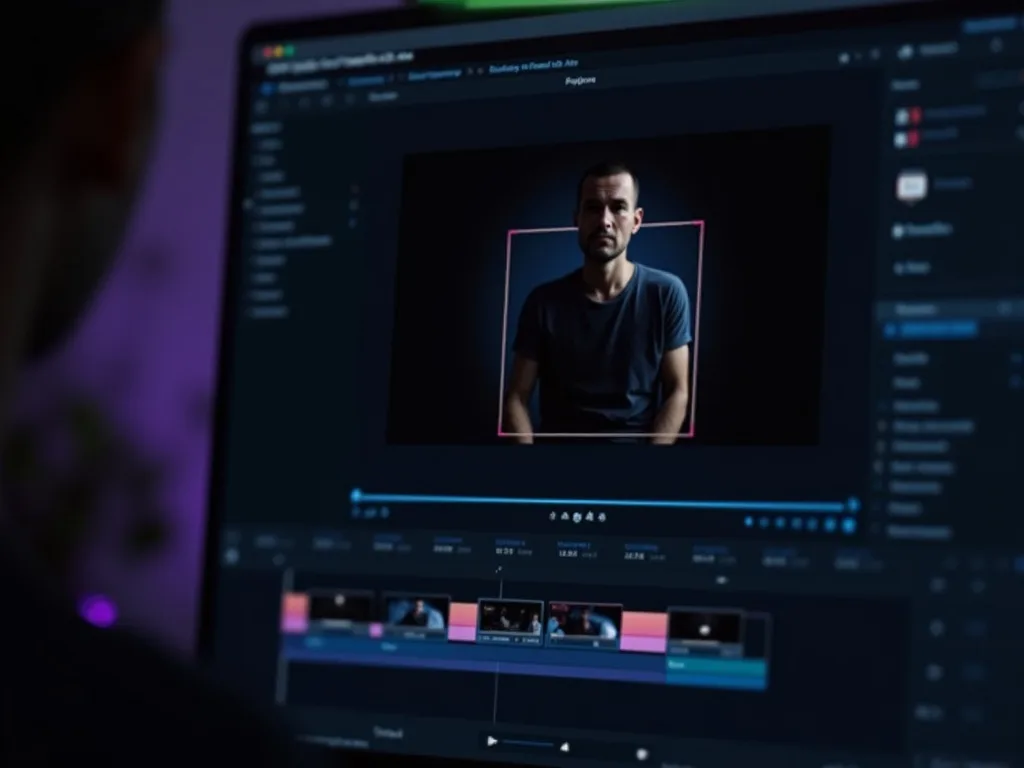
See the Subtitle Generator in Action
Watch AI caption a video in seconds — then subtitle yours free on Vivideo.
Generate Subtitles Free
Auto-caption your video with AI — accurate, styled, in your language.
Frequently asked questions
Is the subtitle generator free?
Yes — caption your videos free to start, in your browser.
Can I download an SRT file?
Yes — export as SRT or VTT, or burn the captions straight onto the video.
How accurate are the captions?
Very accurate on clear audio; you can fix any word before exporting.
What languages can it caption?
30+ languages, auto-detected — English, Spanish, Hindi, Arabic, Japanese and more.
Can I style the captions?
Yes — choose fonts, size, colour and position before you burn them in.
Will there be a watermark?
No — your captioned exports are clean, ready to publish.
