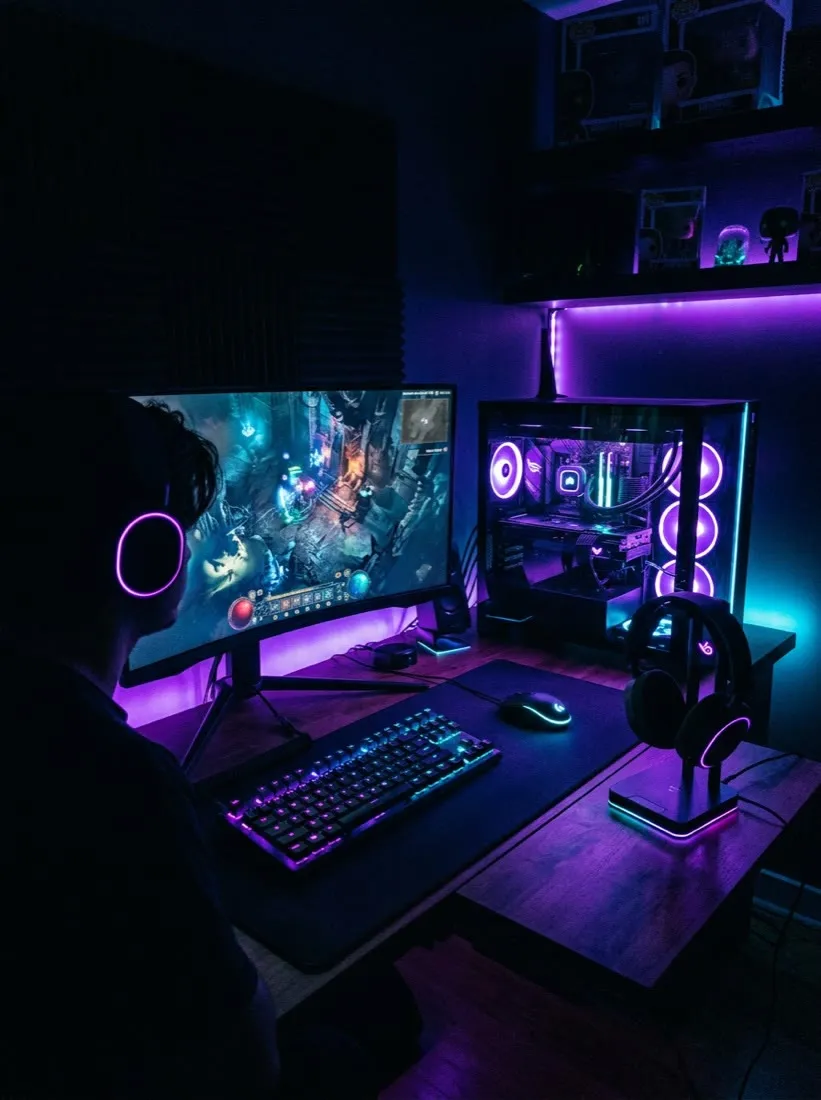
This is how streamers and gaming creators make content without a night of editing: drop in gameplay clips, describe a montage, or paste a highlight, and Vivideo's AI gaming video maker builds fast-cut montages, vertical shorts, motion intros and channel promos — captioned and hyped — across 30+ models, in minutes. Gaming is one of the largest categories on YouTube and TikTok, and clips are how channels grow — but editing them is the bottleneck. An AI video generator turns a stream's best moments into posts, fast.
Why clips grow a gaming channel
The gaming videos creators make most
The formats viewers actually share — each one a one-click preset in Vivideo.
Highlight reel / clip short
Your clutch plays, insane kills and funniest fails cut into a punchy 9:16 short. The single fastest way to funnel TikTok, Reels and Shorts viewers back to your channel.
Stream-to-shorts batch
One VOD in, a week of clips out. Vivideo finds the peaks, reframes them vertical and captions each — so you stream once and post every day.
Channel intro
A 3–7 second branded open that signals the channel and the game before a viewer can scroll. Consistent across every upload and every go-live.
Game trailer / hype cut
A cinematic, music-scored cut to announce a new game, a season, a collab or a tournament run — the lean-in moment for your main feed.
Tutorial / guide
Build orders, settings, boss strategies — the highest-engaging format on TikTok gaming, because viewers come to get better, not just to watch.
Montage
An entire match or grind condensed into a fast-cut, beat-synced montage — the most rewatched and saved style in the genre.
How to make gaming videos with Vivideo
Drop in your gameplay
Upload a clip, a full VOD or even a screenshot — or paste a link. No editing rig and no capture card workflow required.
Pick a format & voice
Choose a reel, intro, trailer or montage, add captions and a narrator or your own cloned voice, and apply your channel brand kit.
Vivideo edits it
Peaks, reframing, motion, captions, beat-synced music and pacing are assembled automatically across 30+ models.
Publish everywhere
Export 9:16 for Shorts, TikTok and Reels and 16:9 for the main channel — all from one render, with copyright-safe audio.
Post it where gamers scroll — at the right spec
Every cut is rendered to the exact spec each platform rewards.
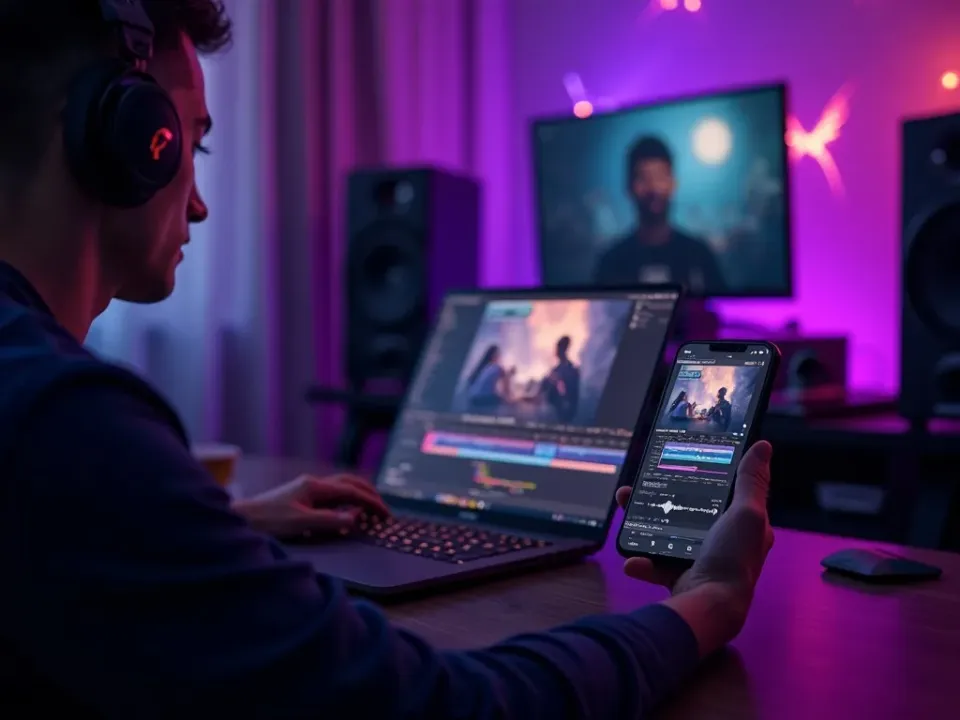
A Gaming Video Maker for Clips and Channels
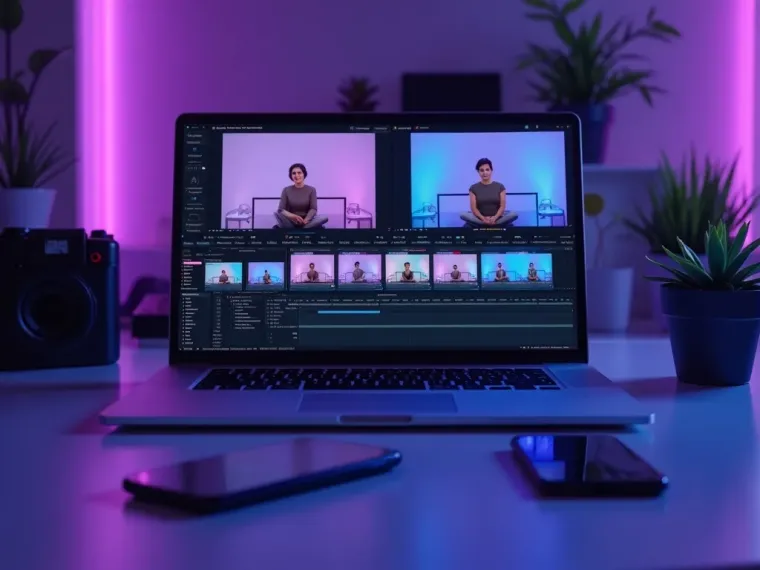
Vivideo's AI gaming video maker turns gameplay clips into fast-cut, captioned montages and vertical shorts — and the same screen lets you edit them. Make gaming content for every platform without a nightly editing marathon.
One stream becomes a week of shorts, montages and promos.
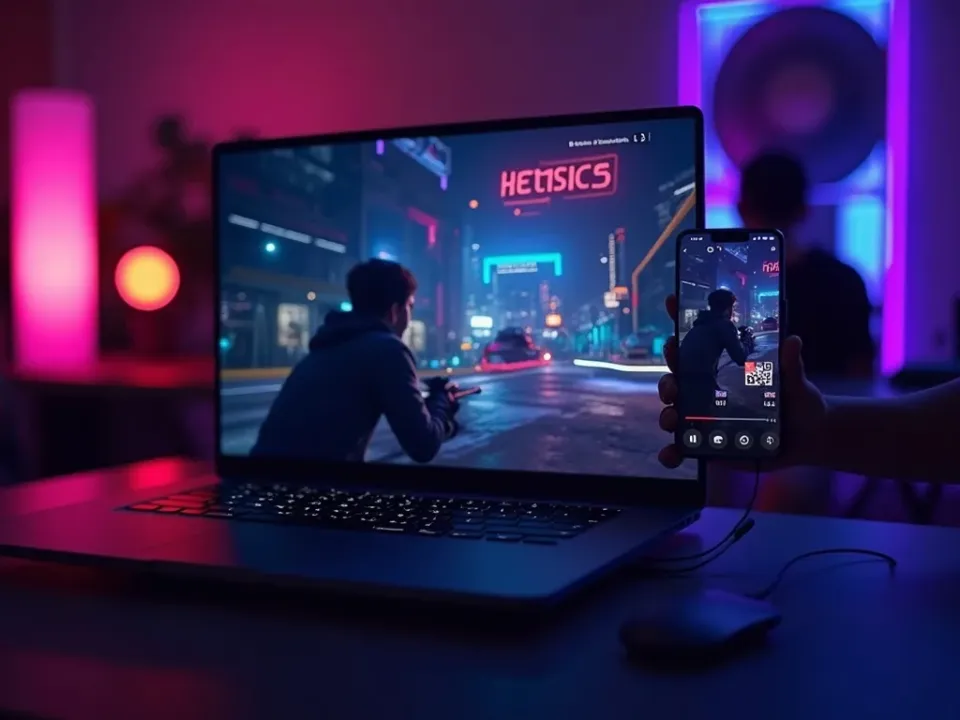
Turn Every Stream Into Shorts
Editing is the bottleneck for gaming channels — the answer to "how do I turn my stream into clips." Drop in gameplay and the maker cuts punchy, captioned shorts, so your best moments become posts, not forgotten VODs.
A daily short from your highlights, without the nightly grind.
Branded Intros and Every-Platform Export
Apply your channel colors, logo and intros so every clip looks pro, and export 16:9 for YouTube and 9:16 for TikTok and Shorts from one montage. Consistency and reach in one flow.
One clip becomes on-brand content for every platform at once.
Everything the Gaming Video Maker Includes
One place to make montages, shorts and branded intros, captioned and fast-cut.
Who Uses AI Video for Gaming?
Everyone growing a gaming audience:
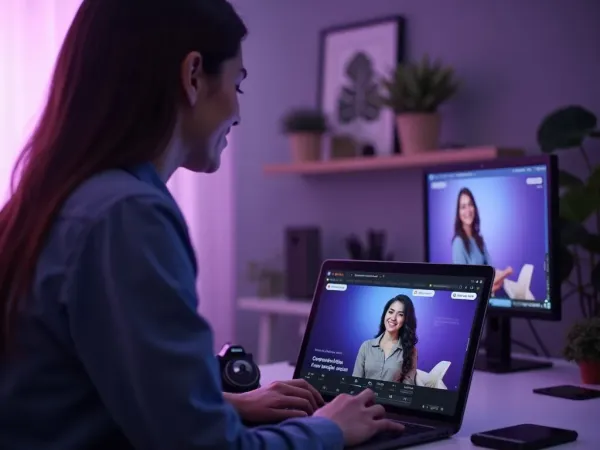
One Free Studio Behind Every Tool
Winning feeds and ad accounts are a volume game — this studio is how one person posts like a team.
More Ways to Grow a Channel With Video
See the Gaming Video Maker in Action
Watch gameplay become a fast-cut montage and short — then make your own free on Vivideo.
AI video for gaming, explained
Gaming is one of the biggest categories on YouTube, TikTok and Shorts, and short clips are the growth engine — a great montage or highlight short reaches far beyond your subscribers. But editing is the bottleneck: turning hours of stream into punchy, captioned clips is a nightly grind. AI video removes it — gameplay clips or a highlight become a fast-cut, captioned montage or vertical short in minutes, so your best moments become posts instead of sitting in a VOD folder.
The craft is matching format to the platform. A fast-cut montage suits YouTube; a vertical highlight short suits TikTok and Shorts; a motion intro and outro suit channel branding; a promo suits a new series or stream schedule. Vivideo produces all of them, adds captions and hype pacing, and exports both 16:9 and 9:16 — so one clip becomes content for every platform at once.
Consistency is how gaming channels grow, and it's where an AI gaming video maker earns its keep. The algorithm rewards creators who post clips daily, and generation makes that sustainable — turn every stream into a week of shorts and montages without a nightly editing marathon, all on-brand with your channel's colors and intros.
Put together, it's a way to keep a channel fed at the pace growth requires. Not the occasional edited montage, but a daily short from your best moments, a promo for every stream, and branded intros that make the channel look pro. That cadence and hype is what compounds subscribers, views and community.
Gaming video FAQ
How do I make gaming clips without a long edit?
Use the AI gaming video maker: drop in gameplay clips, describe a montage, or paste a highlight, and Vivideo builds a fast-cut, captioned montage or vertical short automatically across 30+ models — no nightly editing grind.
Is it free to try?
Yes — you can make gaming videos free with daily generations, no credit card and no download. Go paid for watermark-free gaming video and room to scale.
What kinds of gaming videos can I make?
Fast-cut montages, vertical highlight shorts, motion intros and outros, channel and stream promos, and thumbnail-in-motion clips — sized for YouTube, TikTok and Shorts.
Can I turn a stream VOD into shorts?
Yes — drop in gameplay clips and the maker cuts them into punchy, captioned shorts, so a single stream becomes a week of posts.
Can it stay on my channel brand?
Yes — apply your colors, logo and intros, and every gaming video comes out on-brand across the whole channel.
Can I make both YouTube and TikTok versions?
Yes — the maker exports 16:9 for YouTube and 9:16 for TikTok and Shorts from one clip, so you post everywhere at once.
Can I add captions and hype music?
Yes — captions are burned in by default and you can add energetic, royalty-clear music in the editor, safe for monetized channels.
Does it work for a solo streamer?
Especially well — a solo creator can turn every stream into daily clips without a dedicated editor or a nightly grind.

