


 GoogleFree
| Developer | Luma AI |
| Origin | United States |
| Released | Ray 2 · Jan 2025 |
| Native audio | Add voiceover |
| Max resolution | 1080p (4K upscale) |
| Max clip length | 5–10s |
| Availability | Proprietary |
| Available via | Dream Machine · API · Bedrock |
| Pricing from | $0.50 / 5s |
Reach for the Luma AI video generator when you want cinematic, dreamlike shots: mood pieces, travel-style b-roll and title backgrounds. Luma Ray 2 image-to-video and its fluid camera work turn a still or prompt into atmospheric motion.
Background. Luma Ray 2 is developed by Luma AI as part of its Dream Machine product. It's known for dreamy, cinematic motion and natural light. Natively it runs in Luma's apps; on Vivideo the Luma AI video generator is available online with no separate account.
Open Vivideo and start a new video.
Select Luma Ray 2 as your model — or let the Video Agent pick it for you.
Describe your shot (or upload an image) and set duration and aspect ratio.
Generate with Luma Ray 2, then refine, add a voice or avatar, and export for any platform.
Vivideo puts Luma's Ray 2 and Dream Machine in your browser with no Luma account and no app. Generate cinematic Luma videos from text or image prompts, get dreamy motion and natural light, and export them watermark-free.
Luma sits beside 30+ other AI video models on Vivideo, so you can run a Luma Dream Machine image-to-video shot, switch to Sora 2 or Veo 3.1 for a literal one, and stitch it into one edit — the fastest way to use the Luma AI video generator online.
Luma Ray 2 is the model to pick for mood. Its dreamy motion, natural light and smooth camera drift make Luma the choice for atmospheric b-roll and title backgrounds, where literal models feel flat.
On Vivideo you generate that cinematic Luma footage online and export it watermark-free — no Luma account, no downloader.
Dreamy motion and natural light
Smooth, cinematic camera drift
Watermark-free Luma exports on Vivideo paid plans
"Luma AI Dream Machine image to video" is one of the top searches — and one of Luma's strengths. Upload a still on Vivideo, pick Luma Ray 2, and Dream Machine animates it with smooth, cinematic motion.
Add voice, captions and a soundtrack in Vivideo's editor, then export your Luma clip in one place.
Vivideo runs both Luma text-to-video and Luma image-to-video. Describe the atmosphere and movement in your Luma video prompt, and Ray 2 returns dreamy, cinematic motion.
Mood-led prompts get the most from Luma; name the light and the drift, and the Luma AI video generator returns an atmospheric clip you can refine.
Luma text-to-video from a written prompt
Luma Dream Machine image-to-video from a photo
Cinematic light and camera drift
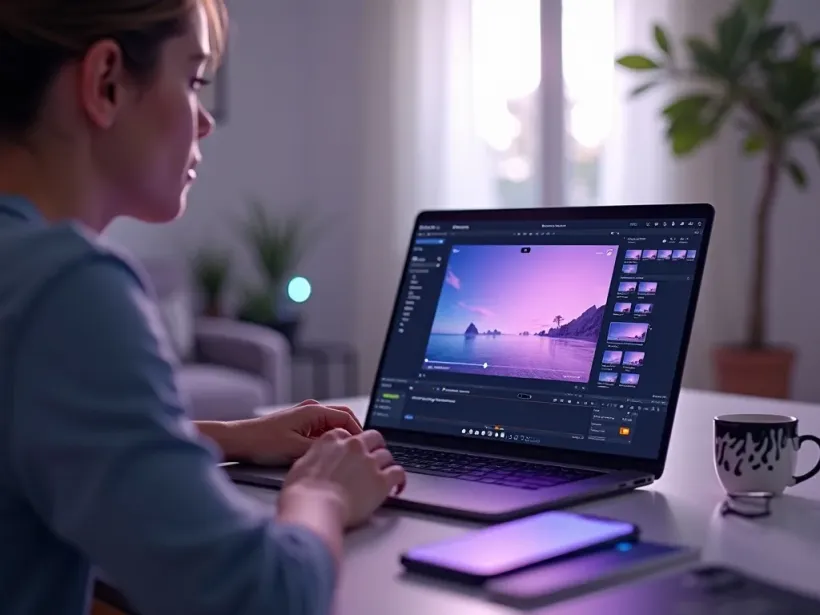
Luma is the pick whenever cinematic mood and dreamy motion matter more than literal detail.
Vivideo is more than a Luma video generator — it's the whole workflow. Generate cinematic mood with Luma Ray 2, edit the result, and localize it into 30 languages without leaving your browser.
Luma Ray 2, part of Luma's Dream Machine, is a video generation model known for dreamy, cinematic motion, natural light and fluid camera drift. As an AI video generator, Luma is the pick for mood and atmosphere over literal realism.
On Vivideo you can use the Luma AI video generator online without a Luma account — Luma Ray 2 is one of 30+ AI video models on a single subscription. Run Luma text-to-video from a prompt or Luma image-to-video from a still, and switch models per shot.
Searches for "Luma AI Dream Machine image to video" show the demand: Luma animates a photo into smooth, cinematic motion. On Vivideo you get that Dream Machine output online and export it watermark-free.
Luma has a recognizable signature — soft light and gentle camera drift — so prompts that describe mood and movement shine. A Luma video prompt that names the atmosphere returns dreamy, cinematic results.
Luma has limits: it favors mood over literal detail, and native clips are short. For longer or more precise pieces, Vivideo chains Luma Ray 2 shots — or switches to Sora 2 and Veo 3.1 — into finished videos up to 10 minutes.
Is Luma AI free? You can try the Luma AI video generator free on Vivideo with daily generations, no credit card and no Luma login. Watermark-free saves come with any paid tier.
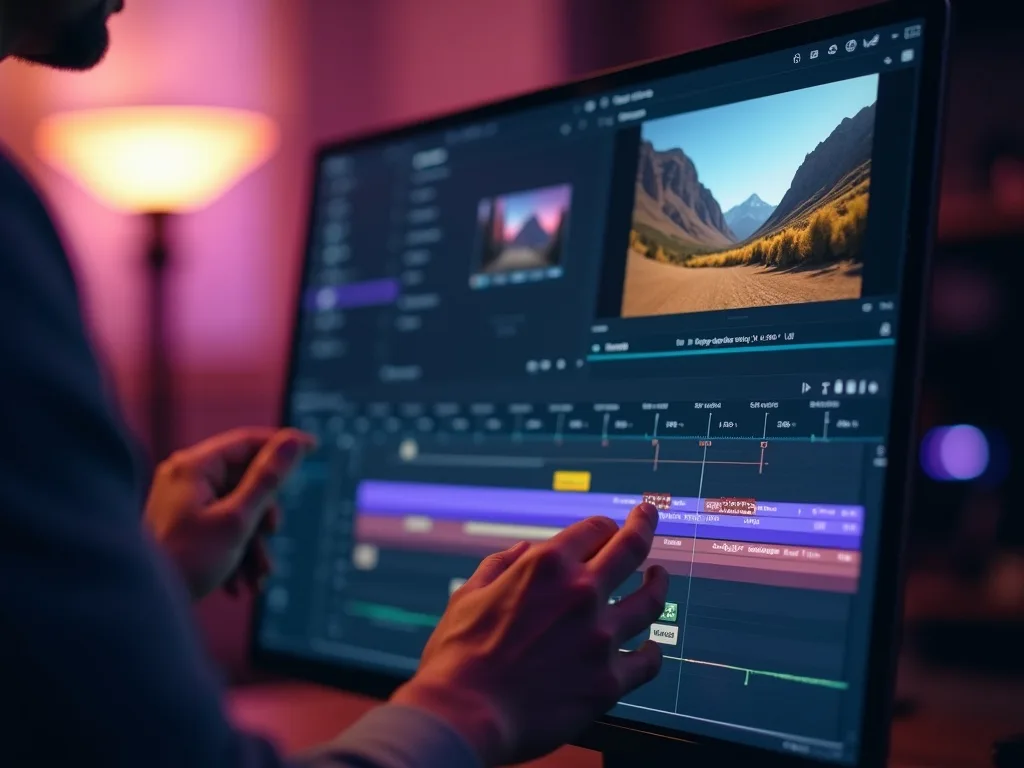
Watch a prompt become a dreamy cinematic clip — then make your own Luma AI video free on Vivideo.
Use the Luma AI video generator online on Vivideo — no Luma account, watermark-free exports. Give it a prompt or a photo and watch it render.
Yes — try the Luma AI video generator free on Vivideo with daily generations, no credit card and no Luma account. Paid tiers drop the watermark and expand your render quota.
Luma Ray 2 is used for cinematic, dreamy shots — mood pieces, travel-style b-roll and title backgrounds. On Vivideo you can mix Luma with more literal models in one edit.
Yes — Luma Dream Machine image-to-video animates a photo with smooth, cinematic motion. On Vivideo, pick Luma Ray 2, add your still, and generate; you can also run Luma text-to-video from a prompt.
Open Vivideo, choose Luma Ray 2, and generate — no Luma account or app. It's the easiest way to use the Luma AI video generator and Dream Machine online from any browser.
A Luma Ray 2 clip usually renders in about a minute; simpler prompts return faster. Vivideo shows per-model speed estimates so you can pick a quicker engine when drafting.
Natively Luma has its own plans. On Vivideo, Luma Ray 2 is included in one subscription alongside 30+ models, so you don't pay per Luma clip — free to try, affordable to scale.
Luma's modify-video ideas are about reshaping motion and look. On Vivideo you generate with Luma Ray 2, then refine in the editor and re-run prompts to reshape the result.
Native Luma clips are short. Vivideo chains multiple Luma Ray 2 shots — and mixes in other models — into finished videos up to 10 minutes.
Luma leans dreamy, cinematic mood; Sora 2 leans realistic physics and native audio. On Vivideo, one prompt feeds both — then you decide.
Yes — Vivideo runs the Luma AI video generator in any modern browser, so you can use Luma Ray 2 and Dream Machine on a PC, Mac or phone with nothing to install.
Yes — Vivideo is a free Luma AI video generator online: pick Luma Ray 2, generate with daily free credits, no Luma account. Upgrade for clean, watermark-free downloads.
Each model is one of 30+ in Vivideo — switch per shot to get exactly the look you want.
GoogleFree Google
 OpenAI
 OpenAI
 ByteDance
A full 30 seconds in one shot, with native audio.
 ByteDance
State-of-the-art motion, realism and native audio.
 Kling
Kling Kling
Kling