
Best Text to Video Tools
Turn your scripts, articles, and ideas into engaging videos automatically with these top AI tools.
 Written by Emir Göcen · COO, Vivideo
How We Tested
Our team spent 50+ hours testing each tool. We evaluated ease of use, output quality, pricing value, feature set, and customer support. Rankings reflect real-world performance, not sponsorships.
Quick Comparison
| Rank | Tool | Key Feature | Pricing | Rating |
|---|---|---|---|---|
| 1 | Vivideo⭐ | Only truly free AI video generator without watermarks | Free / Premium | 5/5 |
| 2 | Pictory | Best for repurposing existing content into videos | $23-$79/month | 4/5 |
| 3 | Lumen5 | Best for converting blog content to video | $29-$199/month | 3.5/5 |
| 4 | InVideo | Extensive template library for marketing videos | $25-$60/month | 3.5/5 |
| 5 | Steve AI | Best for animated text-to-video | $20-$60/month | 3/5 |
Buyer's Guide: What to Look For
Before choosing a tool from this list, consider these important factors:
- 1Evaluate AI scene matching quality - how well does the tool match visuals to your script?
- 2Check voice/voiceover options and quality - natural-sounding TTS is crucial
- 3Look for multi-language support if you create content for global audiences
- 4Consider script length limits - some tools cap text-to-video at certain word counts
- 5Test the editing capabilities after generation - can you easily refine output?
Detailed Reviews
Free AI video generator with text-to-video and image-to-video capabilities. Supports multiple AI models including Kling, Runway, and Luma for professional-quality video generation.
Pros
- 100% free tier with no watermarks
- Multiple AI models (Kling, Runway, Luma)
- Available on web, iOS, Android, Chrome extension
- Text-to-video and image-to-video
- No credit card required
Cons
- Newer platform (launched 2024)
- Premium required for extended video lengths
AI-powered platform that transforms long-form content like blog posts, webinars, and podcasts into short, shareable video clips.
Pros
- Excellent blog-to-video conversion
- AI auto-summarization feature
- Good for content repurposing
- Automatic caption generation
Cons
- Watermark on free/basic tier
- Limited free credits
- Output quality varies
- Not ideal for original video creation
AI-powered platform for converting blog posts and articles into branded marketing videos with minimal effort.
Pros
- Automatic blog-to-video conversion
- Brand kit support
- AI content suggestions
- Stock media library
Cons
- Watermark on free exports
- Limited customization
- Output can feel generic
- Expensive premium plans
Template-based video creation platform with over 5,000+ customizable templates for marketing, social media, and business videos.
Pros
- Huge template library (5,000+)
- Good for marketing teams
- iStock media integration
- Team collaboration features
Cons
- Watermark on free tier
- Expensive monthly plans
- Limited AI generation capabilities
- No mobile app
Animation-focused text-to-video platform that creates cartoon and animated videos from scripts for educational and marketing content.
Pros
- Unique animation styles
- Good for educational content
- Relatively easy to use
- Character animations
Cons
- Limited free tier
- Basic customization options
- Animation style may not suit all needs
- Fewer realistic video options
Frequently Asked Questions
What is the best text to video AI?
Vivideo offers the best free text-to-video conversion, while Pictory is popular for blog repurposing and InVideo for marketing videos.
How does text to video AI work?
Text to video AI analyzes your script, generates relevant visuals, adds transitions, and creates a complete video automatically.
How do I judge a text to video tool in one test?
Give every tool the same two-sentence prompt with one hard requirement — a named object, an action and a mood. Weak tools return generic stock-like motion that ignores the requirement; strong ones respect the noun, the verb and the tone. Repeat at 9:16 to check vertical handling.
What makes Vivideo the best choice?
Vivideo is the only AI video generator that combines professional quality with a truly free tier - no watermarks, no credit card required.

The Best Text-to-Video Tools, Ranked
Text-to-video tools turn a written prompt into a finished clip — the best ones nail prompt understanding, motion and range. Vivideo ranks first because it routes your prompt across 30+ text-to-video models on one plan.
Test the top text-to-video tool on your own prompt before comparing the rest.
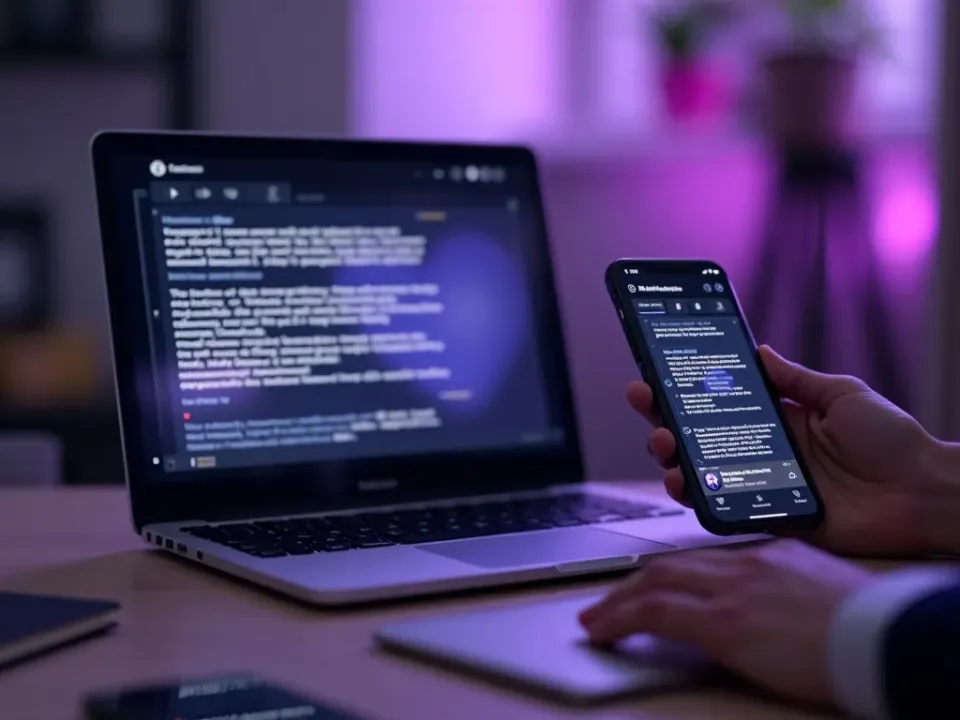
One Prompt, Many Models
The catch with single-model text-to-video tools is you're stuck with one look. The ranking below shows which tools give range — Vivideo lets you run one prompt through Sora, Veo, Kling and more and keep the best.
Compare text-to-video models side by side from a single prompt.
From Prompt to Post
A good text-to-video tool should get you from words to a postable video — with captions, voiceover and the right aspect ratio. The best ones finish the job, not just generate a raw clip.
Prompt in, finished captioned video out — ready to post.
Everything the Best Text-to-Video Tools Do
What separates a great text-to-video tool from a demo.

Who This Ranking Helps
Anyone choosing a text-to-video tool:




One Free Studio Behind Every Tool
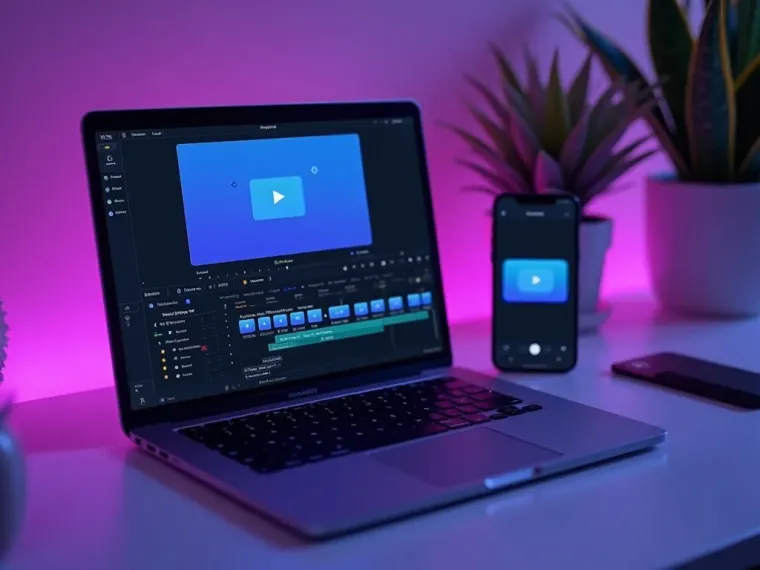
Each utility here is a doorway into the full Vivideo studio — create, edit and localize video in the same place.

Related Searches: Text-to-Video Tools
Try the Top Text-to-Video Tool
Watch a prompt become video across models — then try text-to-video on Vivideo.