How to Remove a Video Background
Upload your video — MP4, WebM or MOV.
The AI separates the subject from the background automatically, frame by frame.
Pick a solid color or clean background and export.
Popular Use Cases
Frequently asked questions
How does AI background removal work?
We use advanced machine learning models that run directly in your browser to detect and remove backgrounds from video frames.
What types of videos work best?
Videos with good lighting and clear subject separation work best. The AI performs well with people as the main subject.
Can I add a custom background?
Yes! You can replace the removed background with a solid color or upload your own image.
Is my video processed locally?
Yes, all AI processing happens in your browser. Your video never leaves your device.
Is this video background remover free?
Yes — you can start using the AI video background remover free in the Vivideo app. Paid plans cover heavier use and export with no watermark.
Can AI really remove a video background without a green screen?
Yes. The AI separates people and objects from the background frame by frame, so you can remove the background from a video shot anywhere — no green screen, no manual masking.
Remove a Video's Background With AI
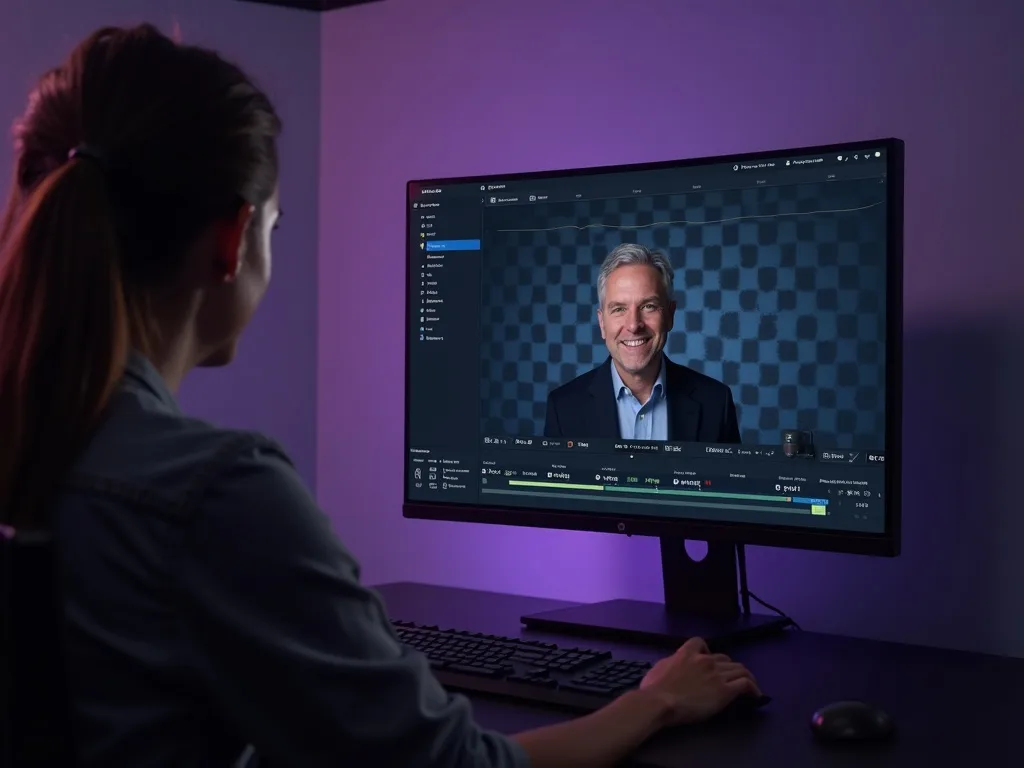
This is how to remove the background from a video without a green screen: the AI detects the subject and cuts the background away, leaving a clean cutout you can drop onto any scene.
No lighting rig, no chroma-key setup — the video background remover isolates you or your product automatically, so you can replace the background, go transparent, or composite into a new scene.
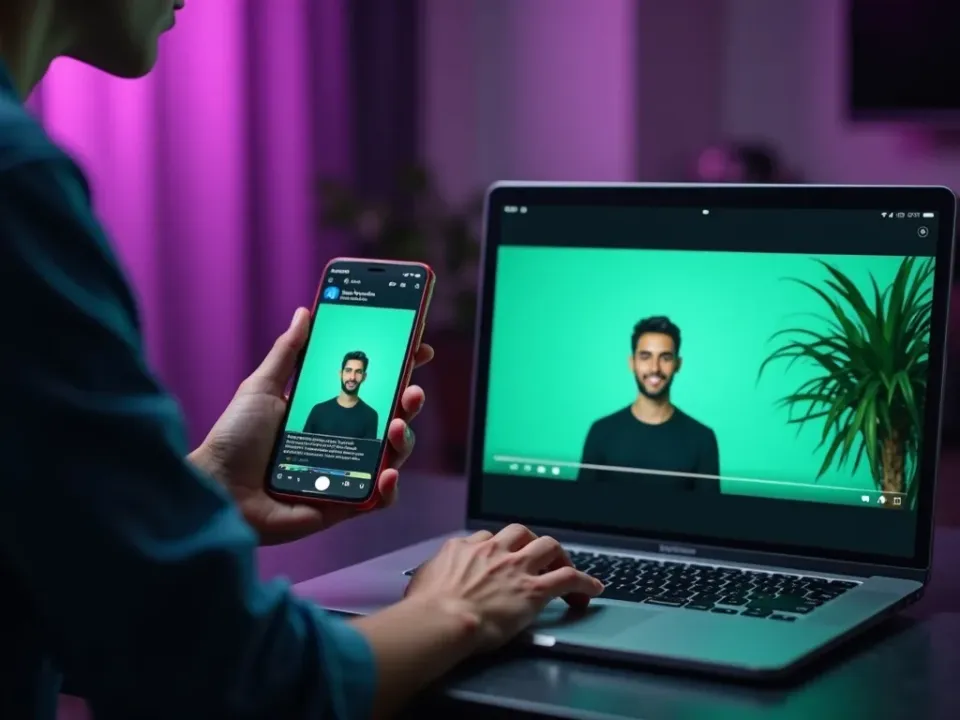
No Green Screen Required
Chroma-key used to mean a green screen and even lighting. AI changes that: the video background remover finds the subject frame by frame and removes whatever's behind them — a messy room, a plain wall, anything — with no setup.
Upload, and the background is gone.
Works without a green screen
Cuts out people and products
Frame-by-frame, not a rough mask
Replace, Blur or Go Transparent
Once the background is removed you can swap in a new scene, blur it for a professional call look, or export a transparent video to composite anywhere. One cutout, endless backgrounds.
Put yourself anywhere.
Free to Try, No Watermark
Remove a video background online — no green screen, no watermark on the result. Ideal for reels, product videos, virtual backgrounds and presentations.
A clean cutout, ready to drop into any project.
Everything the Background Remover Does
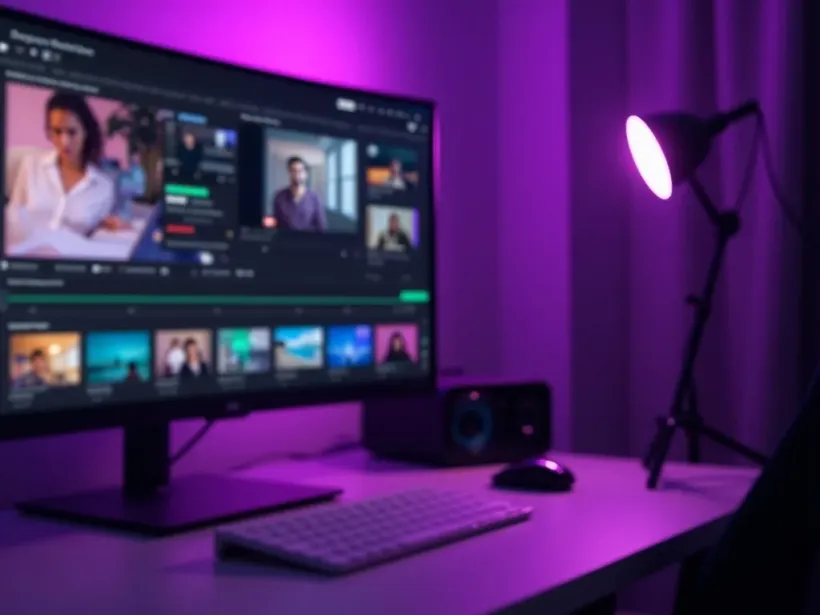
Who Uses the Background Remover?
Anyone who wants a clean cutout:
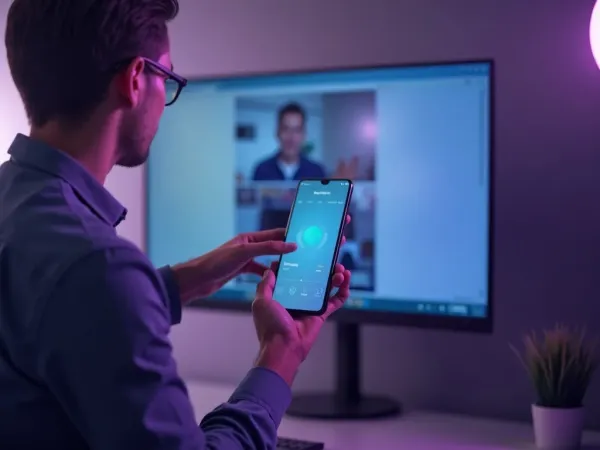
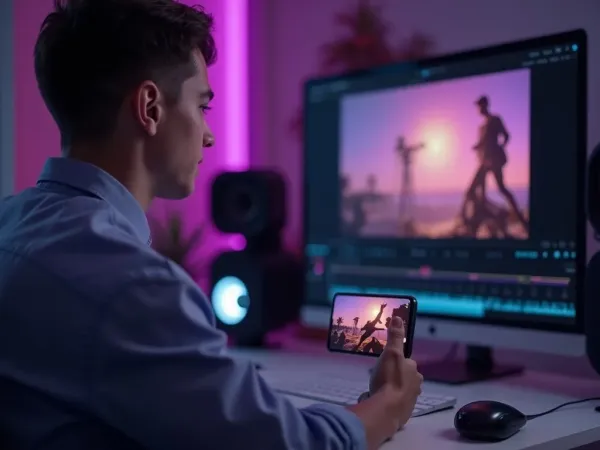
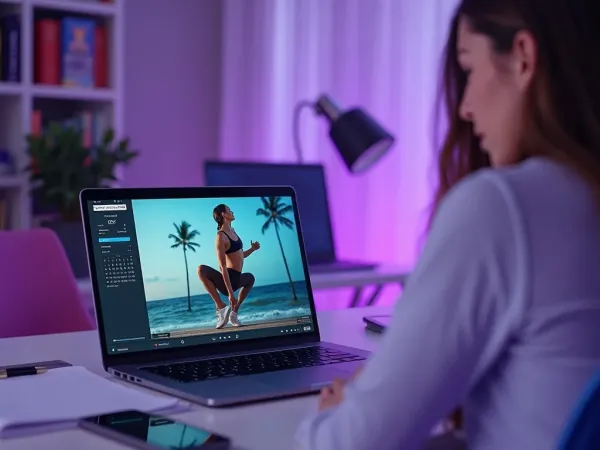
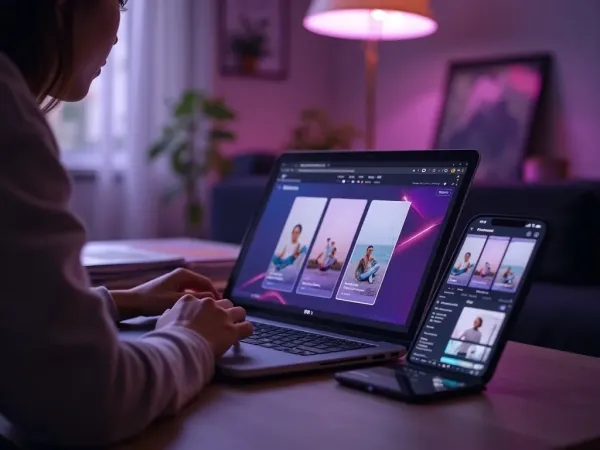
Cut Out, Then Do More With Your Video
Vivideo is more than a background remover — generate a video, edit it, and translate it, all in one place.

Rated by Real Users Across Platforms
4.7 ★
Trustpilot
4.5 ★
G2
5.0 ★
Capterra
4.5 ★
App Store
Based on 1624 combined reviews across Trustpilot, G2, Capterra and the App Store
What Creators Say About Vivideo
“I went from idea to a published video in under ten minutes. The avatars look unbelievably real.”
illustrative
Explore More Free Video Tools

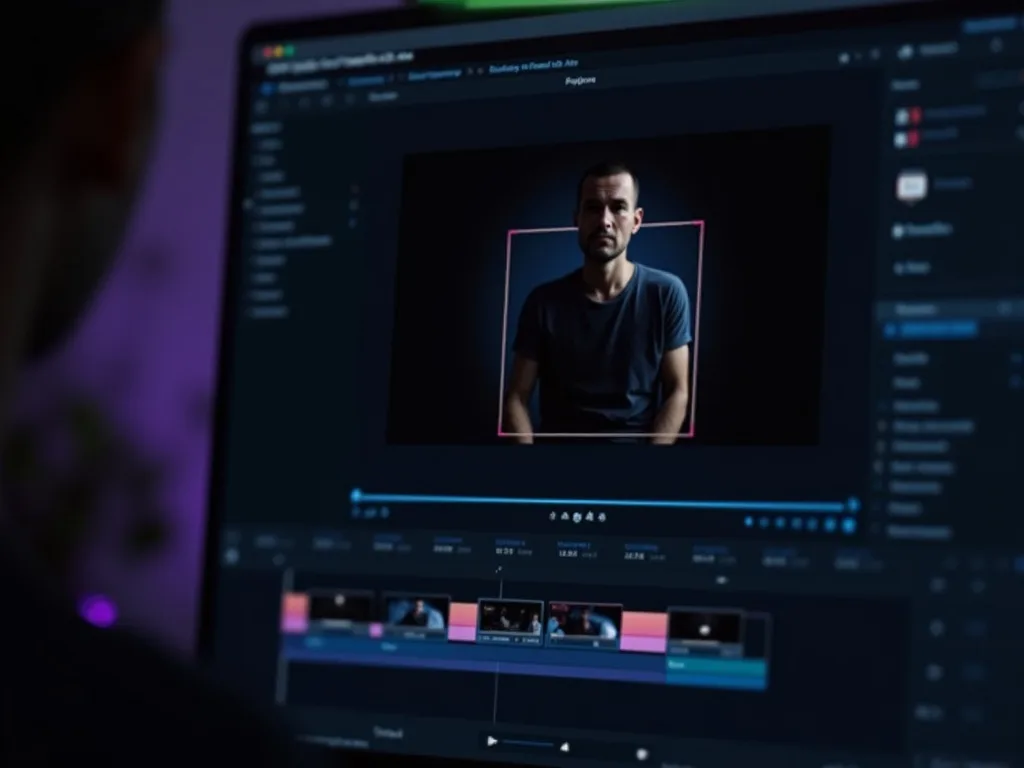
See the Background Remover in Action
Watch a background disappear with no green screen — then try it free on Vivideo.
Remove a Video Background Free
Cut out the background with AI — no green screen, no watermark.
Want AI to Create Videos For You?
Generate videos with any background you imagine. No green screen needed.