



 GoogleFree
| Developer | Zhipu AI |
| Origin | China |
| Released | CogVideoX 1.5 · Nov 2024 |
| Native audio | Add voiceover |
| Max resolution | 1360×768 |
| Max clip length | 6–10s |
| Availability | Open weights · Open weights (2B: Apache 2.0) |
| Available via | Open weights · Z.ai API |
| Pricing from | Free (open) · API |
Use the CogVideoX AI video generator when you want a dependable, low-cost open-source model that's easy to start with: quick drafts, learning prompts and everyday clips. CogVideoX covers text-to-video and image-to-video without a steep learning curve.
Background. CogVideoX is developed by Zhipu AI and released as an accessible, efficient open-source video model. It's a popular entry point for newcomers, with an active community. Natively it needs local setup; on Vivideo the CogVideoX AI video generator runs online with no weights, GPUs or configuration.
Open Vivideo and start a new video.
Select CogVideoX as your model — or let the Video Agent pick it for you.
Describe your shot (or upload an image) and set duration and aspect ratio.
Generate with CogVideoX, then refine, add a voice or avatar, and export for any platform.
Vivideo puts Zhipu AI's open-source CogVideoX in your browser with no weights, GPUs or setup. Generate CogVideoX videos from text or image prompts with dependable, beginner-friendly results, and export them watermark-free.
CogVideoX sits beside 30+ other AI video models on Vivideo, so you can draft with CogVideoX, switch to Sora 2 or Veo 3.1 for a hero shot, and stitch it into one edit — the easiest way to use the open-source CogVideoX AI video generator online free.
CogVideoX is the model to pick when you're starting out. Built by Zhipu AI, it's efficient, openly available and beginner-friendly — a common first stop for people learning AI video.
On Vivideo you generate CogVideoX clips online with no setup and export them watermark-free.
Accessible, beginner-friendly open source
Efficient and quick to iterate
Watermark-free CogVideoX exports on Vivideo paid plans
Natively CogVideoX needs local setup and compute. On Vivideo you reach the same model in the browser — nothing to install — so you can focus on learning prompts, not configuration.
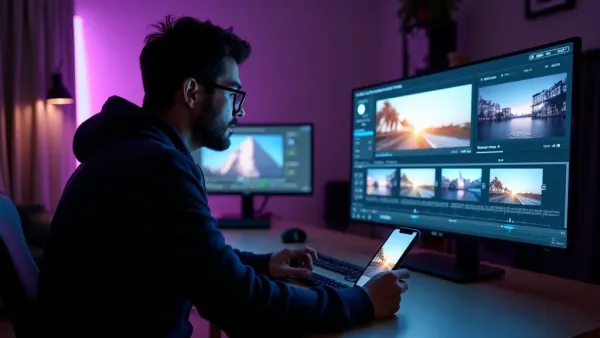
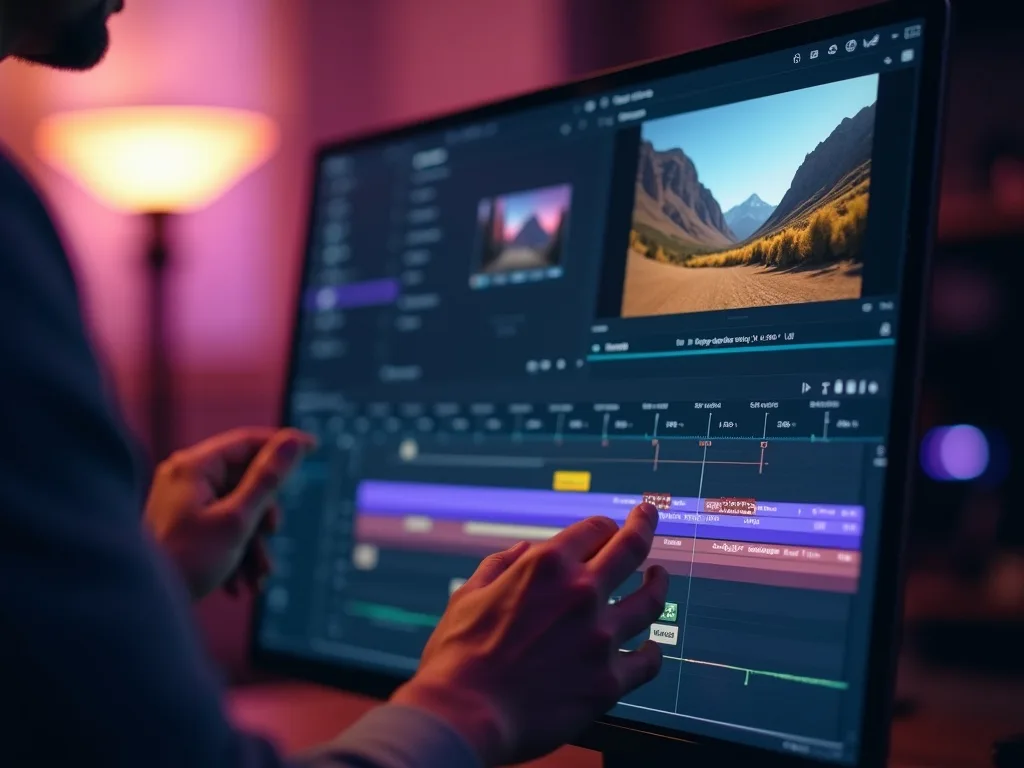
Draft quickly, then finish your CogVideoX clip with captions, voice and a soundtrack in Vivideo's editor.
Vivideo runs both CogVideoX text-to-video and CogVideoX image-to-video. Write a simple prompt or upload a still, and CogVideoX returns dependable results built for fast iteration.
Clear prompts get the most from CogVideoX; describe the scene plainly, and the CogVideoX AI video generator returns results you can refine.
CogVideoX text-to-video from a written prompt
CogVideoX image-to-video from a single photo
Dependable, easy-to-iterate output
CogVideoX is the pick whenever you want an accessible, low-cost open-source model that's easy to start with.
Vivideo is more than a CogVideoX video generator — it's the whole workflow. Generate with open-source CogVideoX, edit the result, and localize it into 30 languages without leaving your browser.
CogVideoX is Zhipu AI's open-source video generation model — accessible, efficient and beginner-friendly. As an AI video generator, CogVideoX is a popular entry point because it's lightweight and openly available, with a healthy community around it.
On Vivideo you can use the CogVideoX AI video generator online with no setup or GPUs — CogVideoX is one of 30+ AI video models on a single subscription. Run CogVideoX text-to-video from a prompt or CogVideoX image-to-video from a still, and switch models per shot.
Because CogVideoX is open-source and efficient, it's a common first stop for people learning AI video. On Vivideo you get watermark-free CogVideoX output in the browser, with no weights to download.
CogVideoX rewards clear, simple prompts, which makes it a great model to learn on. Describe the scene plainly and the CogVideoX AI video generator returns dependable results you can iterate on quickly.
CogVideoX has trade-offs: it's approachable rather than the most photoreal or cinematic. When you need a flagship shot, Vivideo lets you switch to Sora 2 or Veo 3.1, then use CogVideoX for quick drafts — in one edit up to 10 minutes.
Is CogVideoX free? You can try the CogVideoX AI video generator free on Vivideo with daily generations, no credit card and no setup. An affordable tier hands you clean, watermark-free clips.
Watch a prompt become a clip — then make your own CogVideoX AI video free on Vivideo.
Use the open-source CogVideoX AI video generator online on Vivideo — no setup, watermark-free exports. Start from a simple prompt or a photo and generate.
Yes — try the CogVideoX AI video generator free on Vivideo with daily generations, no credit card and no setup. A modest upgrade unlocks clean downloads and more headroom.
Yes — CogVideoX is one of the most approachable models, which is why it's a common first stop for learning AI video. It rewards simple prompts, and on Vivideo you can start generating with no setup at all.
CogVideoX is Zhipu AI's open-source video model — accessible and efficient, with an active community. On Vivideo you use the hosted model online, no weights or GPUs required.
Yes — CogVideoX image-to-video animates a still into motion. On Vivideo, pick CogVideoX, add your image, and generate; you can also run CogVideoX text-to-video from a prompt.
No — natively CogVideoX needs local setup, but on Vivideo you use the CogVideoX AI video generator in your browser with no weights, GPUs or configuration.
Keep it clear and simple — describe the scene and action plainly. CogVideoX rewards straightforward prompts, which makes it a great model to learn on; refine on Vivideo.
Running it yourself has setup and compute costs. On Vivideo, CogVideoX is included in one subscription alongside 30+ models, so you don't pay per CogVideoX clip — free to try, affordable to scale.
Native CogVideoX clips are short. Vivideo chains multiple CogVideoX shots — and mixes in other models — into finished videos up to 10 minutes.
CogVideoX is an accessible open-source model great for drafts and learning; Sora 2 leads on realism and audio for hero shots. On Vivideo you can use CogVideoX to iterate, then Sora 2 for the final.
Yes — Vivideo runs the CogVideoX AI video generator in any modern browser, so you can use CogVideoX on a PC, Mac or phone with nothing to install.
Yes — Vivideo is a free CogVideoX AI video generator online: pick CogVideoX, generate with daily free credits, no setup. Upgrade to export in full, with no watermark.
Each model is one of 30+ in Vivideo — switch per shot to get exactly the look you want.
GoogleFree Google
 OpenAI
 OpenAI
 ByteDance
A full 30 seconds in one shot, with native audio.
 ByteDance
State-of-the-art motion, realism and native audio.

 Kling
Kling Kling
Kling