Writing a 60-second ad or a 10-minute explainer? The length depends on your word count and speaking pace. This free script timer estimates your video's runtime from your script — paste the text, choose a pace, and see the duration so you can trim or expand before you record.
0 words · estimated runtime at 150 words/min
How it works
Enter your values
See the result update instantly
Use it to plan or resize your video
Frequently asked questions
How does the script timer work?
It divides your word count by a speaking rate (words per minute). Most narration runs 130–160 wpm; this tool lets you pick slow, average or fast.
How many words is a 60-second video?
At an average pace (~150 wpm) about 150 words. A 30-second spot is ~75 words, and a 10-minute video is ~1,500 words.
Why does pace matter?
A calm explainer reads slower than a punchy ad. Matching the pace to your content gives a far more accurate runtime estimate.
Is the script timer free?
Yes — paste as many scripts as you like. It runs in your browser, free, with no sign-up.
A Free Video Script Timer
This is how to know how long a script will run before you record: paste your text and the timer estimates the spoken runtime from the word count and pace. It runs in the browser, free, and adds no watermark to the runtime.
Writing to a time limit — a 30-second ad, a 60-second Reel, a 10-minute YouTube video — is much easier when you can see the runtime as you write.
Turn a Word Count Into a Runtime
Speaking pace is roughly 130–150 words a minute, but a rough guess isn't enough for a tight ad. This timer converts your script's word count into an accurate estimated runtime so you can trim or expand to hit the mark.
Paste the script, read the time.
Estimates spoken runtime
Based on natural speaking pace
Plan to an exact length
Write to a Platform's Limit
A TikTok hook, a 30-second spot, a 60-second Reel — each has a length that performs. Use the timer to write to that limit exactly, instead of recording and discovering you're 20 seconds over.
Fit the format before you film.

Free and Instant
No download, no sign-up — the script timer works instantly in the browser on any device.
Just paste and read the estimate.
Everything the Script Timer Does
Who Uses the Script Timer?
Anyone writing to a time limit:



Time Your Script, Then Make the Video
Vivideo is more than a timer — turn your script straight into a video, then edit and translate it.

Rated by Real Users Across Platforms
4.7 ★
Trustpilot
4.5 ★
G2
5.0 ★
Capterra
4.5 ★
App Store
Based on 1624 combined reviews across Trustpilot, G2, Capterra and the App Store
What Creators Say About Vivideo
“I went from idea to a published video in under ten minutes. The avatars look unbelievably real.”
illustrative
Explore More Free Video Tools

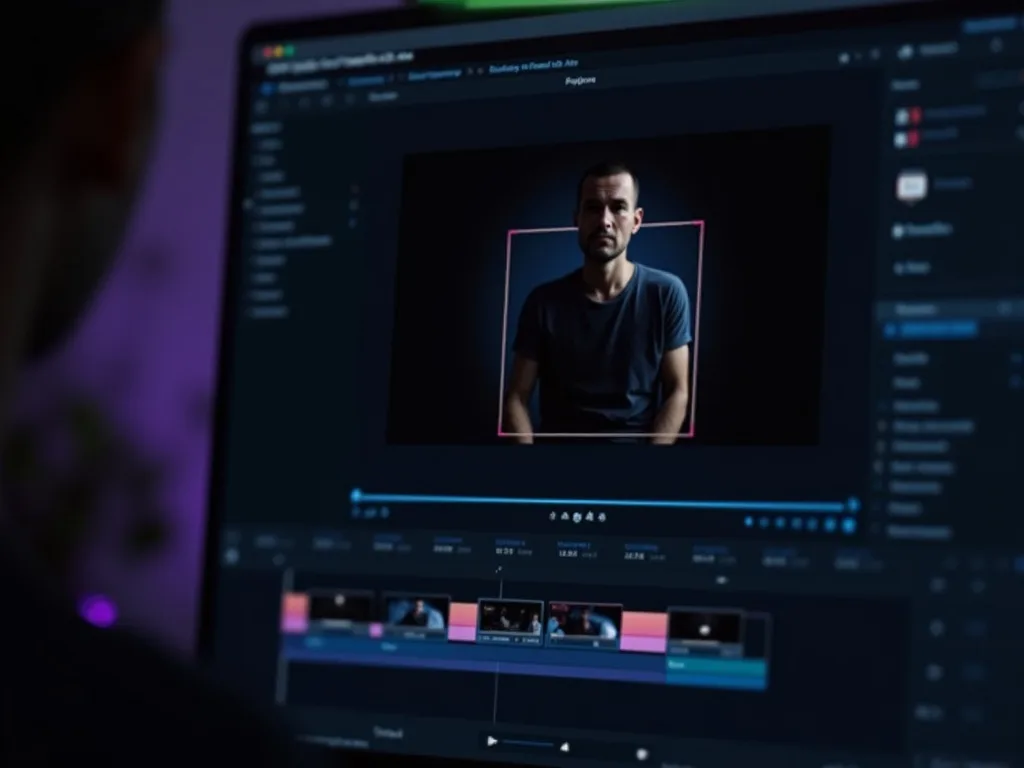
See Vivideo in Action
Watch a script become a video at the right length — then make yours free on Vivideo.
Turn Your Script Into a Video
Time your script, then generate the video from it — free on Vivideo.