Here's how to make an explainer video without a motion-design agency: paste a script, describe the idea, or drop in a product, and Vivideo's AI explainer video generator builds a clear, captioned explainer — animated or presenter-led — across 30+ models, in minutes. An explainer video makes a complex product or idea click in 60 seconds, which is why it lifts conversion on landing pages and comprehension in onboarding — but agency animation is slow and costs thousands. Generation makes explainer video fast and affordable.
Why an explainer video converts
The explainer videos teams make most
The formats that make an idea click — each one a one-click preset in Vivideo's AI explainer video generator.
Animated explainer
Characters, scenes and color carrying a story your viewer remembers. The most versatile style — great for an abstract product or a service with no obvious visual.
Motion-graphic explainer
Icons, numbers and clean transitions that turn dry data and process steps into something a viewer follows without effort. The B2B and SaaS workhorse.
Whiteboard explainer
A hand drawing the idea as the narrator builds it, frame by frame. The curiosity of “what gets drawn next” keeps people watching to the end — ideal for teaching.
Kinetic typography
Words animated in time with the voiceover so the message reads and lands at once. Punchy, modern and built to be understood even on mute.
Talking-head explainer
A real or AI presenter looking down the lens. The trust of a human face — pair it with cutaways and captions to keep it from feeling static.
Screen-recording demo
Your product on screen, narrated step by step, so prospects see exactly how it works before they sign up. The fastest path from curious to convinced.
How to make an explainer video with Vivideo
Describe what you’re explaining
Paste your product page, a few bullet points or a rough idea. No script and no storyboard required.
Pick a style & voice
Choose animated, motion-graphic, whiteboard or talking-head, add a narrator or your own cloned voice, and apply your brand kit.
Vivideo writes & builds it
Script, scenes, motion, captions, music and pacing are assembled automatically across 30+ models.
Publish everywhere
Export 16:9 for your homepage and YouTube, 9:16 for Reels, TikTok and Shorts — all from one render.
Build it to the spec that holds attention
Vivideo renders each cut to the length, structure and format the moment rewards.
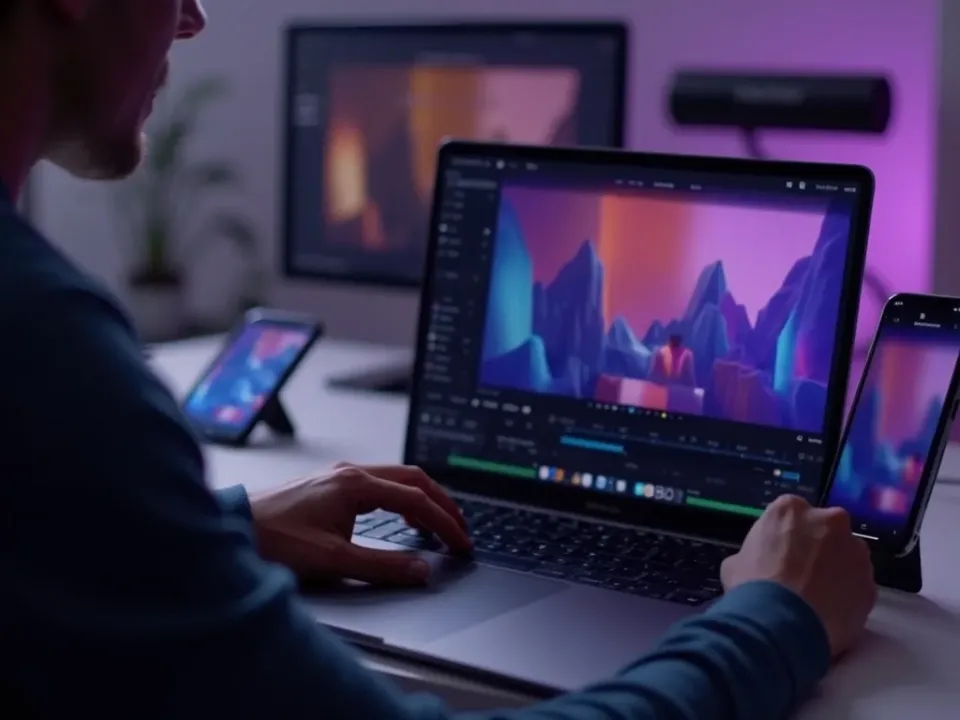
Make an Explainer Video From a Script
Vivideo's AI explainer video generator turns a script or an idea into a clear, captioned explainer — animated or presenter-led — and the same screen lets you edit it. Make explainer videos for everything you ship without an agency.
An explainer for every feature and process, refreshed whenever things change.
Any Style, From One Script
Animated for concepts, presenter-led for trust, screen-based for software, whiteboard for teaching — the generator produces the style that fits from the same script. The answer to "how do I make an explainer video that actually explains."
One idea ships in the style that makes it click.
Clear, On-Brand, and Localized
A hook that states the problem, a middle that shows the solution, a close that drives action — with captions for mute and your brand throughout. Then localize into 30 languages.
Structured to be understood, on-brand, and ready for every market.
Everything the Explainer Video Generator Includes
One place to make animated and presenter-led explainers, captioned and on-brand.

Who Makes AI Explainer Videos?
Everyone with something to explain:
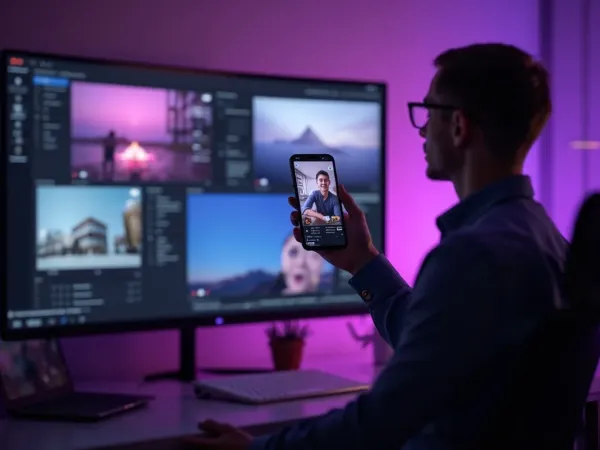
One Free Studio Behind Every Tool
Scriptwriter, camera crew, editor, voice actor, translator — this studio plays every role for the price of none of them.
More Ways to Explain With Video




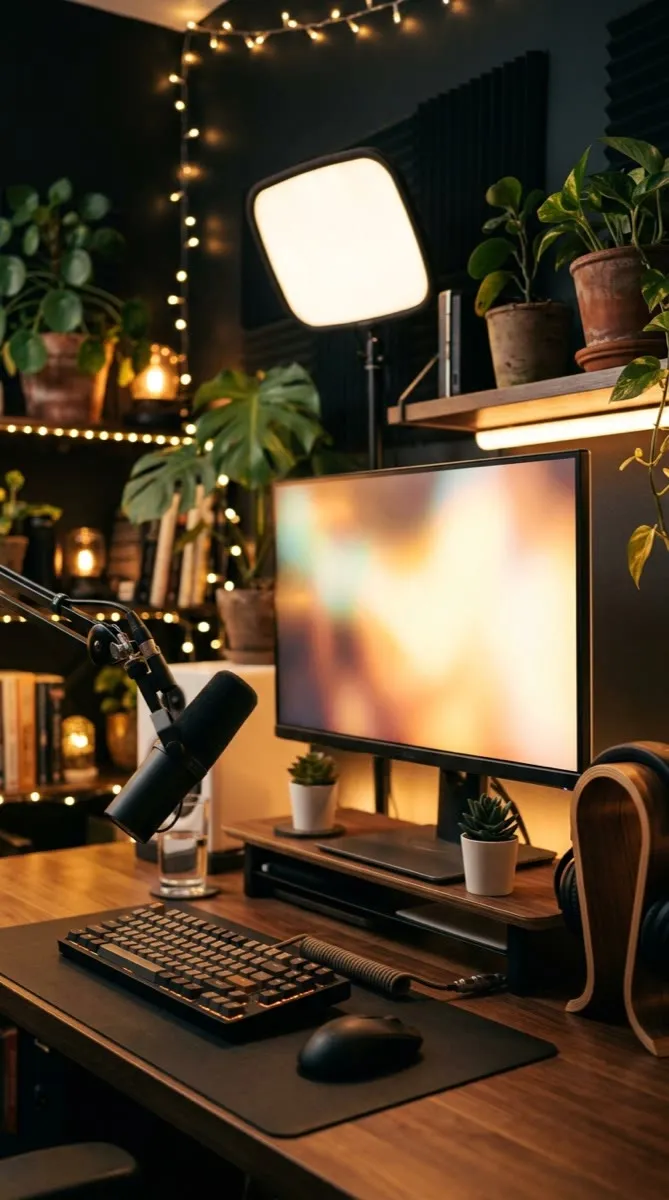


See the Explainer Video Generator in Action
Watch a script become a clear animated explainer — then make your own free on Vivideo.
How to make an explainer video with AI, explained
An explainer video earns its place because it makes something complex click fast — a good one on a landing page lifts conversion, and in onboarding it lifts activation. The problem has always been production: motion-design agencies charge thousands and take weeks per video, so most teams make one explainer and never update it. An AI explainer video generator changes that: a script or an idea becomes a finished, captioned explainer in minutes, so you can have one per feature and keep it current.
The craft is matching style to the message. An animated explainer suits abstract concepts and processes; a presenter-led explainer builds trust for a service; a screen-based walkthrough suits software; a whiteboard style suits education. Vivideo produces all of them from your script, adds captions and clear pacing, and exports for site, social and app — so one idea ships in the style that fits.
Clarity and structure are what separate a good explainer from a confusing one, and the generator bakes that in: a hook that states the problem, a middle that shows the solution, and a close that drives action — with captions so it works on mute. You review the draft, so the message stays accurate while production speeds up dramatically.
Put together, it's a way to explain everything you ship, not just the flagship. Not one agency explainer a year, but an explainer for every feature, product and process, refreshed whenever things change and localized into every market. That coverage and clarity is what compounds conversion, activation and understanding.
Explainer video FAQ
How do I make an explainer video without an agency?
Paste a script or describe the idea, and Vivideo's AI explainer video generator builds a clear, captioned explainer — animated or presenter-led — automatically across 30+ models, no motion-design agency and no weeks of waiting.
Is the explainer video maker free?
Yes — you can make explainer videos free with daily generations, no credit card and no download. Upgrade affordably for watermark-free explainer and higher limits.
What styles of explainer can I make?
Animated, presenter-led with an AI avatar, screen-based walkthroughs and whiteboard-style — Vivideo produces the style that fits your message from the same script.
Can I turn a script into a video?
Yes — paste your script and the generator narrates it, adds visuals and captions, and structures it into a clear explainer with a hook, middle and call to action.
Can I use an AI presenter or voiceover?
Yes — add an AI avatar or a natural AI voice (or your cloned voice) so the explainer has a consistent narrator without recording.
Can it match my brand?
Yes — apply your logo, colors, fonts and voice, and every explainer comes out on-brand and consistent.
Can I keep explainers up to date?
Yes — regenerate an explainer the day something changes instead of waiting on an agency, so your videos never go stale.
Can I localize an explainer?
Yes — turn one explainer into 30 languages with AI translation and dubbing, so every market understands in its own language.