Here's how to make an anime video without drawing a single frame: describe the scene or upload a character image, and Vivideo's AI anime video generator builds stylized anime clips — clean line art, expressive characters and smooth 2D-style motion — across 30+ models, including anime-specialist engines, in minutes. Anime is one of the most-searched and most-shared styles online, but animating it by hand takes years of skill. Generation puts anime-style video in reach of anyone with an idea.
Why anime video takes off
The anime videos creators make most
The formats that earn the views and the saves — each one a one-click preset in Vivideo's AI anime video generator.
Anime music video (AMV)
A fast-cut, beat-synced edit built around a track — the original anime format and still the most shared. Drop in a song and Vivideo times the action to the drop.
Opening-style sequence
A title-card intro with kinetic typography, a hero shot and a hook — the 90-second cold open that makes a series feel real.
Character animation
Bring one original character to life — idle motion, a turn, an expression, a signature move — with a consistent design across every shot.
Manga-to-motion
Turn a static panel, a webtoon page or a single illustration into a moving scene with parallax, camera drift and ambient effects. The most replayable hook there is.
Short animated story
A tiny self-contained scene — a confession on a rooftop, a duel at dusk — with a beginning, a beat and an ending. Episodic, bingeable, yours.
Lo-fi aesthetic loop
A grainy, dreamy 90s-style ambient loop — rain on a window, a train at dusk — perfect for study streams, wallpapers and chill backdrops.
How to make an anime video with Vivideo
Describe your world
Type a character, a setting and a mood — or upload a sketch, a manga panel or a reference image as your starting frame.
Pick a style & a track
Choose shonen action, soft shoujo, retro 90s or lo-fi, add a song or a narrator, and lock your character design so it stays consistent.
Vivideo animates it
Motion, camera moves, transitions, captions and beat-syncing are assembled automatically across 30+ models.
Publish everywhere
Export 9:16 for Reels, TikTok and Shorts and 16:9 for YouTube and the big screen — all from one render.
Make it read as real anime — at the right spec
Vivideo renders each cut to the exact look and format the format rewards.
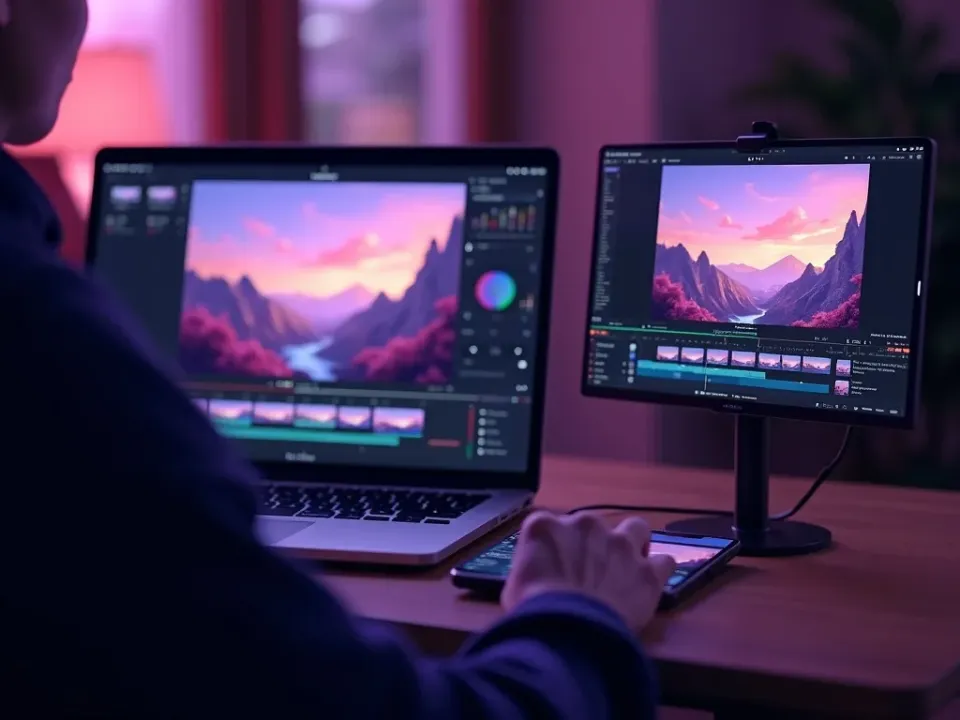
Make Anime Videos From a Prompt
Vivideo's AI anime video generator turns a prompt or a character image into stylized anime clips — clean line art, expressive characters, 2D motion — and the same screen lets you edit them. Make anime without drawing a frame.
A stylized clip for every idea, character and scene, in minutes.
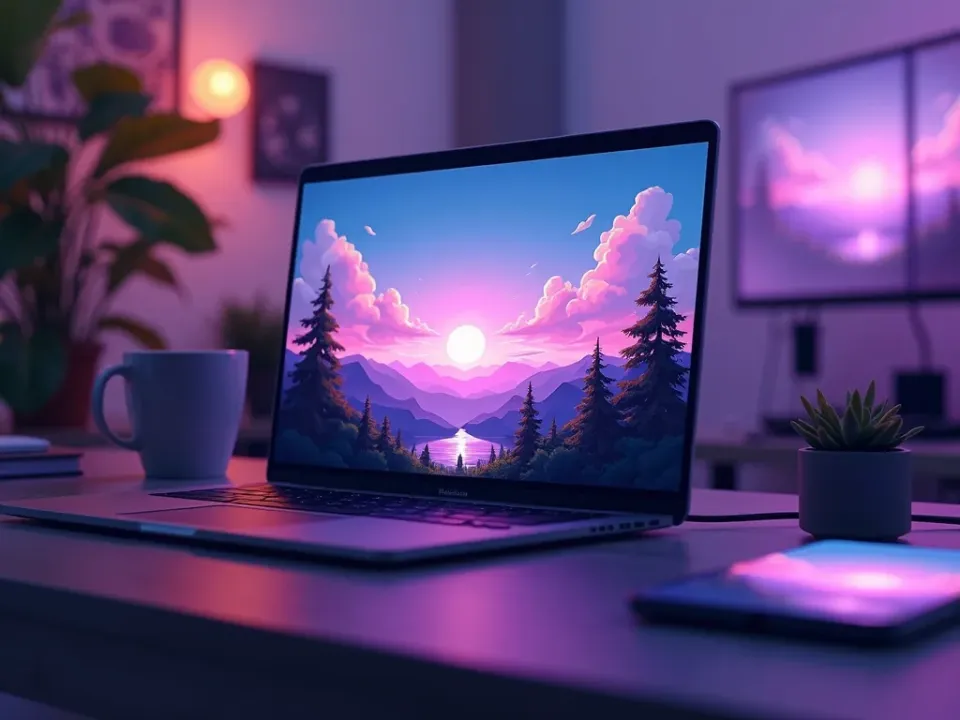
Built on Anime-Specialist Models
Anime lives on its look, so the generator routes prompts to models tuned for the style, including specialists like Vidu and PixVerse — the answer to "how do I make real anime, not a filter."
Output that reads as authentic anime, not live action with an effect.
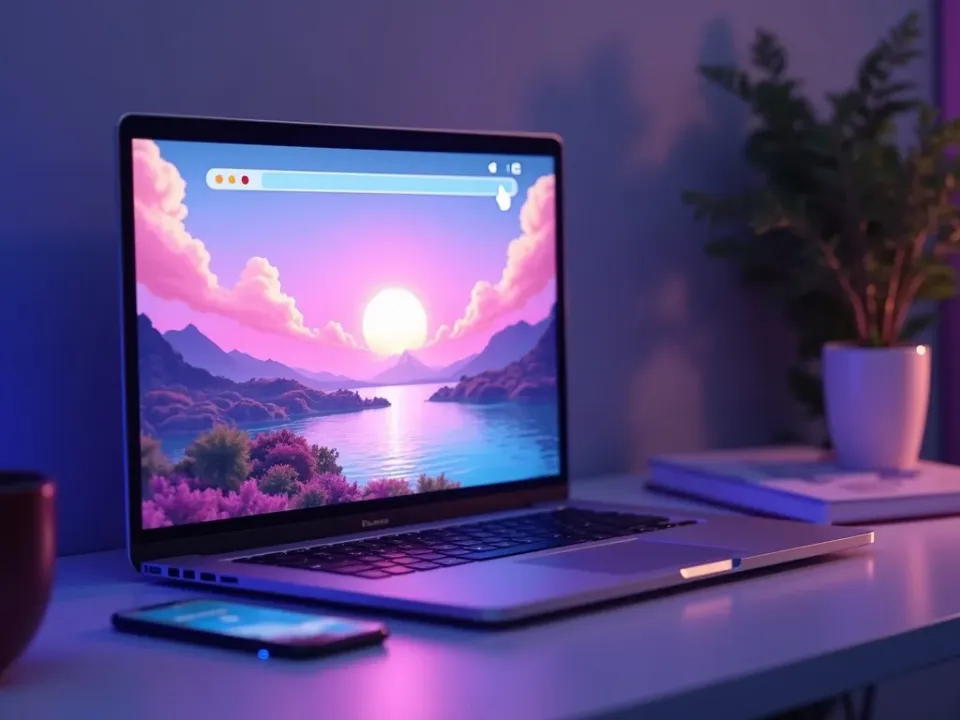
Animate a Character, Any Style
Animate a character still into motion or generate a scene from text, try different looks, and refine in minutes — experimentation hand-drawn animation could never allow. Export vertical or wide, localized into 30 languages.
From a single character image to a moving anime scene.
Everything the Anime Video Generator Includes
One place to make anime characters, scenes and stylized motion from a prompt.
Who Makes AI Anime Videos?
Everyone who loves the style:
One Free Studio Behind Every Tool
Each utility here is a doorway into the full Vivideo studio — create, edit and localize video in the same place.

More Ways to Make Stylized Video


See the Anime Video Generator in Action
Watch a prompt become a stylized anime scene — then make your own free on Vivideo.
How to make anime videos with AI, explained
Anime is one of the most beloved and most-searched visual styles online, and short anime clips travel fast on TikTok, Reels and YouTube. But making anime traditionally takes years of drawing skill and painstaking frame-by-frame work, which puts it out of reach for most creators. An AI anime video generator removes that barrier: a prompt or a character image becomes a stylized anime clip in minutes, with clean line art and expressive 2D motion.
The craft is style and character. Anime lives on its look — line work, color, expression and motion — so Vivideo routes anime prompts to models built for the style (and specialist engines like Vidu and PixVerse), and lets you animate a character still into motion or generate a scene from a description. The result reads as anime, not a filter over live action.
Speed and iteration are the unlock. Generate a character intro, a fight scene, an opening-style montage or a fan animation, try different looks, and refine in minutes — the kind of experimentation hand-drawn animation could never allow. Add captions and music, and export vertical for social or wide for a channel.
Put together, it's a way to make anime-style video from imagination alone. Not years at a drawing desk, but a stylized clip for every idea, character and scene — animated, captioned and shareable. That accessibility is what lets anyone tell a story in the style they love.
Anime video FAQ
How do I make an anime video without drawing?
Describe the scene or upload a character image, and Vivideo's AI anime video generator builds a stylized anime clip automatically across 30+ models, including anime-specialist engines — no drawing skills required.
Is the anime video maker free?
Yes — you can make anime videos free with daily generations, no credit card and no download. An affordable plan unlocks watermark-free anime video exports and higher usage.
Which models make the best anime?
Vivideo routes anime prompts to models tuned for the style, including specialists like Vidu and PixVerse, so the output reads as authentic anime, not a filter.
Can I animate a character image?
Yes — upload a character still and the generator animates it into smooth 2D-style motion, or generate a whole scene from a text prompt.
What kinds of anime videos can I make?
Character intros, action and fight scenes, opening-style montages, fan animations and stylized story clips — vertical or wide, for TikTok, Reels and YouTube.
Can I add captions and music?
Yes — add captions and anime-style music in the editor, and export in the format your platform wants.
Can I make anime shorts for TikTok?
Yes — generate vertical anime clips built for TikTok, Reels and Shorts, where stylized content performs well.
Can I localize an anime video?
Yes — turn one anime video into 30 languages with AI translation and dubbing, so your story reaches a global anime audience.