Here's how to make a photo slideshow video with music without editing software: upload your photos, pick a style, and Vivideo's slideshow video maker arranges them into a polished slideshow with smooth transitions, synced music and captions — across 30+ models, in minutes. A slideshow turns a folder of photos into something worth watching and sharing, whether it's a memory montage, a product showcase or an event recap. It's the fastest way to make a video when what you have is pictures, not footage.
Why a slideshow video works
The slideshow videos people make most
The photo-to-video formats that work — each one a one-click preset in Vivideo.
Memory & anniversary montage
First dates to forever, baby's first year, a tribute reel — photos set to a meaningful song, paced to the music so the room goes quiet. The slideshow everyone screenshots.
Product showcase
Your catalog shots turned into a swipeable hero clip — angles, details, and lifestyle stills cut to a hook. The format that gets saved and sent to a friend.
Before & after
Renovations, glow-ups, transformations — the single most shared and saved slideshow there is, because the payoff lands in the first three seconds.
Event recap
Wedding, trip, conference, launch night — dozens of photos compressed into a punchy highlight that captures the day better than any one shot.
Listicle slideshow
“5 looks”, “7 spots”, “my top reads” — text-over-photo carousels rebuilt as a watchable video, the workhorse of saves and follows.
Photo dump reel
The casual, candid, slightly-imperfect grid of a week or a weekend, set to a track — low effort, high relatability, endlessly scrollable.
How to make a slideshow video with Vivideo
Drop in your photos
Upload the whole folder — 10 shots or 200. Vivideo orders them, crops them, and steadies the ones that need it. No timeline required.
Pick a mood & track
Choose a style — emotional, energetic, clean product — add music from the licensed library or your own, and apply your brand kit.
Vivideo builds it
Transitions, motion, captions, and pacing are assembled automatically and synced to the beat across 30+ models.
Export everywhere
Render 9:16 for Reels, TikTok and Shorts, 16:9 for YouTube and the big screen, 1:1 for the feed — all from one project.
The anatomy of a slideshow that lands
Vivideo sets each cut to the timing, count, and format the moment actually rewards.
Make a Photo Slideshow With Music
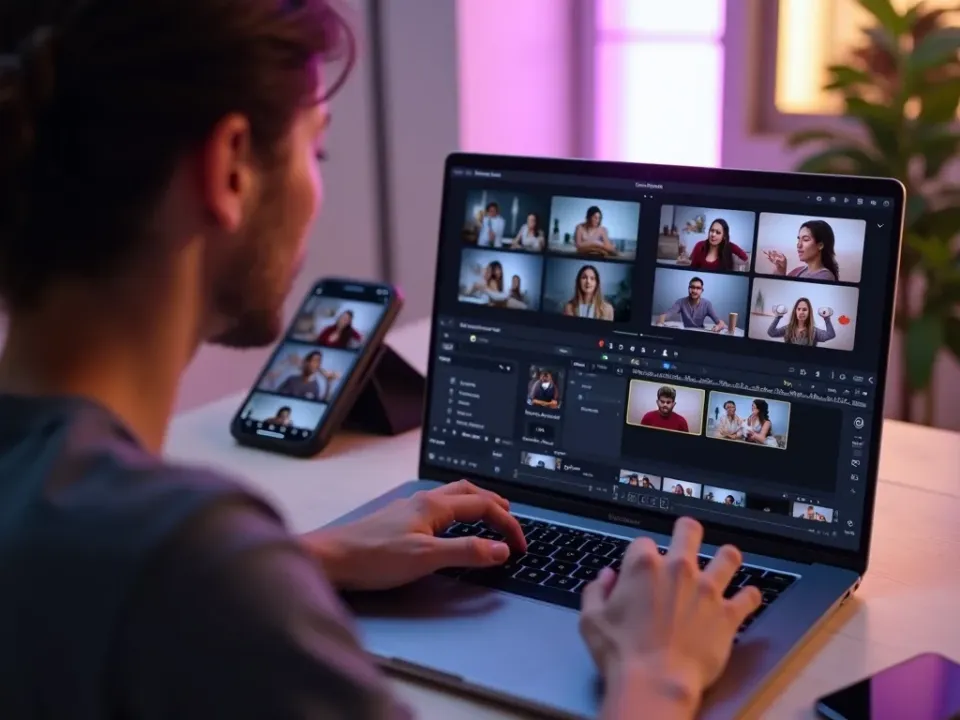
Vivideo's slideshow video maker turns a folder of photos into a polished slideshow with smooth transitions, synced music and captions — and the same screen lets you reorder and edit. Make a slideshow without editing software.
A pile of photos becomes a video worth watching and sharing, in minutes.

Timed to the Beat, Every Time
A slideshow lives on transitions that flow and images that hit on the beat — the answer to "how do I make a slideshow that doesn't look thrown together." The maker syncs pacing to the track automatically.
Add your own music or pick a royalty-clear track; it stays in sync.
For Every Occasion, Every Screen
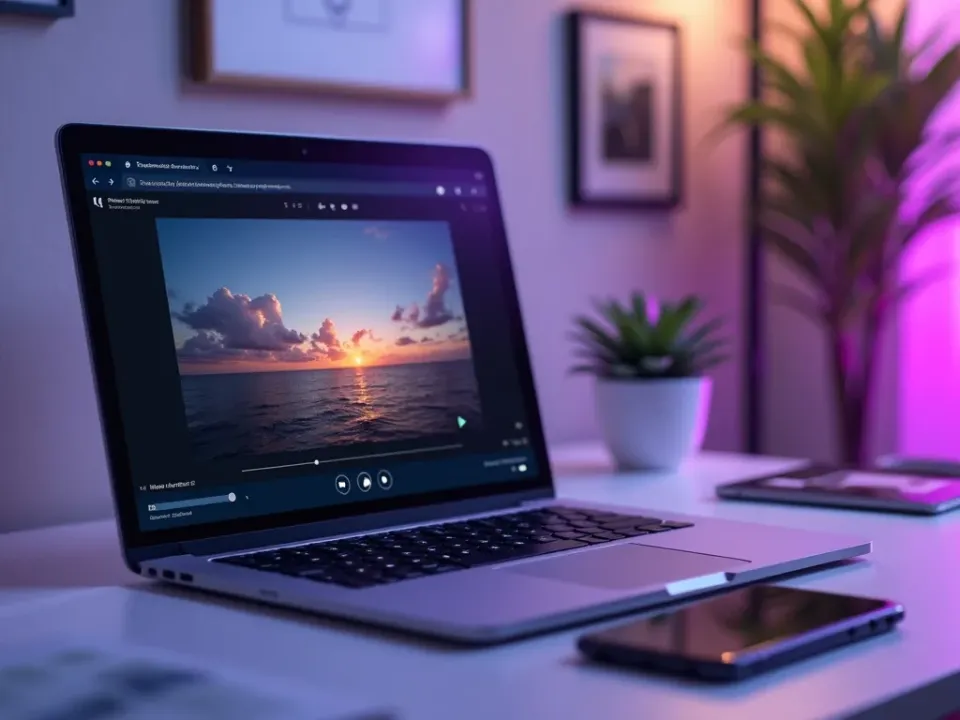
Memory montages, tributes, product and real-estate showcases, event recaps — export vertical for social or wide for a big screen, with captions and titles throughout.
One slideshow, ready for Instagram, TikTok or a wedding screen.
Everything the Slideshow Video Maker Includes
One place to turn photos into a music-synced slideshow for any occasion.
Who Makes Slideshow Videos?
Anyone with photos to turn into video:
One Free Studio Behind Every Tool
Scriptwriter, camera crew, editor, voice actor, translator — this studio plays every role for the price of none of them.
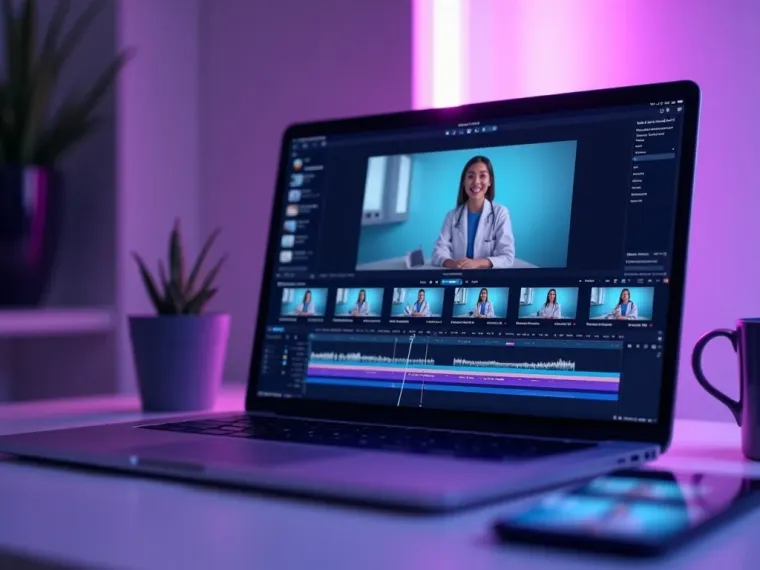
More Ways to Turn Photos Into Video
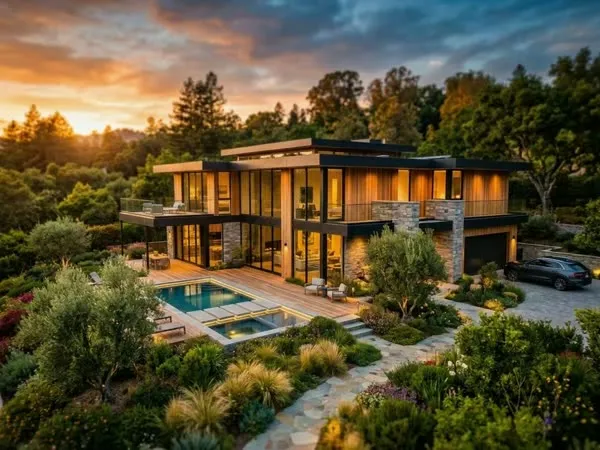






See the Slideshow Video Maker in Action
Watch a folder of photos become a music-synced slideshow — then make your own free on Vivideo.
How to make a photo slideshow video, explained
A slideshow is the fastest path from a pile of photos to a finished, shareable video — no footage required. Traditionally you'd wrangle a desktop editor to place each image, time it to music and add transitions, which is exactly the friction that leaves most photos sitting in a folder. A slideshow video maker removes it: upload your images and it arranges them into a polished, music-synced slideshow automatically.
The craft is timing and music. A slideshow lives or dies on transitions that flow and images that hit on the beat — so Vivideo syncs the pacing to the track, adds smooth transitions and captions, and lets you reorder in seconds. Whether it's a memory montage, a real-estate or product showcase, a birthday tribute or an event recap, the result feels edited, not slapped together.
Because it starts from photos, a slideshow is the most accessible kind of video to make — anyone with a camera roll can produce one, and it works everywhere from Instagram and TikTok to a wedding screen. Add your own music or pick from a royalty-clear library, drop in captions, and export vertical or wide for wherever it's going.
Put together, it's a way to turn the photos you already have into videos people actually watch. Not a folder of stills, but a music-synced slideshow for every occasion, memory and product — made in minutes, shared anywhere. That's the appeal: maximum result from what you already shot.
Slideshow video FAQ
How do I make a photo slideshow with music?
Upload your photos to Vivideo's slideshow video maker, pick a style and a track, and it arranges them into a slideshow with synced transitions and captions automatically — no editing software.
Is the slideshow video maker free?
Yes — you can make slideshow videos free with daily generations, no credit card and no download. Go paid for watermark-free slideshow and room to scale.
Can I add my own music?
Yes — add your own track or choose from a royalty-clear library, and the maker syncs the photo pacing to the beat.
What kinds of slideshows can I make?
Memory montages, birthday and anniversary tributes, real-estate and product showcases, event recaps and travel slideshows — vertical or wide, for social or a big screen.
How many photos can I use?
As many as you like — the maker arranges them, times them to the music and adds transitions. You can reorder or trim in the editor.
Can I add captions or text?
Yes — add captions, titles and names, editable in the built-in editor, so the story is clear on mute.
What formats can I export?
Vertical 9:16 for TikTok, Reels and Shorts, square for feeds, and 16:9 for YouTube or a screen — all from one slideshow.
Does it work on phone and PC?
Yes — the slideshow video maker runs in any modern browser, so you can make one on a phone, Mac or PC with nothing to install.