Vivideo's integrations connect AI video generation to the rest of your stack. Instead of exporting and uploading by hand, generated videos flow directly into your CMS, social scheduler, spreadsheet, or automation platform — and triggers from those tools can kick off generation. It's how video generation becomes part of your existing workflow, not a separate step.
Trusted by individuals at










How integrations work
Connect your tools
Link Vivideo to your CMS, social scheduler, spreadsheet, storage or automation platform in a few clicks.
Set the flow
Choose what triggers generation and where finished videos should land — in or out, or both.
Generate in your workflow
Videos are produced across 30+ models and delivered straight into the connected tool, no manual export.
Keep everything in sync
New content or events flow in; finished videos flow out — your stack and Vivideo stay connected.
What integrations connect
Video generation, wired into the tools you already use.
| Capability | What it does |
|---|---|
| CMS & storage | Push generated videos straight into your CMS, DAM or cloud storage. |
| Social schedulers | Send finished clips to your scheduler, ready to post. |
| Spreadsheets & data | Turn rows into videos, and log outputs back automatically. |
| Automation platforms | Connect via no-code platforms to build custom flows. |
| API, CLI & MCP | For anything custom, integrate directly with code, terminal or agents. |
How AI video integrations work, explained
A video generator that lives in its own tab creates busywork: generate, download, upload, repeat. Integrations remove that. Vivideo connects AI video generation to the tools you already use — your CMS, social scheduler, spreadsheets, storage and automation platforms — so finished videos flow straight into your workflow, and your tools can trigger generation in return.
It works in both directions. Outbound, a generated video lands directly in your CMS, DAM or social scheduler, ready to publish — no manual export. Inbound, a new spreadsheet row, CMS entry or app event can kick off generation, so video gets produced as part of a process you already run, not as a separate task someone has to remember.
That connection is what makes video scale inside a real operation. A content calendar in a spreadsheet becomes scheduled social clips; a product feed becomes catalog videos in your storage; a form becomes a personalized video in your CRM. Everything stays in sync across 30+ models, on-brand, without copy-paste.
No-code connections and automation platforms cover common tools, and for anything custom the API, CLI and MCP server let you integrate directly. However your stack is built, integrations make Vivideo a part of it — so video generation happens where your work already lives.
AI video integrations — FAQ
What integrations does Vivideo offer?
Vivideo connects AI video generation to your CMS, social schedulers, spreadsheets, cloud storage and automation platforms, plus direct API, CLI and MCP access for custom flows.
How do integrations work?
Link your tools, choose what triggers generation and where finished videos land, and videos flow directly into your workflow across 30+ models — no manual export or upload.
Can finished videos go straight to my CMS or scheduler?
Yes — generated videos are delivered directly into the connected tool, so they're ready to publish or schedule without a manual step.
Can my tools trigger video generation?
Yes — a new spreadsheet row, CMS entry or app event can kick off generation, so video is produced as part of your existing process.
Do I need to code?
No — no-code and automation-platform connections cover common tools. For custom integrations, the API, CLI and MCP server let you build anything.
Which automation platforms work?
Vivideo connects through popular no-code automation platforms, so you can wire generation into flows without engineering.
Who are integrations for?
Teams that already have a content stack and want video generation to fit into it, rather than being a separate tool they export from.
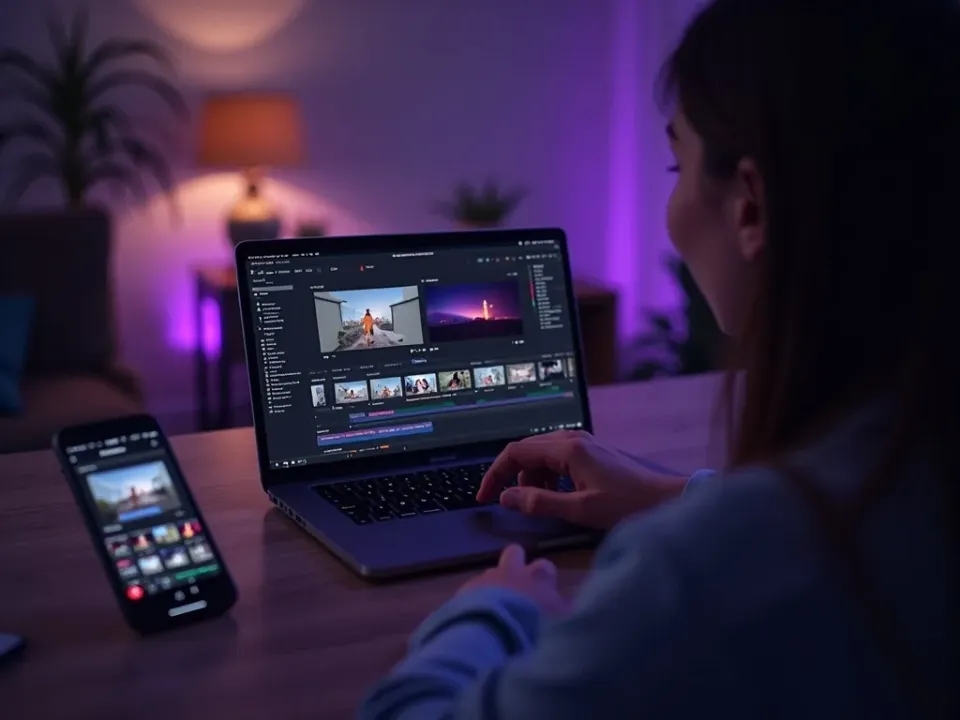
Video Generation, In Your Stack
Vivideo connects to your CMS, social scheduler, spreadsheets and automation platforms, so generated videos flow straight into your workflow — the answer to "how do I stop exporting and uploading by hand."
No more generate-download-upload; video lands where it belongs.

Triggers In, Videos Out
A spreadsheet row or CMS entry can kick off generation, and finished videos land in your scheduler or storage — the connection runs both ways, automatically.
Your tools produce video, and receive it, without manual steps.

No-Code or Direct Integration
Connect common tools without engineering, or integrate directly with the API, CLI and MCP server for custom flows. Video fits however your stack is built.
Wire it simply, or build it deep — your choice.
Everything Integrations Connect
One place to wire video generation into the tools you already use.
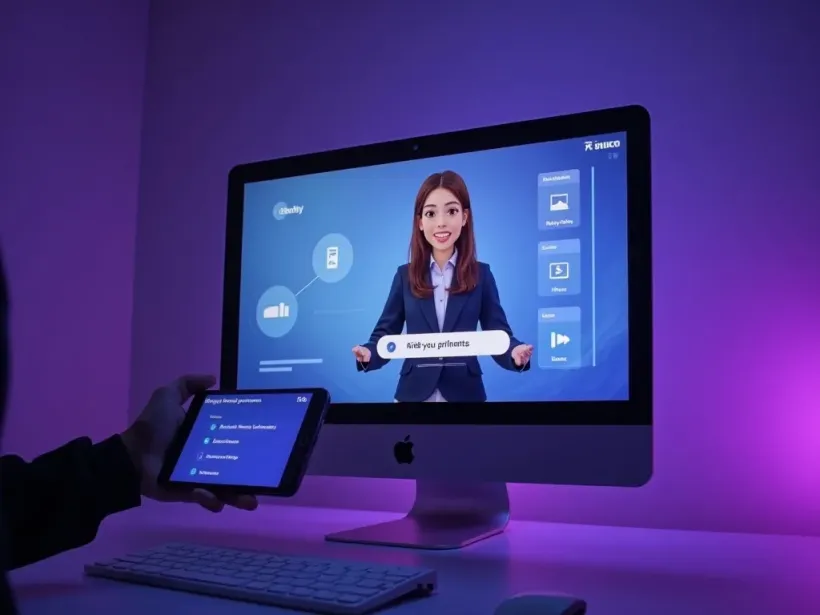
Who Uses AI Video Integrations?
Teams with a stack to plug video into:



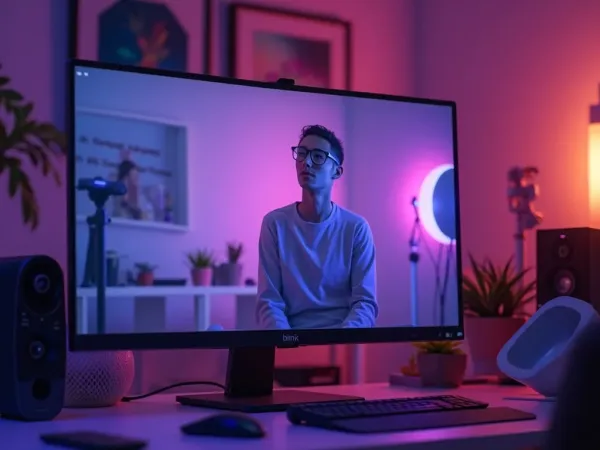
One Free Studio Behind Every Tool
Each utility here is a doorway into the full Vivideo studio — create, edit and localize video in the same place.

Explore More Developer Tools





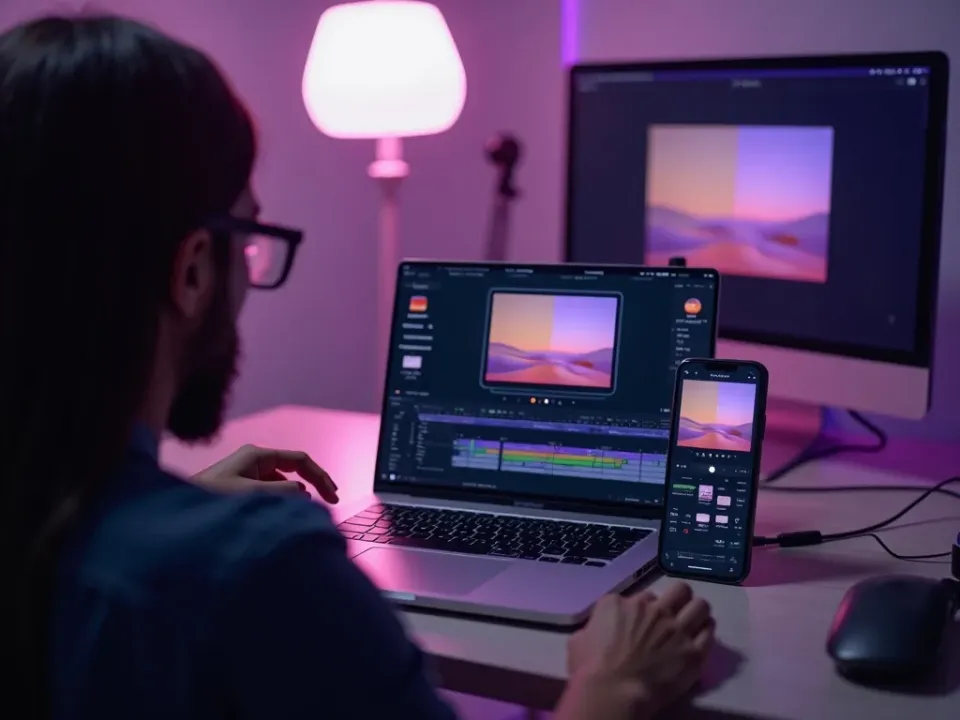
See AI Video Integrations in Action
Watch a generated video flow into a CMS and scheduler — then connect your stack on Vivideo.
