
 GoogleFree
| Developer | OpenAI |
| Origin | United States |
| Released | Sora 2 · Sep 2025 |
| Native audio | Yes |
| Max resolution | 1080p |
| Max clip length | ~10–20s |
| Availability | Proprietary |
| Available via | API · ChatGPT |
| Pricing from | $0.10 / sec |
Use Sora 2 when you need the most realistic AI video generator for cinematic, physically believable shots with built-in sound. Sora 2 text-to-video and Sora 2 image-to-video are ideal for ads, trailers, product films and narrative scenes where lifelike motion, accurate physics and native audio decide the result.
Background. Built by OpenAI, Sora 2 launched in September 2025 as the audio-capable successor to the original Sora, adding synchronized sound, stronger physics and better instruction-following. Where the first Sora was silent and invite-gated, the Sora 2 AI video generator produces dialogue-ready, cinematic clips — and on Vivideo you reach it online without the OpenAI Sora app or a ChatGPT plan.
Open Vivideo and start a new video.
Select Sora 2 as your model — or let the Video Agent pick it for you.
Describe your shot (or upload an image) and set duration and aspect ratio.
Generate with Sora 2, then refine, add a voice or avatar, and export for any platform.
Vivideo puts OpenAI's Sora 2 AI video generator in your browser with no ChatGPT Plus plan, no Sora invite code and no OpenAI API key. Generate Sora 2 videos from a text prompt or a single image, get synchronized native audio, and export them watermark-free.
Because Sora 2 lives beside 30+ other AI video models on Vivideo, you can run a Sora 2 text-to-video shot, swap to Veo 3.1 or Kling for the next one, and stitch everything into one edit — the fastest way to use Sora 2 online without the OpenAI Sora app.
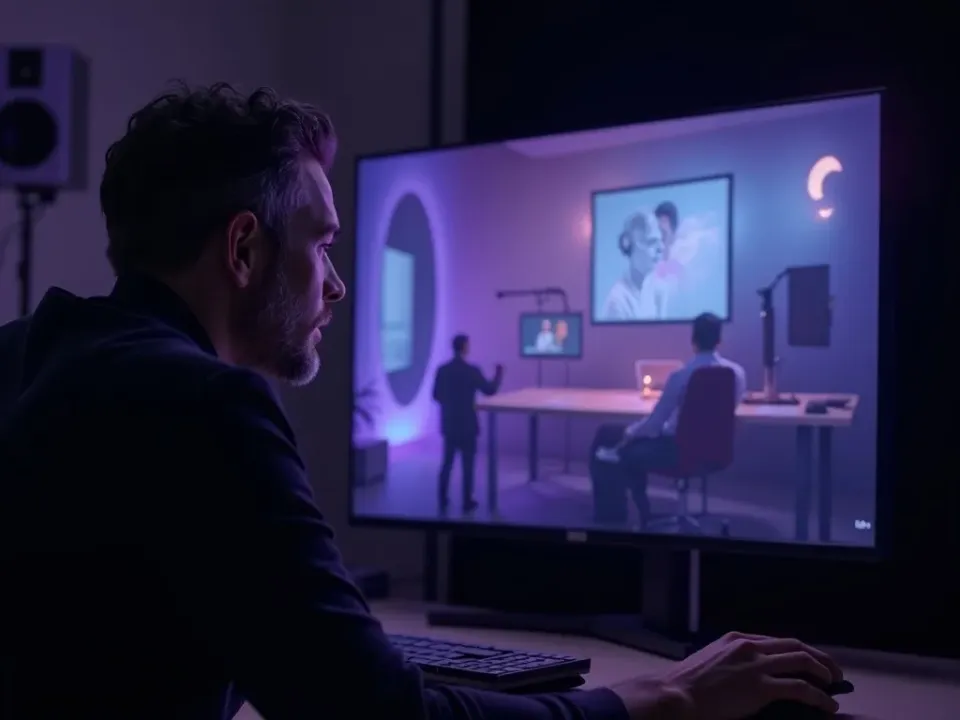
Sora 2 is the AI video model creators reach for when realism matters. Its accurate physics, natural motion and film-grade lighting make Sora 2 text-to-video look shot on a camera, not rendered — ideal for trailers, product films and narrative scenes.
On Vivideo you generate that cinematic Sora 2 footage online and export it watermark-free, so there's no need for a Sora 2 video downloader without watermark or a separate upscaler.
Realistic physics and lifelike motion in every Sora 2 shot
Film-grade lighting and cinematic color out of the box
Watermark-free Sora 2 exports on Vivideo paid plans
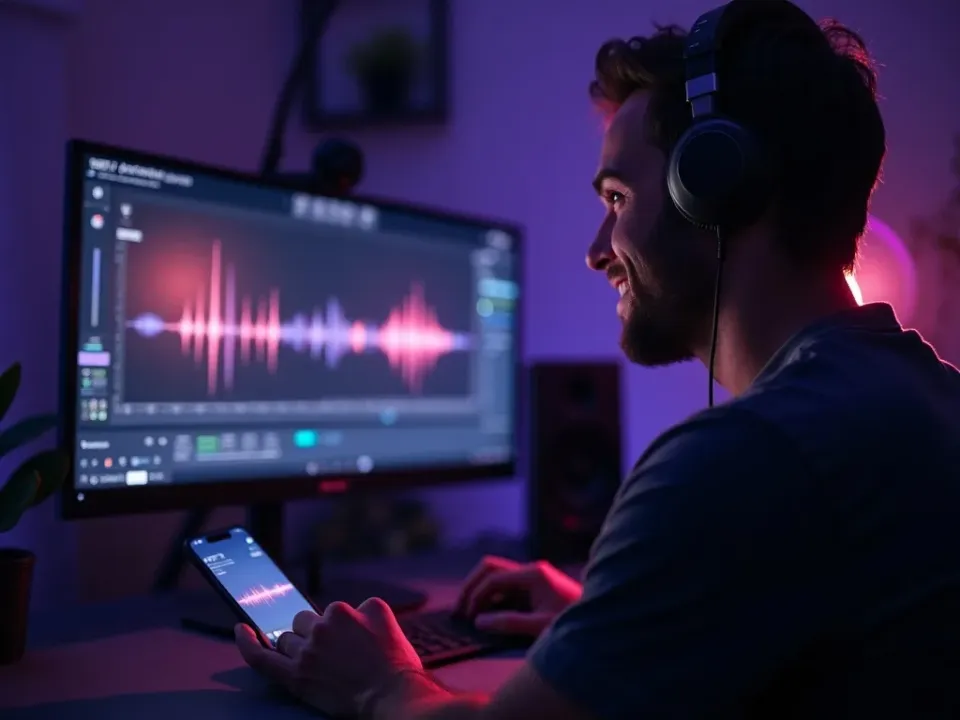
The biggest reason to choose the Sora 2 AI video generator over the original Sora is sound. Sora 2 generates synchronized native audio — dialogue, sound effects and ambience — locked to the picture in a single generation.
That means many Sora 2 clips need no separate voiceover or music pass. When you do want more, Vivideo layers AI voices, cloned voices and a soundtrack on top of your Sora 2 video.
Vivideo runs both Sora 2 text-to-video and Sora 2 image-to-video. Write a detailed Sora 2 video prompt — subject, camera move, lighting and sound — or upload a still and let Sora 2 animate it with believable motion.
Prompts written like camera directions get the most out of Sora 2. Name what should happen, and the Sora 2 AI video generator returns cinematic, audio-synced footage you can refine shot by shot.
Sora 2 text-to-video from a written prompt
Sora 2 image-to-video from a single photo
Prompt-following tuned for cinematic, audio-synced results
Sora 2 is the go-to model whenever realistic motion and native audio decide the result.
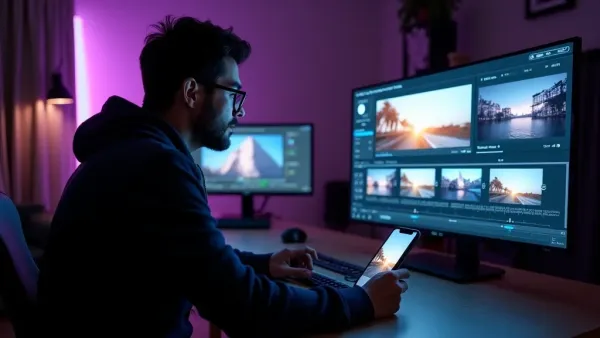
Vivideo isn't just a Sora 2 video generator — it's the full workflow. Generate with Sora 2, edit the result, and localize it into 30 languages without leaving the browser.
Sora 2 (also written Sora 2.0) is OpenAI's latest text-to-video AI model, released in September 2025 as the audio-capable successor to the original Sora. As an AI video generator, Sora 2 is known for physically believable motion, accurate physics and synchronized native audio — the reasons creators search for a "Sora 2 video generator" over older tools.
On Vivideo you can use Sora 2 online without a ChatGPT subscription, without an invite code and without the OpenAI Sora app — Sora 2 is one of 30+ AI video models on a single plan. Type a prompt to run Sora 2 text-to-video, or upload a still to run Sora 2 image-to-video, then switch models per shot and stitch the results into one edit.
A common reason people look for a "Sora 2 video downloader without watermark" is that native Sora exports carry a watermark. On Vivideo your Sora 2 videos export clean and watermark-free on paid plans — no separate Sora 2 watermark remover, downloader extension or upscaler needed.
Getting the best out of Sora 2 comes down to the prompt. Sora 2 rewards prompts written like camera directions: name the subject, the camera move, the lighting and the sound. A well-structured Sora 2 video prompt returns cinematic, audio-synced footage in a single generation.
Sora 2 has honest limits. Individual Sora 2 clips run roughly 10–20 seconds, on-screen text can garble, and fine detail may drift between takes. For anything longer, Vivideo chains multiple Sora 2 shots — plus shots from Veo 3.1, Kling and other models — into finished videos up to 10 minutes.
Is Sora 2 free? You can try the Sora 2 AI video generator free on Vivideo — free daily generations, no credit card and no OpenAI account. When you're ready for watermark-free exports, longer runs and premium models, an affordable Vivideo plan covers Sora 2 and every other model together.
Watch a prompt become a finished, audio-synced video — then make your own Sora 2 AI video free on Vivideo.
Use Sora 2 online on Vivideo — no ChatGPT plan, no invite code, watermark-free exports. Type a prompt or drop in a photo and generate.
Yes — you can use the Sora 2 AI video generator free on Vivideo to start: free daily generations, no credit card and no OpenAI account. Heavier use, watermark-free exports and premium models are covered by an affordable paid plan.
Open Vivideo, pick Sora 2 as your model, and generate — there's no ChatGPT Plus plan, Sora invite code or OpenAI API key to manage. It's the simplest way to use Sora 2 online on any device, including PC and mobile browsers.
Yes. Instead of hunting for a "Sora 2 video downloader without watermark," generate on Vivideo and export your Sora 2 videos clean on a paid plan — no separate watermark remover, downloader extension or upscaler needed.
Yes — on Vivideo, Sora 2 does both. Run Sora 2 text-to-video from a written prompt, or Sora 2 image-to-video from a still photo, and switch to other models per shot within the same project.
Yes — Sora 2 produces synchronized native audio, including dialogue, sound effects and ambience, so many Sora 2 clips need no separate voiceover. This built-in sound is the biggest upgrade over the original Sora.
On Vivideo, Sora 2 is included in one subscription alongside 30+ models rather than billed per second. Individual Sora 2 clips run about 10–20 seconds; Vivideo chains shots into finished videos up to 10 minutes.
Both are top-tier. Veo 3.1 leads on 4K fidelity; Sora 2 is prized for creative realism, physics and native audio. On Vivideo you can run the same prompt through Sora 2 and Veo 3.1 and keep the better take.
Sora 2 adds synchronized audio, stronger physics and better instruction-following, and it holds scenes together over longer takes — fewer artifacts, more accurate motion and dialogue-ready clips straight from the model.
Yes — Vivideo runs the Sora 2 AI video generator in any modern browser, so you can use Sora 2 on a PC, Mac, Chromebook or phone without installing the OpenAI Sora app. There's nothing to download to start generating.
Treat a Sora 2 video prompt like a shot list: name the subject, the camera move, the lighting, the mood and the sound. Specific, cinematic prompts get the most realistic Sora 2 results; vague prompts drift. You can refine and regenerate any Sora 2 shot on Vivideo without starting over.
Yes — Sora 2 image-to-video animates a still you upload with believable motion and physics. It's ideal for turning a product photo or a single frame into a moving Sora 2 clip, then extending it with more shots.
You don't need a separate Sora 2 alternative — Vivideo bundles Sora 2 with Veo 3.1, Kling, Hailuo and 27+ more models on one plan. If a shot suits another model better, switch to it mid-project and keep going.
The free tier includes daily Sora 2 generations to try the model; paid plans raise the limits and unlock watermark-free exports. Because Sora 2 shares one subscription with every other model, you're not paying per Sora 2 clip like the native OpenAI API.
Sora 2 is the pick when realism and native audio matter most — cinematic ads, trailers, product films and narrative scenes. For fast stylized clips choose PixVerse or Pika; for 4K choose Veo 3.1 or LTX-2. On Vivideo you can compare all of them on the same Sora 2 prompt.
Each model is one of 30+ in Vivideo — switch per shot to get exactly the look you want.
GoogleFree Google
 OpenAI
 OpenAI
 ByteDance
A full 30 seconds in one shot, with native audio.
 ByteDance
State-of-the-art motion, realism and native audio.
 Kling
Kling Kling
Kling