
Here's how to make a Pinterest video pin without filming or design software: describe the idea, paste a product link, or upload a few photos, and Vivideo's AI Pinterest video maker builds a vertical, captioned, aesthetic Pin — then lets you edit it in the same place. It works as both a Pinterest video maker (generate from a prompt) and editor (trim, caption, brand, resize), online and free to start. Video Pins get more distribution and saves than static ones and keep working for months as evergreen search results — so the accounts that grow are the ones publishing video pins consistently, which generation makes realistic across 30+ models.
Why a Pinterest video maker pays off
Six kinds of Pinterest video pin you can make
The formats Pinners actually search for and re-pin — each one a one-click preset in Vivideo.
Step-by-step Idea Pin
A multi-page how-to or DIY walkthrough — the format Pinterest built for tutorials, and the one that stays discoverable and shareable long after a Story would have vanished.
Product / shoppable Pin
Your product in motion with a clean cover and a link straight to the page — aimed at the 80%+ of weekly Pinners who say the platform inspires what they buy.
Recipe video Pin
The classic Pinterest winner: a fast overhead cook-along with captioned steps. Recipes are among the most-searched and most-saved content on the platform.
Idea / inspiration board clip
Outfit grids, room moodboards, gift guides — visual inspiration built to be saved to boards and planned around, not just watched once.
Creator / brand explainer
You or an AI avatar introducing a service, a launch or a tip in seconds — a warm face on a platform full of high-intent, high-income planners.
9:16 vertical reel
A full-bleed vertical cut that also doubles for Reels, TikTok and Shorts — one render, posted everywhere people scroll.
How to make a Pinterest video pin with Vivideo
Drop in your subject
Upload a product photo, recipe or a few clips — or paste a link. No shoot and no design file required.
Add your keywords & style
Give it the search terms you want to rank for, pick a video Pin or a multi-page Idea Pin, and apply your brand kit and voice.
Vivideo builds the Pin
Scenes, captioned steps, motion, music and a clean cover frame are assembled automatically across 30+ models.
Publish & let it rank
Export a 2:3 video Pin and a 9:16 reel from one render, add your keyword-rich title and description, and watch it surface for months.
Post it to the exact Pinterest spec
Vivideo renders each Pin to the format and length Pinterest's algorithm and Pinners actually reward.
A Pinterest Video Maker and Editor in One
Vivideo's AI Pinterest video maker builds a vertical, aesthetic video Pin — strong first frame, keyword title overlay, brandable — and the same screen lets you trim, resize and brand it. Make Pinterest video pins and finish them without exporting anywhere else.
Generate the Pin, add a searchable title, and publish — it keeps surfacing for months.

Built for Pinterest Search
Pinterest is a search engine, so the title overlay and keywords do the work. The maker helps you set a keyword-rich title so your video Pin resurfaces every time someone searches the topic — evergreen distribution, not a one-day spike.
One well-titled video Pin can drive saves and clicks for a year.
Free and Online, No Watermark
Vivideo is a free Pinterest video maker online — no app, no watermark. Add your brand, royalty-clear music and a title overlay, and export clean 9:16 or 2:3 files ready to pin.
Start free; a paid plan adds watermark-free Pinterest exports and bigger limits.
Everything the Pinterest Video Maker Includes
One place to make video pins, brand them and get them searchable on Pinterest.
Who Uses the Pinterest Video Maker?
Anyone driving evergreen traffic from Pinterest:
One Free Studio Behind Every Tool
Scriptwriter, camera crew, editor, voice actor, translator — this studio plays every role for the price of none of them.
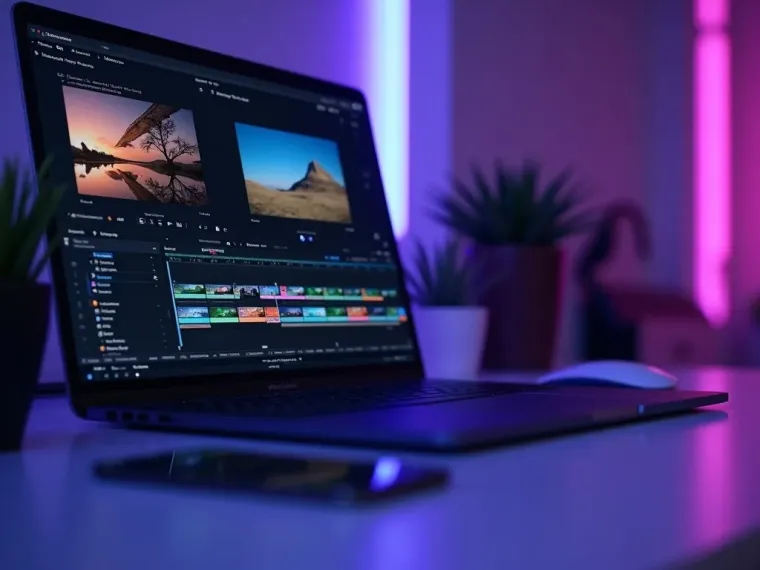
More Ways to Make Searchable Video
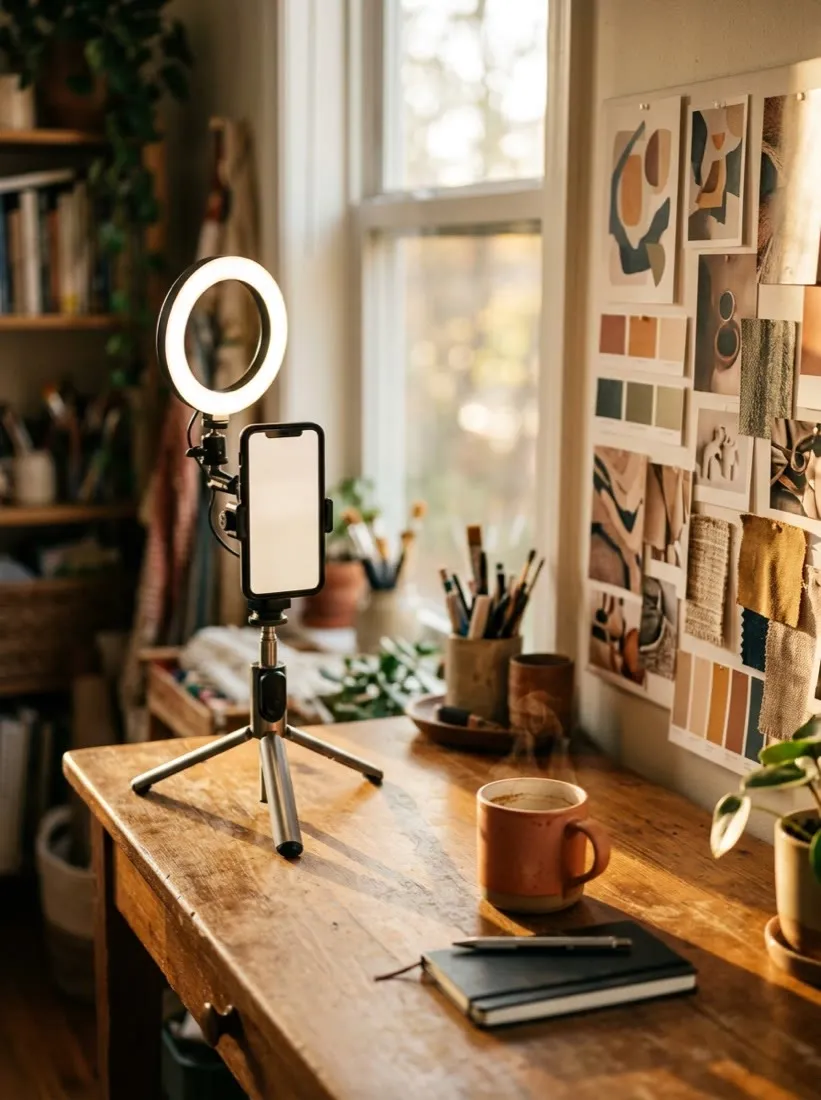
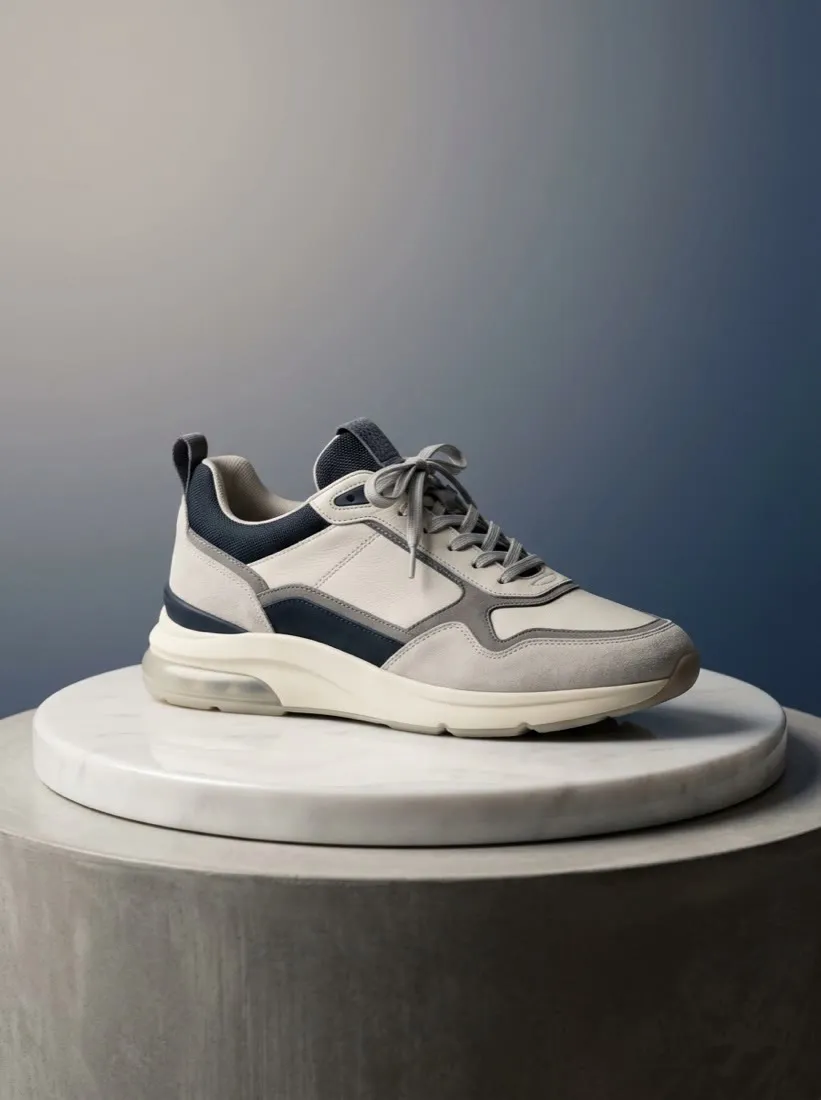






See the Pinterest Video Maker in Action
Watch a prompt become an aesthetic, searchable video Pin — then make your own free on Vivideo.
How to make Pinterest video pins, explained
Pinterest is a visual search engine, not a social feed, which changes what video is for: a video Pin is an evergreen result that resurfaces every time someone searches the topic. The barrier was always production — shooting vertical, adding a text overlay, keeping it aesthetic and on-brand. An AI Pinterest video maker removes it: describe an idea, paste a product, or drop in photos, and you get a captioned, scroll-stopping video Pin in minutes.
A good Pinterest video editor matters as much as the maker, because Pins live or die on the first frame and a clear text overlay. Vivideo keeps making and editing in one place: generate a vertical draft, trim it, add a title overlay and your brand, and export watermark-free at 9:16 or 2:3. Whether it's a recipe, a how-to, a product tease or a mood board turned motion, the finished Pin looks native to the boards it lands on.
What performs as a Pin is specific: a strong first frame, a keyword-rich title overlay so it surfaces in Pinterest search, and a clear reason to save. Because Pinterest is search-driven, the keywords in your Pin and description do the heavy lifting for months — which is exactly why a maker earns its keep, letting you publish a steady library of searchable video Pins instead of a handful.
Put together, it's a way to treat Pinterest as the evergreen search engine it is. A single video Pin can drive saves and clicks for a year, non-followers find you through search, and each Pin compounds your presence for a keyword. Not a few Pins a season, but a consistent stream of aesthetic, keyword-titled video Pins — that's what compounds reach and traffic on Pinterest.
Pinterest video FAQ
How do I make a Pinterest video pin without filming?
Use the AI Pinterest video maker: type an idea, paste a product link, or upload a few photos, and Vivideo builds a vertical, captioned video Pin automatically — no camera or design software.
Is the Pinterest video maker free?
Yes — you can make Pinterest video pins free with daily generations, no credit card and no download. It runs in the browser, no install. A low-cost plan clears the watermark and lifts your Pinterest limits.
Can I edit and brand the Pin?
Yes — Vivideo is a Pinterest video maker and editor in one: trim, add a title overlay, resize and apply your brand in the built-in editor, then export watermark-free.
What size should a Pinterest video pin be?
Vertical 9:16 or 2:3 aspect (1000×1500), the sizes Pinterest favors. Vivideo renders to spec by default and gives you other ratios for cross-posting from one project.
How do I make a Pin surface in Pinterest search?
Add a keyword-rich title overlay and description. Because Pinterest is a search engine, those keywords make your video Pin resurface for months. Vivideo lets you set the on-Pin title in the editor.
Can I make a video pin from photos?
Yes — upload a handful of images and the maker turns them into a video Pin with motion, a title overlay and music, exported vertical.
How long should a Pinterest video be?
Short works best — around 6 to 30 seconds for most Pins, up to 15 minutes if it's a genuine tutorial. Vivideo lets you trim to the ideal length in the editor.
Does it work on my phone and PC?
Yes — the Pinterest video maker runs in any modern browser, so you can make and edit video Pins on a phone, Mac or PC with nothing to install.

