AI video automation generates video without anyone in the loop. On Vivideo you connect a trigger — a new spreadsheet row, a form submission, a schedule, or a webhook — and it produces an on-brand video for each, across 30+ models, automatically. It's how teams turn video from a manual task into a pipeline that runs itself, at scale.
Trusted by individuals at










How to automate video creation
Pick a trigger
Start from a spreadsheet, a form, a schedule, a webhook or an app event — whatever should kick off a video.
Map the content
Tell the automation which fields become the prompt, product, script or brand for each video.
Generate in bulk
Vivideo produces an on-brand video per row or event, across 30+ models, with no one clicking generate.
Deliver automatically
Finished videos are pushed where you need them — a folder, a CMS, an app or a social scheduler.
What AI video automation does
Turn a trigger into finished, on-brand videos, hands-off.
| Capability | What it does |
|---|---|
| Trigger from anything | Spreadsheets, forms, schedules, webhooks and app events kick off generation. |
| Bulk, on-brand output | A video per row or event, with your brand kit applied automatically. |
| 30+ models under the hood | Route each job to the right model for the format, automatically. |
| Deliver anywhere | Push finished videos to a folder, CMS, app or social scheduler. |
| Scales without headcount | Produce hundreds of videos on a schedule, no one clicking generate. |
How AI video automation works, explained
Making one video is easy; making a thousand on a schedule is a job. AI video automation removes the person from that job: you connect a trigger — a spreadsheet, a form, a schedule, a webhook — and Vivideo generates an on-brand video for each, across 30+ models, without anyone clicking generate. Video becomes a pipeline that runs itself.
The pattern fits a lot of work. A product catalog becomes a video per SKU from a spreadsheet; personalized outreach becomes a video per lead from your CRM; a content calendar becomes a daily social clip on a schedule. You map which fields become the prompt, product or script, and the automation does the rest, at whatever volume you need.
Consistency scales with it. Because your brand kit is applied automatically, bulk output stays on-brand — the same colors, logo and fonts across every generated video — and each one is routed to the right model for its format. Finished videos are delivered where you need them, from a folder to a CMS to a social scheduler.
For no-code flows, common triggers connect without engineering; for custom pipelines, the API, CLI and MCP server let you script anything. Either way, AI video automation turns video from a manual task into infrastructure — hundreds of on-brand videos, produced hands-off, on schedule.
AI video automation — FAQ
What is AI video automation?
AI video automation generates video without anyone in the loop. You connect a trigger — a spreadsheet, form, schedule or webhook — and Vivideo produces an on-brand video for each, across 30+ models, automatically.
What can trigger a video?
A new spreadsheet row, a form submission, a schedule, a webhook or an app event — anything that should produce a video can kick off generation.
Can it make videos in bulk?
Yes — that's the point. Map your data to prompts and the automation produces a video per row or event, hundreds at a time, on a schedule.
Are the videos on-brand?
Yes — your brand kit is applied automatically, so bulk output stays consistent with your colors, logo and fonts.
Where do finished videos go?
Wherever you route them — a folder, a CMS, an app, or a social scheduler — delivered automatically as each is generated.
Do I need to write code?
No-code triggers cover common tools, and for custom flows the API, CLI and MCP server let you script anything.
Who is automation for?
Teams producing video at volume — ecommerce catalogs, personalized outreach, programmatic social — who want a pipeline instead of manual work.

Video Generation on Autopilot
Connect a trigger — a spreadsheet, form, schedule or webhook — and Vivideo produces an on-brand video for each, across 30+ models, with no one clicking generate. The answer to "how do I make video at scale."
A trigger in, finished on-brand videos out, hands-off.
Bulk, On-Brand, Delivered
A catalog becomes a video per SKU; a CRM becomes a video per lead. Your brand kit keeps it all consistent, and finished videos are pushed where you need them — automatically.
Hundreds of on-brand videos, produced and delivered on schedule.

No-Code or Fully Scripted
Common triggers connect without engineering; the API, CLI and MCP server let you script custom pipelines. Video becomes infrastructure either way.
Automate simply, or wire it deep into your stack.
Everything AI Video Automation Includes
One place to turn triggers into finished, on-brand videos at scale.
Who Uses AI Video Automation?
Teams producing video at volume:



One Free Studio Behind Every Tool
Each utility here is a doorway into the full Vivideo studio — create, edit and localize video in the same place.


Explore More Developer Tools

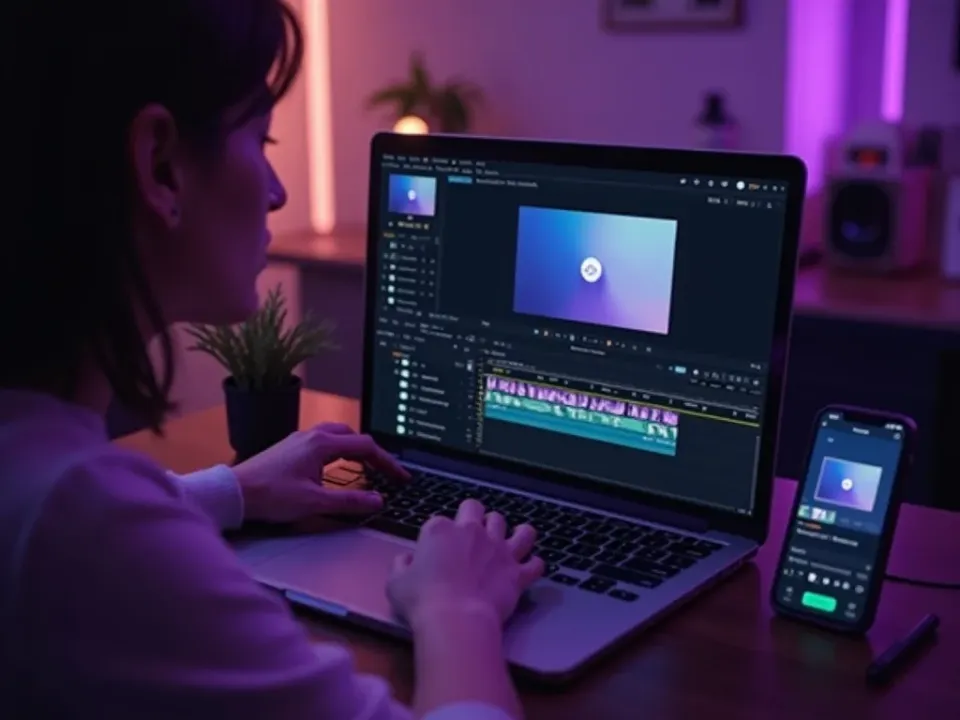



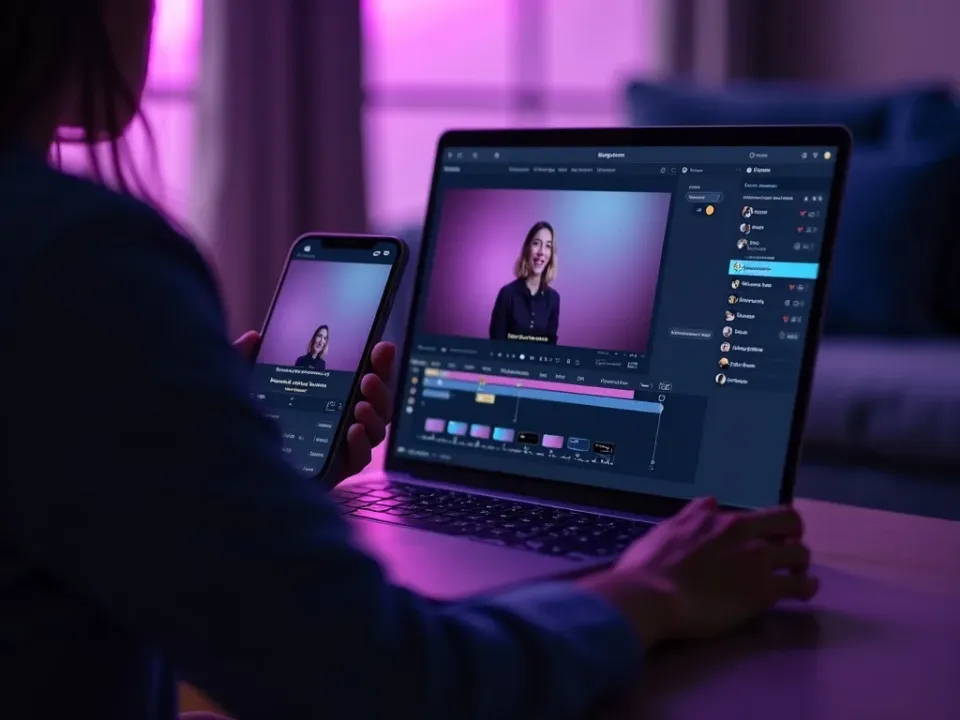


See AI Video Automation in Action
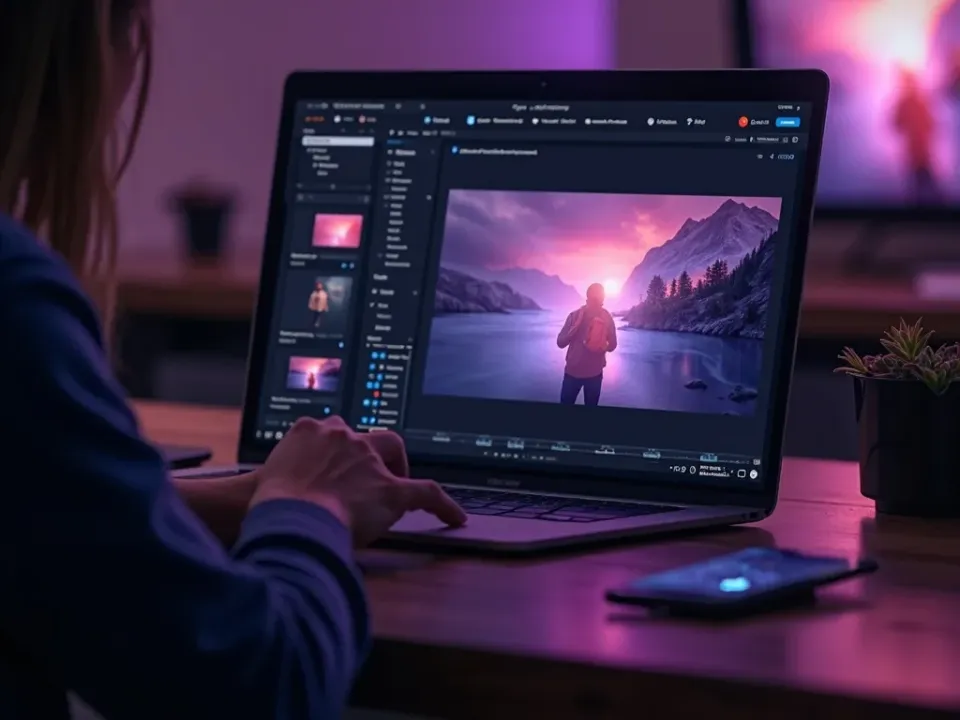
Watch a spreadsheet become a batch of on-brand videos — then automate yours on Vivideo.
