WebM is an open, web-friendly format, but it won't open on an iPhone or in many editing apps. MP4 fixes that. This free WebM to MP4 converter gives you a compatible file you can edit, post and share anywhere, in just a few seconds.
How it works
Upload your WebM file
Click “Convert to MP4” and let it process
Download your new MP4 — ready to share or edit
Frequently asked questions
How do I convert WebM to MP4?
Upload your WebM file, click “Convert to MP4”, and download the result. It happens in your browser in seconds — no software needed.
Is the WebM to MP4 converter free?
Yes, it's completely free. There's no watermark and no sign-up required to convert your WebM to MP4.
Does WebM to MP4 conversion reduce quality?
No — the conversion is done at high quality, and the visual difference is imperceptible for screen recordings and downloads. The MP4 you get plays everywhere WebM doesn't.
Who can see my WebM upload?
No one — the file is processed for your conversion only and is never shared or published. Download the MP4 and it remains entirely yours.
Convert WebM to MP4, Free and Online
This is how to convert WebM to MP4 without installing anything: upload your .webm file, and download a .mp4 in seconds. No install: it runs free in your browser and never watermarks the MP4.
WebM is a web-first format that many editors and phones won't accept — converting to MP4 makes the file editable and playable anywhere. Because the WebM-to-MP4 conversion happens on your device, there's no upload limit and your WebM stays private.
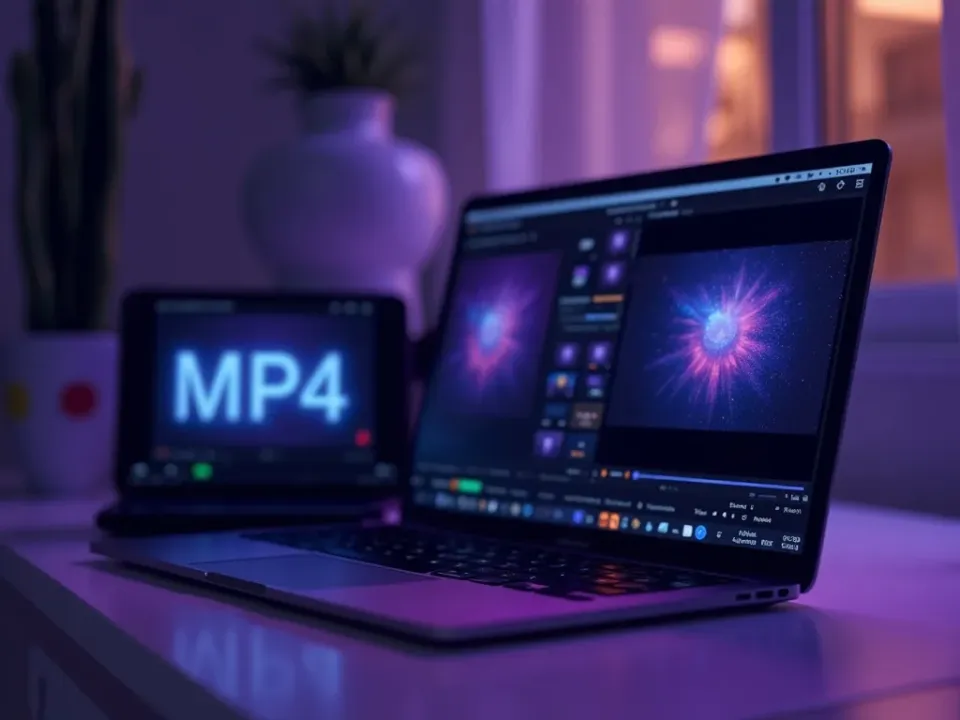
Why Convert WebM to MP4?
WebM is a web-first format that many editors and phones won't accept — converting to MP4 makes the file editable and playable anywhere. MP4 is the format that plays everywhere — on phones, social platforms and the web — which is why webm-to-mp4 is one of the most common conversions people need.
Upload the .webm, get a .mp4, done.
.webm in, .mp4 out
Plays on any device
No quality guesswork
WebM to MP4 Without the Quality Hit
A good WebM-to-MP4 converter re-encodes cleanly so the .mp4 looks the same as the .webm — no visible quality drop at sensible settings, and none of the setup a desktop tool needs.
One WebM in, one clean MP4 back.
Free, Online, No Watermark
Convert WebM to MP4 online free — no watermark, no sign-up, no download. It's device-agnostic and private — your file stays with you.
Your WebM stays on your device; conversion is local.
Everything the WebM to MP4 Converter Does
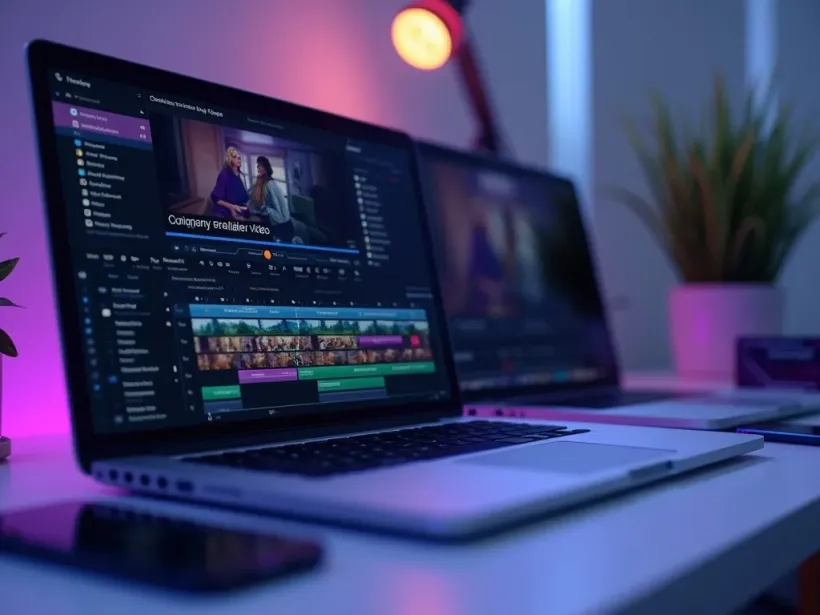
Who Converts WebM to MP4?
Anyone stuck with a WebM file:
Convert WebM to MP4, Then Do More
Vivideo is more than a WebM-to-MP4 converter — once your MP4 is ready, generate, edit and translate video in the same place.
Rated by Real Users Across Platforms
4.7 ★
Trustpilot
4.5 ★
G2
5.0 ★
Capterra
4.5 ★
App Store
Based on 1624 combined reviews across Trustpilot, G2, Capterra and the App Store
What Creators Say About Vivideo
“I went from idea to a published video in under ten minutes. The avatars look unbelievably real.”
illustrative
Explore More Free Video Tools

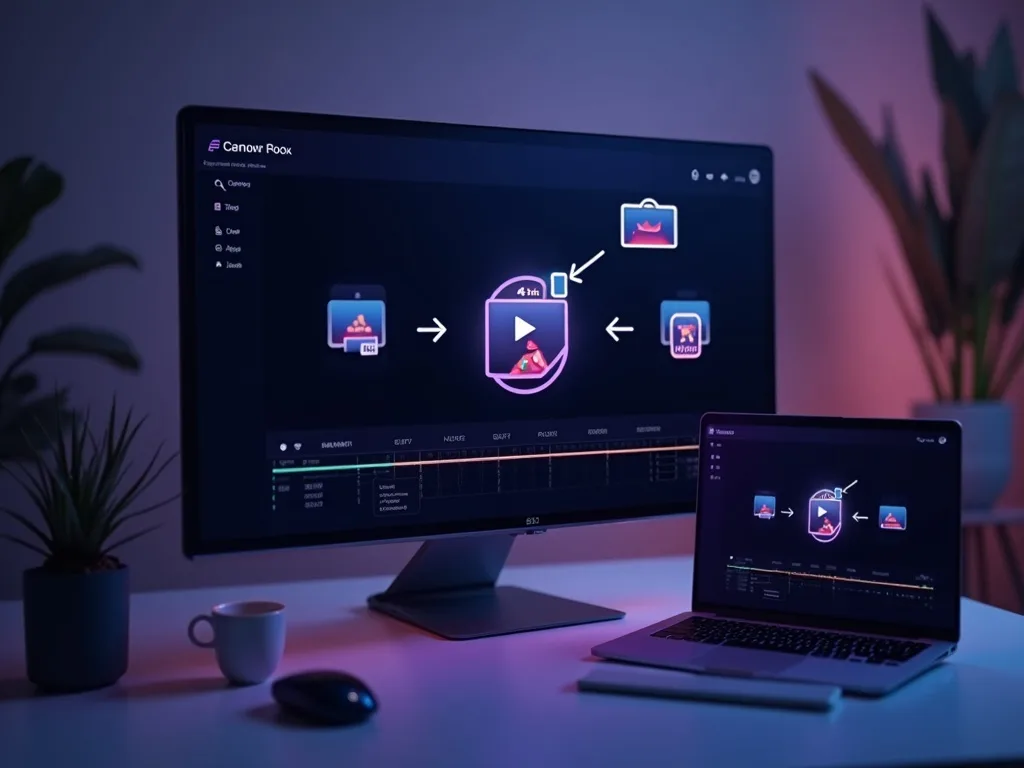

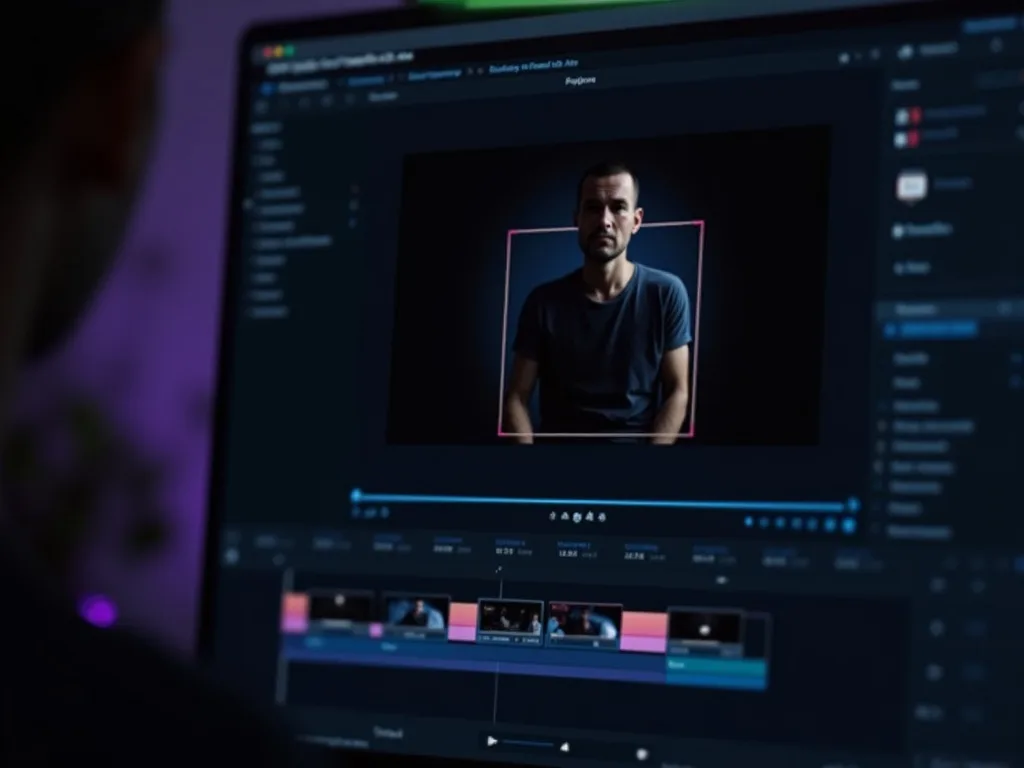
See the WebM to MP4 Converter in Action
Watch a .webm become a .mp4 in seconds — then convert yours free on Vivideo.
Convert WebM to MP4 Free
Turn your .webm into a .mp4 — online, in your browser, with no watermark.