Cut out the parts you don't need and reframe your shot for any platform — square for feeds, vertical for Reels, wide for YouTube. This free crop video tool trims the frame to the exact area you want, right in your browser.
How it works
Upload your video
Click “Crop video” and let it process
Download your finished video
Frequently asked questions
How do I crop a video?
Upload your clip, click “Crop video”, and download the result. It works in your browser — no software to install.
Is Crop Video free?
Yes — Crop Video is completely free, with no watermark and no sign-up required to get started.
Which formats does the crop tool support?
The usual formats — MP4, MOV, WebM and more. Crop to a preset ratio like 9:16 or 1:1 or drag a custom frame; the result exports as a standard file.
What should I do after cropping?
Resize if the dimensions still don't match your platform, or trim to length. When you need words and sound, the AI studio adds captions and voiceover.
Crop a Video, Free and Online
This is how to crop a video without software: upload a clip, drag the crop box to what you want to keep, and download the cropped video. Everything happens in your browser: free, and no watermark.
Cropping removes unwanted edges, zooms in on the subject, or reframes a clip to fit a square or vertical aspect ratio — without stretching the picture.
Cut the Frame Down to What Matters
Sometimes the action is in one corner and the rest is dead space. This free crop tool lets you draw a box around exactly what you want and drop everything outside it — a tighter, more focused shot.
Drag the crop box, export the keeper.
Remove unwanted edges
Zoom in on the subject
No stretching or distortion
Crop to a Square or Vertical Ratio
Cropping is also how you reframe a landscape clip for a square feed or a vertical Story — cut to 1:1 or 9:16 so the subject fills the frame the way each platform wants.
Reframe without black bars.

Free, Online, No Watermark
Crop a video online free — no watermark, no sign-up, no download. Runs on any device, and nothing is uploaded — fully private.
Your clip stays on your device.
Everything the Crop Tool Does
Who Crops Video?
Anyone reframing a shot:

Crop, Then Do More With Your Video
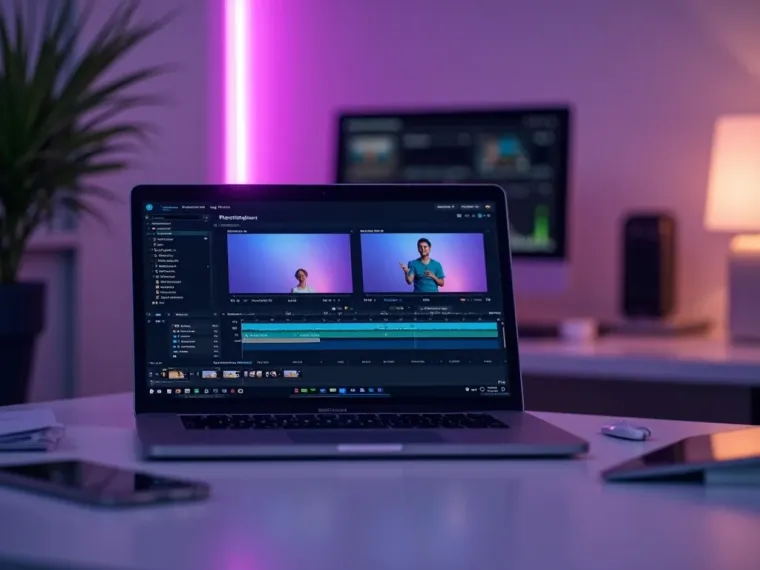
Vivideo is more than a crop tool — generate, edit and translate video, all in one place.


Rated by Real Users Across Platforms
4.7 ★
Trustpilot
4.5 ★
G2
5.0 ★
Capterra
4.5 ★
App Store
Based on 1624 combined reviews across Trustpilot, G2, Capterra and the App Store
What Creators Say About Vivideo
“I went from idea to a published video in under ten minutes. The avatars look unbelievably real.”
illustrative
Explore More Free Video Tools

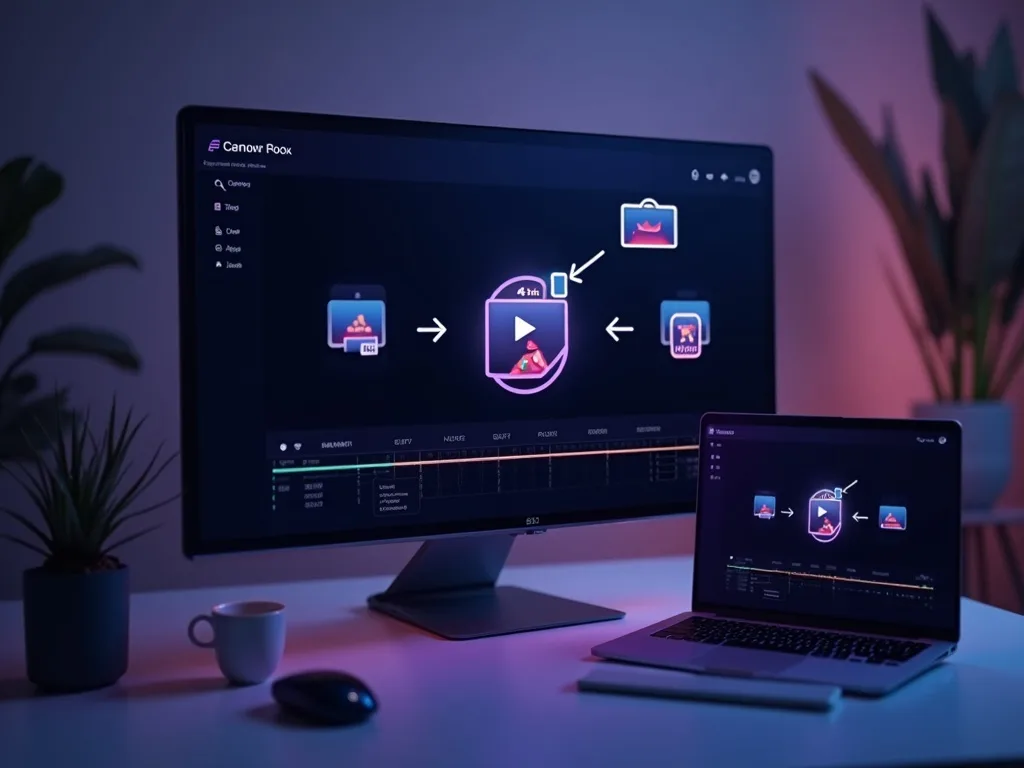

See the Crop Tool in Action
Watch a clip crop tight on the subject — then crop yours free on Vivideo.