Sometimes you only need the sound — a song, an interview, a podcast clip or a voiceover trapped inside a video. This free MP4 to MP3 converter extracts the audio from any MP4 and saves it as a lightweight MP3 you can play anywhere, with no software to install.
How it works
Upload your MP4 file
Click “Convert to MP3” and let it process
Download your new MP3 — ready to share or edit
Frequently asked questions
How do I convert MP4 to MP3?
Upload your MP4 file, click “Convert to MP3”, and download the result. It happens in your browser in seconds — no software needed.
Is the MP4 to MP3 converter free?
Yes, it's completely free. There's no watermark and no sign-up required to convert your MP4 to MP3.
Will converting reduce the quality?
No — the converter preserves your video's quality while changing the format to MP3, which is widely supported across devices and apps.
Is it safe to upload my MP4 here?
Yes — the upload exists solely to produce your MP3 and is never shared. Nothing you convert is published anywhere or reused.
Convert MP4 to MP3 — Extract Audio Free
This is how to convert MP4 to MP3 without software: upload a video, and download just its audio as an MP3 file. It runs in the browser, free, and adds no watermark to the MP3.
Pull a song, a podcast, a lecture or a voice memo out of any video — keep the sound, drop the picture — privately on your device.
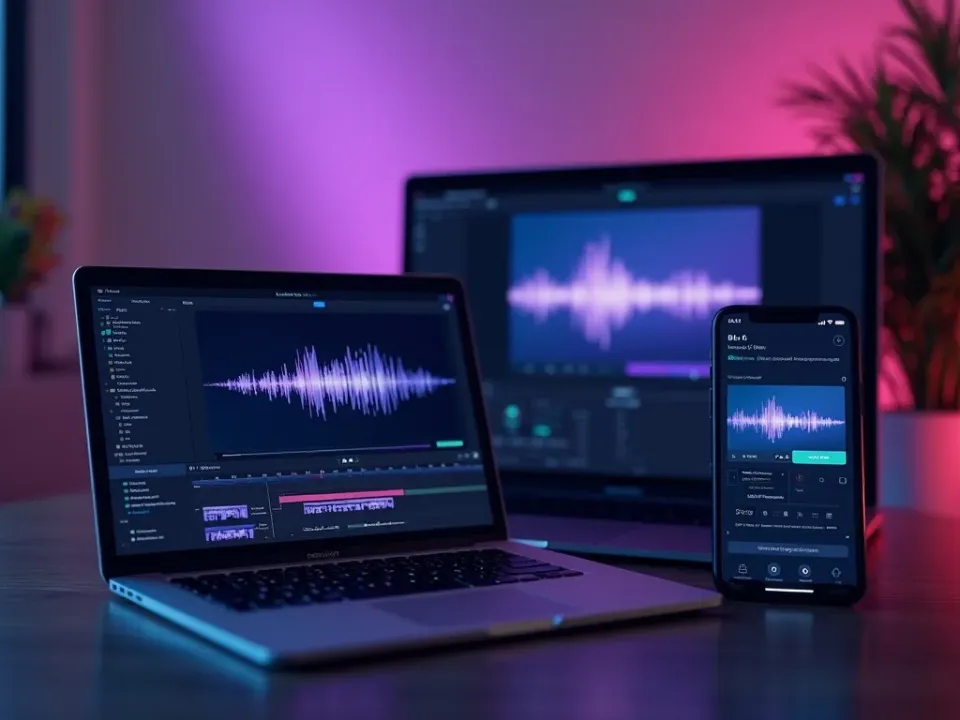
Turn a Video Into an Audio File
The most-searched reason to convert MP4 to MP3 is to keep only the audio — music from a music video, a podcast from a recorded stream, or narration from a lecture. This converter extracts the audio track and saves it as a portable MP3.
Upload the MP4, get an MP3, done.
Extracts the audio track only
Portable MP3 that plays anywhere
Music, podcasts and voice
Keep the Sound Quality
A good MP4-to-MP3 converter preserves the audio quality without a bloated file. The MP3 sounds like the original, at a size that fits a phone or a music library.
Clean audio, compact file.
Free, Online, No Watermark
Convert MP4 to MP3 online free — no watermark, no sign-up, no download. It runs on any device, privately, so your video never leaves your device.
Extraction happens locally on your device.
Everything the MP4 to MP3 Converter Does
Who Converts MP4 to MP3?
Anyone who wants the audio, not the video:

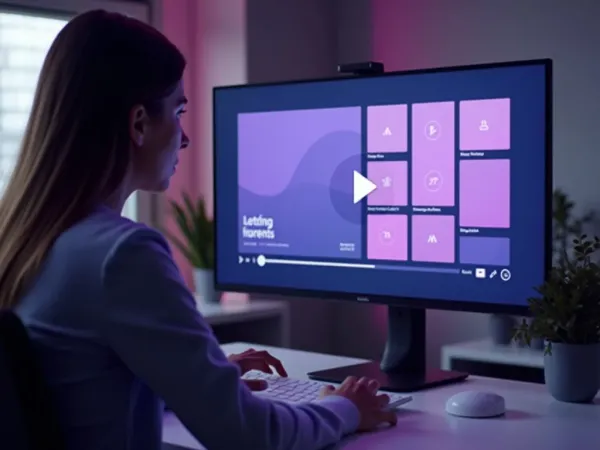
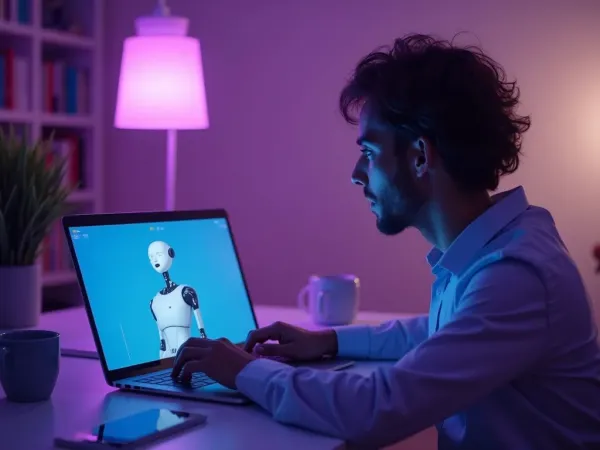
Extract Audio, Then Do More With Video
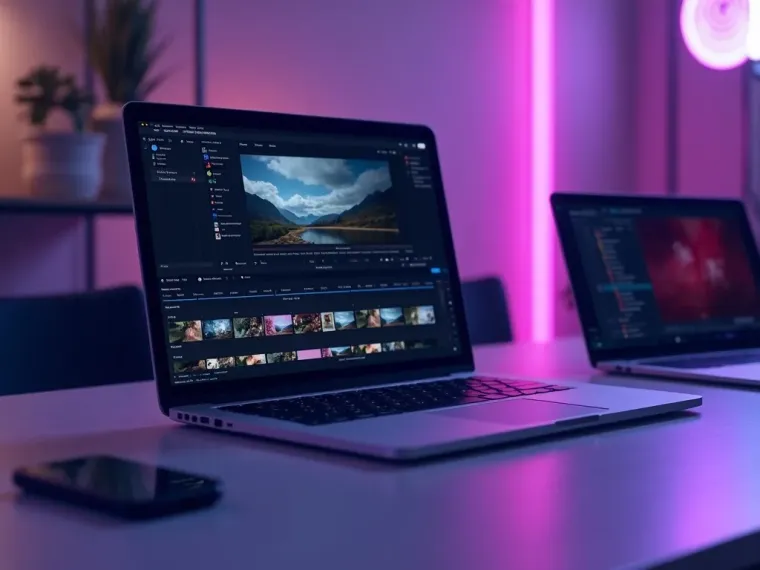
Vivideo is more than an extractor — generate, edit and translate video, all in one place.
Rated by Real Users Across Platforms
4.7 ★
Trustpilot
4.5 ★
G2
5.0 ★
Capterra
4.5 ★
App Store
Based on 1624 combined reviews across Trustpilot, G2, Capterra and the App Store
What Creators Say About Vivideo
“I went from idea to a published video in under ten minutes. The avatars look unbelievably real.”
illustrative
Explore More Free Video Tools

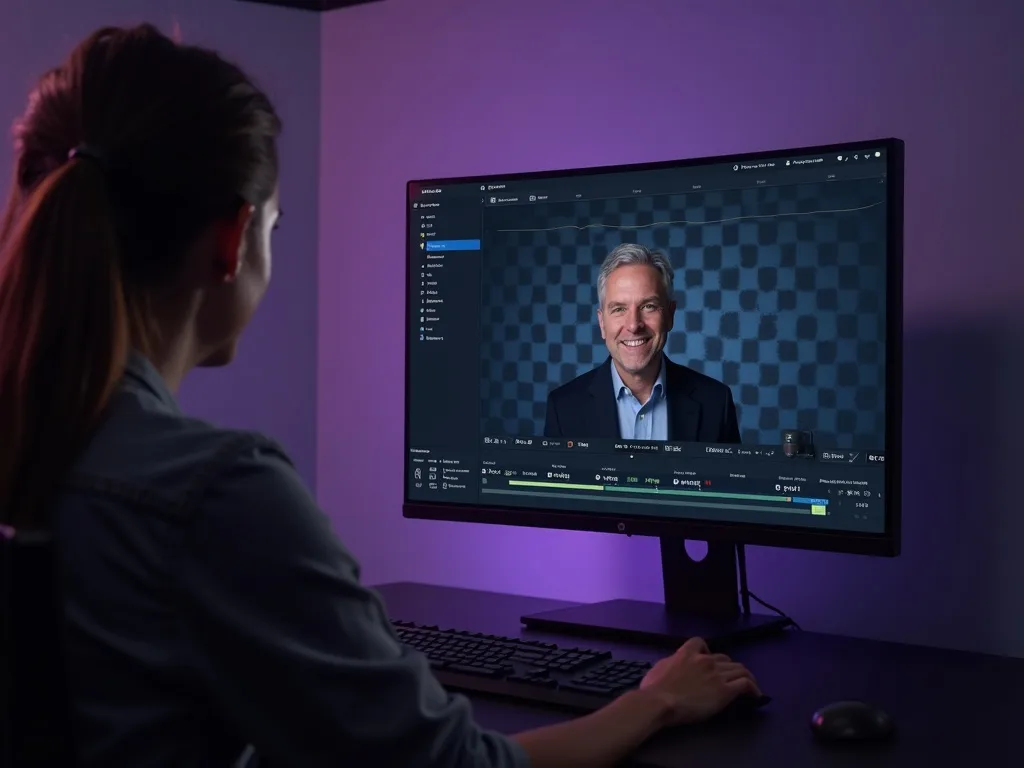
See MP4 to MP3 in Action
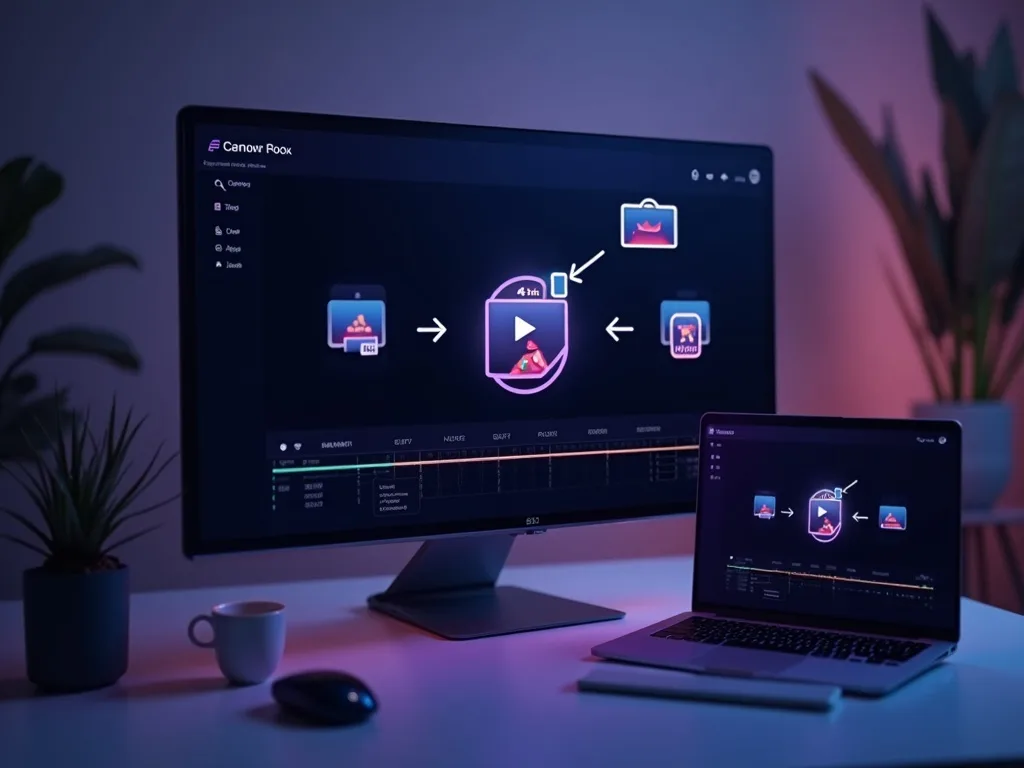
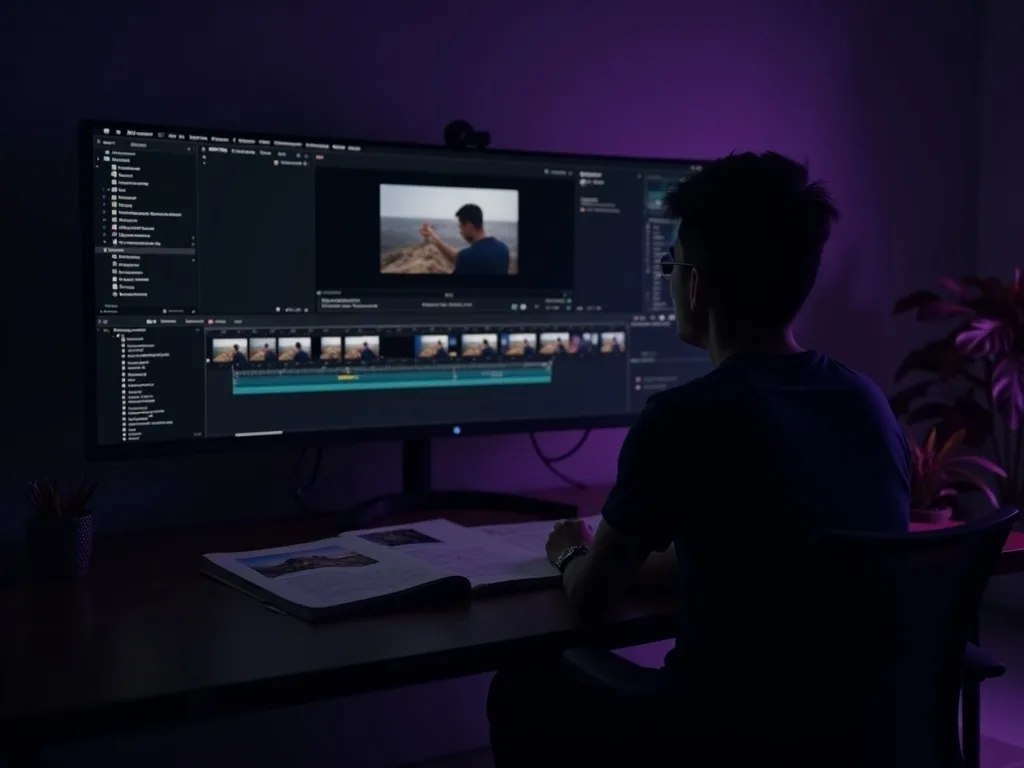
Watch a video become an MP3 in seconds — then convert yours free on Vivideo.
Convert MP4 to MP3 Free
Extract the audio from your video as an MP3 — online, with no watermark.