How to Resize Videos
Upload your video file
Choose a platform preset or enter custom dimensions
Click Resize — server processing starts immediately
Download your scaled video
Popular Use Cases
Frequently asked questions
What preset sizes are available?
We offer presets for TikTok (9:16), YouTube (16:9), Instagram Square (1:1), Instagram Portrait (4:5), and more.
Will resizing affect quality?
We use high-quality resampling to maintain sharpness. Upscaling may reduce quality, but downscaling generally preserves it.
Can I use custom dimensions?
Yes. Select Custom Size and enter any width and height between 100 and 4096 pixels. The video will be scaled to fit while maintaining the aspect ratio.
What is the best size for TikTok?
TikTok recommends 1080×1920 pixels (9:16 vertical). Our TikTok preset does this automatically with the correct padding.
Does resizing add black bars?
When maintaining the aspect ratio, padding (letterbox/pillarbox) is added to fill the target dimensions. This ensures your video fits perfectly without being stretched.
What is the file size limit?
You can resize videos up to 200MB. Free users get 20 operations per day.
A Free Video Resizer for Every Aspect Ratio
This is how to resize a video online without software: upload a clip, pick the aspect ratio you need — 9:16, 1:1, 16:9 or 4:5 — and download the resized video. The video resizer runs in your browser, free, with no watermark.
One video rarely fits every platform. Resize a landscape clip to vertical for TikTok and Reels, square for the feed, or wide for YouTube — without stretching or squishing the picture.
Resize for Instagram, TikTok and YouTube
Every platform wants a different shape: 9:16 for Reels, TikTok and Shorts, 1:1 or 4:5 for the feed, 16:9 for YouTube. This free video resizer reframes your clip to the exact ratio each one rewards — from a single source.
Pick the platform preset and export.
9:16 for Reels, TikTok and Shorts
1:1 and 4:5 for the feed
16:9 for YouTube and the web
Reframe Without Distortion
Resizing badly stretches faces and warps the picture. A good resizer crops and pads smartly so your subject stays centered and the video looks intentional at any ratio — no black bars where you don't want them.
Keep the subject in frame at every aspect ratio.
Free, Online, No Watermark
Resize video online free — no watermark, no sign-up, no download. It runs on any device, so you can resize a video on a phone or a laptop the same way.
Your clip stays on your device; resizing happens locally.
Everything the Free Video Resizer Does
Who Uses the Video Resizer?
Anyone posting one video to many platforms:

Resize, Then Do More With Your Video
Vivideo is more than a resizer — generate a video, edit it, and translate it, all in one place.
Rated by Real Users Across Platforms
4.7 ★
Trustpilot
4.5 ★
G2
5.0 ★
Capterra
4.5 ★
App Store
Based on 1624 combined reviews across Trustpilot, G2, Capterra and the App Store
What Creators Say About Vivideo
“I went from idea to a published video in under ten minutes. The avatars look unbelievably real.”
illustrative
Explore More Free Video Tools
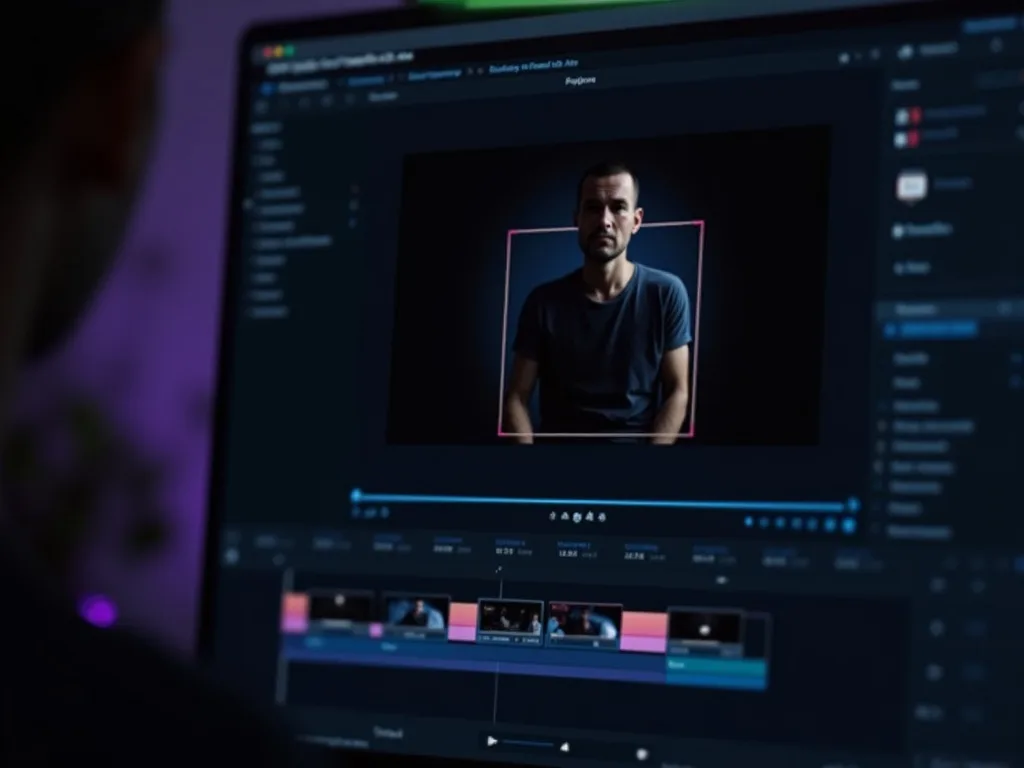
See the Video Resizer in Action
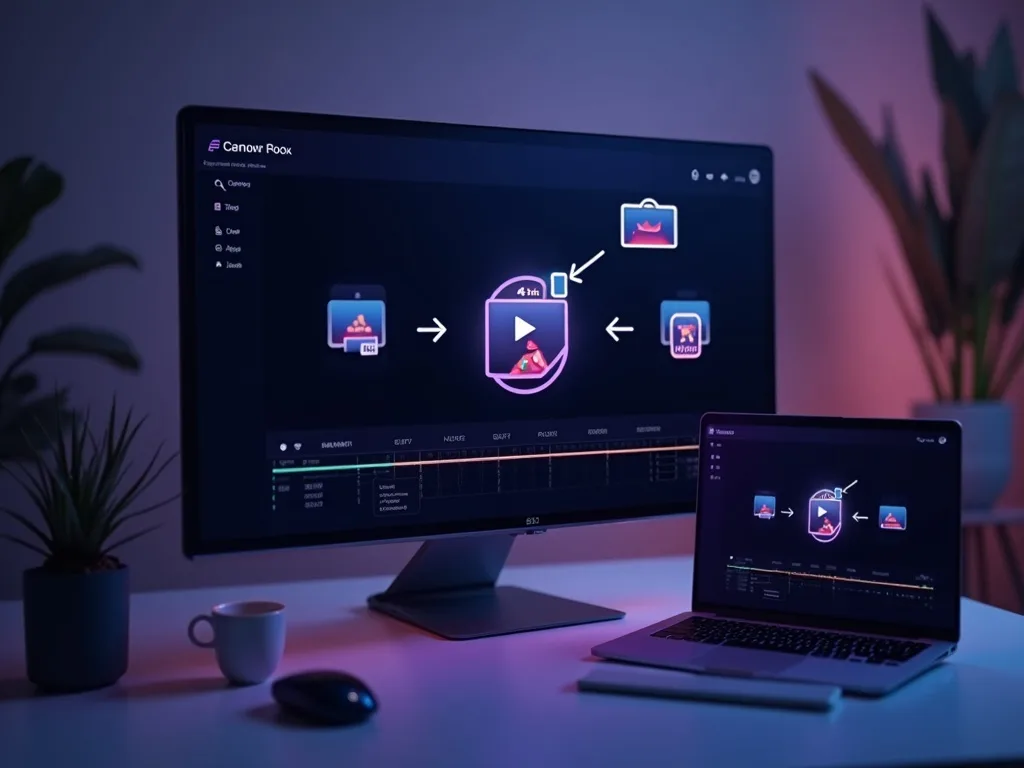
Watch one clip reframe for every platform — then resize your own free on Vivideo.
Resize Your Video Free
Reframe your clip for Instagram, TikTok or YouTube — online, in your browser, with no watermark.
Want AI to Create Videos For You?
Generate videos already sized for TikTok, YouTube, or Instagram. No resizing required.