Here's how to make a Reel on Instagram without filming or editing apps: describe the idea, paste a product link, or upload a few photos, and Vivideo's AI Instagram Reels maker builds a vertical, captioned, sound-ready Reel — then lets you edit it in the same place. It works as both a Reels maker (generate from a prompt) and a Reels editor (trim, caption, resize, add music), online and free to start. Reels are still Instagram's biggest reach engine, so the accounts that grow are the ones that can make Reels consistently — and generation is what makes that cadence possible, across 30+ models, in minutes.
Why an Instagram Reels maker pays off
Six kinds of Instagram Reel you can make
The native formats Instagram pushes hardest — each one a one-click preset in Vivideo's AI Instagram Reel generator.
Hook-first short Reel
A 7–15 second pattern-interrupt built around the first 1.5 seconds — where up to half of viewers decide to stay or swipe. The format that earns the most reach for a new audience.
Talking-head with avatar
You — or an AI avatar with your cloned voice — delivering the line to camera. The most trusted, most repeatable style, and you never have to film twice.
Faceless text-on-screen
B-roll, bold captions and a voiceover, no face required. The backbone of niche and theme pages, and the easiest format to post daily without burning out.
Carousel-to-Reel
Turn a swipe-deck of tips into a single motion video. Reels distribute far wider than static carousels — same idea, a fraction of the reach ceiling.
Trend & remix
Drop your product or message onto a trending audio or format while it's hot. Vivideo cuts to the beat so your version looks native, not bolted-on.
Before & after / reveal
Transformations and reveals — the most saved and re-shared short-form there is, because the payoff is built into the structure.
How to make an Instagram Reel with Vivideo
Describe it or drop assets
Type a prompt, paste a script, or upload a few photos and clips. No camera, no tripod, no editing timeline.
Pick a style & voice
Choose a hook-first short, a talking-head or a faceless cut, add a narrator or your cloned voice, and apply your brand kit.
Vivideo cuts it for Reels
Scenes, beat-matched motion, burned-in captions, licensed music and a grid-safe cover are assembled automatically across 30+ models.
Post everywhere at once
Export native 9:16 for Reels — plus the same render reformatted for TikTok, Shorts and feed, from one project.
The Reels spec sheet, met exactly
The same AI short video generator renders every Reel to the dimensions, safe zones and limits Instagram actually rewards.
An Instagram Reels Maker and Editor in One
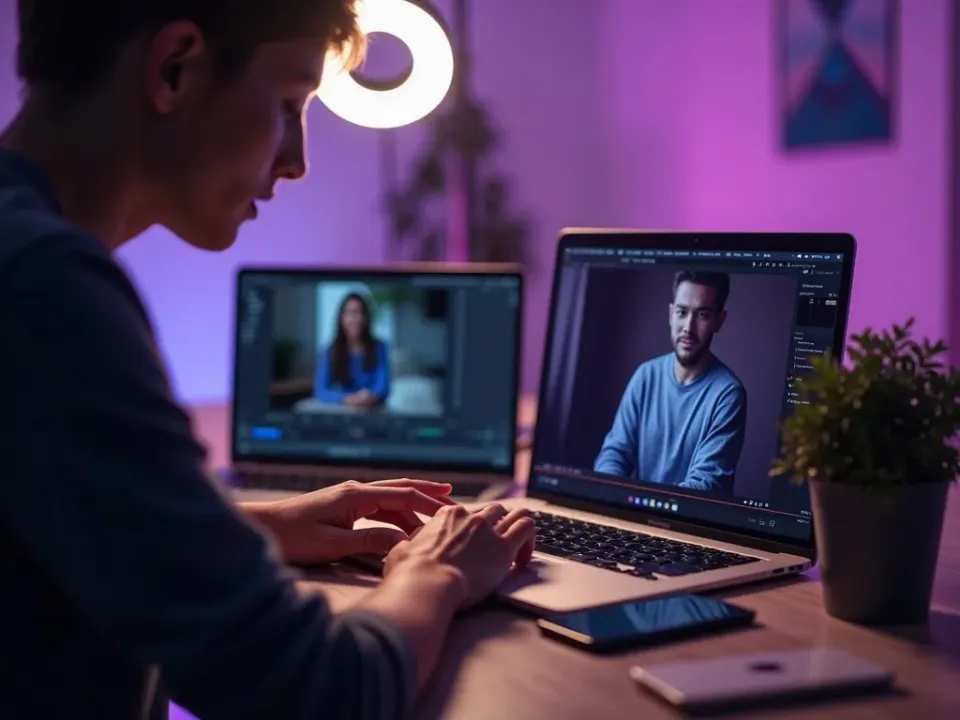
Most tools split generating and editing across two apps. Vivideo's AI Instagram Reels maker builds a native 9:16 Reel — two-second hook, burned-in captions, trending-style pacing — and the same screen lets you trim, re-caption, resize and add music. Make Reels and finish them without exporting anywhere else.
Generate five takes on one idea, edit the strongest, and post — shares and saves do the rest.
Make a Reel From a Prompt, Link or Photos
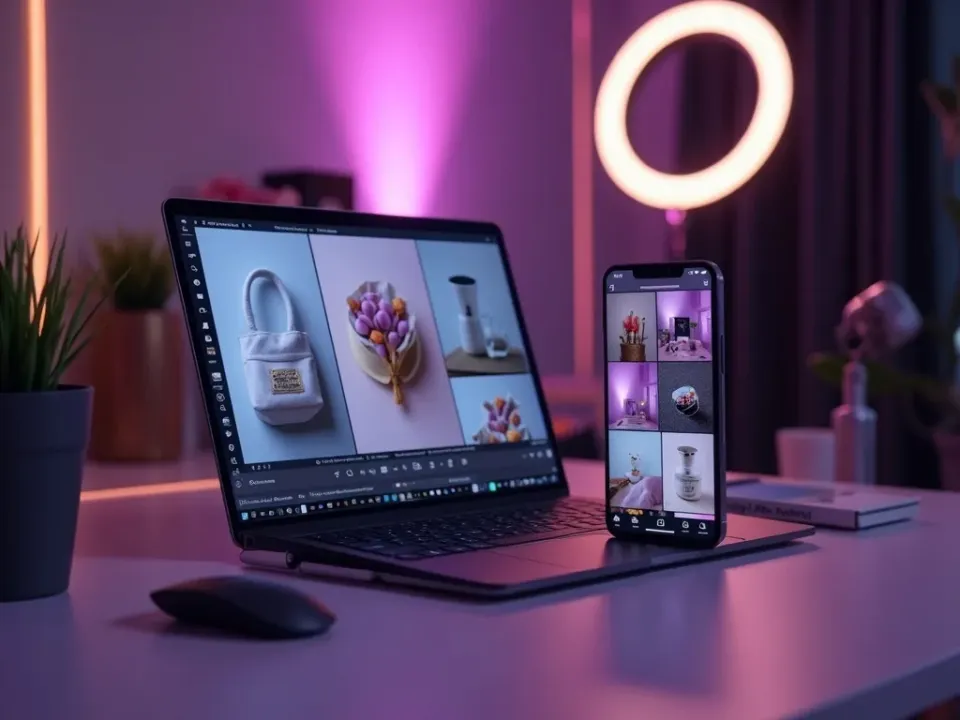
Type how to make a Reel in plain words, paste a product link, or upload a handful of photos for a photo Reel. The maker handles vertical framing, captions, motion and a hook automatically — the answer to "how do I make a Reel without filming."
It works from nothing but an idea, so you're never staring at an empty canvas.
Online, Free, and Watermark-Free
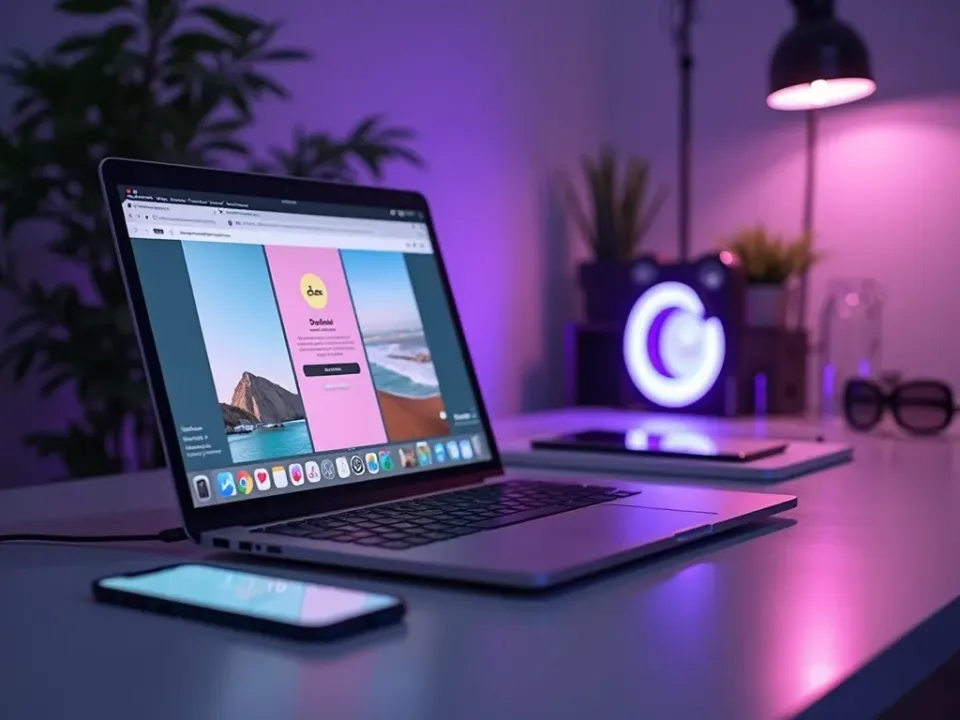
Vivideo is a free Instagram Reels maker online — no app to install, no watermark on the export. Make Reels with royalty-clear music, add your cloned voice, and download clean 9:16 files ready for feed and Explore.
Begin free with daily generations; upgrade for watermark-free Reels and higher caps.
Everything the Instagram Reels Maker Includes
One place to make Reels, edit them and get them on-spec for feed and Explore.
Who Uses the Instagram Reels Maker?
Anyone who needs to make Reels on a schedule:
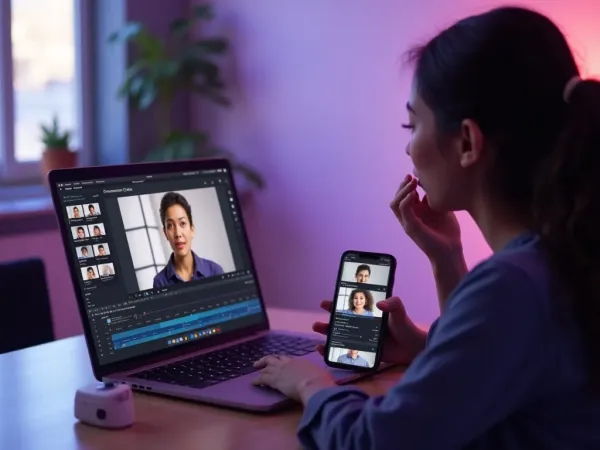
One Free Studio Behind Every Tool
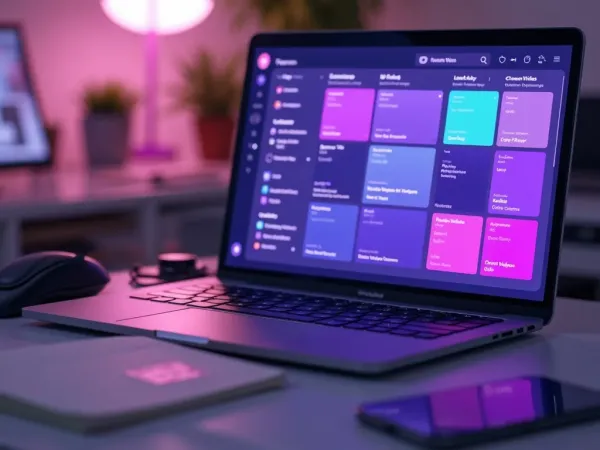
Each utility here is a doorway into the full Vivideo studio — create, edit and localize video in the same place.
More Ways to Make Vertical Video
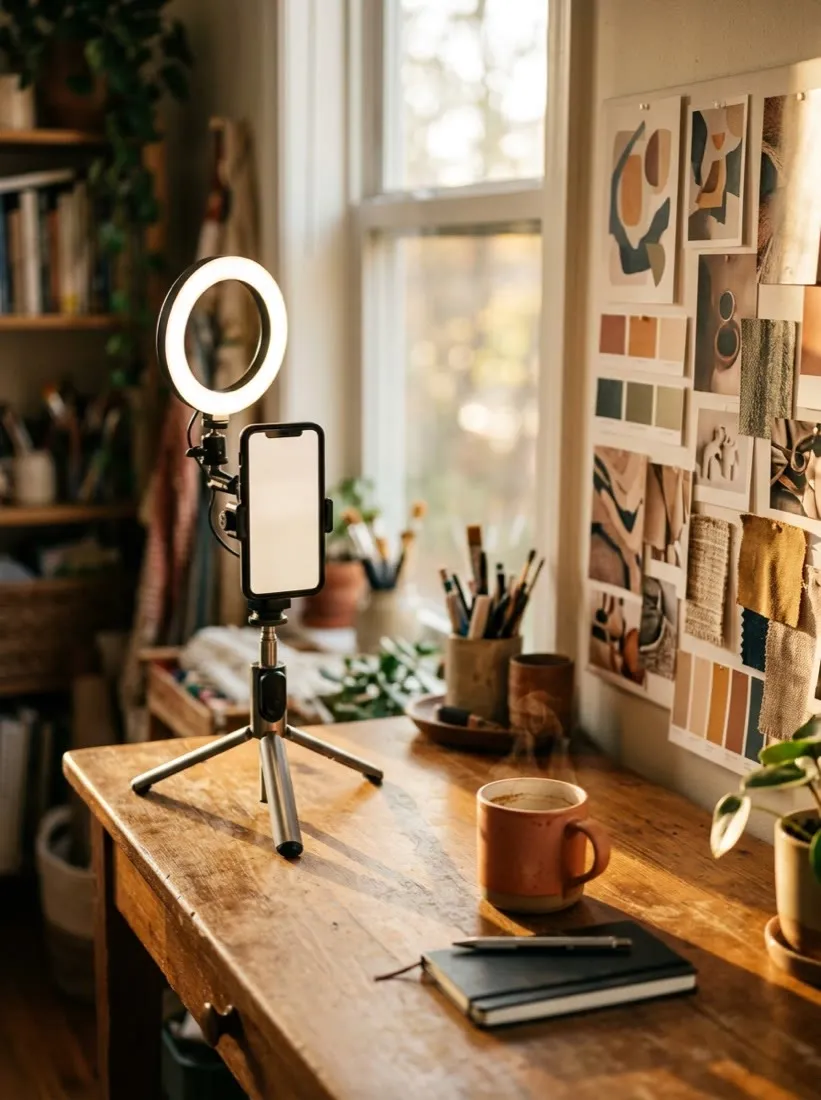


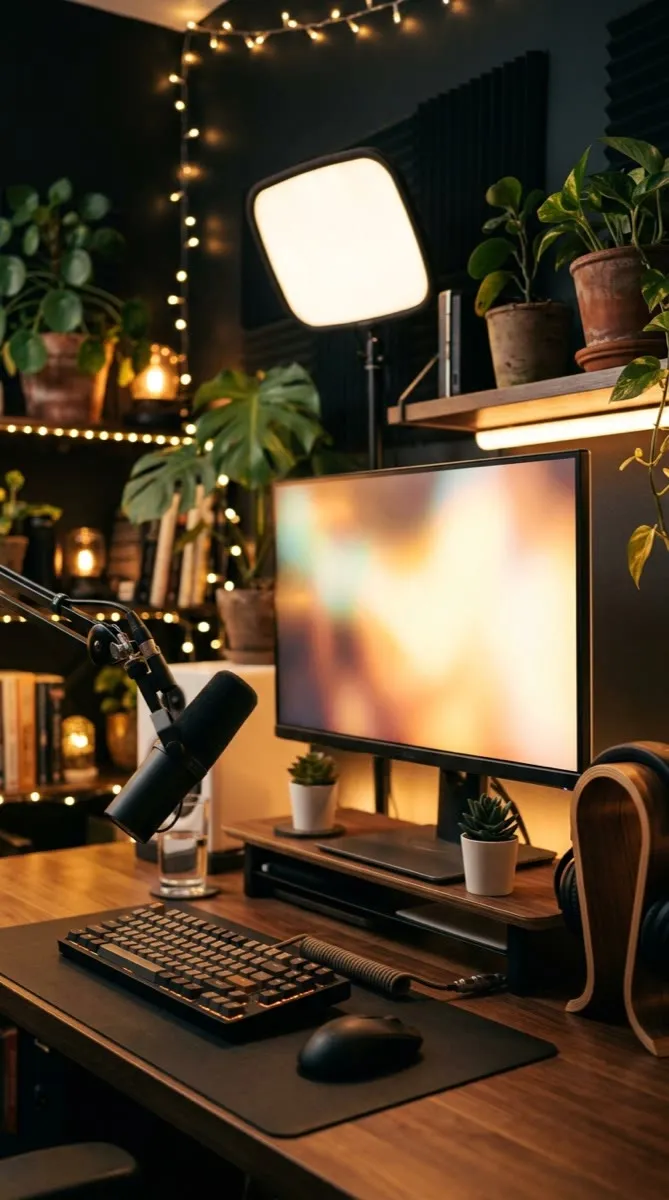

See the Instagram Reels Maker in Action
Watch a prompt become a hooked, captioned 9:16 Reel — then make your own Instagram Reel free on Vivideo.
How to make Instagram Reels, explained
For most of Reels' life the barrier wasn't ideas — it was production. Filming, framing vertical, cutting to a trending audio and captioning took time, so brands and creators posted in bursts then went quiet, which the algorithm punishes. An AI Instagram Reels maker flips the economics: the same idea that used to cost an afternoon becomes a finished, captioned, vertical Reel in minutes. That's why "how to make a Reel on Instagram" increasingly ends at a generator — you describe it, it builds it, and you edit the result instead of starting from a blank canvas.
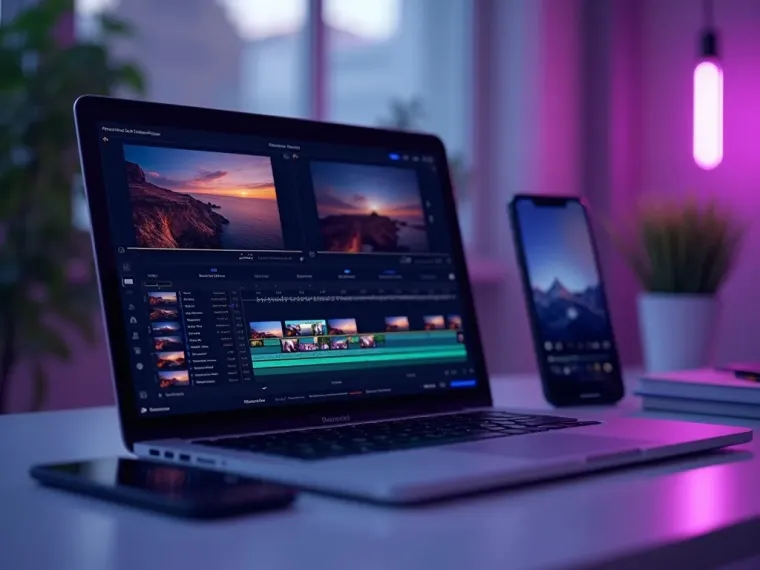
A good Instagram Reels editor matters as much as the maker. Once the Reel is generated you'll want to trim it, swap the hook, add captions, drop in trending-style music and resize — all without exporting to another app. Vivideo keeps making and editing in one place: generate a 9:16 draft, cut it to the beat, add a cover, and export watermark-free. Whether you start from a prompt, a product link or a photo carousel turned Reel, the finished clip lands in feed looking native, not like an ad.
What performs as a Reel is specific, and it isn't polish. Hook-first trend clips, before-and-afters, tutorials and relatable POVs consistently beat over-produced ads. The craft is the first two seconds — a pattern interrupt and a caption that gives a reason to keep watching. Making an Instagram Reel go viral is really about testing hooks at volume and riding trending formats, which is where a maker earns its keep: generate several openings for one idea, post the strongest, and let shares and saves do the rest.
Put together, it's a way to treat Reels as the reach engine they are rather than a treadmill. Reels surface to non-followers, drive the most saves and shares on the platform, and each one is a fresh shot at Explore. Not one viral fluke a quarter, but a steady stream of hooked, captioned, on-trend clips posted on a real cadence — that consistency, not a bigger budget, is what compounds followers on Instagram.
Instagram Reels maker FAQ
How do I make a Reel on Instagram without filming?
Use the AI Instagram Reels maker: type an idea, paste a product link, or upload a few photos, and Vivideo builds a vertical, captioned, sound-ready Reel automatically — no camera, no editing app. If you have footage, drop it in and it'll cut it together.
Is the Instagram Reels maker free?
Yes — you can make Reels free with daily generations, no credit card and no download. Everything runs in your browser, online. Upgrade affordably for watermark-free Reels and higher limits.
Can I edit the Reel after it's generated?
Yes — Vivideo is an Instagram Reels maker and editor in one: trim, reorder, re-caption, resize, swap the hook and add music in the built-in editor, then export watermark-free without a second app.
How do I make a Reel with my photos?
Upload a handful of images and the maker turns them into a photo Reel with captions, motion and music synced to the beat, exported at 9:16 — a fast answer to "how to make Reels with photos."
How do I make an Instagram Reel go viral?
There's no guarantee, but the pattern is consistent: nail the first two seconds with a pattern-interrupt hook, ride a trending format, and post often. Spin up multiple hook variations for one idea and keep the strongest.
How do I make a Reel with music?
Add a track in the editor from Vivideo's royalty-clear library and trim your clip to the beat. Because the audio is licensed for commercial use, business accounts avoid the muting that unlicensed songs trigger.
What size and length does a Reel need?
1080×1920 pixels, 9:16 vertical, up to 90 seconds — 15–30 seconds performs best for most content. Vivideo renders to that spec by default and gives you every other ratio for Stories, TikTok and Shorts from one project.
Can I add captions automatically?
Yes — the maker burns in scannable captions by default, which lift watch time for the majority of viewers who watch on mute. You can edit the wording and style in the editor.
Does it work on my phone and PC?
Yes — the Instagram Reels maker runs in any modern browser, so you can make and edit Reels on a phone, Mac or PC with nothing to install.
Can I schedule or download the Reel?
You download the finished 9:16 file watermark-free and post it (or schedule it in your planner). Vivideo also exports the same Reel in every other aspect ratio for cross-posting.