What you’ll learn
- When an on-screen presenter helps — and when it gets in the way
- How to cast an avatar and keep a consistent brand “face” across videos
- How to choose a voice, match its energy to your content, or clone your own
- How to write for the ear so your script sounds natural, not robotic
When to use an avatar
Reach for an AI avatar when a human presence builds trust or clarity: explainers, training and onboarding, product walkthroughs, announcements, and faceless channels where you’d rather not be on camera yourself. Skip it for purely visual pieces — product b-roll, cinematic ads, montages — where a talking head would just get in the way of the imagery.
Picking and casting an avatar
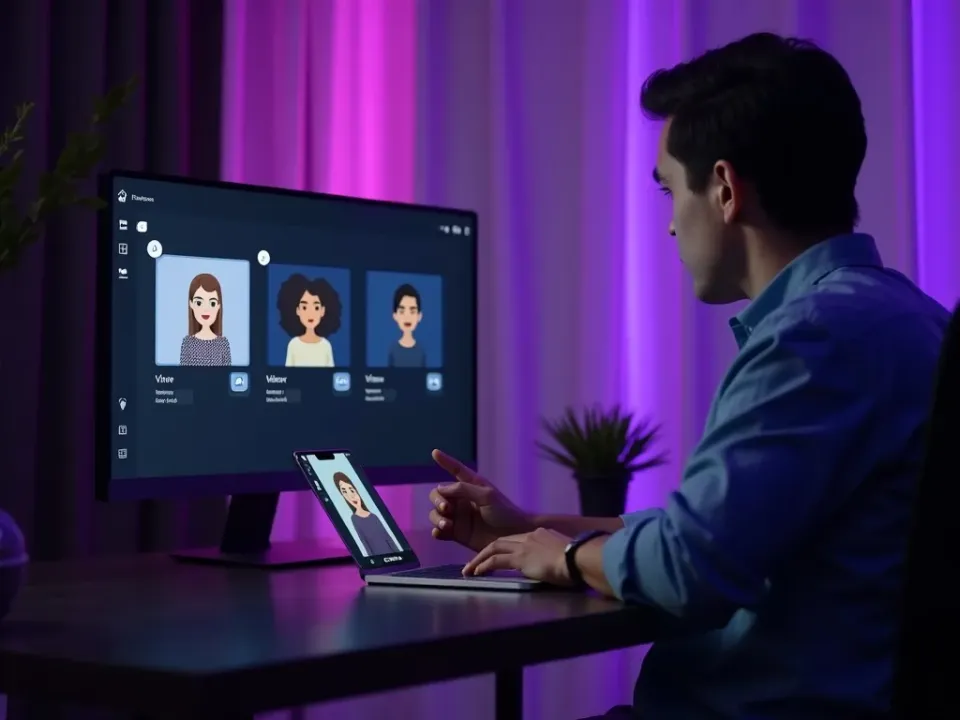
Choose an avatar that fits your audience and tone, then reuse it so your channel has a recognisable face. Consistency matters more than picking the “perfect” avatar.
- 1Browse the avatar library and pick one that matches your brand and audience.
- 2Paste your script — the avatar lip-syncs to it automatically.
- 3Set the language and pick a voice.
- 4Generate, review, and reuse the same avatar for your next video.
Choosing a voice (or cloning yours)
A good AI voice carries the whole video. Match energy to content — warm for storytelling, bright and quick for social, calm and clear for explainers. Browse by language, accent and style, and audition a couple before committing. If you want a personal, consistent sound, clone your own voice from a short sample and use it across everything you make.
Writing for the ear
Scripts that read well on the page often sound stiff when spoken. Write short sentences, use contractions (“you’ll”, “it’s”), and read the script aloud once before generating. Add natural pauses with punctuation so the voice breathes, and cut any sentence you stumble over — if you trip on it, the listener will too.
Pacing, pauses and emphasis
Delivery is as important as words. Keep each scene to roughly 150 words so the pace stays lively, break long thoughts into two sentences, and let a beat of silence land an important point. Front-load the value: say the most useful thing first, then explain — viewers decide fast whether to keep listening.
Quick tips
- Keep avatar scripts under ~150 words per scene so the pacing stays lively.
- Use the same avatar + voice across a series so your channel feels consistent.
- Read every script aloud once — if you stumble, rewrite that line.
- Audition 2–3 voices before committing; energy matters more than “realism”.
- Only clone voices and likenesses you have the rights to — consent is required.
Frequently asked questions
Do avatars lip-sync to any language?
Yes — avatars sync to the voice you choose, across dozens of languages.
Can I make a digital twin of myself?
Avatar cloning is supported with consent; a short training clip creates your likeness.
How many voices are there?
Dozens of natural voices across languages and styles, plus voice cloning.
Are avatars free?
You can try avatars and voices free to start in the Vivideo app.
Will the avatar match my brand?
Pick one avatar and voice and reuse them, and apply your brand kit so the framing, colours and logo stay consistent.