An AI video translator takes a finished video and renders it in another language: it transcribes the audio, translates it across 30+ languages, and re-times the captions so they stay in sync. Vivideo gives you a captioned, ready-to-publish version of your video in minutes — no re-editing, free to start.
How to translate a video
Upload your video
Drop in any finished video, or paste a link.
Pick the language
Choose from 30+ target languages.
AI translates & re-times
Speech and captions are translated and synced.
Export & publish
Download the translated, captioned video.
What the translator does
One video, every market.
| Capability | What it does |
|---|---|
| 30+ languages | Translate into dozens of languages from one source. |
| Keeps the timing | Captions stay synced to the original video. |
| Translated captions | Burn-in or export SRT/VTT in the new language. |
| On-screen text | Spoken words and titles translated together. |
| Free, no watermark | Start free; clean exports for any platform. |
How AI video translation works
An AI video translator localises a finished video into another language without re-shooting or re-editing. It transcribes the original speech, translates the text, and re-times the new lines so the captions track the picture — turning one video into a version your audience in another market can actually follow.
Vivideo handles the whole chain in one place: transcription, translation across 30+ languages, and caption re-timing. You can export the result as burned-in subtitles, as an SRT/VTT file, or send it on to dubbing to replace the spoken audio with a natural AI voice. The original stays untouched; you get a clean, captioned localisation.
The most common use is reach: taking a high-performing ad, explainer or social clip and shipping it to new countries in a day instead of a month. Teams localise one master into five markets, creators open up non-English audiences, and support teams translate how-to videos — all from a single upload.
For the best result, start with clear audio and review the translated lines before exporting — machine translation is strong but idioms and product names sometimes need a tweak, and fixing a line takes seconds. Then export captions for the upload, or dub the audio for a fully localised version.
Translate a Video With AI, Into Any Language
This is how to translate a video without re-recording: the AI transcribes the speech, translates it, and re-voices the video in your target language with natural dubbing — captions translated too.
One video becomes many. Reach audiences who'd never watch the original, in 30+ languages, with the voice and timing intact.
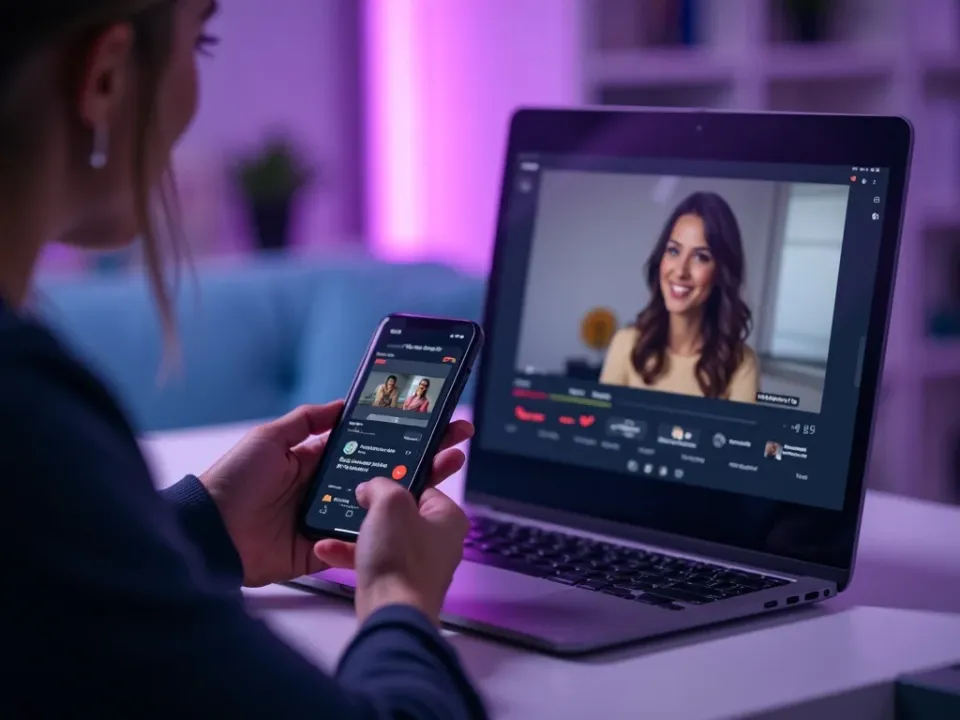
Transcribe, Translate and Dub
AI video translation does all three steps: it writes out what's said, translates it accurately, and speaks it back in the new language, synced to the video. No subtitles-only compromise — a real dubbed version.
Upload once, get a translated, dubbed video.
Transcribe → translate → dub
Translated captions included
30+ target languages
Keep Your Own Voice
With voice cloning, the translated video can keep your voice — the same tone, now speaking Spanish, Hindi or Japanese. It's the difference between a subtitle and a video that truly travels.
Your voice, every language.
Reach a Global Audience
Turn a single video into 30 languages and post each version in its market. Localization without a studio, a translator or a re-shoot.
One upload, thirty markets.
Everything the AI Video Translator Does
Who Translates Video?
Anyone with a global audience:

Translate, Then Do More With Video
Vivideo is more than a translator — generate, edit and localize video, all in one place.

Explore More Free Video Tools

See the Video Translator in Action
Watch one video become another language with natural dubbing — then translate yours free on Vivideo.
Translate a Video Free
Turn your video into any language with AI dubbing — 30+ languages.
Frequently asked questions
Is the video translator free?
Yes — translate videos free to start, right in your browser.
How many languages are supported?
30+ languages, including Spanish, French, German, Hindi, Arabic, Japanese, Portuguese and more.
Does it keep the captions in sync?
Yes — the translated lines are re-timed to match the original video automatically.
Can I get subtitles in the new language?
Yes — export the translation as SRT/VTT captions, or burn them into the video.
Will my video have a watermark?
No — exports are clean, ready to publish anywhere.
Can it also dub the audio?
Yes — pair it with AI dubbing to replace the spoken audio with a natural voice in the new language.
