Here's how to make a YouTube Short without filming or editing software: describe the idea, paste a long video to clip, or upload photos, and Vivideo's AI YouTube Shorts maker builds a vertical, captioned, sound-ready Short — then lets you edit it in the same place. It works as both a Shorts maker (generate from a prompt) and a Shorts editor (trim, caption, resize, add music), online and free to start. Because Shorts feed off the same watch-time signals as the main channel, the creators who win are the ones who can make YouTube Shorts often — and generation is what makes that cadence possible, across 30+ models, in minutes.
Why a YouTube Shorts maker pays off
Six kinds of YouTube Short you can make
The formats the algorithm rewards — each one a one-click preset in Vivideo's AI YouTube video generator.
Hook-first short
The whole game is the first 1–2 seconds. A bold visual, on-screen text and a sharp opening line that stops the swipe before the viewer even decides to. Everything else is built around that.
Seamless loop
The ending flows straight back into the opening, so it replays without the viewer noticing. Replays push retention past 100% — and the algorithm pushes those Shorts hardest.
Talking-head / avatar tip
You (or an AI avatar with your cloned voice) delivering one clean value-packed idea. The 30–60s 'business goldilocks' length — long enough to teach, short enough to finish.
Listicle & tutorial
Fast-cut 'X things in Y seconds' and quick how-tos. Captions carry the structure, each beat earns the next, and there's a payoff at the end worth waiting for.
Long-form teaser
A repurposed cut from your best moment that hooks the viewer and sends them to the full video — the engine of the Shorts-to-long-form discovery funnel.
Faceless / trend short
Voiceover over generated b-roll, stock and motion — no face required. The fastest format to produce at volume, and the one creators batch to stay daily.
How to make a YouTube Short with Vivideo
Start from anything
Type a prompt or script, paste a long video to clip down, or upload your own footage. No camera and no editing experience needed.
Pick a style & voice
Choose a hook-first short, a loop, an avatar tip or a faceless cut. Add a narrator or your cloned voice and apply your brand kit.
Vivideo builds it
Hook, scenes, motion, burned-in captions, music and pacing are assembled automatically across 30+ models — tuned for a vertical feed.
Publish & repurpose
Export a pixel-perfect 9:16 Short, plus a 16:9 cut for the main channel — every aspect ratio from a single render.
Built to YouTube Shorts spec, automatically
Vivideo's AI short video generator renders every Short to the exact format the Shorts shelf requires.
A YouTube Shorts Maker and Editor in One
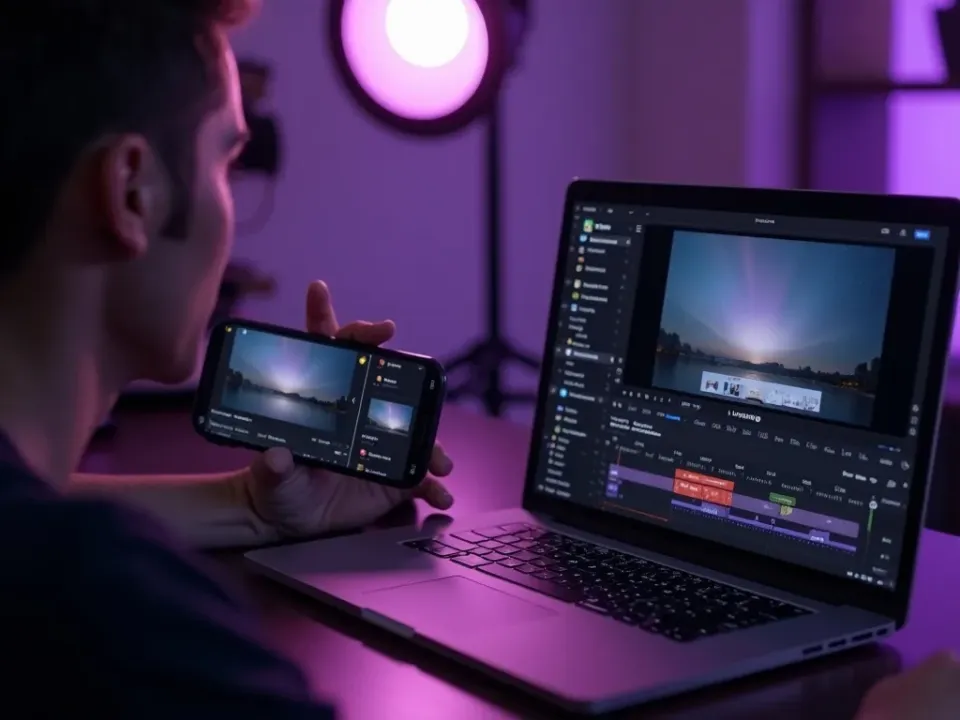
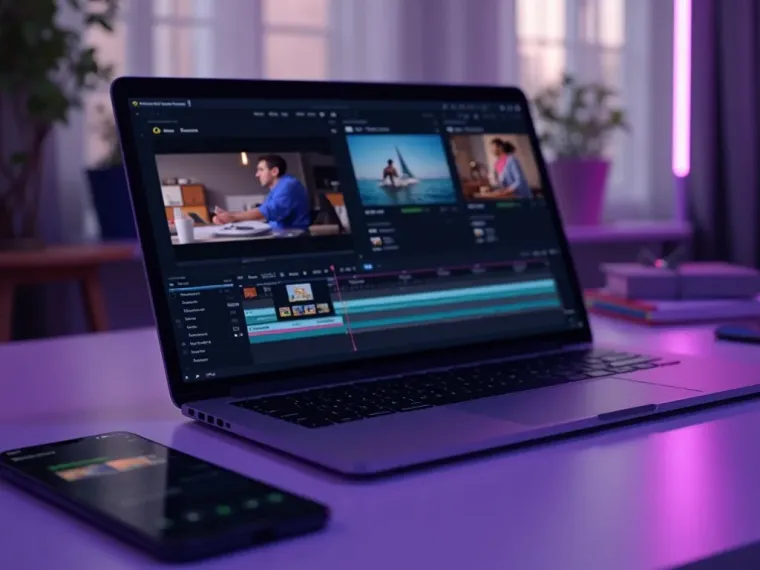
Other tools force you to switch apps between generating and editing. Vivideo's AI YouTube Shorts maker builds a native 9:16 Short — two-second hook, burned-in captions, tight loop — and the same screen lets you trim, re-caption, resize and add music. Make YouTube Shorts and finish them without exporting anywhere else.
Generate several hooks for one idea, edit the strongest, and post — the loop does the rest.
Turn Long Videos Into Shorts Automatically
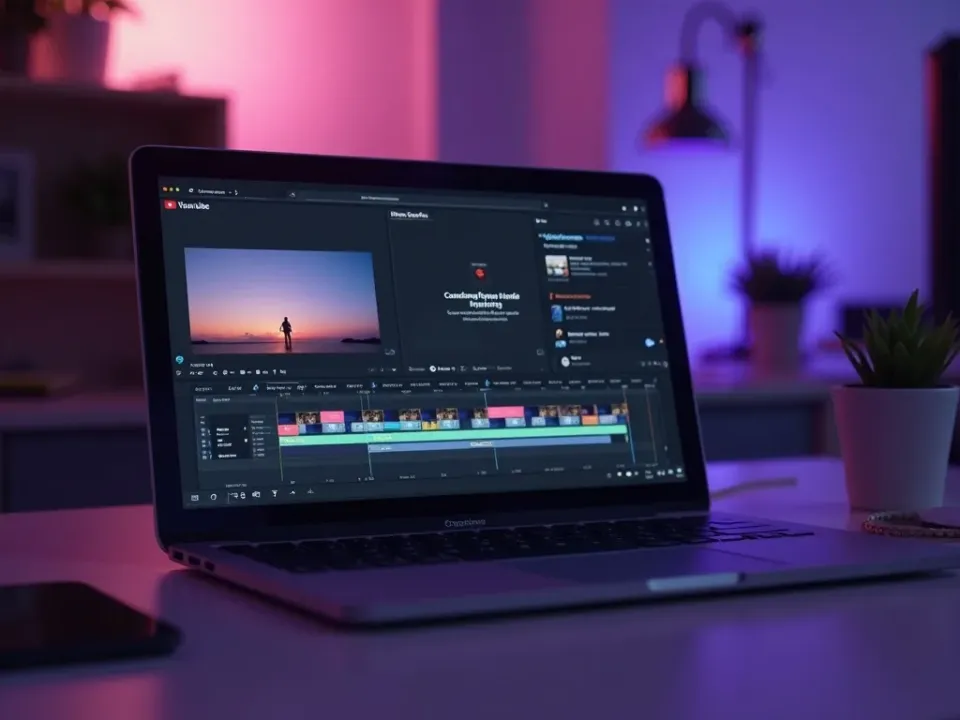
The highest-leverage move on YouTube is repurposing. Paste a long video or podcast and the Shorts editor finds the best moments, clips them under 60 seconds, adds captions and a hook and resizes to 9:16 — the answer to "how do I make Shorts from my long videos."
One upload becomes a week of Shorts that funnel viewers back to the channel.
Online, Free, and Watermark-Free
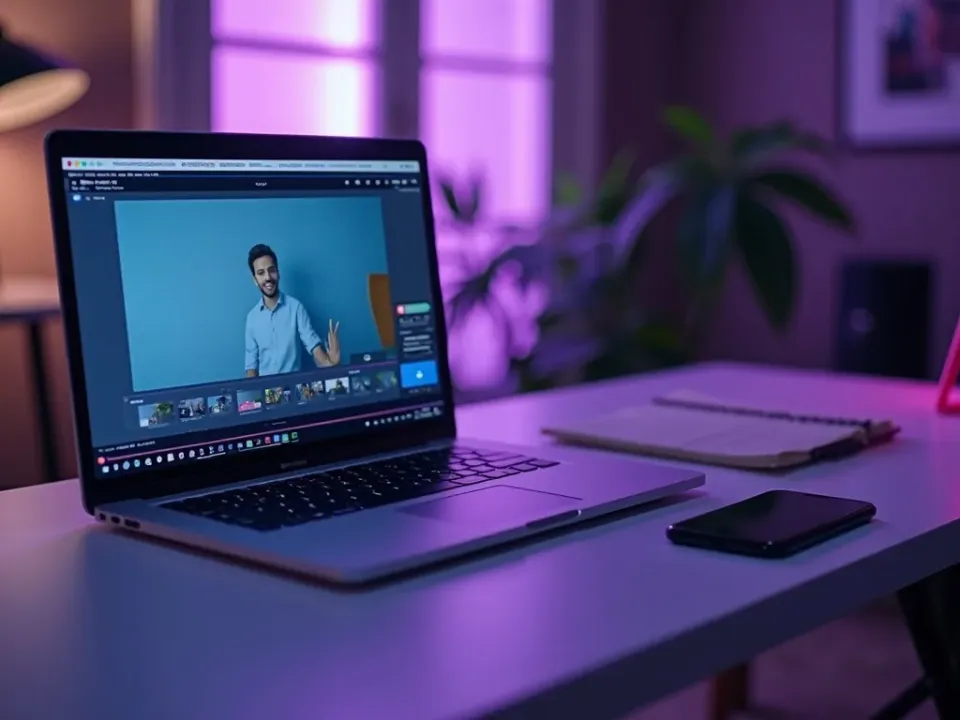
Vivideo is a free YouTube Shorts maker online — no app to install, no watermark on the export. Make Shorts with royalty-clear music, add your cloned voice, and download clean 9:16 files ready for the Shorts shelf.
Start free; a paid plan adds watermark-free Shorts exports and bigger limits.
Everything the YouTube Shorts Maker Includes
One place to make Shorts, clip long videos and get them on-spec for the Shorts shelf.
Who Uses the YouTube Shorts Maker?
Anyone who needs to make YouTube Shorts on a schedule:

One Free Studio Behind Every Tool
Most creators arrive for a quick fix and stay for the pipeline — here's what's waiting when you're ready.

More Ways to Make Short-Form Video






See the YouTube Shorts Maker in Action
Watch a prompt become a hooked, captioned 9:16 Short — then make your own YouTube Short free on Vivideo.
How to make YouTube Shorts, explained
For a long time the barrier to Shorts wasn't ideas — it was production. Filming, framing vertical, cutting under 60 seconds and captioning took real time, so most channels posted Shorts in bursts then went quiet, which is exactly what the algorithm punishes. An AI YouTube Shorts maker flips the economics: the same idea that used to cost an afternoon becomes a finished, captioned, vertical Short in minutes. That's why "how to make a YouTube Short" increasingly ends at a generator — you describe it, it builds it, and you edit the result instead of starting from a blank timeline.
A good YouTube Shorts editor matters as much as the maker. The single highest-leverage move on the platform is repurposing: clip your long-form videos and podcasts into Shorts that funnel viewers back to the channel. Vivideo keeps making and editing in one place — paste a long video and it finds and cuts the strongest 60-second moments, adds captions and a hook, and resizes to 9:16; or generate a Short from scratch. Either way you export watermark-free, ready for the Shorts shelf.
What performs as a Short is specific: a hook in the first two seconds, a tight loop, and captions that keep silent viewers watching. How-tos, listicles, reactions and story clips consistently out-earn slow intros. Making a YouTube Short go viral is really about testing hooks at volume, and a maker earns its keep here — generate several openings for one idea, post the strongest, and let watch time and the loop do the rest.
Put together, it's a way to treat Shorts as the discovery engine feeding your channel rather than a chore. Shorts can be monetized, they surface to non-subscribers, and each one is a fresh shot at the algorithm. Not one viral fluke a quarter, but a steady stream of hooked, captioned, searchable vertical clips posted on a real cadence — that consistency, not a bigger camera, is what compounds subscribers on YouTube.
YouTube Shorts FAQ
How do I make a YouTube Short without filming?
Use the AI YouTube Shorts maker: type an idea, paste a long video to clip, or upload a few photos, and Vivideo builds a vertical, captioned, under-60-second Short automatically — no camera, no editing software. If you have footage, drop it in and it'll cut it.
Is the YouTube Shorts maker free?
Yes — you can make YouTube Shorts free with daily generations, no credit card and no download. It runs in the browser, no install. A modest plan adds watermark-free Shorts exports and headroom.
Can I turn a long video into Shorts?
Yes. Paste a long video or podcast and the editor finds the strongest moments, clips them to under 60 seconds, adds captions and a hook and resizes to 9:16 — the fastest way to repurpose long-form into Shorts.
Can I edit the Short after it's generated?
Yes — Vivideo is a YouTube Shorts maker and editor in one: trim, reorder, re-caption, resize and add music in the built-in editor, then export watermark-free without a second app.
How do I make a YouTube Short on PC?
Just open Vivideo in any browser on your PC or Mac — the Shorts maker runs online with nothing to install, so you can generate, edit and export from your computer.
How do I make YouTube Shorts go viral?
There's no guarantee, but the pattern holds: hook in the first two seconds, keep it tight and looping, and post consistently. Spin up multiple hook variations for one idea and keep the strongest.
What size and length does a Short need?
1080×1920 pixels, 9:16 vertical, up to 60 seconds (3 minutes is now supported, but under 60s performs best). Vivideo renders to that spec by default and also gives you a 16:9 cut for the main channel from one project.
Can I make a YouTube Short with photos?
Yes — upload a handful of images and the maker turns them into a photo-slideshow Short with captions, motion and music, exported at 9:16.
Do I have to label AI-generated Shorts?
YouTube asks you to disclose altered or synthetic content in the description or via the label. Every Vivideo draft is yours to review, so you can add the disclosure before publishing.
Does it work on my phone?
Yes — the YouTube Shorts maker runs in any modern mobile browser, so you can make and edit Shorts on your phone with nothing to install.