AI lip sync re-animates a speaker's mouth so it matches a new audio track. Vivideo detects the face, maps the sounds in your audio to mouth shapes, and re-renders the lips frame by frame — so a dubbed or replaced voiceover looks natural, not pasted on. It runs in minutes, free to start.
How to lip-sync a video
Upload video & audio
A clip of a face, plus the voice track to match.
AI detects the face
The speaker's mouth region is located and tracked.
Mouth is re-animated
Lip shapes are matched to the audio, frame by frame.
Export the result
Download the naturally lip-synced video.
What lip sync does
Audio and mouth, finally in agreement.
| Capability | What it does |
|---|---|
| Frame-accurate sync | Mouth shapes are matched to the audio, frame by frame. |
| Great for dubbing | Make a dubbed voice look natural on the original face. |
| Works with avatars | Sync any voice to a talking avatar or presenter. |
| Keeps the rest | Only the mouth is re-animated; the shot stays intact. |
| Free, no watermark | Start free; clean, publish-ready exports. |
How AI lip sync works
AI lip sync re-animates a speaker's mouth so it matches a new audio track. The model detects the face, breaks the audio into phonemes — the distinct sounds of speech — maps each to a mouth shape, and re-renders just the lip region frame by frame. The result is a video where the mouth genuinely matches the words, not an obvious overdub.
Vivideo keeps everything except the mouth untouched, so lighting, expression and head movement stay natural while the lips follow the new audio. You can sync a dubbed voiceover to the original presenter, match any voice to a talking avatar, or fix a line you re-recorded — all in minutes.
Lip-sync is the difference between a dub that converts and one that feels off. Audiences notice mismatched mouths instantly, so syncing the lips to the localised audio is what makes a translated video feel native. It's also what makes AI avatars believable enough to present, teach and sell.
For the cleanest sync, use a clear, front-facing shot of the speaker and good-quality audio. Heavy motion blur or a face turned away makes the job harder, so favour steady, well-lit footage — and regenerate any moment that doesn't land before you export.
Sync Lips to New Audio With AI
This is how to make a speaker's mouth match new audio: the AI reshapes the lips frame by frame to fit a new voiceover or a translated dub, so the video looks like it was filmed in that language.
Lip sync is what turns a dub from obviously-overdubbed into believable — the mouth moves with the words, not against them.
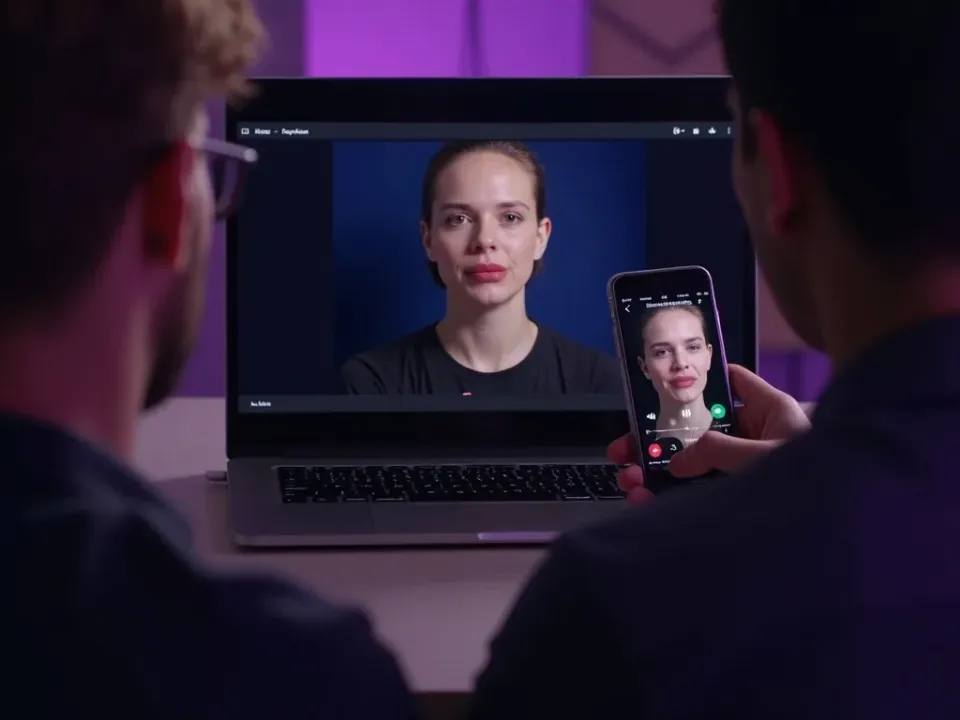
Match the Mouth to the Words
Overdubbed video looks off when the lips don't match. AI lip sync reshapes the speaker's mouth to the new audio so the words and the movement line up — the detail that makes a dub convincing.
New audio in, matched lips out.
Frame-by-frame lip matching
Works with dubs and voiceovers
Believable, not obviously overdubbed
Perfect for Dubbing and Avatars
Lip sync is what makes translated video and AI avatars feel real — the mouth moves naturally with the generated or translated speech, in any language.
The finishing touch on a dub.
Localize Believably in 30+ Languages
Combine lip sync with dubbing to turn one video into believable versions in 30+ languages — where the speaker looks like they're actually speaking each one.
One face, many languages, all convincing.
Everything AI Lip Sync Does
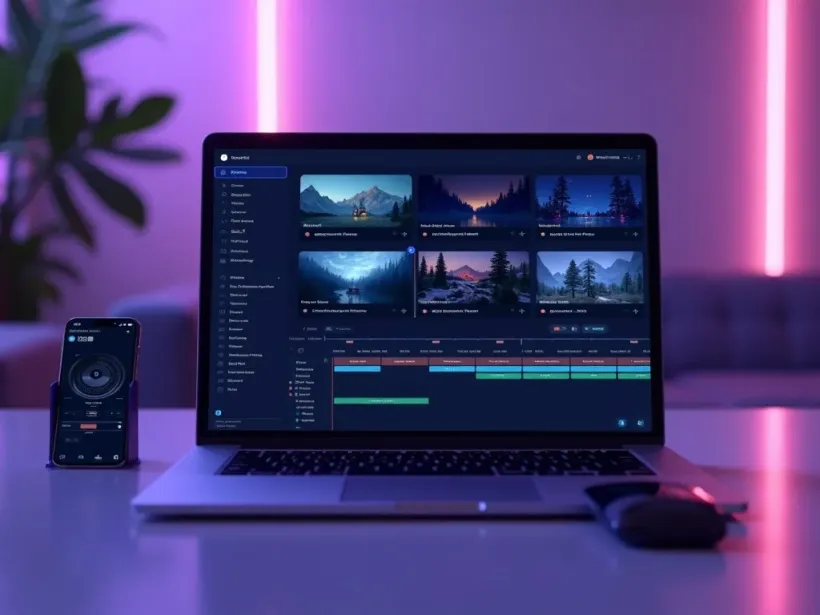
Who Uses Lip Sync?
Anyone making dubs or avatars believable:
Lip Sync, Then Do More With Video
Vivideo is more than lip sync — generate, dub and localize video, all in one place.
Explore More Free Video Tools
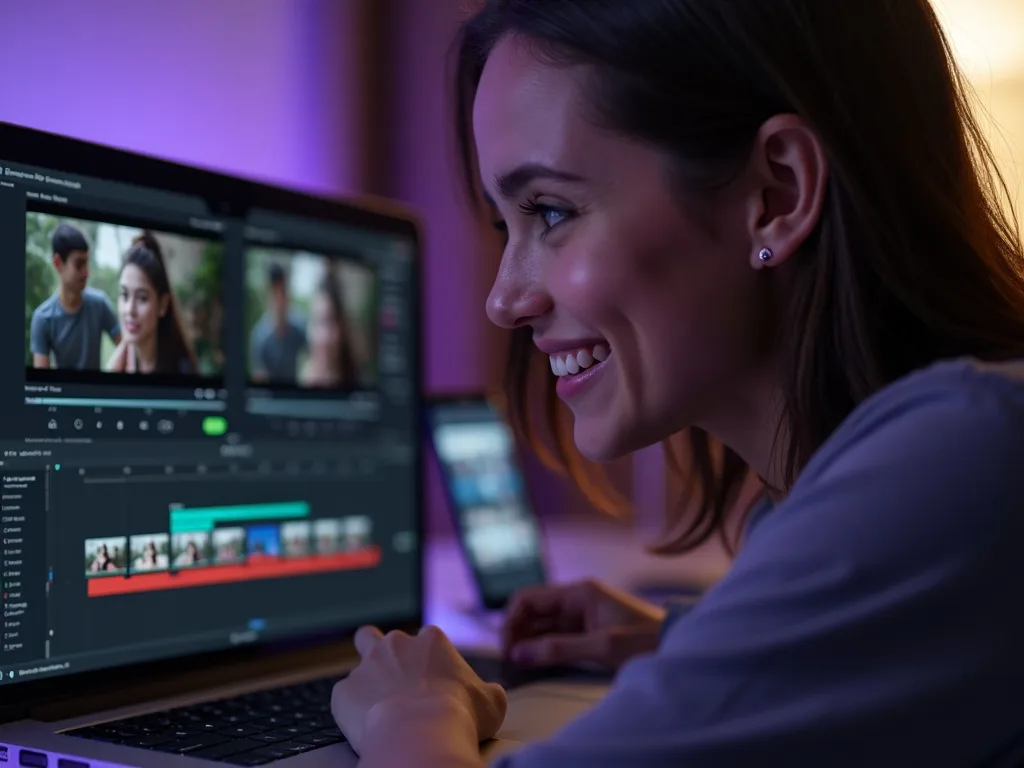
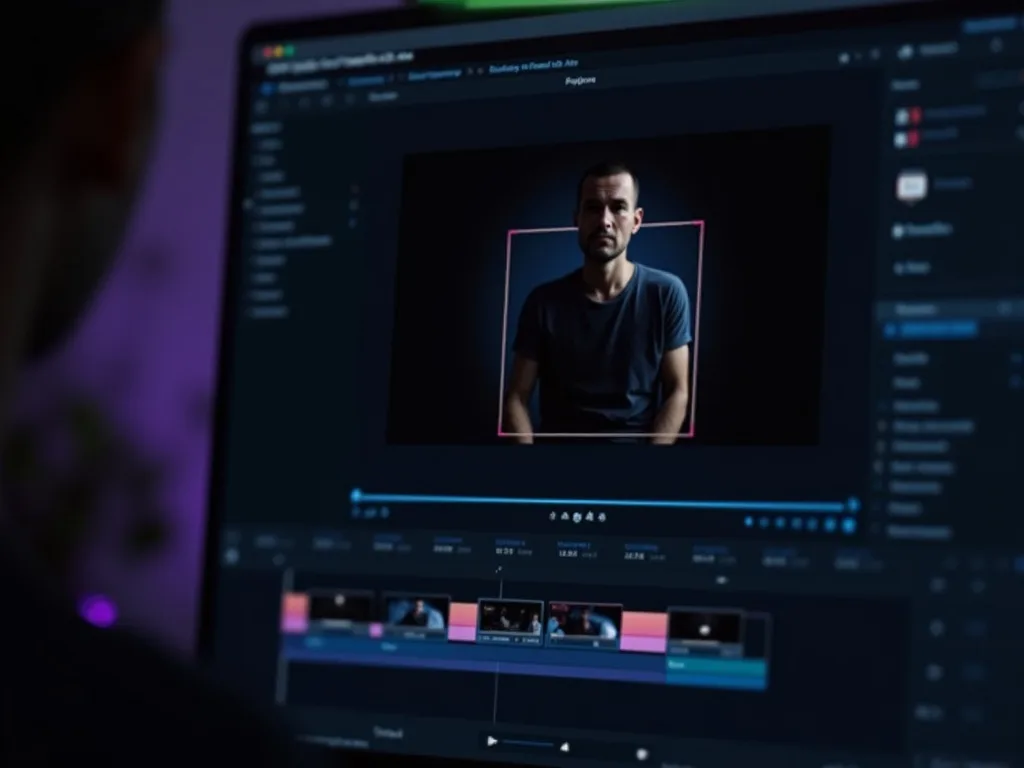
See AI Lip Sync in Action
Watch a speaker's lips match a new language — then try lip sync free on Vivideo.
Try AI Lip Sync Free
Match a speaker's lips to new audio or a dub — believable in 30+ languages.
Frequently asked questions
Is lip sync free?
Yes — sync a video to audio free to start, in your browser.
What do I need to upload?
A video with a visible face and the audio track you want it to match.
Is it good for dubbing?
Yes — lip-sync is what makes a dubbed video look natural instead of pasted over.
Does it change the whole video?
No — only the mouth region is re-animated; the rest of the shot is untouched.
Can I sync an avatar?
Yes — match any voice to a talking avatar or a real presenter.
Will the export have a watermark?
No — your synced video exports clean.
