How to Trim a Video
Upload your video file
Preview and set start/end times using the sliders
Click Trim — processing begins on our server
Download your trimmed clip
Popular Use Cases
Frequently asked questions
Can I make multiple cuts?
Currently, you can select one segment to trim. For multiple cuts, process your video multiple times.
Is trimming lossless?
We use fast seeking to minimize quality loss. For precise cuts, we may re-encode at high quality.
How precise are the cut points?
You can set start and end times with an accuracy of 0.1 seconds using the range sliders. The video preview helps you find the exact frames.
What is the maximum video length?
You can trim videos up to 200MB in size. There is no restriction on video duration — trim a 10-second clip or a 2-hour recording.
Can I trim and then compress?
Yes. First, trim your video here, download the result, and then use our video compressor to further reduce the file size.
What formats are supported?
All common formats: MP4, MOV, AVI, MKV, WebM. The output is always MP4 for maximum compatibility.
How do I cut an MP4 online?
Upload the MP4, drag the start and end sliders around the part you want to keep, then click Trim. The cutter handles MP4 natively, so most cuts keep the original quality — you get the same resolution out that you put in, with no watermark.
Can I trim a YouTube video online?
Yes — for videos you own. Download your original upload from YouTube Studio, trim it here in the browser, and re-upload the shortened clip. For someone else's video, ask the creator first; YouTube's built-in Clips feature is the right way to share highlights you don't own.
How can I shorten a video without losing quality?
Trim instead of re-exporting from an editor: cutting the start or end never touches the frames you keep. This MP4 shortener preserves the kept section's original resolution and bitrate, so a 4K clip stays 4K.
A Free Video Trimmer That Works Online
This is how to trim a video online without software: upload a clip, drag the handles to the part you want to keep, and download the trimmed video. The video trimmer runs in your browser, free, with no watermark.
Cut the dead air at the start, the mistake in the middle, or everything after the good bit — frame-accurate, private, and ready to post to YouTube, TikTok or anywhere.
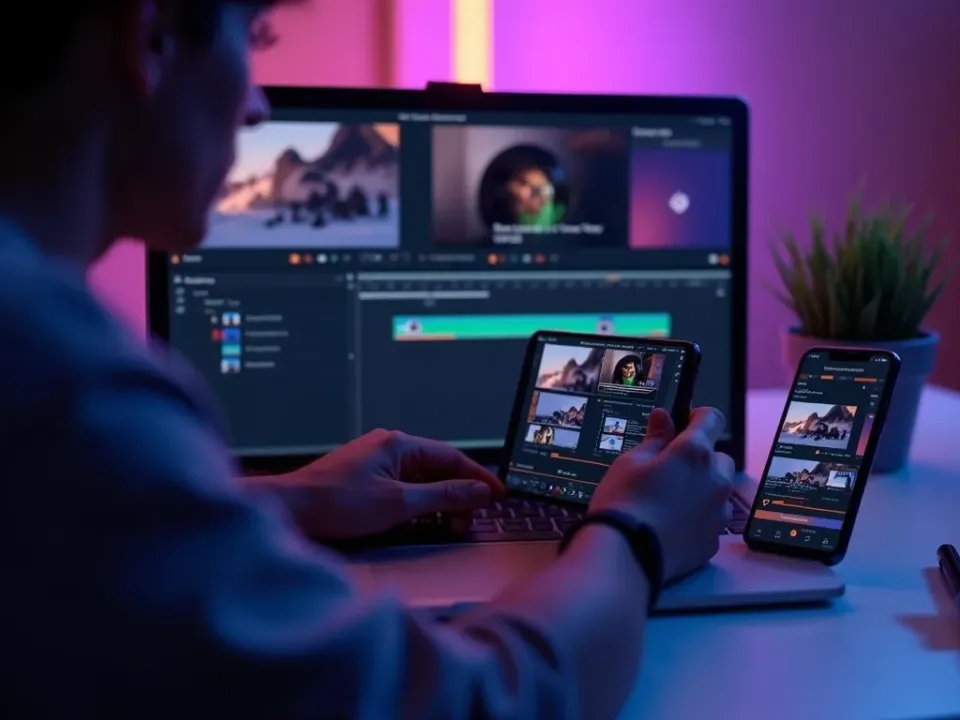
Cut the Start, End or Middle
Most clips need a trim: a slow intro, a fumble in the middle, or a long tail. This free video trimmer lets you set exactly where the video starts and ends — or cut a section out of the middle — without re-encoding the whole thing.
Drag the handles, preview, and export the keeper.
Trim the intro and outro
Cut a mistake from the middle
Frame-accurate control
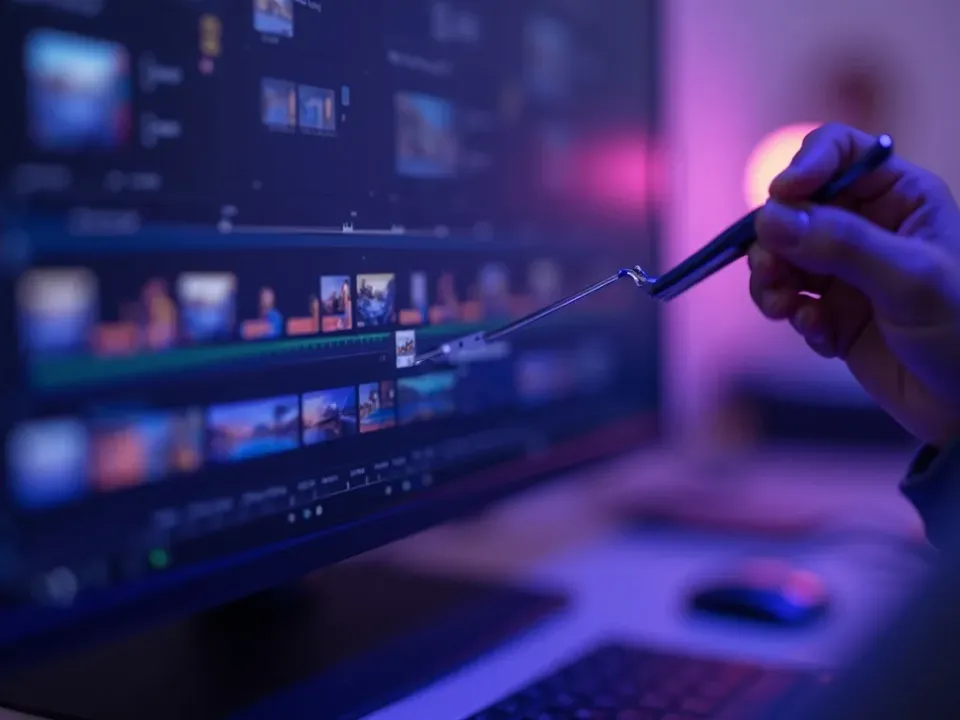
Trim for YouTube, TikTok and Reels
Every platform rewards a tight edit — the first seconds decide the watch. Trim to the hook, drop the filler, and export a clip that's the right length for a Short, a Reel or a YouTube upload.
A tighter cut keeps more viewers watching.
Free, Online, No Watermark
Trim video online free — no watermark, no sign-up, no download. It runs on any device, so you can trim a video on a phone or a laptop the same way, privately.
Your clip stays on your device; trimming happens locally.
Everything the Free Video Trimmer Does
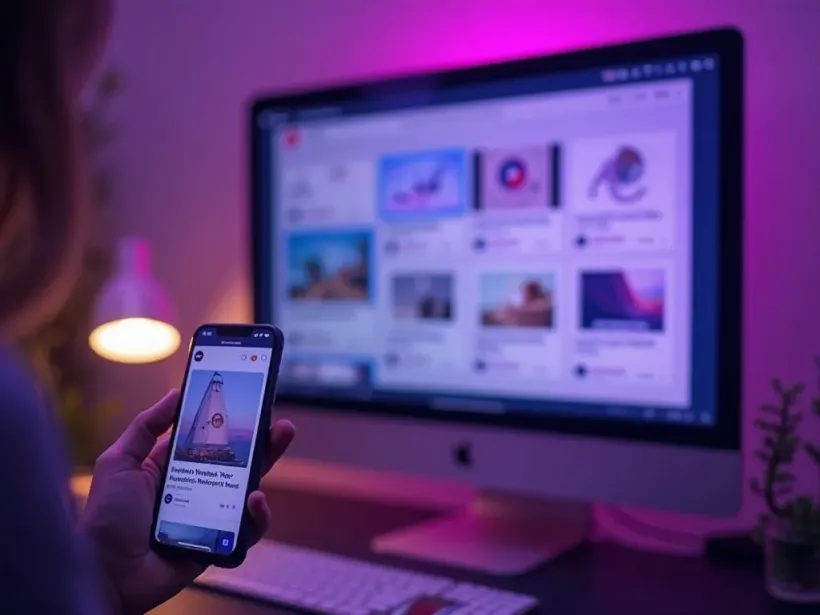
Who Uses the Video Trimmer?
Anyone who needs a quick, clean cut:

Trim, Then Do More With Your Video
Vivideo is more than a trimmer — generate a video, edit it fully, and translate it, all in one place.
Rated by Real Users Across Platforms
4.7 ★
Trustpilot
4.5 ★
G2
5.0 ★
Capterra
4.5 ★
App Store
Based on 1624 combined reviews across Trustpilot, G2, Capterra and the App Store
What Creators Say About Vivideo
“I went from idea to a published video in under ten minutes. The avatars look unbelievably real.”
illustrative
Explore More Free Video Tools

See the Video Trimmer in Action
Watch a clip get trimmed to the perfect cut — then trim your own free on Vivideo.
Trim Your Video Free
Cut your clip down to exactly what you want — online, in your browser, with no watermark.
Want AI to Create Videos For You?
Create perfectly timed videos from just a text description. No cutting needed.