AI video dubbing replaces a video's audio with a native-language voiceover and re-syncs the speaker's lips to match — so the result looks like it was filmed in that language, not subtitled. On Vivideo you upload a video, pick languages, and get lip-synced dubbed versions in minutes. It's a free AI dubbing and lip-sync tool online, exported watermark-free.
Dubbing and lip sync, explained
What is video dubbing?
Dubbing replaces a video's original spoken audio with a new voice track — usually in another language. The footage on screen stays the same, but the words are re-recorded so a new audience can understand it. Traditionally that means hiring voice actors and a recording studio; AI dubbing generates the translated voiceover automatically from your video.
What is lip sync?
Lip sync re-animates the speaker's mouth so it matches the new audio, frame by frame. Without it, dubbed video looks off — the classic 'badly dubbed movie' effect, where the lips and the words don't line up. AI lip sync re-times the mouth to the new words, so the video looks like it was filmed in that language from the start.
Vivideo does both in one step: it translates and re-voices your video, then re-syncs the lips — turning a single recording into a polished, natural-looking video in any language, with no studio and no reshoot.
Dubbing is how video travels
Most of the world doesn't speak your language — and audiences watch longer, trust more, and buy more in their own. Lip-synced dubbing lets one video earn views and revenue in every market, instead of just one.
Traditional dubbing needs a studio, voice actors, and weeks per language. Vivideo does it in minutes — translated, voiced, and lip-synced — so going global is a click, not a budget.
How to dub a video
Upload your video
Drop in any video with a speaker. The AI transcribes the speech and prepares it for dubbing.
Choose target languages
Pick from 30+ languages. The AI translates the script and generates a native-sounding voice for each.
AI lip-syncs the speaker
The speaker's mouth is re-synced to the new audio, so the dub looks natural, not overdubbed.
Export each dub
Download a lip-synced dubbed version per language, watermark-free, ready for every market.
What the AI dubbing tool does
Native-language voice plus matching lip-sync — dubbing that looks filmed.
| Capability | What it does |
|---|---|
| Dub into 30+ languages | One video becomes a native-voiced dub for every major market. |
| Automatic lip-sync | The speaker's mouth re-syncs to the new audio, so the dub looks natural. |
| Native AI voices | Realistic voices per language — or keep the original speaker's cloned voice across languages. |
| No voice actors or studio | Reach global audiences without booking talent or a dubbing studio. |
| Free & watermark-free | Dub videos free with daily usage; export watermark-free on a paid plan. |
How AI video dubbing works, explained
Subtitles ask your audience to read; dubbing lets them watch. AI video dubbing replaces a video's audio with a native-language voiceover and, crucially, re-syncs the speaker's lips to the new words — so the video looks like it was filmed in that language rather than overdubbed. That combination of native voice and matching lip-sync is what separates dubbing from ordinary translation.
The old way to dub meant voice actors, a studio and painstaking sync work per language — so most creators never bothered and settled for subtitles. Vivideo's AI does the whole chain automatically: it translates the script, generates a natural voice in each language, and lip-syncs the speaker, turning one video into a properly dubbed version for every market in minutes.
You keep control of how it sounds. Use a realistic AI voice per language, or clone your own voice so your dubbed versions still sound like you — the same person, speaking every language, with mouth movements that match. Review the translation before export so the message stays true.
And it's free to start. Vivideo is a free AI dubbing and lip-sync tool online — daily usage, no credit card, no download — with watermark-free exports on an affordable plan. Whether you're dubbing one video or localizing a whole channel, it makes global content look native, not translated.
AI video dubbing — FAQ
What is AI video dubbing?
AI video dubbing replaces a video's audio with a native-language voiceover and re-syncs the speaker's lips to match. Vivideo dubs any video into 30+ languages with automatic lip-sync, so it looks filmed in that language.
What's the difference between dubbing and translation?
Translation gives you subtitles or a voiceover over the original; dubbing replaces the audio AND re-syncs the speaker's mouth, so the video looks natively filmed. Vivideo does both.
Is there a free AI dubbing tool?
Yes — Vivideo is a free AI dubbing tool online. Dub videos with daily usage, no credit card, and export watermark-free on an affordable plan.
Does it lip-sync automatically?
Yes — the speaker's mouth is re-synced to the new-language audio automatically, so the dub reads as natural rather than overdubbed.
How many languages can I dub into?
30+ languages, so one video becomes a lip-synced dub for every major market.
Can it keep my own voice across languages?
Yes — with voice cloning, your dubbed versions can use your own cloned voice in each language, not a stranger's.
Do I need voice actors?
No — the AI generates the native voice and the lip-sync, so you dub without booking talent or a studio.
Can I dub a video online, free?
Yes — the AI dubbing tool runs in your browser with free daily usage; upgrade for watermark-free exports.
Dubbing That Looks Filmed, Not Subtitled
Vivideo's AI dubbing replaces the audio with a native voice and re-syncs the speaker's lips to match — so the video looks made in that language. One upload becomes a lip-synced dub for every market.
Native voice plus matching mouth movements, generated automatically.
Dubbing vs Subtitles
Subtitles ask your audience to read; a dub lets them watch. Vivideo replaces the audio and re-syncs the mouth — the answer to "how do I dub a video, not just subtitle it."
Reach viewers who won't read subtitles, in their own language.
Free AI Dubbing, Online
Vivideo is a free AI dubbing tool online — no app, no watermark. Dub videos with daily free usage into 30+ languages, keep your cloned voice, and export clean lip-synced files.
Free daily dubbed video to start; upgrade for watermark-free exports and more.
Everything the AI Dubbing Tool Includes
One place to dub and lip-sync any video into every market.
Who Uses AI Video Dubbing?
Anyone taking video to audiences who won't read subtitles:
One Free Studio Behind Every Tool
Each utility here is a doorway into the full Vivideo studio — create, edit and localize video in the same place.
Explore the Rest of the Toolkit
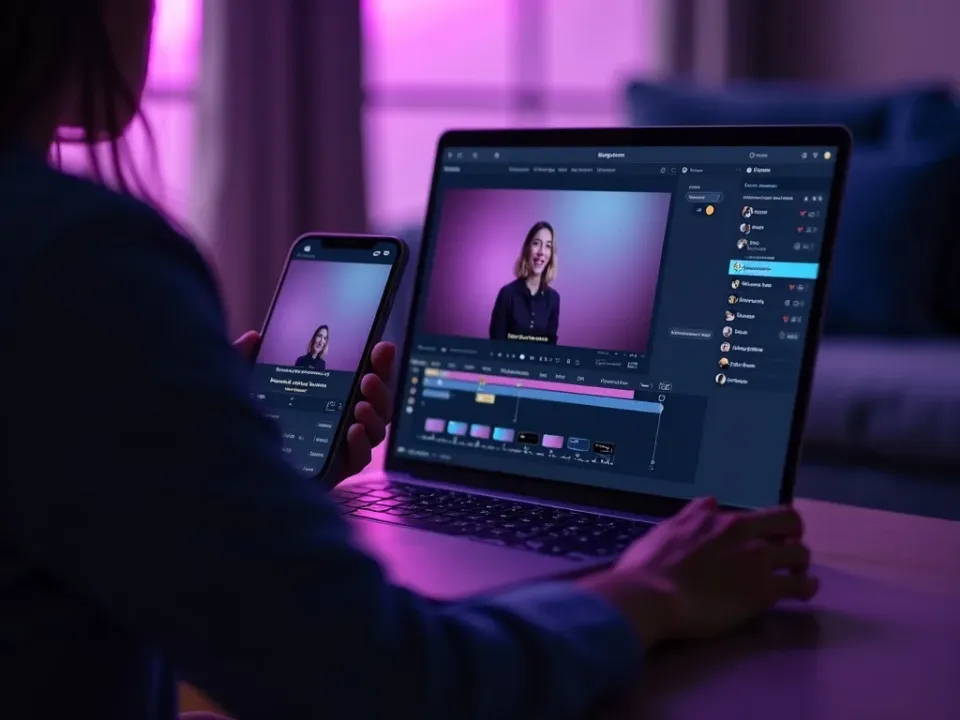
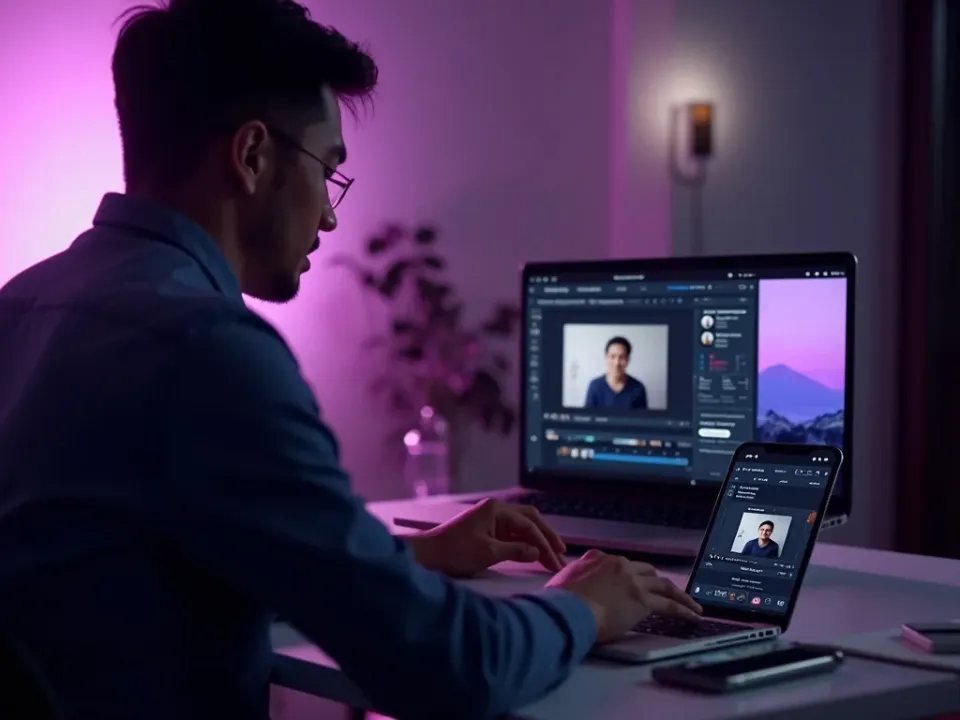
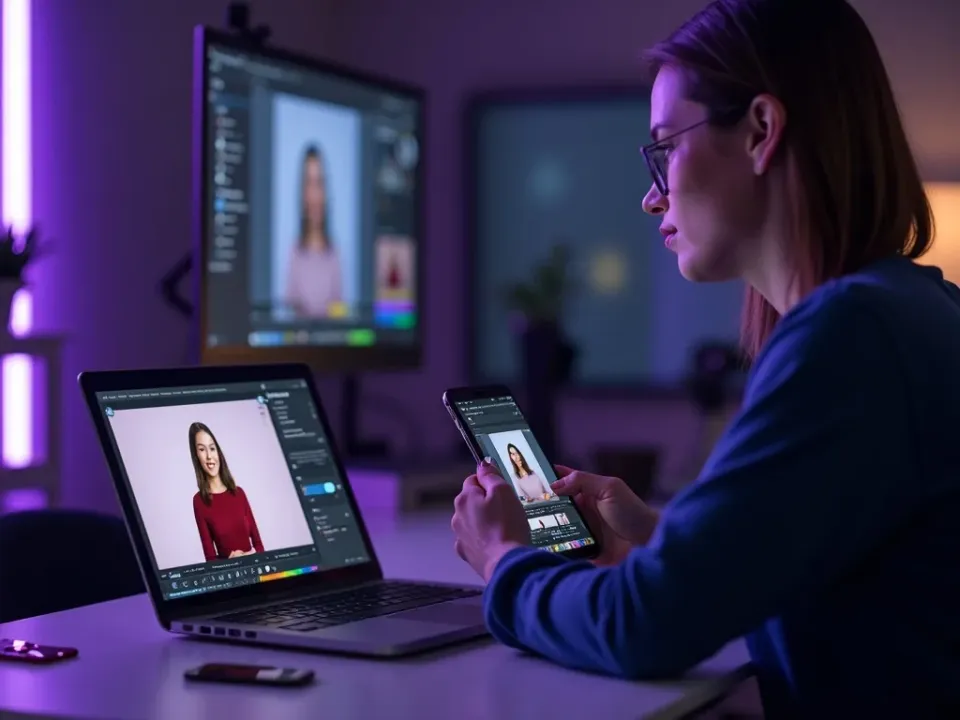
See AI Video Dubbing in Action
Watch a video get dubbed and lip-synced into a new language — then dub your own free on Vivideo.
