Speed a clip up for a snappy montage, or slow it down for a dramatic, cinematic moment. This free video speed controller lets you change playback speed from slow-motion to fast-forward in your browser — great for tutorials, sports, reactions and social edits.
How it works
Upload your video
Click “Change speed” and let it process
Download your finished video
Frequently asked questions
How do I speed up or slow down a video?
Upload your clip, click “Change speed”, and download the result. It works in your browser — no software to install.
Is Video Speed Controller free?
Yes — Video Speed Controller is completely free, with no watermark and no sign-up required to get started.
Which video formats can I speed up or slow down?
MP4, MOV, WebM and other common formats all work. The speed controller re-times the footage and exports a standard, widely-compatible file at the original resolution.
What can I do after changing the speed?
Trim the re-timed clip to its best seconds or compress it for messaging apps — and when you want to create something new, Vivideo's AI studio generates full videos with voices and captions.
Change a Video's Speed, Free and Online
This is how to speed up or slow down a video without software: upload a clip, pick a speed from slow motion to fast-forward, and download the result. In the browser, free, no watermark on your re-timed clip.
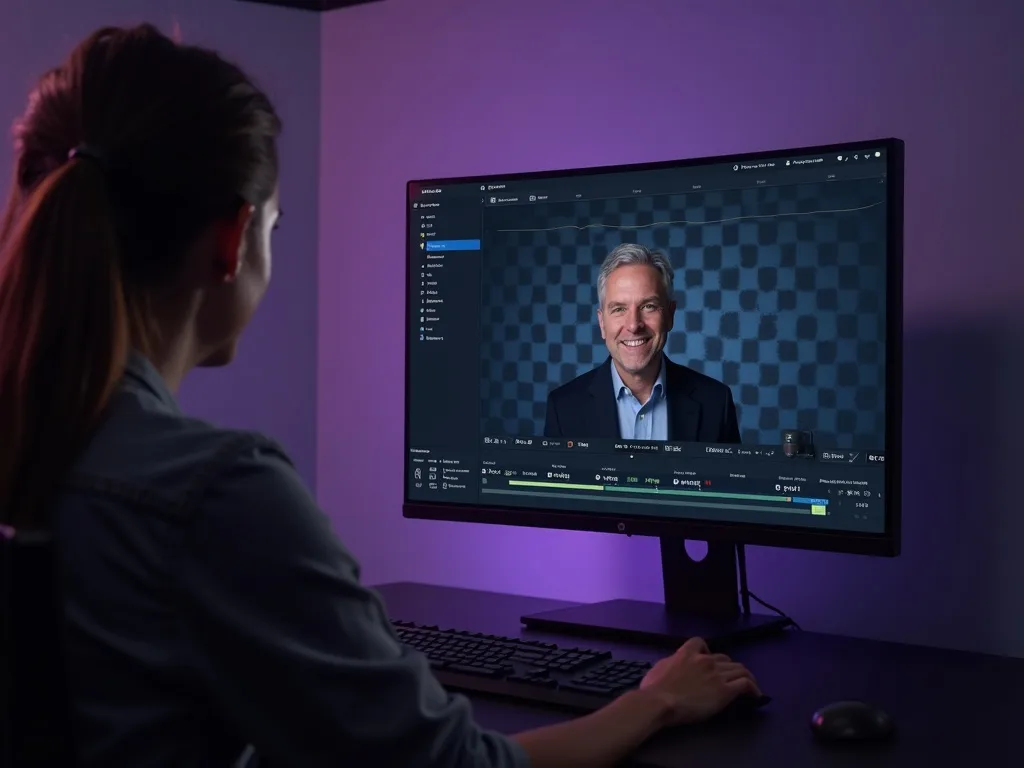
Slow a moment down to catch the detail, or speed a long clip up into a snappy timelapse — smooth at every speed.
Speed Up or Slow Down Any Clip
Whether you want dramatic slow motion or a fast-forward timelapse, this free speed controller re-times the video smoothly. Pick 0.25×, 2×, 4× or anything between — the motion stays clean, not choppy.
Choose a speed and export.
Slow motion from 0.25×
Fast-forward up to 4× and beyond
Smooth, not choppy
Slow Motion and Timelapse
Slowing a clip down turns a quick action into a highlight; speeding it up turns a long recording into a shareable timelapse. One tool covers both ends of the dial.
Two effects, one control.
Free, Online, No Watermark
Change video speed online free — no watermark, no sign-up, no download. Works anywhere, keeps your file private on your own device.
Your clip stays on your device.
Everything the Speed Controller Does
Who Changes Video Speed?
Anyone re-timing a clip:

Re-Time, Then Do More With Your Video
Vivideo is more than a speed tool — generate, edit and translate video, all in one place.
Rated by Real Users Across Platforms
4.7 ★
Trustpilot
4.5 ★
G2
5.0 ★
Capterra
4.5 ★
App Store
Based on 1624 combined reviews across Trustpilot, G2, Capterra and the App Store
What Creators Say About Vivideo
“I went from idea to a published video in under ten minutes. The avatars look unbelievably real.”
illustrative
Explore More Free Video Tools

See the Speed Controller in Action
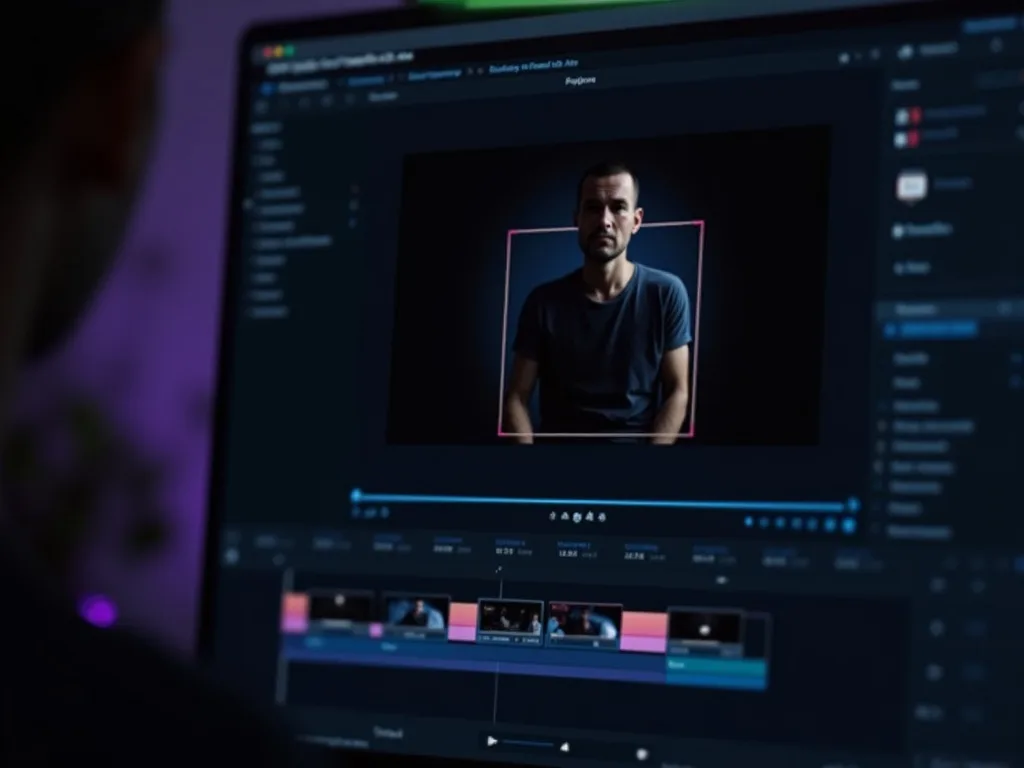
Watch a clip slow to smooth slow-mo — then re-time yours free on Vivideo.
Change Video Speed Free
Speed up or slow down your clip — online, with no watermark.