How to Merge Videos
Add 2-10 video files using the upload button
Arrange them in the desired order
Click Merge — the files will be combined on our server
Download your merged video
Popular Use Cases
Frequently asked questions
How many videos can I merge?
You can merge up to 10 videos at once. They'll be combined in the order you arrange them.
Do videos need to be the same size?
For best results, use videos with the same resolution. Different sizes will be scaled to match.
Which formats can I merge?
All common video formats are supported: MP4, MOV, AVI, MKV, WebM. The output is always MP4 for maximum compatibility.
Is there a total file size limit?
Each individual video can be up to 200MB in size. The combined total size should not exceed 400MB to ensure reliable processing.
How long does merging take?
Merging is fast as it copies video streams without re-encoding. Most operations are completed in under a minute, regardless of video length.
Can I merge videos from different sources?
Yes — combine clips from your phone, camera, screen recordings, or downloads. For the best results, match resolution and frame rate when possible.
Can I merge videos online without a watermark?
Yes — on any paid plan the video joiner exports with no watermark (free exports carry a small one). Combine videos — two clips or a whole batch — and merge MP4, WebM and MOV files online in the Vivideo app.
A Free Video Merger for Combining Clips
This is how to merge videos online without software: upload two or more clips, arrange the order, and download one combined video. The video merger runs in your browser, free, with no watermark.
Stitch a series of clips into a single video — a montage, a compilation, a multi-part recording — in the order you want, without a timeline editor to learn.
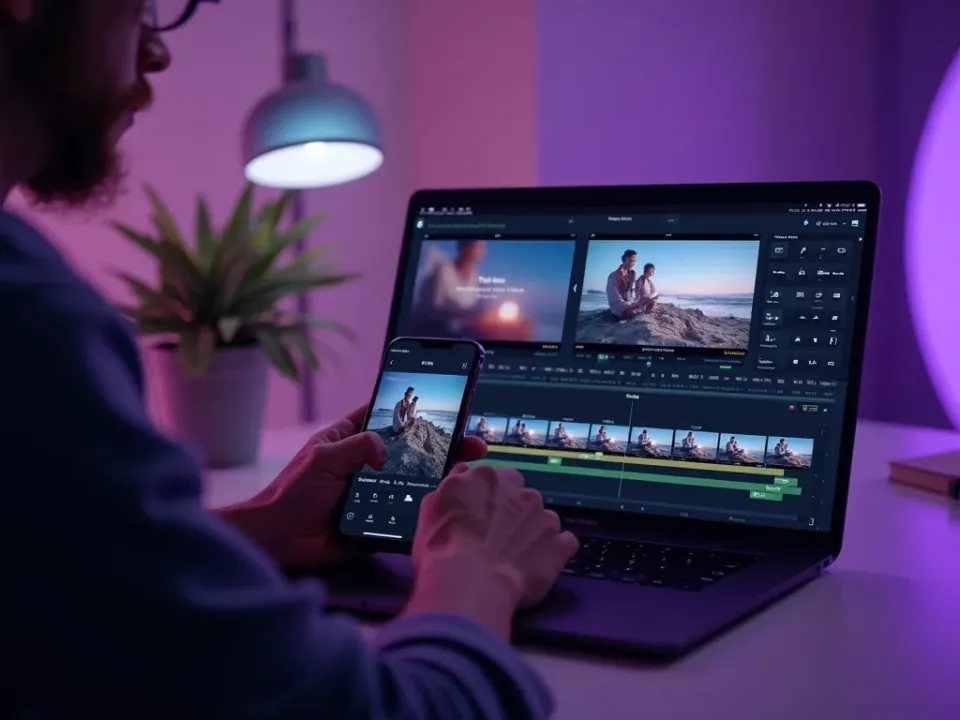
Combine Multiple Videos Into One
Whether it's a few phone clips, screen recordings, or downloaded videos, this free video merger joins them end to end into one seamless file. Drag to reorder, and export a single video ready to share.
Add clips, set the order, and merge.
Join two or more clips
Reorder before merging
Any format in, one video out
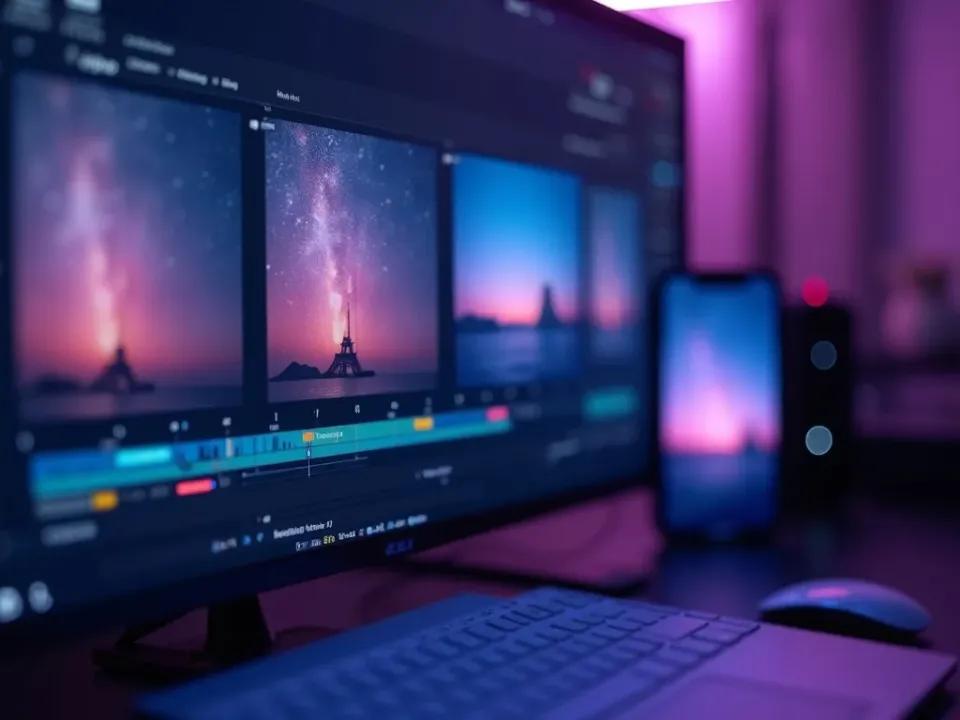
Make Montages and Compilations
Merging is how you turn separate moments into a story — a travel montage, a highlight reel, a before-and-after. Line up the clips and the merger blends them into a continuous video you can post anywhere.
One video from many moments.
Free, Online, No Watermark
Merge videos online free — no watermark, no sign-up, no download. It runs on any device, so you can combine videos on a phone or a laptop the same way, privately.
Your clips stay on your device; merging happens locally.
Everything the Free Video Merger Does
Who Uses the Video Merger?
Anyone with clips to combine:
Merge, Then Do More With Your Video
Vivideo is more than a merger — generate clips, edit them, and translate the result, all in one place.

Rated by Real Users Across Platforms
4.7 ★
Trustpilot
4.5 ★
G2
5.0 ★
Capterra
4.5 ★
App Store
Based on 1624 combined reviews across Trustpilot, G2, Capterra and the App Store
What Creators Say About Vivideo
“I went from idea to a published video in under ten minutes. The avatars look unbelievably real.”
illustrative
Explore More Free Video Tools

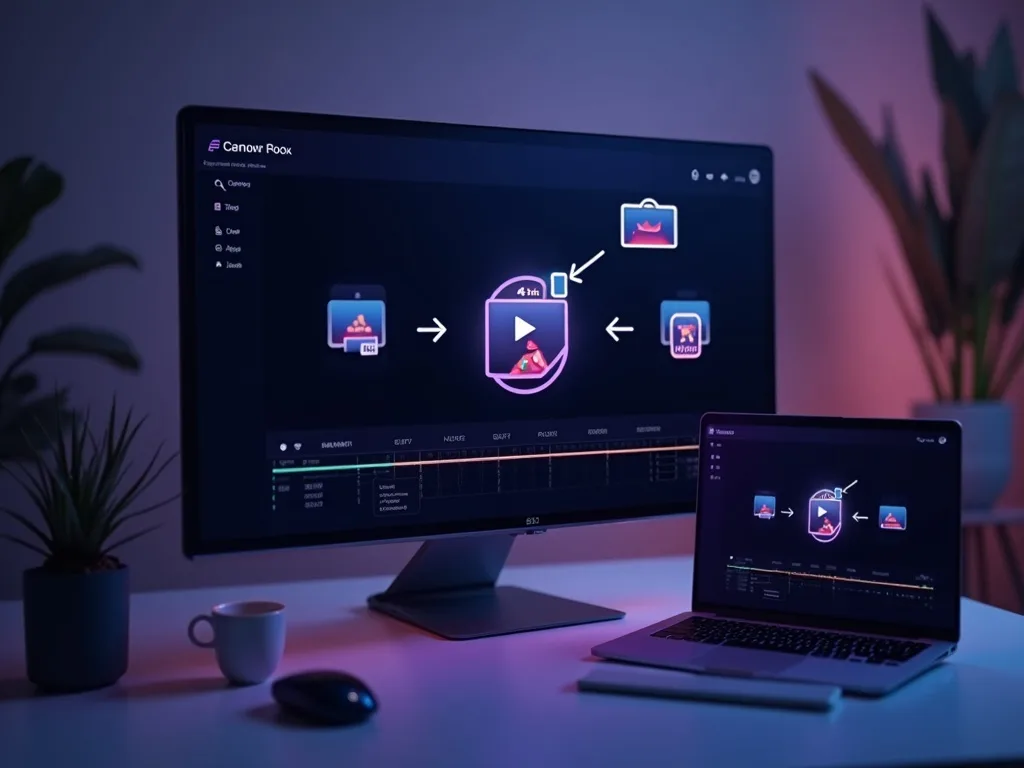
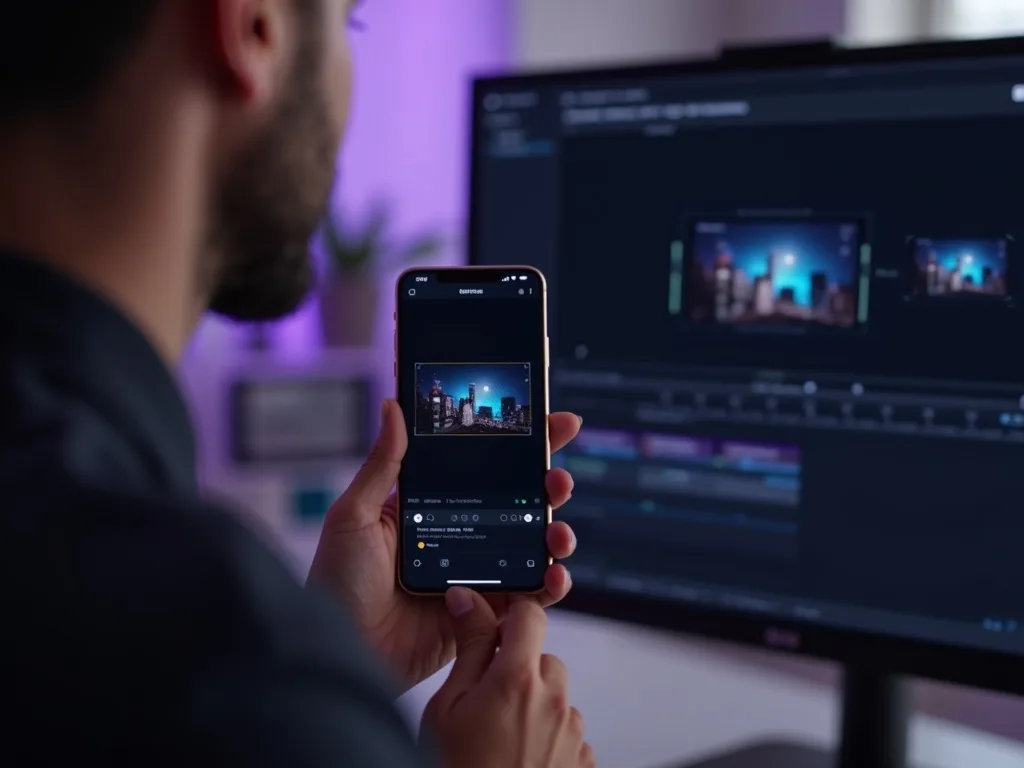
See the Video Merger in Action
Watch several clips combine into one video — then merge your own free on Vivideo.
Merge Your Videos Free
Combine your clips into one video — online, in your browser, with no watermark.
Want AI to Create Videos For You?
Generate complete videos in one go. No need to merge multiple clips.