
Total control over every shot
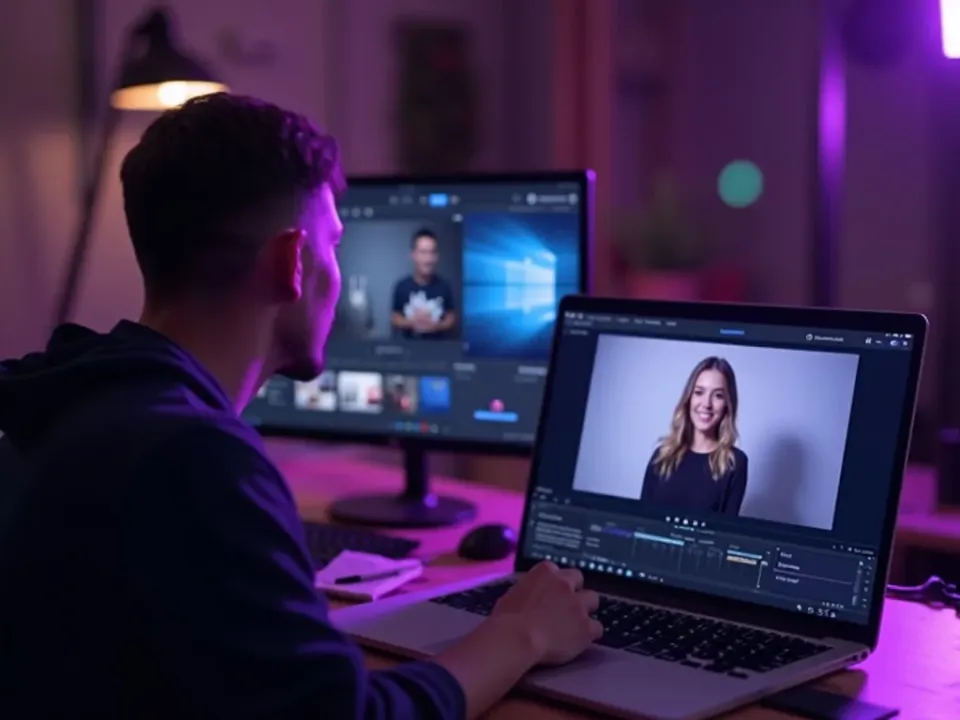
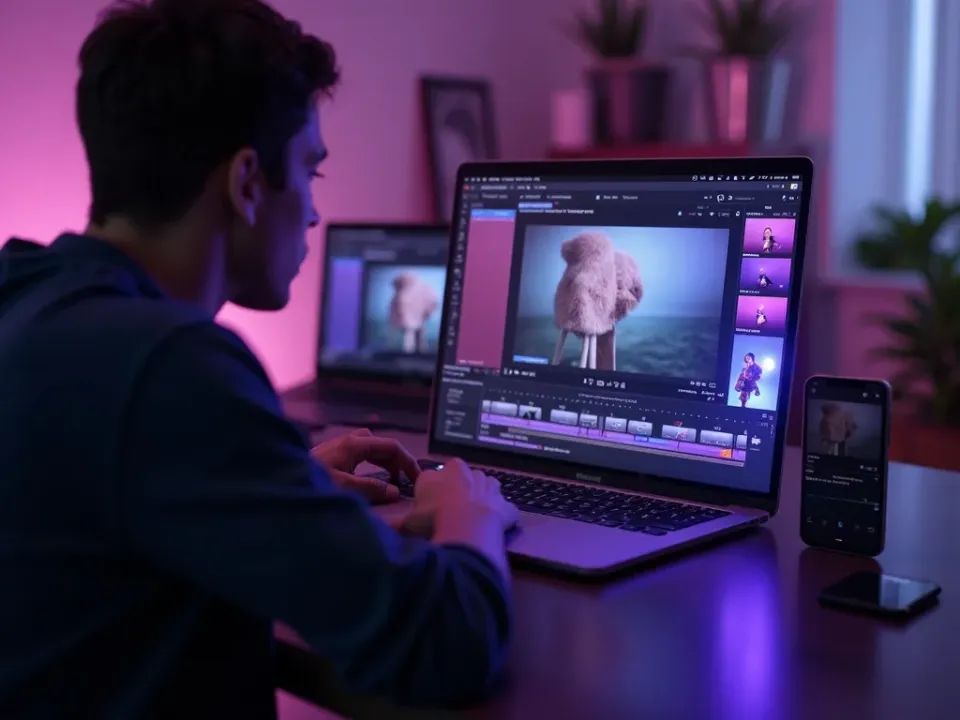
Manual Mode turns Vivideo into a full AI video editor. Instead of a single prompt, you direct the whole production — choosing a different AI video model for each shot, writing the script scene by scene, and timing every cut on a clear timeline.
It's the mode for marketers, editors and studios who want the final say: build long-form videos up to 10 minutes, keep every scene on-brand, and export in any aspect ratio for any platform.
- Mix Sora, Veo, Kling and 30+ models in one video
- Long-form AI video up to 10 minutes
- Frame-accurate timeline and script editing
- On-brand captions, music and any export format
Start directing your video
Build your first video scene by scene — free to start, no credit card.
Make your first video free See how it worksWhat manual mode gives you
Direct control of every model, setting and input, shot by shot.
Works with every top AI model









How manual mode works, explained
Automation is great until you want control. Auto-generate and the chat agent make the decisions — which model, which settings, which take — and for a lot of videos that's exactly right. But when you know precisely what you want, you need to drive. Manual mode is Vivideo's hands-on studio: you pick the model, set the inputs, and build the video shot by shot.
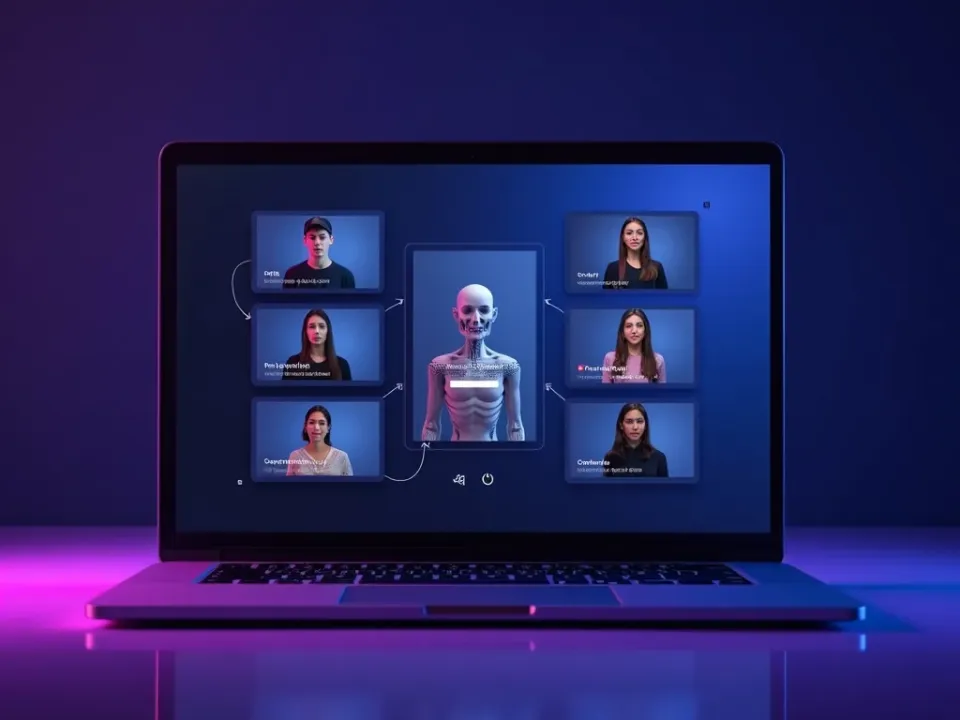
The heart of it is model choice. Each of the 30+ models renders differently — one nails realistic motion, another anime, another physics — so a demanding project is really a series of model choices. Manual mode lets you match each shot to the model that does it best, and switch freely across the video, instead of accepting one engine for everything.
Control extends to the inputs. Write the exact prompt, drop in reference images or a starting frame for image-to-video, and tune the parameters a model exposes. Run the same shot through different models, compare the takes, and accept only what you want — the deliberate, shot-by-shot approach a polished piece needs.
It's one of three ways to make video on Vivideo — the hands-on one, alongside one-prompt auto-generate and the chat agent — and it's free to start, with watermark-free exports on an affordable plan. When the video matters enough to drive it yourself, manual mode gives you the wheel.
Manual mode — FAQ
What is manual mode?
Manual mode is Vivideo's hands-on AI video studio: you pick the exact model per shot from 30+ options, set the prompt, inputs and parameters, and build the video shot by shot — full control, no agent deciding.
How is it different from auto-generate or the chat agent?
Auto-generate and the chat agent make decisions for you; manual mode hands you the controls. You choose the model, tune the settings, and accept each shot yourself — for creators who want to drive.
Can I pick which model each shot uses?
Yes — that's the core of manual mode. Match each shot to the model that renders it best, and switch models freely across the video.
Can I use reference images or a starting frame?
Yes — add reference images, a starting frame for image-to-video, and any parameters a model exposes, for precise control over the result.
Can I compare models on the same shot?
Yes — run the same prompt through different models and keep the best take, so you're never limited to one engine's look.
Is it free?
Yes — manual mode is free to use with daily generations and no credit card. Watermark-free exports come with an affordable plan.
Who is manual mode for?
Creators, editors and pros who want direct control over the models and settings, rather than letting an agent make the calls.
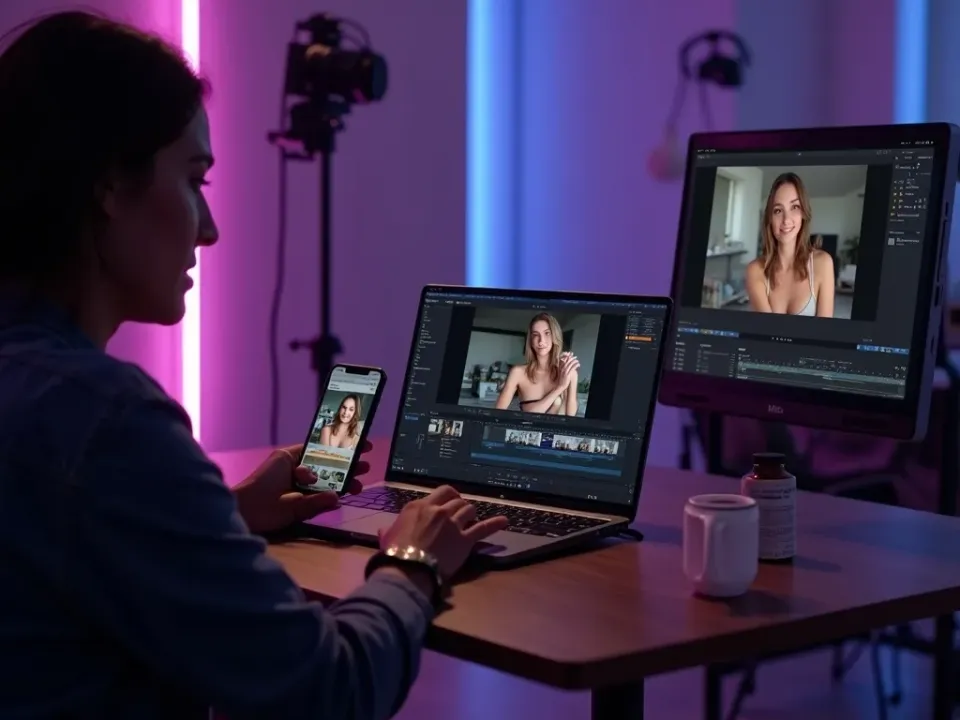
Pick the Model for Every Shot
Manual mode hands you the controls: choose the exact model per shot from 30+ engines, match each to the moment, and switch freely. The answer to "which AI video model should this shot use" — you decide.
No agent deciding for you — you drive the models yourself.
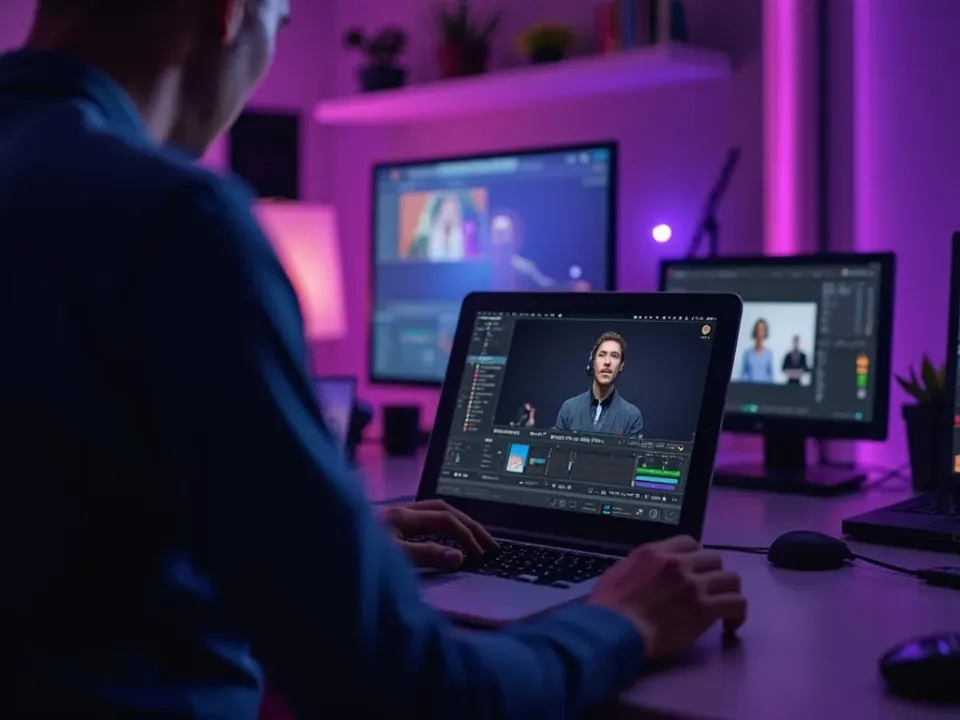
Full Control of Prompt and Inputs
Set the prompt, add reference images or a starting frame, and tune every parameter a model exposes — then compare takes across models and keep the best. Shot-by-shot precision for polished work.
Run the same shot through different models; accept only what you want.
The Hands-On Way to Make Video
Manual mode is one of three ways to make video on Vivideo — alongside one-prompt auto-generate and the chat agent. Free to start, watermark-free to export.
Automate when you can; drive when it matters.
Everything Manual Mode Gives You
One place to drive every model, setting and shot yourself.
Who Uses Manual Mode?
Creators and pros who want to drive:
One Free Studio Behind Every Tool
Each utility here is a doorway into the full Vivideo studio — create, edit and localize video in the same place.
Explore Adjacent Video Tools
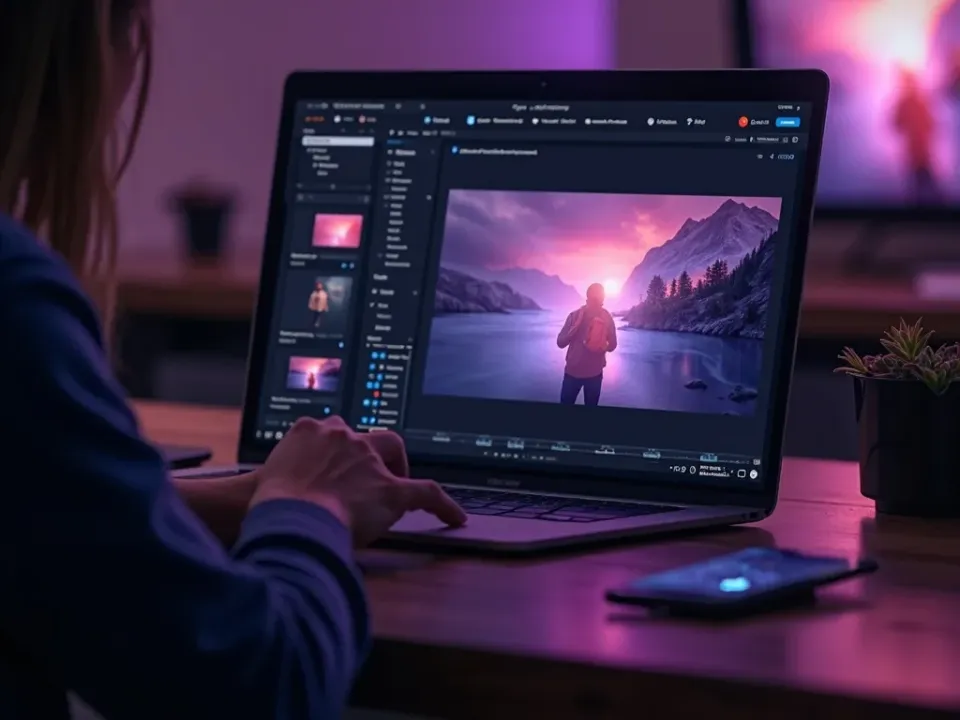
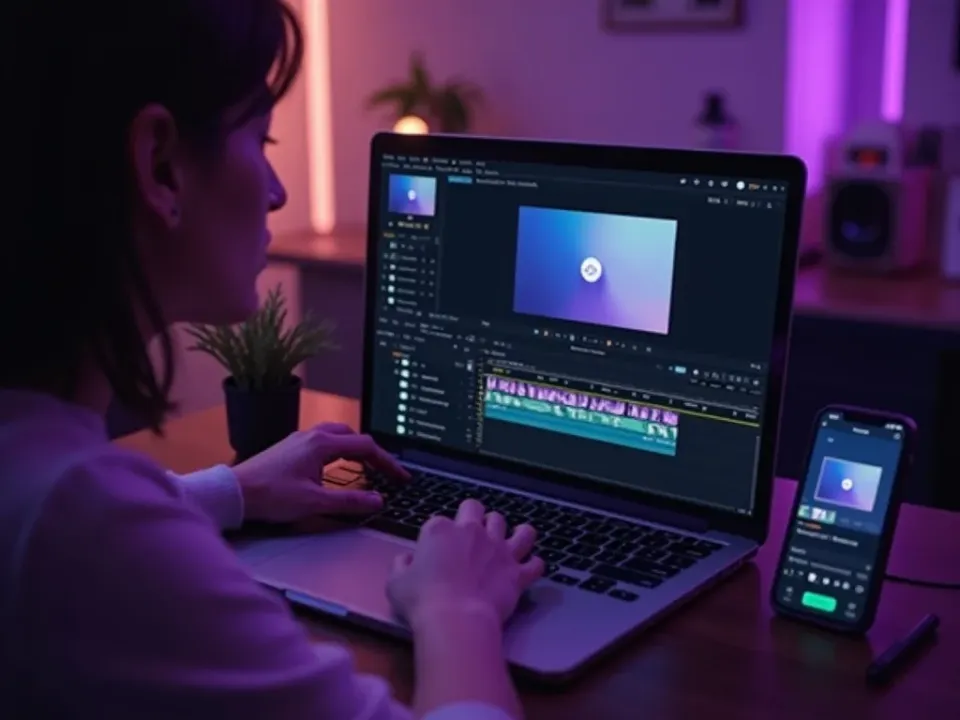
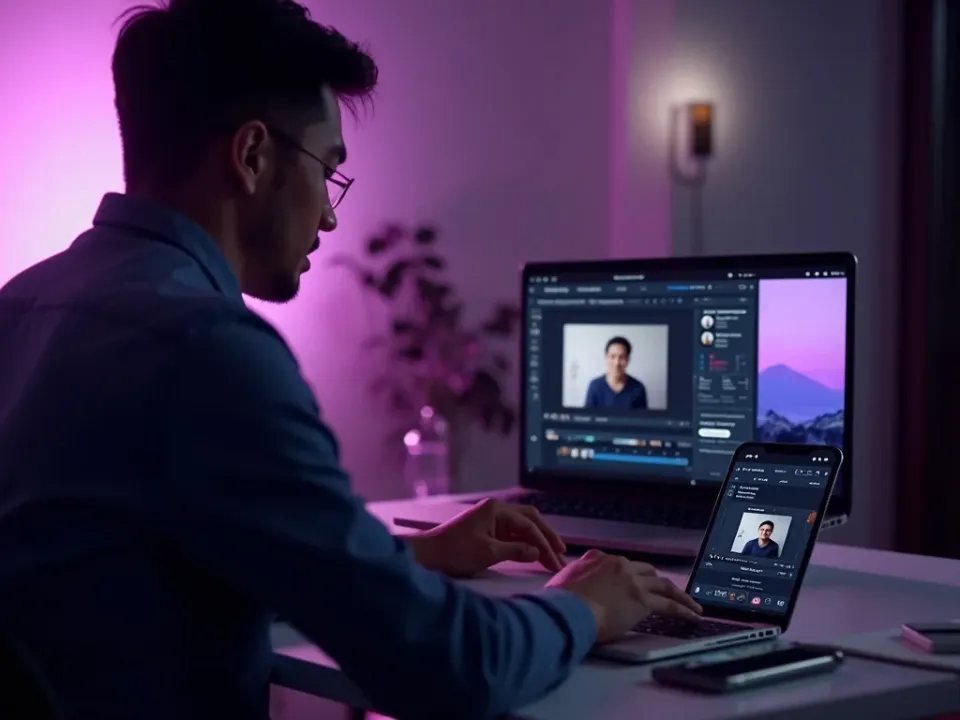
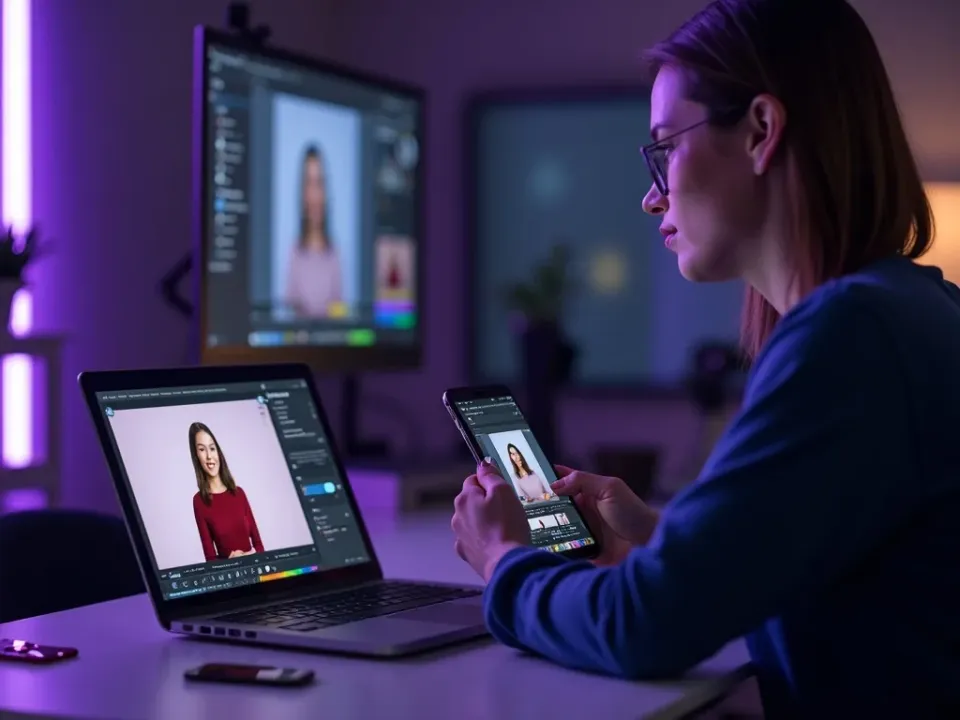
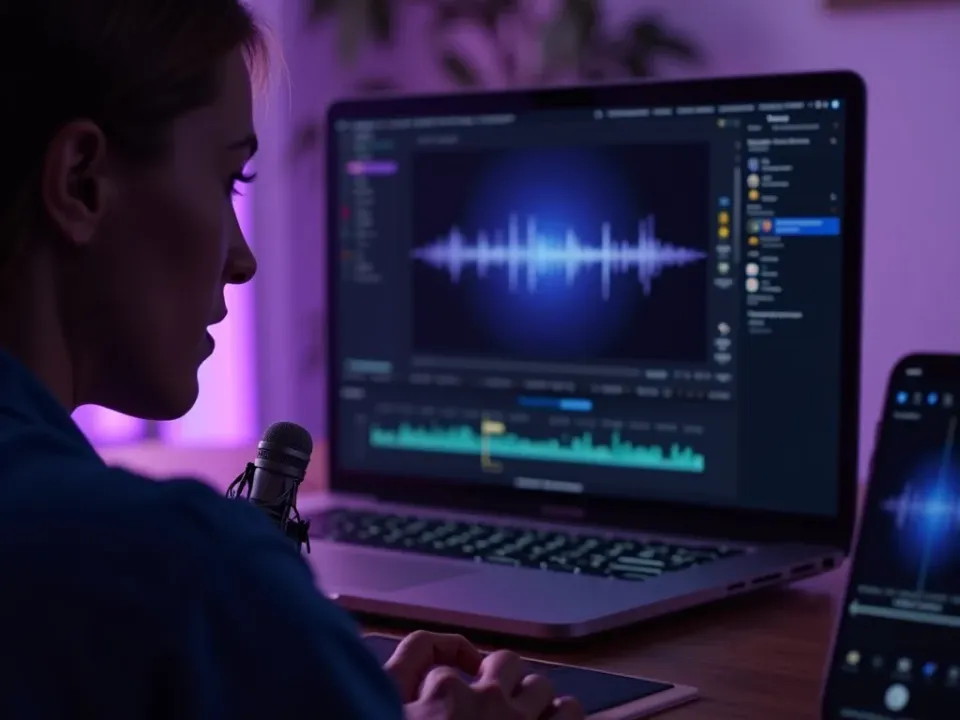
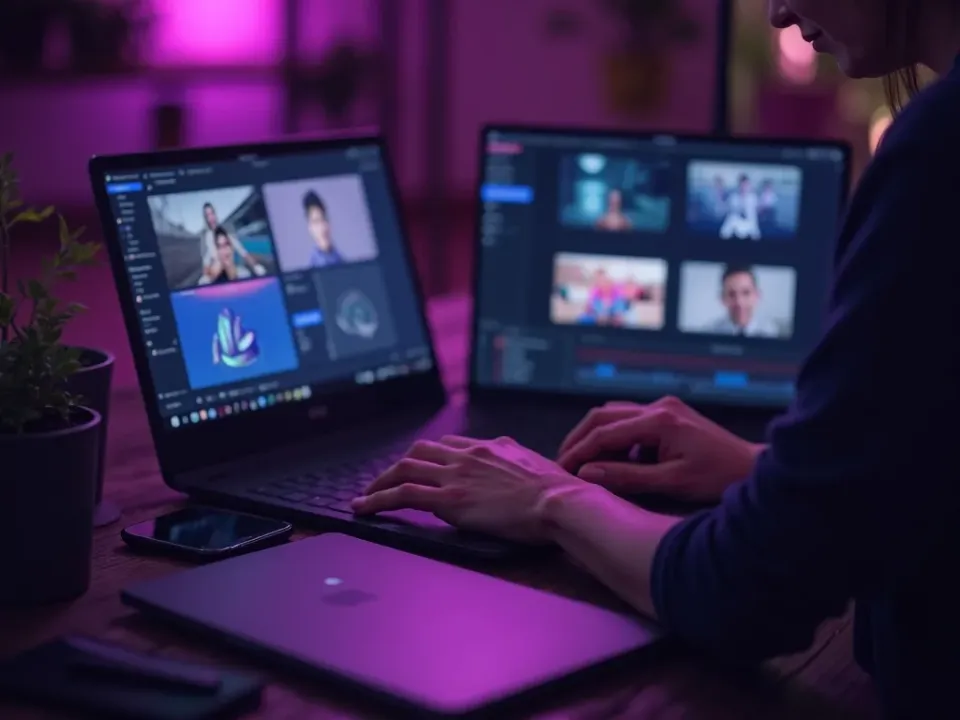
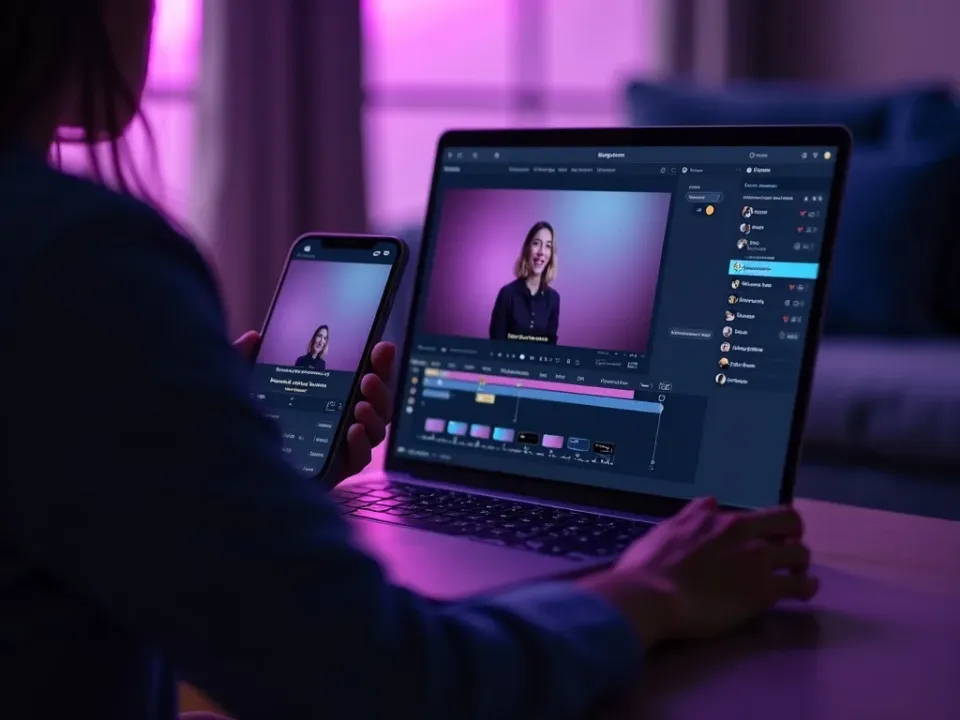
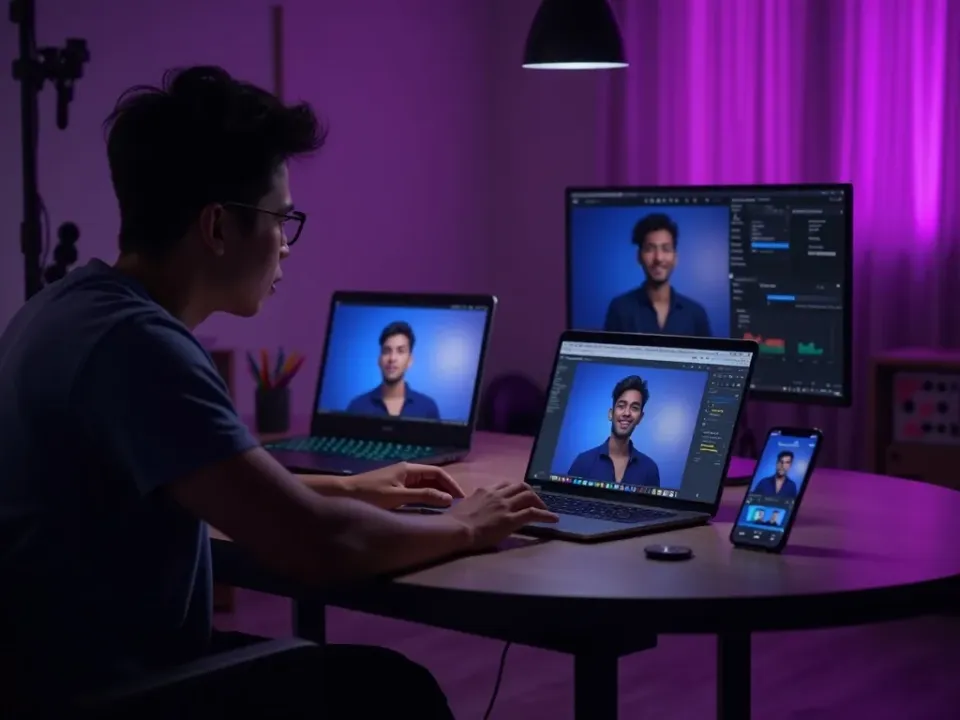
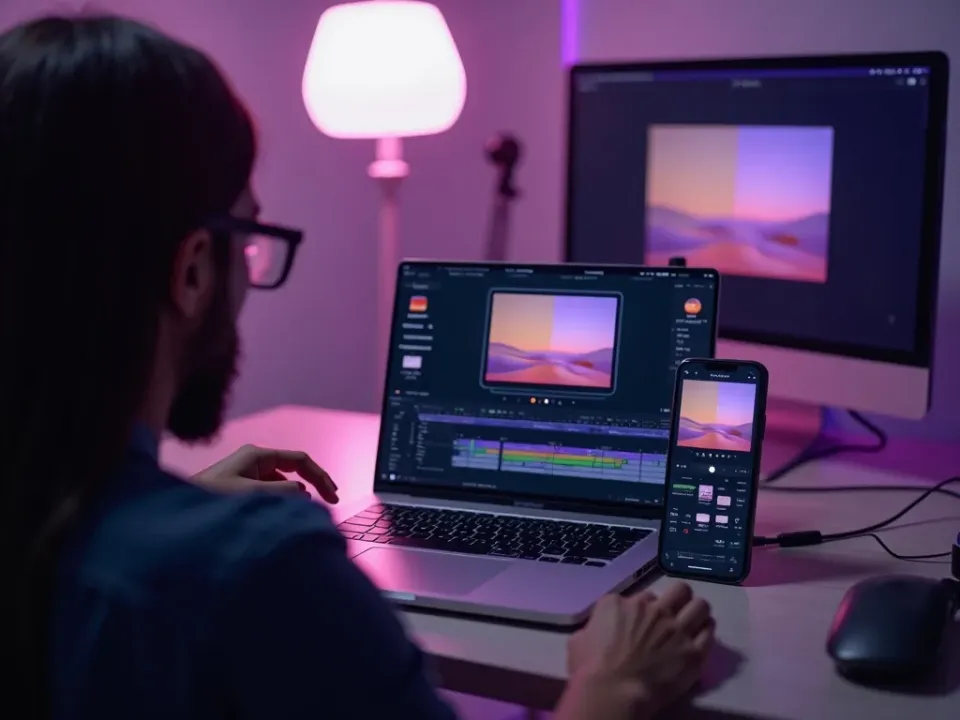
See Manual Mode in Action
Watch a shot built with full model control — then drive your own free on Vivideo.
