
This is how teachers, course creators and training teams make educational videos without filming: paste a lesson, upload slides, or describe the topic, and Vivideo's AI educational video maker builds a clear, captioned video with an AI presenter, on-screen text and visuals — across 30+ models, in minutes. Video raises retention and completion over text alone, but producing it per lesson is impossible when you're also teaching. An AI video generator removes that barrier, so every lesson can be a video, not just the flagship course.
Why video works for learning
The educational videos teachers make most
The formats students actually finish — each a one-click preset in Vivideo.
Micro-lesson
One idea, two to six minutes, captioned and paced for completion. The single most effective unit of online learning — and the one students rewatch before the exam.
Animated explainer
A complex process or abstract concept made visual — motion, diagrams and narration carry the idea where a static slide can't. Perfect for the topic everyone gets stuck on.
Avatar instructor
A consistent on-screen teacher in your cloned voice that delivers every module the same way — no re-records when the syllabus changes, just edit the script.
Lecture-to-video
Drop in a slide deck or a long recording and Vivideo re-cuts it into short, objective-driven chapters with captions — the lecture students will actually watch.
Course promo
A punchy trailer that sells the transformation, not the table of contents — built to lift enrollment on your landing page and across social.
Onboarding & explainer Short
A vertical 9:16 cut for orientation, study tips or a single concept — built for YouTube Shorts, TikTok and the LMS feed where discovery happens.
How to make educational videos with Vivideo
Drop in your material
Upload a deck, a PDF, lecture notes or a recording — or just paste your script. No camera and no footage required.
Pick a format & voice
Choose a micro-lesson, explainer or promo, add a narrator or your own cloned voice, and apply your school or course brand kit.
Vivideo builds it
Scenes, motion, on-screen text, captions and pacing are assembled automatically across 30+ models — chunked to the right length.
Publish everywhere
Export 16:9 for YouTube and your LMS, 9:16 for Shorts and TikTok, with a caption file — all from one render.
Ship it where students learn — at the right spec
Whether it's a course module or an AI training video for staff, Vivideo renders each cut to the exact format every platform and LMS rewards.
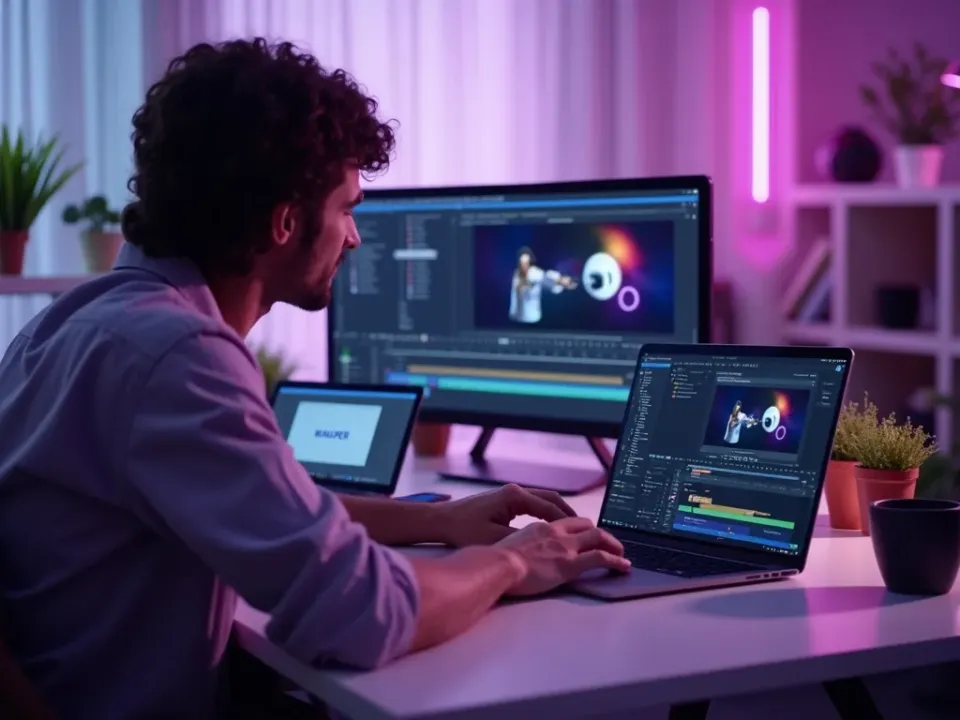
An Educational Video Maker for Every Lesson
Vivideo's AI educational video maker turns a lesson, slides or a script into a clear, captioned video with an AI presenter and on-screen visuals — and the same screen lets you edit it. Make educational videos for every module without a camera.
A whole course becomes a library of consistent videos instead of a wall of slides.
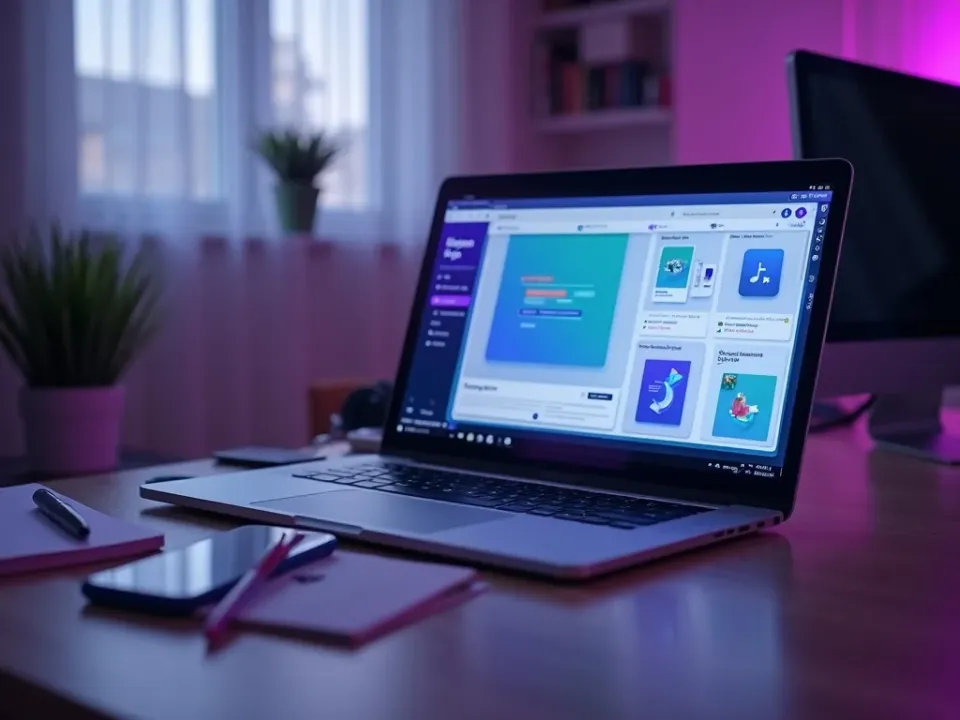
Turn Slides and Scripts Into Lessons
Upload a slide deck or paste a script and the maker narrates it, adds captions and visuals, and exports a finished lesson — the answer to "how do I turn my slides into a video." Add an AI presenter for a consistent on-camera teacher.
Convert existing course material into video without re-recording anything.
Captioned, Consistent, and Localized
Captions and clear on-screen text make every lesson accessible on mute and on any device, a consistent presenter makes the course coherent, and AI dubbing localizes it into 30 languages. Review every draft to keep accuracy yours.
Accessible, on-brand video for the whole curriculum — in every language your learners speak.
Everything the Educational Video Maker Includes
One place to make lessons, add a presenter, caption them and localize a whole course.
Who Uses AI Video for Education?
Everyone who teaches or trains on video:
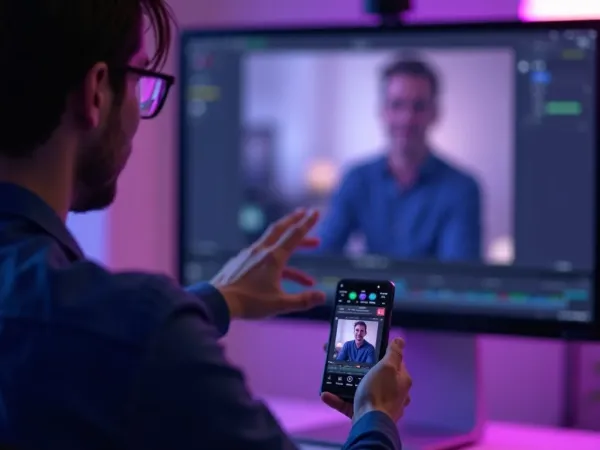
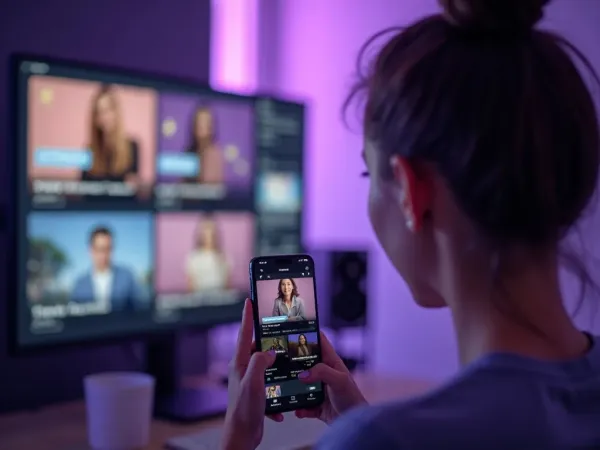
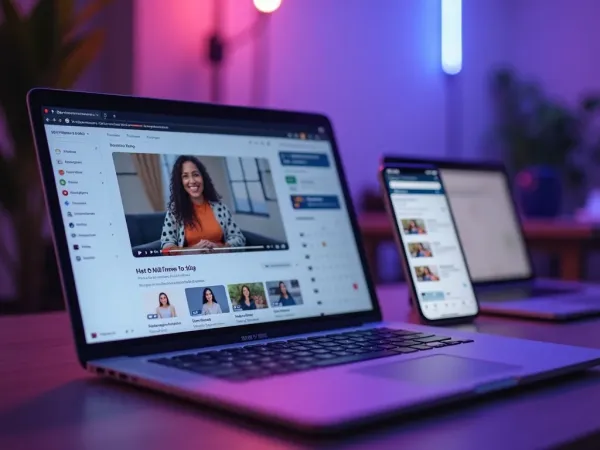
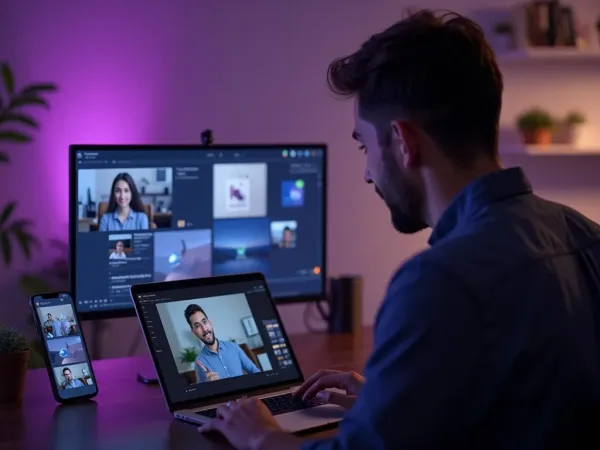
One Free Studio Behind Every Tool
Scriptwriter, camera crew, editor, voice actor, translator — this studio plays every role for the price of none of them.

More Ways to Teach With Video







See the Educational Video Maker in Action
Watch slides become a captioned lesson with a presenter — then make your own lesson video free on Vivideo.
AI video for education, explained
Video improves comprehension and retention over text, but the reason most educators don't make more of it is simple: filming, screen-recording and editing a video per lesson competes with the time it takes to actually teach. AI video removes that trade-off — a lesson outline, a slide deck or a script becomes a finished, captioned educational video in minutes, so video stops being reserved for the flagship course and becomes standard for every module.
The craft is matching format to the learning goal. A talking-head lesson with an AI presenter suits concepts; a screen-recorded walkthrough suits software; an animated explainer suits processes; a quick recap suits revision. Vivideo produces all of them from your material, adds captions for accessibility, and exports at the right length — so a course becomes a library of consistent, on-brand videos instead of a wall of slides.
Accessibility and consistency are where an AI educational video maker quietly earns its keep. Captions and clear on-screen text make lessons usable for every learner and every device, and a consistent presenter and style across modules make a course feel coherent. You review every draft, so accuracy stays in your hands while production speeds up.
Put together, it's a way to teach on video at the scale a curriculum actually needs. Not one polished course a year, but a captioned video for every lesson, a recap for every unit, and localized versions for every language your learners speak. That coverage and consistency is what lifts completion rates and makes a course travel.
Education video FAQ
How do I make an educational video without filming?
Use the AI educational video maker: paste a lesson, upload slides, or describe the topic, and Vivideo builds a captioned video with an AI presenter and on-screen visuals automatically — no camera or editing software.
Is it free to try?
Yes — you can make educational videos free with daily generations, no credit card and no download. Paid plans add watermark-free lesson video exports and more generations.
Can I turn my slides into a video?
Yes — upload a slide deck and the maker turns it into a narrated, captioned lesson video, a fast way to convert existing course material into video.
Can I use an AI presenter?
Yes — add an AI avatar with a natural voice (or your own cloned voice) so you have a consistent on-camera teacher across every lesson without filming each one.
Are the videos accessible?
Yes — captions and clear on-screen text are added by default, making lessons usable on mute and for every learner. You can edit the wording in the editor.
What kinds of educational videos can I make?
Concept lessons, course modules, software walkthroughs, animated explainers, revision recaps and student-facing announcements — all from your material.
Can I localize a course into other languages?
Yes — turn one lesson into 30 languages with AI translation and dubbing, so your course reaches learners in their own language.
Does it work for a solo course creator?
Especially well — one creator can produce a whole course of consistent, captioned videos without a studio, camera or editor.

