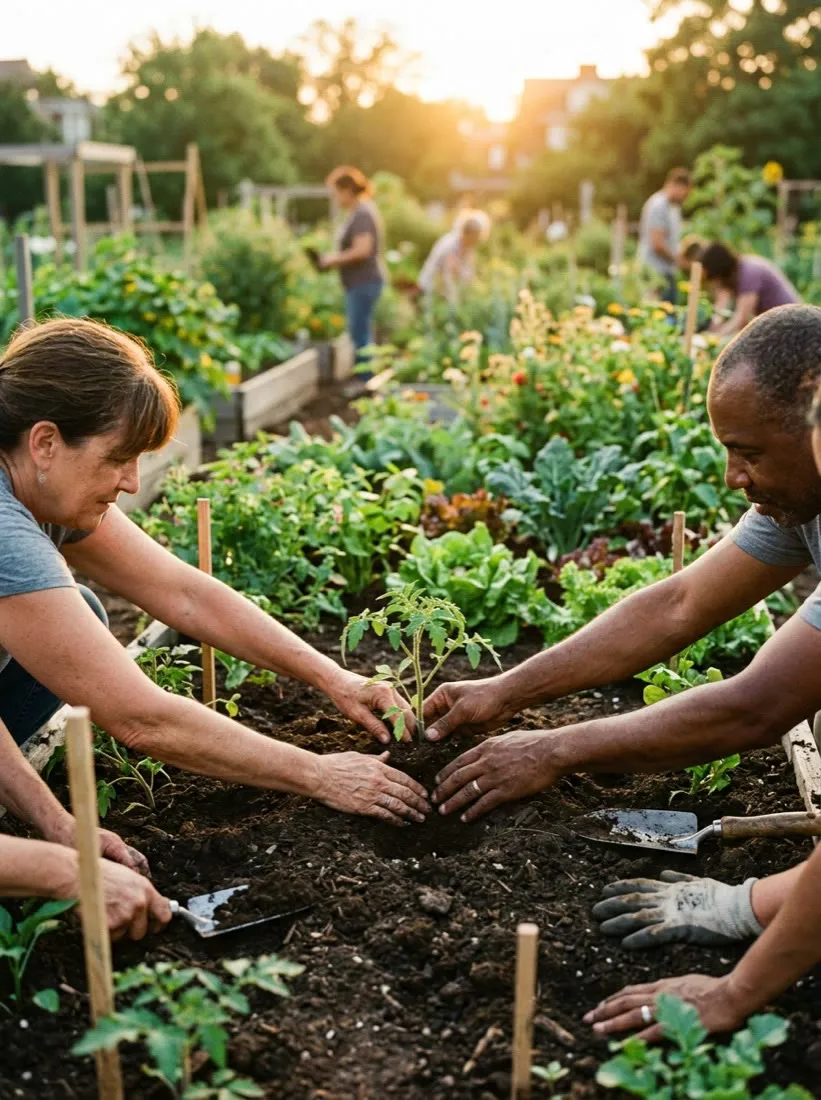
This is how nonprofits make moving video without spending donor money on production: describe your mission, share an impact story, or upload a few photos, and Vivideo's AI nonprofit video maker builds fundraising videos, campaign clips and impact reports — captioned and heartfelt — across 30+ models, in minutes. Video raises more than any other format in fundraising, but a production budget is exactly what a nonprofit can't justify. An AI video generator lets every campaign and story become a compelling video.
Why video raises more
The videos nonprofits make most
The formats donors actually watch and share — each one a one-click preset in Vivideo.
Impact story
A short documentary arc — name the problem, follow one person, then show the change a gift makes. The single most effective format for turning a viewer into a donor.
Year-end appeal
The ask that drives your biggest giving season: one clear story, one specific number, one button. Built for the inbox and the donation page in December.
Impact / year-in-review recap
Meals served, acres protected, lives changed — your annual numbers turned into a recap that retains recurring donors and proves their gift mattered.
Volunteer & recruitment
A warm "here's who we are and how you can help" clip that turns a scrolling supporter into a sign-up, a shift or a board inquiry.
Event & campaign recap
A punchy 9:16 cut of your gala, walk or giving day — momentum content that thanks attendees and pulls the next wave in. The most shared format you'll make.
Donor thank-you
A personal, named thank-you delivered fast after a gift. The cheapest retention move there is — and the one most nonprofits skip.
How to make nonprofit videos with Vivideo
Bring your story
Upload program photos, event clips and your impact numbers — or just paste the details. No crew and no shoot required.
Pick a format & voice
Choose an impact story, appeal or recap, add a narrator or your own cloned voice, and apply your organization's brand kit.
Vivideo edits it
Scenes, motion, burned-in captions, music and pacing are assembled automatically across 30+ models — with the draft always yours to review.
Publish everywhere
Export 16:9 for YouTube and the website, 9:16 for Reels, TikTok and Shorts, plus a link for email and your donation page — all from one render.
Post it where supporters give — at the right spec
Vivideo renders each cut to the exact format every platform and donation page rewards.
A Story Video Maker for Nonprofits
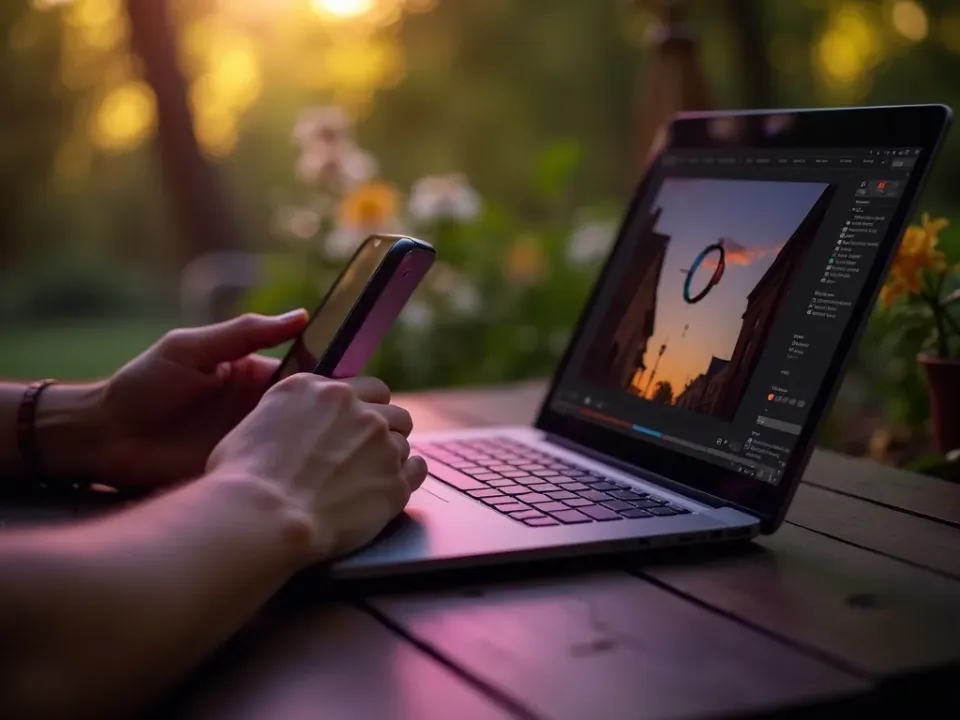
Vivideo's AI nonprofit video maker turns your mission or a few field photos into a moving, captioned story video — and the same screen lets you edit it. Make fundraising and campaign video without spending donor money on production.
A story video for every appeal, without touching the program budget.
Move Donors Without a Production Budget
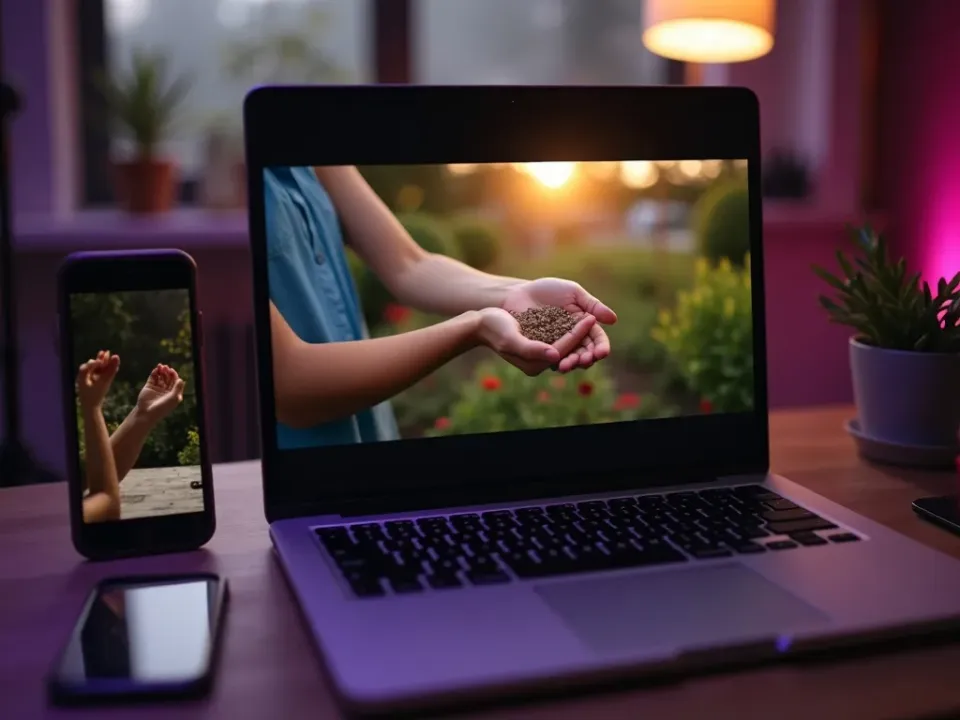
Donors give more after watching a story than reading one, and generation makes that story affordable — the answer to "how do we make fundraising videos without spending on production." A few photos become a compelling appeal.
Every campaign and update gets a video that raises more.
Respectful, Accessible, and Localized
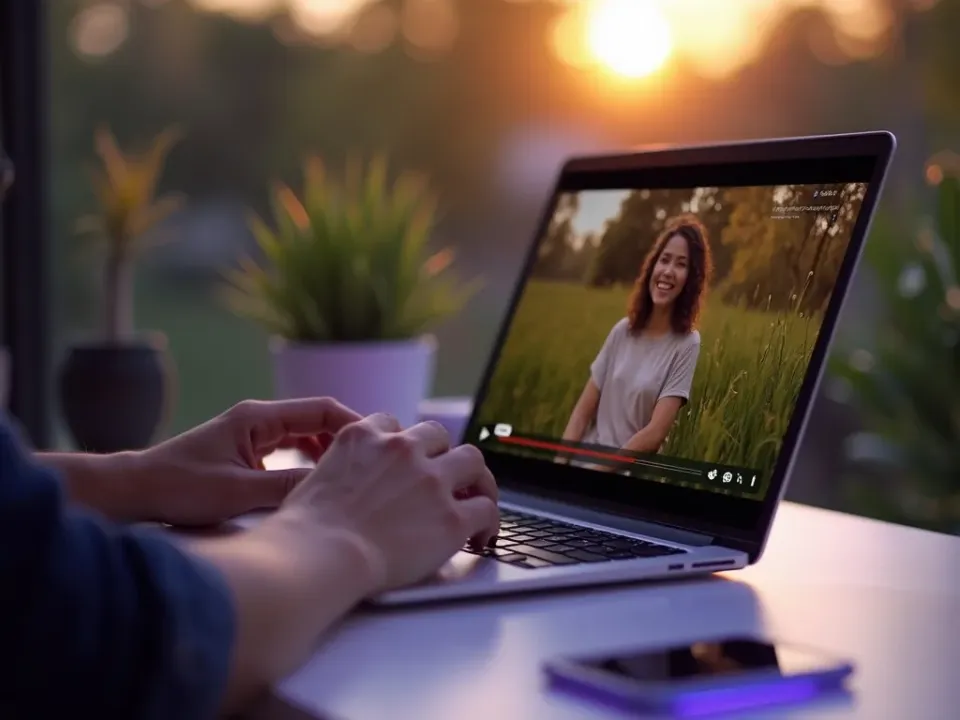
You shape the story and review every draft so beneficiaries are represented with dignity, captions make it accessible, and AI dubbing localizes into 30 languages for every supporter community.
Communicate impact truthfully — in every language your supporters speak.
Everything the Nonprofit Video Maker Includes
One place to make appeals, awareness clips and impact reports, captioned and moving.
Who Uses AI Video for Nonprofits?
Every mission-driven team that needs to move people:

One Free Studio Behind Every Tool
Scriptwriter, camera crew, editor, voice actor, translator — this studio plays every role for the price of none of them.
More Ways to Move People With Video






See the Nonprofit Video Maker in Action
Watch a few photos become a moving fundraising video — then make your own free on Vivideo.
AI video for nonprofits, explained
Video raises more than any other format in fundraising — donors give more after watching a story than reading one — yet spending restricted or donor money on production is a hard sell for any nonprofit. AI video resolves that tension: a mission statement, an impact story or a few field photos become a moving, captioned fundraising video in minutes, so every campaign, appeal and update can have one without touching the program budget.
The craft is matching format to the moment. An emotional story video suits a campaign launch and donor appeal; a short social clip suits awareness and reach; an impact report suits stewardship and year-end; a volunteer or event recap builds community. Vivideo produces all of them from your material, adds captions for silent autoplay, and exports for every channel — so one story reaches donors everywhere.
Trust and dignity matter here, which is why an AI nonprofit video maker keeps you in control: you shape the story, generate a draft, and review it before it publishes, so beneficiaries are represented respectfully and the message stays true. Captions make every video accessible, and your brand keeps campaigns coherent across the year.
Put together, it's a way to communicate impact at the scale a mission deserves without diverting funds from the work. Not one expensive campaign film a year, but a story video for every appeal, a clip for every update, and localized versions for every supporter community. That reach and emotional craft is what compounds donations, volunteers and awareness.
Nonprofit video FAQ
How do we make a fundraising video without a production budget?
Use the AI nonprofit video maker: describe your mission, share an impact story, or upload a few photos, and Vivideo builds a moving, captioned video automatically across 30+ models — no crew, no budget diverted from the program.
Is it free to try?
Yes — you can make nonprofit videos free with daily generations, no credit card and no download. Paid tiers unlock watermark-free story video and generous limits.
What kinds of nonprofit videos can we make?
Fundraising and appeal videos, awareness clips, impact reports, volunteer and event recaps, and donor thank-you videos — captioned and sized for every channel.
Can we make a video from field photos?
Yes — upload a few photos from the field and the maker turns them into a moving, captioned story video with motion and music.
How do we keep beneficiaries represented respectfully?
You stay in control: shape the story, generate a draft, and review it before publishing, so representation stays dignified and the message stays true to your work.
Can it stay on our brand?
Yes — apply your logo and colors, and every campaign video comes out consistent across appeals and updates through the year.
Can we localize for supporter communities?
Yes — turn one video into 30 languages with AI translation and dubbing, so your story reaches donors and communities in their own language.
Does it work for a small nonprofit?
Especially well — a small team can produce a year of appeal, awareness and impact videos without a production budget or an agency.

