Text to video AI turns a written prompt into a finished video — no camera, no footage, no editing software. On Vivideo you describe the scene in plain words, pick from 30+ text-to-video models (Sora, Veo, Kling, Hailuo and more), and get a captioned, sound-ready clip in minutes. It's a free text-to-video AI generator online: start with daily generations, then export watermark-free.
Works with every top AI model











How to make a video from text
Type your prompt
Describe the scene, subject, style and motion in plain words. The more specific the prompt, the closer the text-to-video result.
Pick a text-to-video model
Choose from 30+ models — Sora 2, Veo 3.1, Kling and more. Each has strengths; switch per shot to get the look you want.
Generate the video
The AI turns your text into a video with motion, pacing and optional captions and voiceover, across whichever model you picked.
Edit and export
Trim, caption, add music and chain shots into a longer video, then export watermark-free for any platform.
What the text-to-video AI generator does
Everything you need to turn text into finished video, in one place.
| Capability | What it does |
|---|---|
| 30+ text-to-video models | Run your prompt through Sora, Veo, Kling, Hailuo and more — the best text-to-video AI models on one subscription. |
| Free to start, no watermark | Make text-to-video free with daily generations; export watermark-free on an affordable plan. |
| Captions, voiceover & music | Add burned-in captions, an AI or cloned voice, and royalty-clear music to any generated clip. |
| Any aspect ratio | Render 9:16, 1:1 and 16:9 from one prompt, for TikTok, Reels, Shorts, YouTube and your site. |
| Prompt to finished video | Chain shots, edit, and localize into 30 languages — from a sentence to a shareable video. |
How text to video AI works, explained
Text to video AI is the fastest way to turn an idea into a finished video: you write a prompt describing the scene, and a generative model produces the footage — no camera, no stock, no editing timeline. What used to take a shoot and an edit now takes a sentence and a few minutes, which is why "text to video ai" has become one of the most-searched ways to make video.
The catch is that no single model is best at everything. Some text-to-video models excel at photoreal physics and audio, others at fast motion, anime or stylized looks. Running your prompt through only one means settling. Vivideo removes that trade-off by putting 30+ text-to-video models — Sora, Veo, Kling, Hailuo, Vidu and more — behind one prompt box, so you can generate the same idea across engines and keep the strongest result.
A good text-to-video generator is also more than the model. A prompt becomes a finished, postable video only once it has the right pacing, captions for silent autoplay, a voiceover if you want one, and the right aspect ratio for where it's going. Vivideo bakes that in: generate from text, then trim, caption, add music and chain shots into a longer sequence, all in the browser and exported watermark-free.
And it should be free to try. Vivideo is a free text-to-video AI generator online — daily generations, no credit card, no download — with watermark-free exports on an affordable plan. Whether you want one quick clip or a full text-to-video pipeline across every model, it starts with a prompt and ends with a video you can post anywhere.
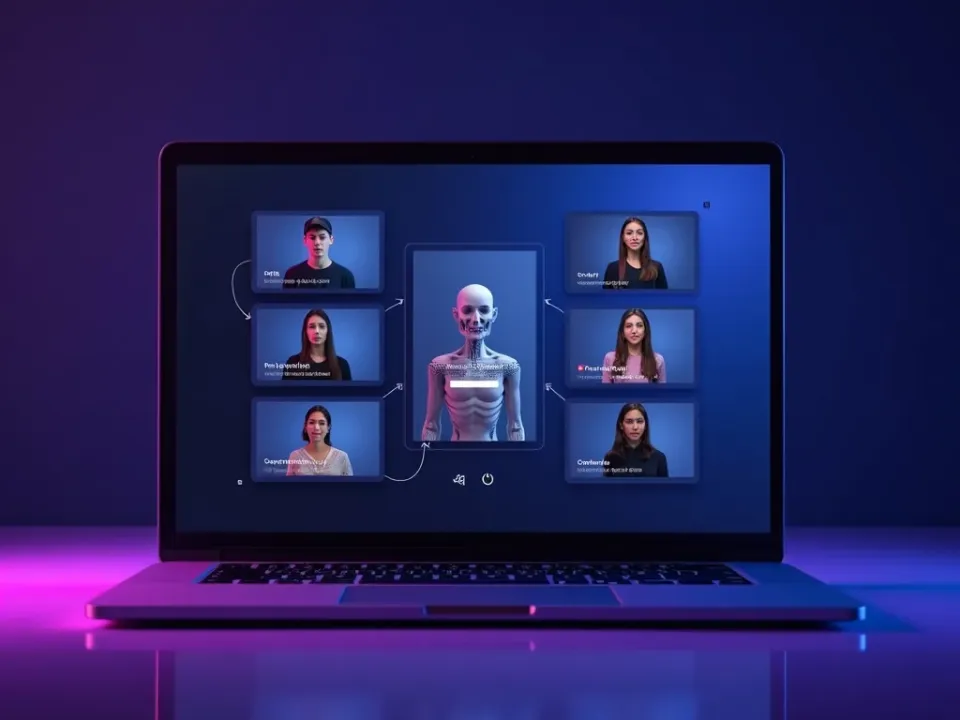
Text to Video Across 30+ AI Models
No single model is best at everything, so Vivideo runs your text-to-video prompt through 30+ models — Sora, Veo, Kling, Hailuo and more. Generate the same idea across engines and keep the strongest take.
One prompt, every top text-to-video model, on a single subscription.
From a Sentence to a Finished Video
A prompt is only the start — Vivideo turns it into a postable video with pacing, captions, an optional voiceover and the right aspect ratio. The answer to "how do I make a video from text" that doesn't stop at a raw clip.
Write it, generate it, edit it, and export watermark-free — all in the browser.
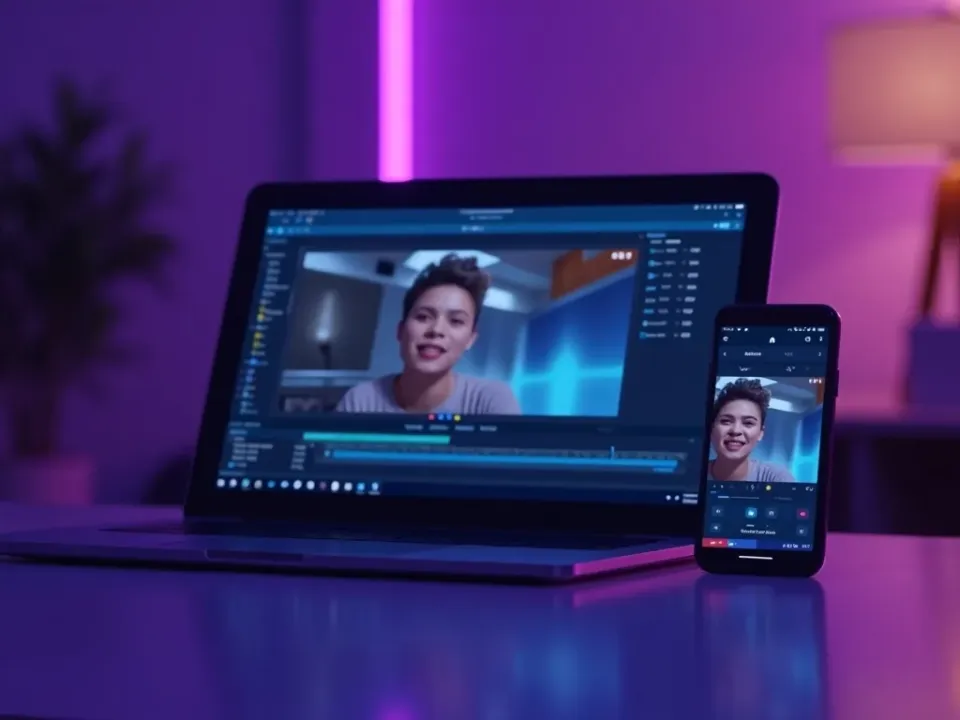
Free Text-to-Video AI, Online
Vivideo is a free text-to-video AI generator online — no app, no watermark on the export. Make text-to-video with daily free generations, add your cloned voice, and download clean files for any platform.
Start free with daily generations; upgrade for watermark-free exports and higher limits.
Everything the Text-to-Video Generator Includes
One place to turn text into video, across every model, and finish it.
Who Uses Text to Video AI?
Anyone who'd rather write than film:
One Free Studio Behind Every Tool
Each utility here is a doorway into the full Vivideo studio — create, edit and localize video in the same place.

Explore More Ways to Make Video
See Text to Video AI in Action
Watch a prompt become a finished video — then make your own text-to-video free on Vivideo.
Text to video AI — FAQ
What is text to video AI?
Text to video AI is a generator that turns a written prompt into a finished video. You describe the scene in words and the model produces the footage — no camera or editing needed. Vivideo runs text to video across 30+ models.
Is there a free text-to-video AI generator?
Yes — Vivideo is a free text-to-video AI generator online. You get daily generations with no credit card, and watermark-free exports come with an affordable plan.
Which is the best text-to-video AI model?
It depends on the shot: Sora 2 and Veo 3.1 lead on realism and audio, Kling on motion, Vidu and PixVerse on stylized looks. Vivideo lets you run one prompt through all 30+ and keep the best.
How do I make a video from text?
Type a prompt, pick a text-to-video model, and generate — then edit and export. Vivideo handles motion, captions and voiceover, so a sentence becomes a finished clip in minutes.
Can I use text to video online, no download?
Yes — Vivideo runs text to video in your browser, so you can generate on a phone, Mac or PC with nothing to install.
How long can a text-to-video clip be?
Native model clips are short, but Vivideo chains shots into finished videos up to 10 minutes, so your text can become a full sequence, not just one clip.
Can text-to-video AI add sound?
Yes — some models generate native audio, and Vivideo lets you add an AI or cloned voiceover, captions and music to any text-to-video result.
Do I need prompting skills?
No — plain, specific descriptions work well. Name the subject, setting, style and motion, and the text-to-video model does the rest; refine and regenerate as needed.
