
Here's how to make a WhatsApp Status video without filming or editing software: describe the idea, paste a product link, or upload a few photos, and Vivideo's AI WhatsApp Status video maker builds a vertical, full-screen clip that fits Status's 60-second limit — then lets you edit it in the same place. It works as both a Status video maker (generate from a prompt) and editor (trim, caption, resize, add music), online and free to start. Status is a direct, high-trust channel straight to your contacts, so small businesses and creators who post daily Status updates keep their audience warm — which generation makes effortless across 30+ models.
Why a WhatsApp Status video maker pays off
Six kinds of WhatsApp Status video you can make
The updates that earn a view instead of a swipe — each a one-click preset in Vivideo.
Daily business update
"We're open", "new stock in", "back Monday" — the small, frequent updates that keep your shop top-of-mind for the contacts who already know you.
Product or menu drop
A clean close-up of the new arrival or today's special, with the price baked in as a caption so the deal lands even on mute.
Flash sale / promo
A punchy countdown clip built for urgency — perfect for a 24-hour offer that disappears right alongside the Status itself.
Personal owner message
You on camera — or an AI avatar with your cloned voice — saying thanks or sharing news. The personal touch a messaging app is built for.
Text-on-video announcement
A short statement set over motion — hours change, an event, a reminder — far more tappable than WhatsApp's plain text Status.
Behind-the-scenes clip
A quick look at the kitchen, the workshop or the team. Casual, authentic content that feels native to Status and builds trust fast.
How to make a WhatsApp Status video with Vivideo
Drop in your content
Upload a photo or short clip, or just type what you want to say. No filming and no editing app required.
Pick a style & caption
Choose a promo, update or personal message, add bold captions for muted viewing, and apply your brand colors and logo.
Vivideo builds it
Motion, captions, music and pacing are assembled automatically and trimmed to fit WhatsApp's per-clip limit.
Save & post to Status
Export a 9:16 MP4 under the file-size cap, save to your phone, and post straight to Status — or your Channel.
Built to WhatsApp Status spec, automatically
Vivideo renders every clip to the exact format WhatsApp Status wants — so nothing gets cropped or compressed into mush.
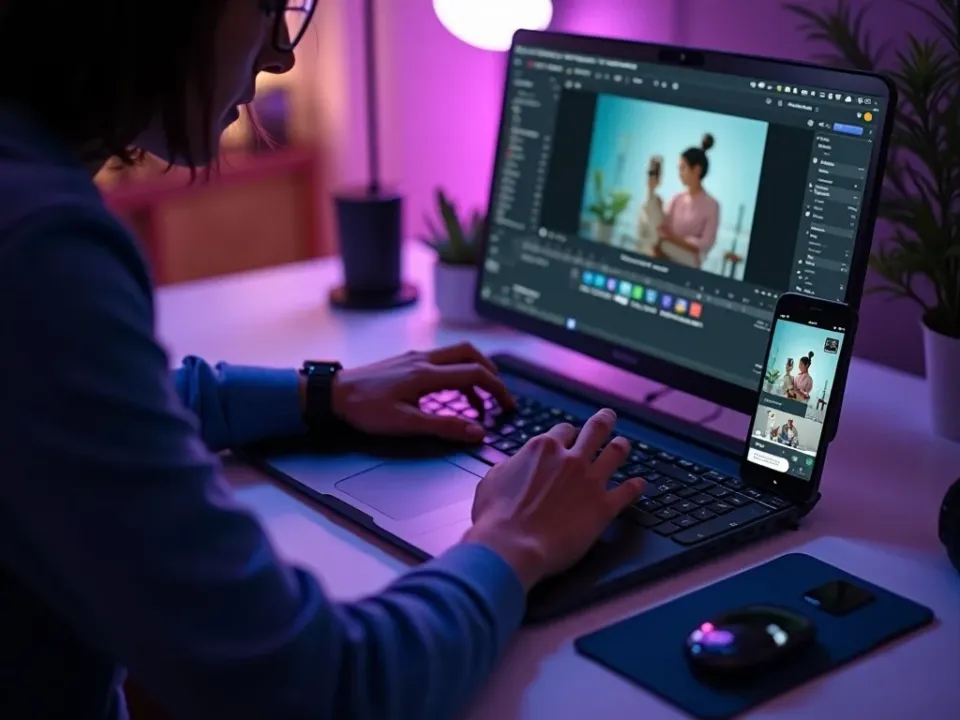
A WhatsApp Status Video Maker and Editor in One
Vivideo's AI WhatsApp Status video maker builds a vertical, full-screen clip that fits the 60-second limit — fast hook, captions, brandable — and the same screen lets you trim, resize and add music. Make Status videos and finish them without exporting anywhere else.
Generate a fresh Status update daily, edit it in seconds, and post to your contacts.
Built for the 60-Second Status Limit
Status plays videos up to 60 seconds. The maker trims and splits automatically so your clip posts cleanly — the answer to "how do I make a WhatsApp Status video that fits." Add captions and your brand for a professional look.
One idea becomes a clean, on-brand Status your contacts actually watch.
Free to Start, Watermark-Free to Export
Vivideo is a free WhatsApp Status video maker online — no app, no watermark. Make videos with royalty-clear music, add your logo, and download clean full-screen 9:16 files ready to post as a Status.
Free daily Status video generations to start; upgrade for clean, watermark-free exports.
Everything the WhatsApp Status Video Maker Includes
One place to make Status videos, brand them and get them under the 60-second limit.
Who Uses the WhatsApp Status Video Maker?
Anyone using Status as a direct channel:
One Free Studio Behind Every Tool
Most creators arrive for a quick fix and stay for the pipeline — here's what's waiting when you're ready.
More Ways to Make Vertical Video
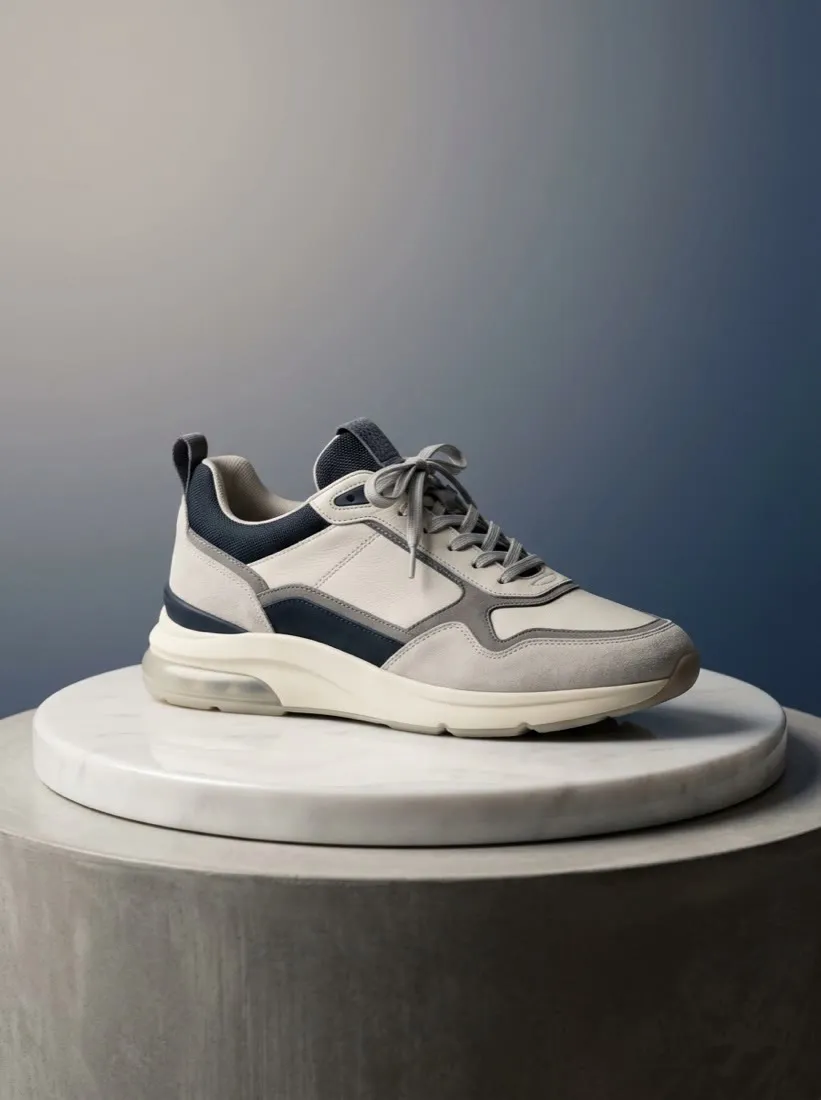
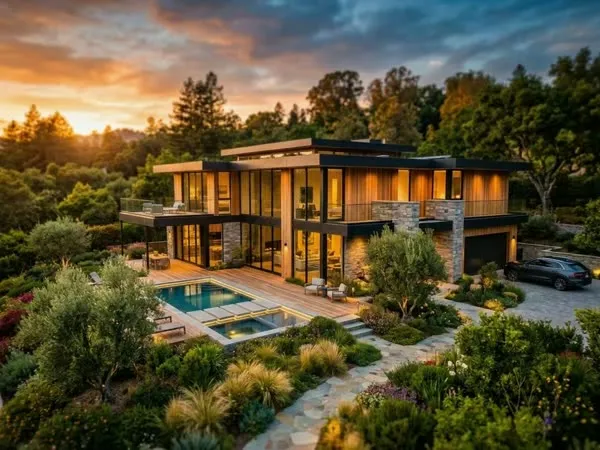



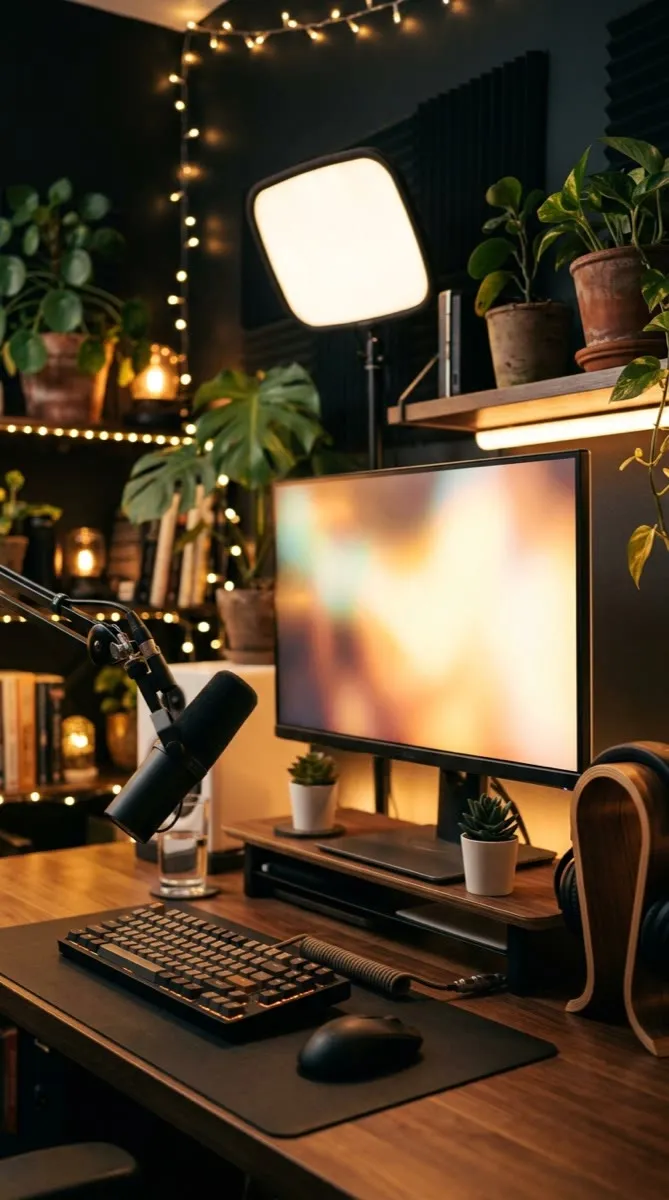



See the WhatsApp Status Video Maker in Action
Watch a prompt become a vertical, under-60-second Status video — then make your own free on Vivideo.
How to make WhatsApp Status videos, explained
WhatsApp Status is a direct line to people who already have your number — the highest-trust audience you have. The barrier to posting video there was always production: shooting vertical, keeping it under the 60-second limit, and captioning it. An AI WhatsApp Status video maker removes it: describe an idea, paste a product, or drop in photos, and you get a vertical, full-screen Status clip in minutes.
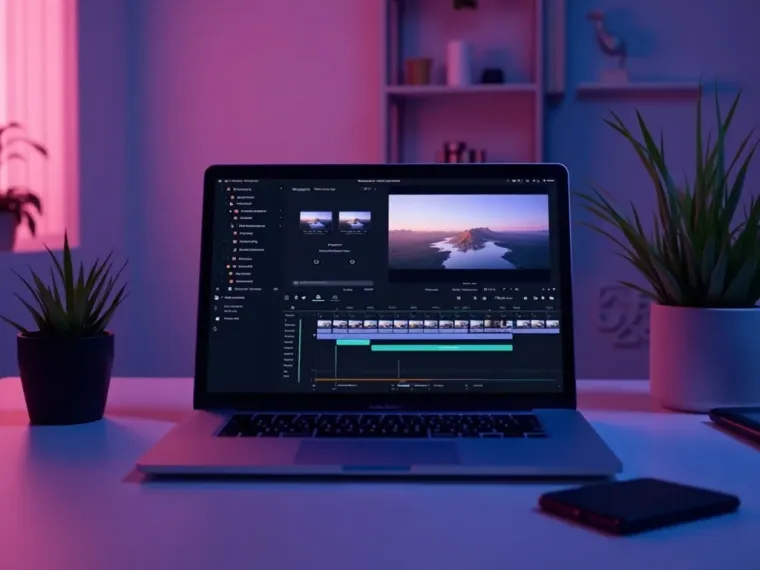
A good editor matters as much as the maker, because Status clips have to be short and clear. Vivideo keeps making and editing in one place: generate a 9:16 draft, trim it under 60 seconds, add captions and music, and export watermark-free — ready to post as a Status update your contacts actually watch.
What performs as a Status is specific: full-screen 9:16, a fast hook, and a clear message under a minute. Product drops, offers, announcements and behind-the-scenes clips work because the audience already trusts you. Because Status is a warm channel, a maker earns its keep by letting you post a fresh, professional-looking update every day without effort.
Put together, it's a way to treat WhatsApp Status as the direct, high-conversion channel it is — especially for small businesses and creators in markets where WhatsApp is the primary app. Not the occasional broadcast, but a daily vertical Status video that keeps your contacts engaged and your offers front of mind. That consistency is what turns Status into a real marketing channel.
WhatsApp Status video FAQ
How do I make a WhatsApp Status video without filming?
Use the AI WhatsApp Status video maker: type an idea, paste a product link, or upload a few photos, and Vivideo builds a vertical, full-screen Status clip automatically — no camera or editing software.
Is the WhatsApp Status video maker free?
Yes — you can make Status videos free with daily generations, no credit card and no download. It's fully online — nothing to download. Upgrade to export Status video watermark-free with higher limits.
How long can a WhatsApp Status video be?
WhatsApp Status plays videos up to 60 seconds. Vivideo trims your clip to fit and splits longer content automatically, so it posts cleanly as a Status.
Can I edit the video after it's generated?
Yes — Vivideo is a Status video maker and editor in one: trim, re-caption, resize and add music in the built-in editor, then export watermark-free without a second app.
What size should a WhatsApp Status video be?
Full-screen vertical 9:16 (1080×1920). Vivideo renders to that spec by default and gives you other ratios for cross-posting to Reels and Shorts from one project.
Can I make a Status video from photos?
Yes — upload a handful of images and the maker turns them into a vertical Status video with motion, captions and music, exported at 9:16.
Can I add my logo and brand?
Yes — apply your logo and brand colors in the editor so every Status update looks consistent and professional to your contacts.
Does it work on my phone and PC?
Yes — the WhatsApp Status video maker runs in any modern browser, so you can make and edit Status videos on a phone, Mac or PC with nothing to install.

