 Lifelike · English · Female
An AI voice generator turns written text into natural-sounding speech — and can clone your own voice from a short sample. On Vivideo you type a script, pick a lifelike voice or your clone, and get a realistic voiceover in any of 30+ languages, in seconds. It's a free AI voice generator online for narration, videos and characters, exported watermark-free.
Your own voice, in every language
Record about a minute of speech — or upload a clip — and Vivideo builds a private, reusable clone of your voice. Then make it say any script you type, in dozens of languages, perfectly lip-synced to your avatars. No studio, no re-recording, ever.
Record or upload
Give a short, clean sample of a voice you're authorized to use.
We train your clone
Vivideo builds a reusable voice model in minutes — yours alone.
Speak any script
Type text and your cloned voice narrates it, in any supported language.
How to generate an AI voice
Type or paste your script
Write what you want said. The AI reads it in a natural voice, with realistic intonation and pacing.
Pick a voice or clone yours
Choose from a library of lifelike voices, or clone your own from a short sample for a voice that's truly you.
Choose a language
Generate the voiceover in any of 30+ languages — the same script, natively spoken.
Generate and use it
Get the audio in seconds, drop it onto a video, or pair it with an AI avatar; then export watermark-free.
What the AI voice generator does
Natural text-to-speech and voice cloning, for video and narration.
| Capability | What it does |
|---|---|
| Natural text-to-speech | Lifelike voices with realistic intonation — no robotic, flat AI tone. |
| Voice cloning | Clone your own voice from a short sample and narrate anything in it. |
| 30+ languages | Generate the same script natively in 30+ languages and accents. |
| Pairs with avatars & video | Drop the voiceover onto any video, or sync it to an AI avatar presenter. |
| Free & watermark-free | Generate voices free with daily usage; export watermark-free on a paid plan. |
How an AI voice generator works, explained
An AI voice generator turns text into natural speech, which makes it one of the most useful tools in video: you write a script and get a finished voiceover in seconds, no recording booth, no re-takes. The leap in recent years is realism — the best AI voices now carry intonation, emphasis and pacing that read as human, which is why "ai voice generator" has become a standard step in making video.
The bigger unlock is voice cloning. Instead of picking a stock voice, you can clone your own from a short sample and narrate anything in it — every video in the same recognizable voice, without ever recording again. Vivideo lets you use either a lifelike library voice or your clone, so your narration stays consistent across everything you make.
Language is where AI voice scales. The same script can be spoken natively in 30+ languages, so one piece of narration becomes a voiceover for every market — and paired with Vivideo's AI avatars and dubbing, a whole video can speak your audience's language with matching lip-sync.
And it's free to start. Vivideo is a free AI voice generator online — daily usage, no credit card, no download — with watermark-free exports on an affordable plan. Whether you need one voiceover or a cloned voice for a whole channel, it starts with text and ends with speech that sounds real.
AI voice generator — FAQ
What is an AI voice generator?
An AI voice generator turns text into natural-sounding speech. Vivideo's produces lifelike voiceover with realistic intonation, can clone your own voice, and speaks 30+ languages — for videos, narration and characters.
Is there a free AI voice generator?
Yes — Vivideo is a free AI voice generator online. Generate voices with daily usage, no credit card, and export watermark-free on an affordable plan.
Can I clone my own voice?
Yes — voice cloning creates a digital version of your voice from a short sample, so you can narrate any script in your own voice, in any language.
How many languages are supported?
30+ languages and a range of accents, so one script can be voiced natively for every market.
Does it sound robotic?
No — the voices use realistic intonation and pacing, so narration sounds natural rather than flat or robotic.
Can I use the voice in a video?
Yes — drop the AI voiceover onto any video in the editor, or pair it with an AI avatar for a talking presenter.
What can I use AI voices for?
Video voiceover, YouTube narration, explainers, audiobooks, characters, ads and IVR — anywhere you need natural speech from text.
Can I use it online, no download?
Yes — the AI voice generator runs in your browser, on a phone, Mac or PC, with nothing to install.
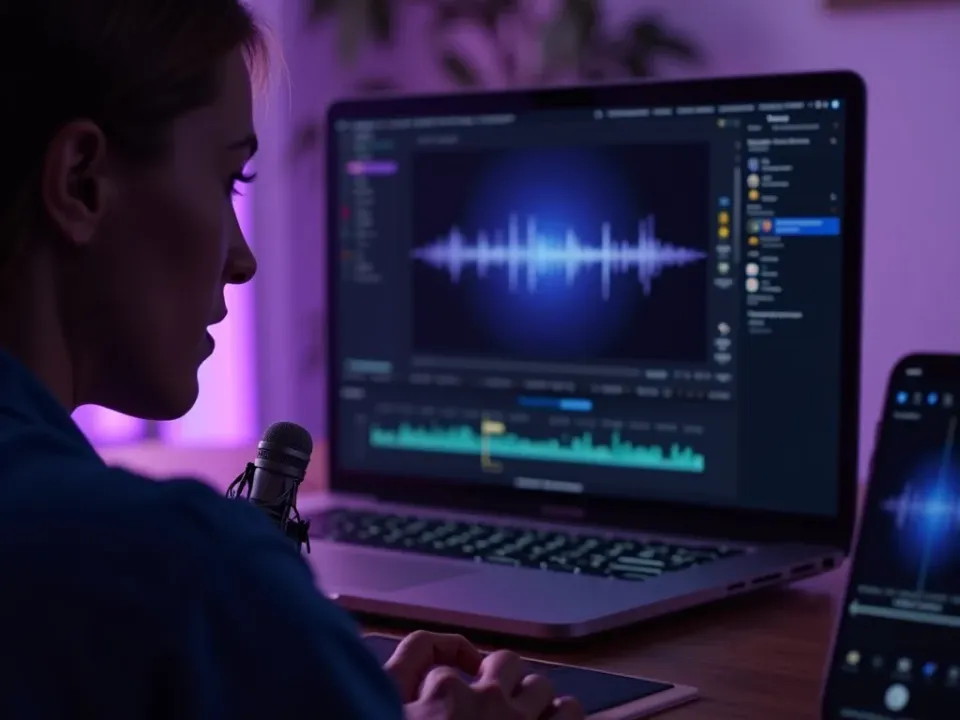
Natural Text to Speech, Not Robotic
Vivideo's AI voice generator turns your script into lifelike speech with realistic intonation and pacing — narration that sounds human, not flat. Type it, pick a voice, and get a finished voiceover in seconds.
A recording booth's worth of narration from a text box.
Clone Your Own Voice
Instead of a stock voice, clone yours from a short sample and narrate anything in it — every video in the same recognizable voice, without recording again. The answer to "how do I keep one voice across all my content."
Your voice, on every video, in every language.
Free AI Voices, 30+ Languages
Vivideo is a free AI voice generator online — no app, no watermark. Generate lifelike voiceover with daily free usage, speak 30+ languages, and drop it onto any video or avatar.
Free to try with daily usage; upgrade to export voiceover watermark-free.
Everything the AI Voice Generator Includes
One place for natural voiceover, voice cloning and 30-language narration.
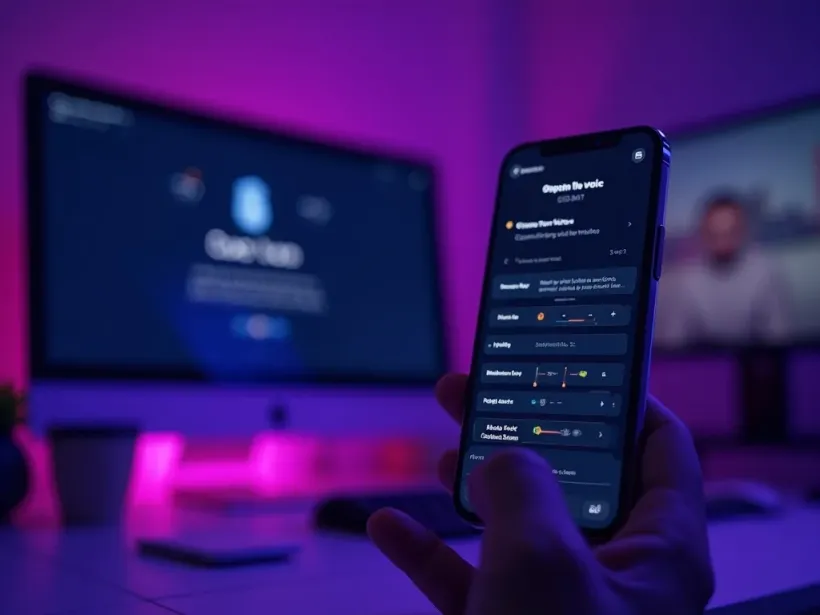
Who Uses the AI Voice Generator?
Anyone who needs a voice without a booth:
One Free Studio Behind Every Tool
Each utility here is a doorway into the full Vivideo studio — create, edit and localize video in the same place.
More Ways to Generate Video
See the AI Voice Generator in Action
Watch text become a natural voiceover — then generate your own AI voice free on Vivideo.
