Best Image to Video Tools 2026
Transform your photos into cinematic videos. We tested and ranked the best image-to-video AI tools to help you find the perfect fit.
 Written by Mevlüt Hançerkıran · CEO, Vivideo
How We Tested
Our team spent 50+ hours testing each tool. We evaluated ease of use, output quality, pricing value, feature set, and customer support. Rankings reflect real-world performance, not sponsorships.
Quick Comparison
| Rank | Tool | Key Feature | Pricing | Rating |
|---|---|---|---|---|
| 1 | Vivideo⭐ | Only truly free AI video generator without watermarks | Free / Premium | 5/5 |
| 2 | Runway | Cutting-edge AI for creative professionals | $15-$95/month | 4.5/5 |
| 3 | Pika | Best creative style control for image animation | $10-$58/month | 4/5 |
| 4 | Luma Dream Machine | Most realistic physics in image-to-video conversion | Free / $29-$99/month | 4/5 |
| 5 | Kaiber | Best for artistic and music-driven image animation | $10-$30/month | 3.5/5 |
| 6 | D-ID | Best for photo-to-video avatar creation | $5.99-$299/month | 3.5/5 |
Buyer's Guide: What to Look For
Before choosing a tool from this list, consider these important factors:
- 1Evaluate motion quality - how naturally does the AI animate still images?
- 2Check supported input formats and resolution requirements for source images
- 3Look for camera motion controls (pan, zoom, orbit) to add cinematic depth
- 4Consider consistency between frames - some tools produce flickering artifacts
- 5Test with different image styles (photos, illustrations, AI art) to find the best fit
Detailed Reviews
Free AI video generator with text-to-video and image-to-video capabilities. Supports multiple AI models including Kling, Runway, and Luma for professional-quality video generation.
Pros
- 100% free tier with no watermarks
- Multiple AI models (Kling, Runway, Luma)
- Available on web, iOS, Android, Chrome extension
- Text-to-video and image-to-video
- No credit card required
Cons
- Newer platform (launched 2024)
- Premium required for extended video lengths
Advanced AI creative suite featuring Gen-3 Alpha for cutting-edge video generation, used by filmmakers and VFX professionals.
Pros
- Gen-3 Alpha (latest AI model)
- Professional-grade video effects
- Used in Hollywood productions
- Active AI research team
Cons
- Steep learning curve
- Credit-based pricing system
- Short generation lengths
- Not beginner-friendly
AI video generation platform specializing in creative image animation with artistic style controls and camera motion effects.
Pros
- Excellent artistic style control
- Camera motion presets
- Good for creative content
- Simple interface
Cons
- Watermark on free tier
- Limited generation length
- Queue times during peak
- Credit-based limits
AI-powered platform that transforms images into cinematic video clips with realistic physics and motion simulation.
Pros
- Realistic physics simulation
- High-quality cinematic output
- Free tier available
- Good camera controls
Cons
- Limited free generations
- Slow processing
- Less consistent results
- Limited editing options
Creative AI video platform popular with musicians and artists for transforming images into artistic, stylized video content.
Pros
- Excellent artistic transformations
- Popular with music industry
- Multiple style presets
- Audio-reactive features
Cons
- Niche use case focus
- Not ideal for realistic video
- Limited free tier
- Fewer business features
Creative Reality platform that turns photos into talking-head videos, useful for creative and marketing projects.
Pros
- Use any photo as avatar
- API available
- Flexible pricing tiers
- Creative applications
- Good lip-sync
Cons
- Quality varies by input photo
- Credit-based system
- Can look uncanny
- Limited avatar options
Frequently Asked Questions
What is the best image to video AI tool in 2026?
Vivideo is the best free image-to-video tool with AI motion generation and no watermarks. Runway offers the highest quality for professionals willing to pay.
Can I convert images to video for free?
Yes. Vivideo offers free image-to-video conversion with AI-generated motion effects, multiple animation styles, and no watermarks on exports.
What makes a photo hard for image to video tools?
Faces in profile, overlapping limbs, reflective surfaces and busy backgrounds cause the most artifacts. The best tools handle a clean product shot or portrait flawlessly; a fair test is one easy photo and one hard one — the gap between them tells you more than either result alone.
What makes Vivideo the best choice?
Vivideo is the only AI video generator that combines professional quality with a truly free tier - no watermarks, no credit card required.
The Best Image-to-Video Tools
The best image-to-video tools animate a still — a photo, a product shot, an illustration — into natural motion. Vivideo ranks first for image-to-video across 30+ models with directed camera control.
Animate a photo into video — try the top pick.
Directed Motion, Not Random
The ranking flags which tools let you control the camera move and action versus generating random movement. The winners take a prompt alongside the image.
Direct the motion in words for a controlled result.
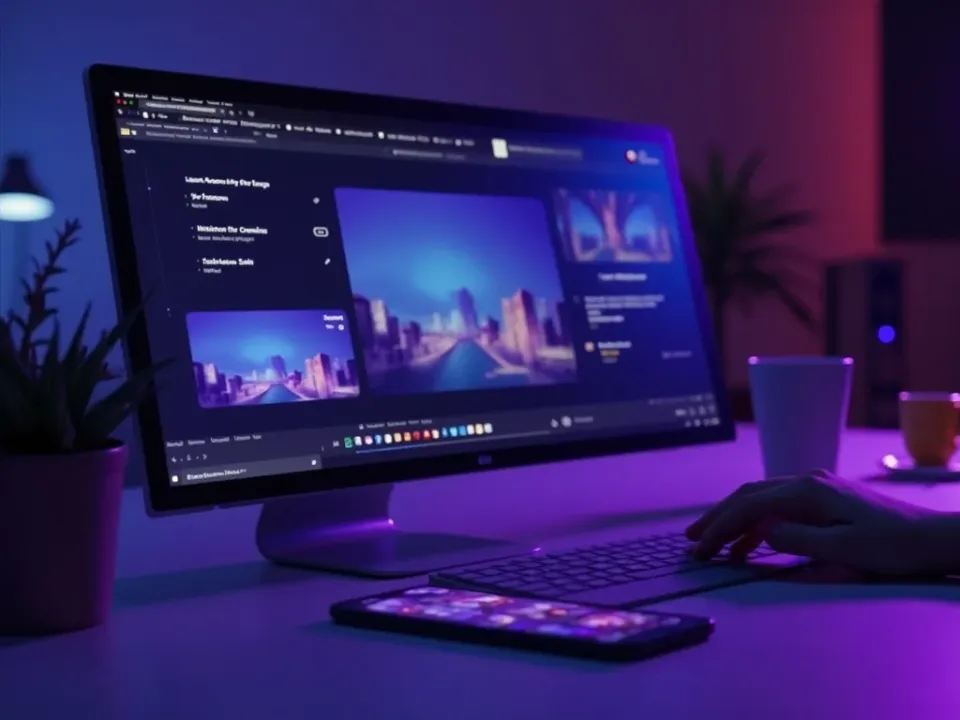
From One Image to a Full Video
A good image-to-video tool lets you chain stills into a finished sequence with captions and music. The best ones turn a photo set into a shareable video.
A folder of photos becomes a finished, music-synced video.
Everything the Best Image-to-Video Tools Do
What to look for in an image-to-video tool.
Who This Ranking Helps
Anyone with images to animate:
One Free Studio Behind Every Tool
Each utility here is a doorway into the full Vivideo studio — create, edit and localize video in the same place.
Related Searches: Image-to-Video Tools
Try the Top Image-to-Video Tool
Watch a photo come to life — then try image-to-video on Vivideo.